
Why the Geekom A7 MAX AI Is the Best Compact PC for Most People
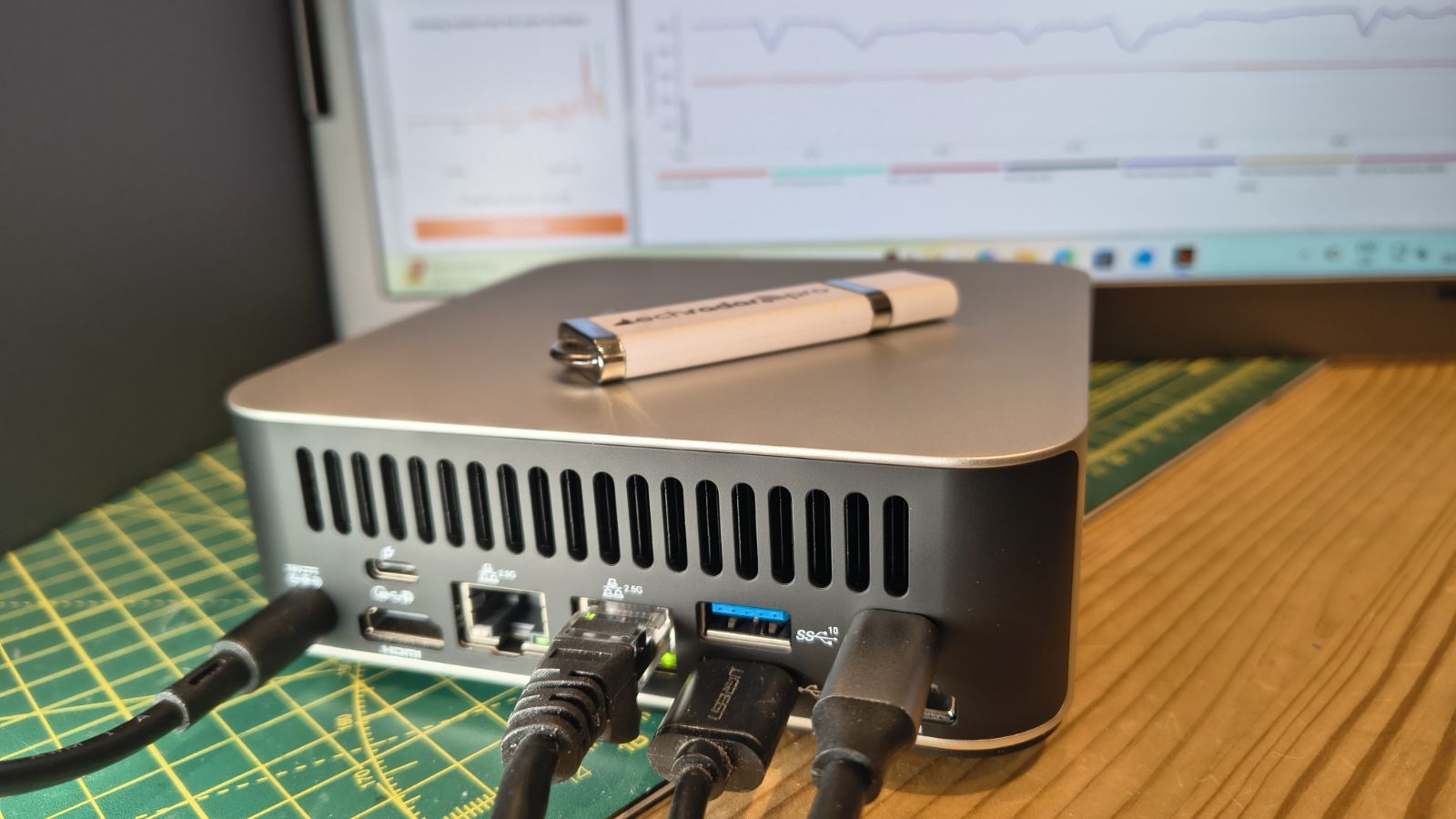
Mini PC gaming on a budget means choosing a small form factor PC that can handle 1080p gaming compact workloads and everyday productivity without taking over your desk or emptying your wallet. These systems combine laptop-style processors and integrated graphics in tiny cases, giving you a budget gaming desktop that still feels responsive for office apps, web browsing, and light creative work. The right mini PC will run popular games at reasonable frame rates, connect to multiple displays, and leave room for upgrades like more RAM, storage, or an external GPU dock, all while keeping noise, power use, and clutter low. For most people, the Geekom A7 MAX AI Mini-PC is the standout choice. At USD 594.00 (approx. ₱33,000) on a limited-time 29% discount, it delivers the best mix of price, performance, and desk-friendliness. This compact form-factor desktop pairs an AMD Ryzen 9 7940HS CPU with an AMD Radeon 780M GPU, 16GB of RAM, and a 1TB SSD, both upgradable to 64GB and 2TB respectively. In practice, that means smooth typing, browsing, spreadsheets, and video editing, plus light to mid-level mini PC gaming without stutters. It can run indie titles at 60fps and even some AAA games at 1080p/30fps with FSR at medium settings, making it a reliable 1080p gaming compact machine for shared workspaces, dorms, or small offices. With 15 ports including USB4 and dual HDMI for up to four monitors, this is the small form factor PC that should be on most desks.
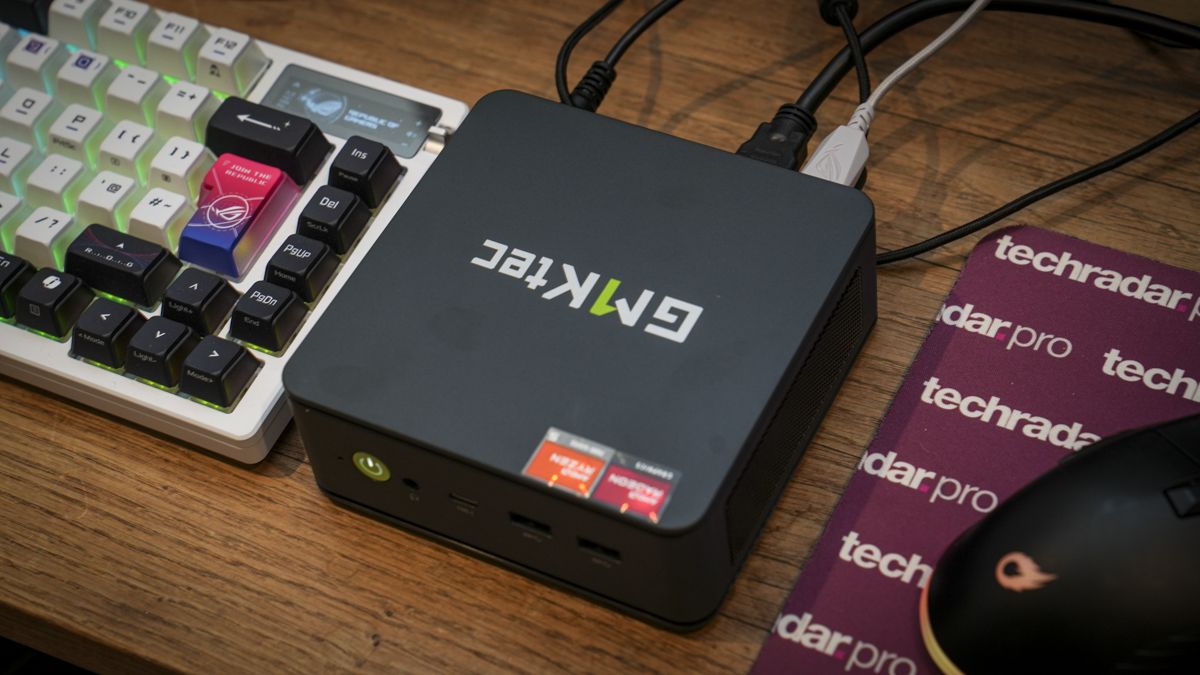
Geekom A7 MAX AI vs Geekom A8 Max vs GMKtec K16
If you want more power or a clearer upgrade path, two strong alternatives to the A7 MAX AI are the Geekom A8 Max and the GMKtec K16. The A8 Max is the most powerful of the three, built around an AMD Ryzen 9 8945HS processor, 32GB of DDR5 RAM, and a 1TB PCIe 4.0 SSD. It targets AI workloads, heavier creative tasks, and serious mini PC gaming, with USB4, dual 2.5GbE LAN, 8K display support, quiet cooling, and expandable storage in a compact desktop chassis. Priced at USD 949 (approx. ₱52,500), down from 1,099, it’s for buyers who care more about maximum speed than minimum spend. The GMKtec K16 focuses on value and future-proofing. For USD 640 (approx. ₱35,400), discounted from 950, you get an AMD Ryzen 7 7735HS, 32GB of LPDDR5 RAM, and a 1TB SSD. It supports OCuLink and USB4 for eGPU docks, triple-display output, dual 2.5GbE LAN, and Wi‑Fi 6E. According to one review roundup, “the GMKtec K16 mini PC delivers Ryzen 7 7735HS performance with 32GB LPDDR5 RAM and a 1TB SSD, featuring OCuLink eGPU support, triple-display output, dual 2.5GbE LAN, Wi-Fi 6E, and USB4, making it a versatile compact system for gaming and creative workloads”. That makes it a great choice for users who primarily need a budget gaming desktop today but plan to add a powerful external graphics card later.
| Spec | Geekom A7 MAX AI | Geekom A8 Max | GMKtec K16 |
|---|---|---|---|
| Price (sale) | USD 594.00 (approx. ₱33,000) | USD 949 (approx. ₱52,500) | USD 640 (approx. ₱35,400) |
| CPU | Ryzen 9 7940HS | Ryzen 9 8945HS | Ryzen 7 7735HS |
| RAM | 16GB DDR5, up to 64GB | 32GB DDR5 | 32GB LPDDR5 |
| Storage | 1TB SSD, up to 2TB | 1TB PCIe 4.0 SSD | 1TB SSD |
| Graphics | Radeon 780M integrated | Integrated (Ryzen 9 8945HS) | Integrated (Ryzen 7 7735HS) |
| Displays | Up to 4 via USB4/HDMI | 8K display support | Triple-display output |
| Upgrade path | RAM/SSD plus USB4 eGPU docks | Storage, USB4 eGPU docks | OCuLink/USB4 eGPU docks |
Desk Space, Daily Work, and 1080p Gaming Performance
All three of these small form factor PCs are designed to save space and still feel fast. The Geekom A7 MAX AI is a compact-sized, desk-space-saving mini-PC that slots neatly under a monitor or on a shelf. Its 1080p gaming compact performance with integrated Radeon 780M graphics means you can play lighter titles like Minecraft or indie games at 60fps and some AAA games at 1080p/30fps with FSR at medium settings. At the same time, its Ryzen 9 CPU and 16GB of RAM chew through typing, spreadsheets, browsing, and basic video editing with little to no lag. The Geekom A8 Max and GMKtec K16 push harder on multi-monitor productivity and mini PC gaming. The A8 Max’s support for 8K display output and quiet cooling suits creators who keep timelines, chat, and reference material open at once. The K16’s triple-display output, dual 2.5GbE LAN, and Wi‑Fi 6E make it ideal for content creators and gamers who need fast networking and flexible layouts. In every case, you get a budget gaming desktop footprint that fits into shared workspaces, dorm rooms, and small offices without cable chaos.
Future-Proofing with eGPU Docks and Power
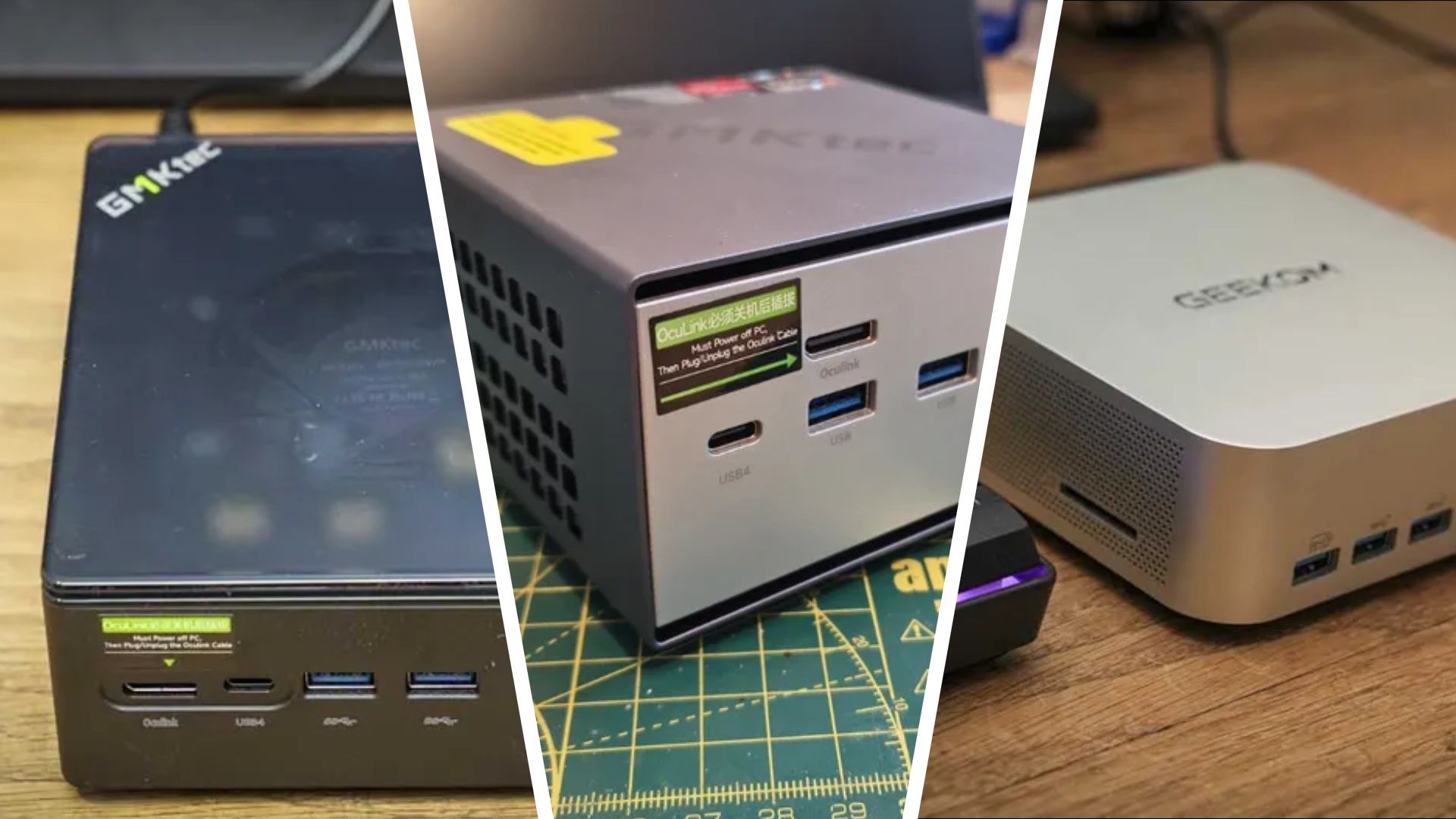
One of the best reasons to choose these mini PC gaming options now is how easy they are to upgrade later. The GMKtec K16 supports native OCuLink, while both the K16 and Geekom A8 Max offer USB4 for hooking up an external GPU. Alongside these machines, you can pair graphics card docking stations designed for OCuLink or USB4, turning integrated-graphics systems into high-frame-rate gaming rigs or faster video render boxes. Two Minisforum docks stand out: the DEG1, at USD 109 (approx. ₱6,000), focuses on OCuLink, and the DEG2, normally USD 300 now under 240 (approx. ₱13,300), supports both OCuLink and USB4. Both make it easy to connect a desktop graphics card, boosting gaming frame rates and accelerating AI-assisted creative workloads without losing the compact footprint. To power such an eGPU setup, a reliable PSU matters. A high-capacity Corsair SF750 at USD 160 (approx. ₱8,800), down from 200, has enough headroom to handle cards like an RTX 5080 or 5090 while leaving room for future upgrades. Taken together, that means you can buy a Geekom A7 MAX AI, Geekom A8 Max, or GMKtec K16 as a tidy budget gaming desktop today, then scale up graphics power when you are ready.
Buy if / Skip if
- Buy the Geekom A7 MAX AI if you want the best all-round mix of 1080p gaming compact performance, productivity speed, and price on a tiny desk footprint.
- Skip the Geekom A7 MAX AI if you need more than 16GB RAM out of the box and plan to run heavy AI or 4K editing workloads every day.
- Buy the Geekom A8 Max if you prioritize maximum CPU power, 32GB DDR5 RAM, and 8K display support for demanding creative and AI tasks alongside mini PC gaming.
- Skip the Geekom A8 Max if your main goal is an affordable budget gaming desktop and you will not fully use its higher-price performance headroom.
- Buy the GMKtec K16 if you want strong productivity performance today plus OCuLink and USB4 for a high-bandwidth eGPU dock upgrade later.
- Skip the GMKtec K16 if you have no interest in external GPU docks and would rather invest directly in a more powerful integrated-graphics system.