

KB5101650 on Dell Systems: When a Security Patch Becomes a Stability Risk
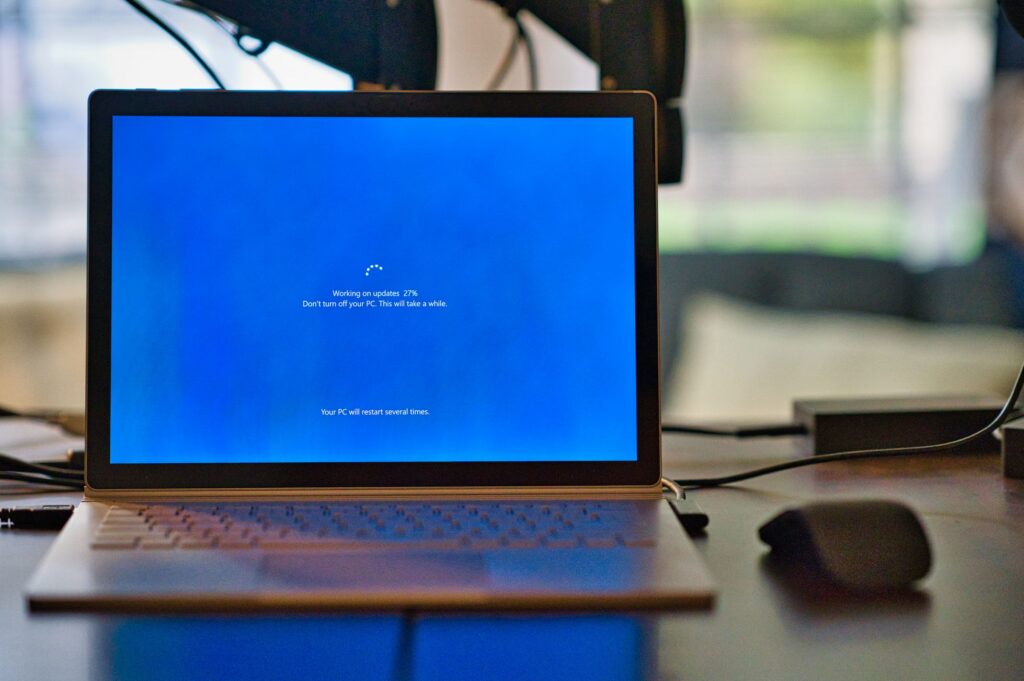
The Windows 11 KB5101650 update blocked on select Dell systems is a security and stability incident where a new USB‑C Connection Manager interface conflicts with the Intel Innovation Platform Framework Processor Participant driver, causing unexpected shutdowns, poor performance, overheating, and battery drain on affected devices. This is not a harmless glitch; for anyone running high-performance workstations, it’s a reminder that security patches can destabilize finely tuned hardware when driver validation fails. KB5101650 was released for Windows 11 versions 25H2 and 24H2 as part of the July Patch Tuesday rollout, yet Microsoft has now blocked it on some Dell PCs because the "fixes" translate into thermal chaos and power mismanagement on those machines. When a security update threatens uptime, builders and power users need to stop treating Patch Tuesday as a blind routine and start treating it as a change control event.
The Intel Driver Conflict at the Heart of the Dell Shutdown Issue
The root of the Dell shutdown issue isn’t Windows 11 in isolation; it’s the interaction between Microsoft’s new USB‑C Connection Manager and Intel’s Innovation Platform Framework Processor Participant driver on certain Intel-based Dell systems. The IPF Processor Participant driver is responsible for managing system power and thermal behavior, adjusting the processor’s cooling, power draw, and thermal regulation. When that logic collides with the new USB‑C interface, thermal and power management can fail, leading to unexpected shutdowns, performance drops, increased heat, and faster battery drain. This bug surfaced first in the June 23 preview cumulative update KB5095093, which introduced the new USB‑C interface alongside features like Point‑in‑Time Restore. In practical terms, a core power-management driver is now fighting the OS over who controls the temperature, and your workstation pays the price.
Which Systems Are Affected and How Bad Is the Risk?
Microsoft has temporarily blocked the Windows 11 KB5101650 update on some Dell devices with certain Intel processors due to this incompatibility. On those systems, KB5101650 can cause instability severe enough to produce shutdown loops, degraded performance, and overheating behavior that feels like a thermal runaway scenario rather than a minor bug. Affected devices may show a yellow exclamation mark next to the Intel Innovation Platform Framework Processor Participant driver in Device Manager, a clear sign that the driver is in a fault state. While this situation is ugly, it is not a security exploitation event in itself; the real security angle is that KB5101650 also addresses 570 vulnerabilities, including two actively exploited zero-day flaws. In other words, Dell users are stuck between an unstable patch and a larger exposed attack surface, which is exactly the kind of trade-off that disciplined update strategies aim to avoid.
Immediate Mitigation Steps for PC Builders and Workstation Users
For anyone managing high-performance Dell workstations, the mitigation steps need to be methodical, not improvised. First, check Device Manager: right‑click Start, open Device Manager, expand System devices, and locate the Intel Innovation Platform Framework Processor Participant driver; if you see a yellow exclamation mark, you are in the danger zone described by Microsoft. If your system is affected, do not manually install the Windows 11 KB5101650 update from the Microsoft Update Catalog; wait for the coordinated fix from Microsoft and Dell. If you already installed the June 23 preview update KB5095093 and are seeing shutdowns, overheating, or throttled performance, roll back that update via Settings → Windows Update → Update history → Uninstall updates. Meanwhile, monitor Dell’s driver support pages for updated Intel IPF drivers and escalate to Dell support if the machine becomes unusable.
Why This Blocked Windows Update Should Change Your Patch Strategy
The blocked Windows update on Dell systems is more than an annoying delay; it’s a case study in why high-performance and enterprise-style builds need deliberate patch management. Microsoft has already taken defensive action by blocking KB5101650 from being pushed to affected Dell PCs and working with Dell on a fix expected in the coming days. Non‑Dell users have been told to install KB5101650 as usual to pick up critical security fixes, but Dell users are effectively forced into a wait‑and‑watch posture. The lesson is straightforward: treat optional preview updates like KB5095093 as experimental on production workstations, and maintain a clear rollback plan before you accept new platform-level changes. Thermal and power drivers sit at the foundation of system reliability; when they change, you’re not updating a feature—you’re altering the behavior of the hardware itself. Respect that boundary, or your next "routine" update may take down the workstation you depend on.





