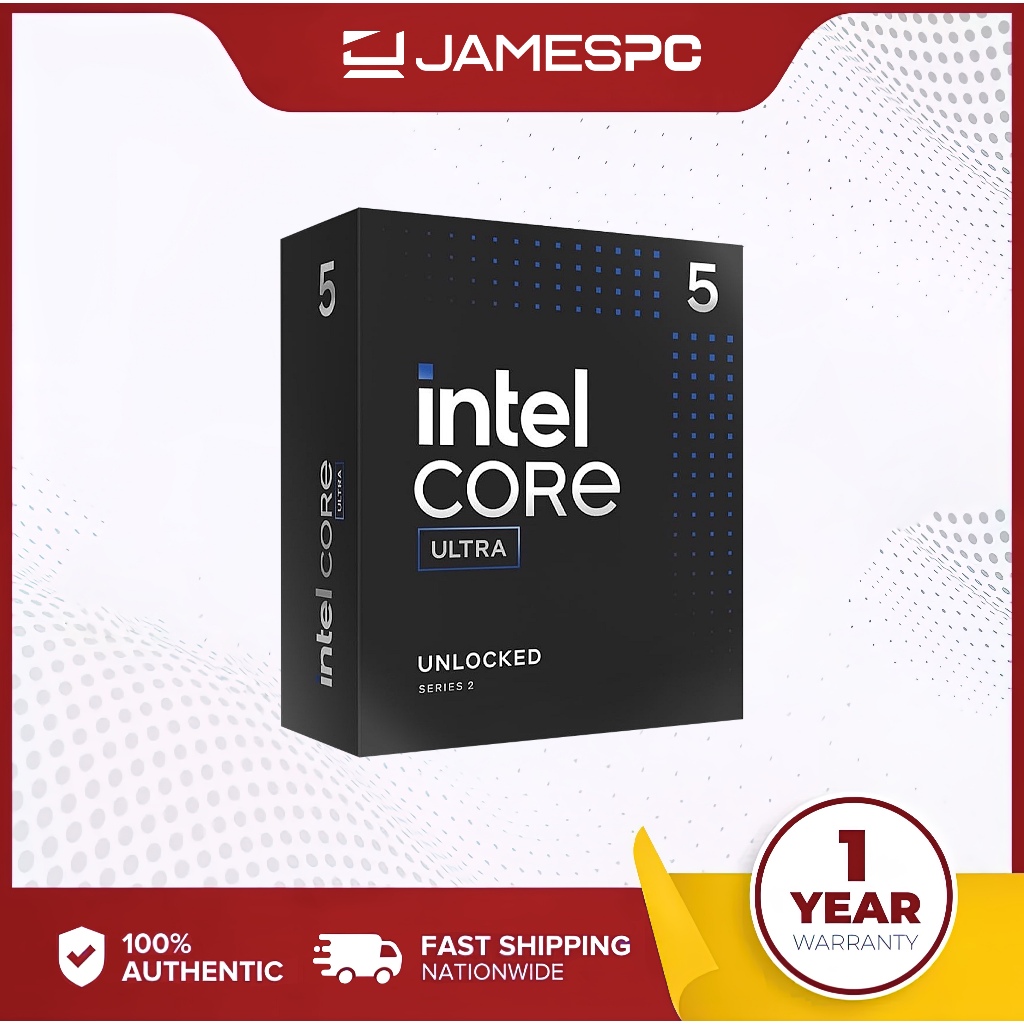

Top pick: Intel Core Ultra 5 245K – and why older chips still matter
A budget gaming CPU buying guide compares inexpensive modern and older desktop processors to show which options give the best performance per dollar for gamers and casual creators who do not need cutting-edge features. The clear top pick today is Intel’s Core Ultra 5 245K, because at its current sale price it rivals much more expensive chips while keeping your platform relatively modern. If you are building a fresh system and want strong budget CPU value, start here. The 245K is down to USD 179.99 (approx. ₱10,000) from a USD 309.99 (approx. ₱17,300) launch price, a steep discount that makes it very hard to beat for new builds. However, if you already own a capable older CPU, or can buy one cheaply used, jumping to this generation is often not worth it for gaming alone.
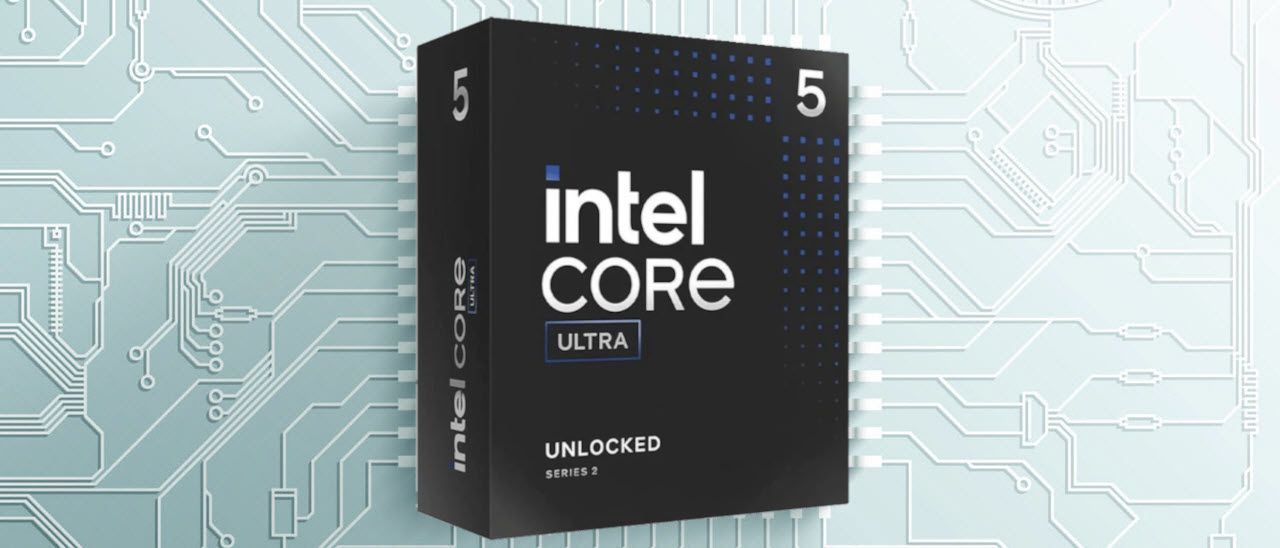
Core Ultra 5 245K vs cheap older CPUs: where the value line is
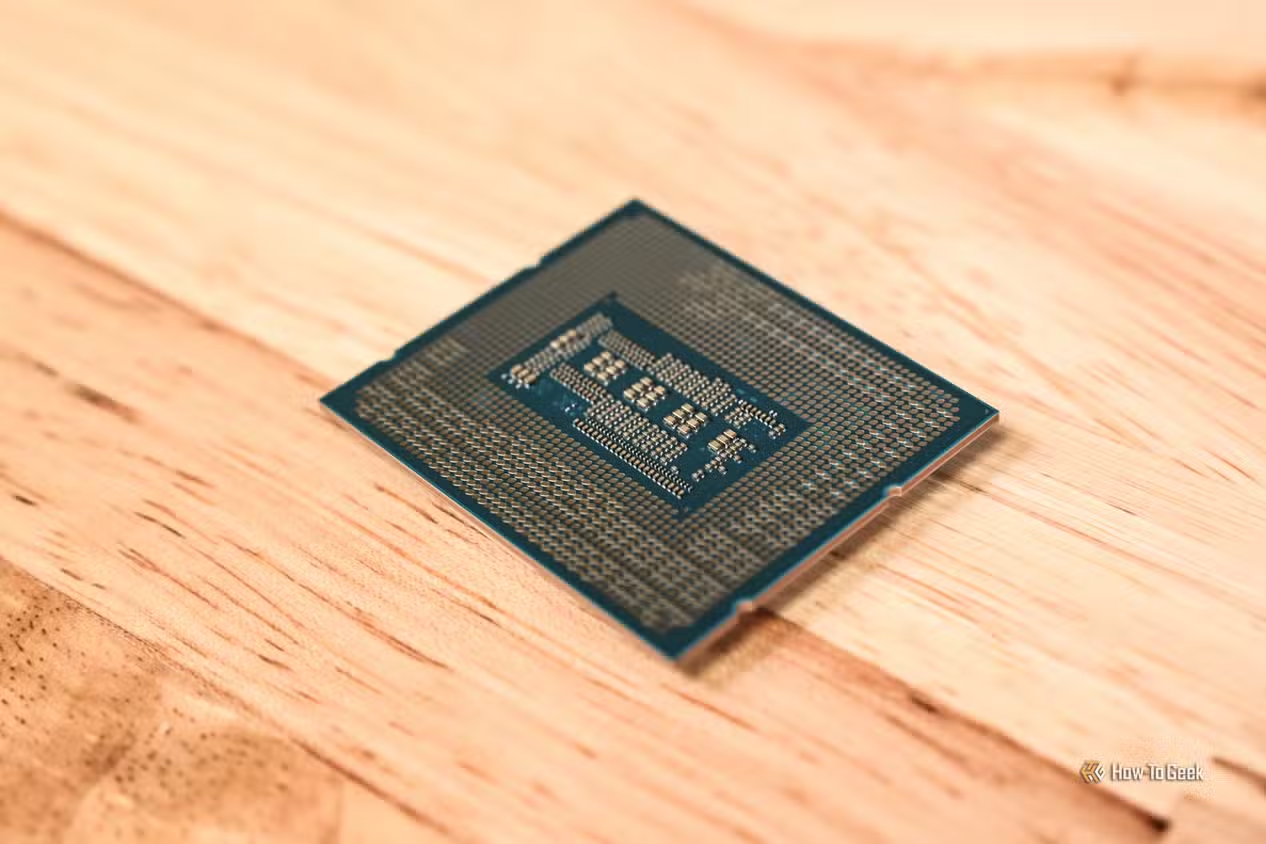
The Core Ultra 5 245K packs 14 cores (6 performance, 8 efficient) and 14 threads, with P‑cores boosting to 5.2GHz and E‑cores to 4.6GHz, plus support for DDR5‑6400 and both PCIe 4.0 and PCIe 5.0. At USD 179.99 (approx. ₱10,000), one source concludes that “no other CPU will give you more performance across the board than the Core Ultra 5 245K.” It even outperforms AMD’s Ryzen 7 5800X3D in games at that price level. The trade‑offs: you still need a modern motherboard and DDR5, and those parts cost more than older DDR4 platforms. Meanwhile, used chips like the Ryzen 7 2700X, often found around USD 50 (approx. ₱2,800), remain an excellent entry point into PC gaming when paired with an affordable GPU. If your priority is the absolute lowest total build cost, that older platform can still win.
| Spec | Intel Core Ultra 5 245K | Intel Core i3-14100F |
|---|---|---|
| Typical street price | USD 179.99 (approx. ₱10,000) | USD 105 (approx. ₱5,900) |
| Core / thread count | 14 cores, 14 threads (6P + 8E) | 4 cores, 8 threads |
| Max boost clocks | P‑cores up to 5.2GHz; E‑cores up to 4.6GHz | Up to 4.7GHz |
| Memory support | DDR5‑6400, up to 256GB, dual‑channel | DDR4 (board‑dependent) |
| PCIe support | PCIe 4.0 and PCIe 5.0 | PCIe 3.0/4.0 (board‑dependent) |
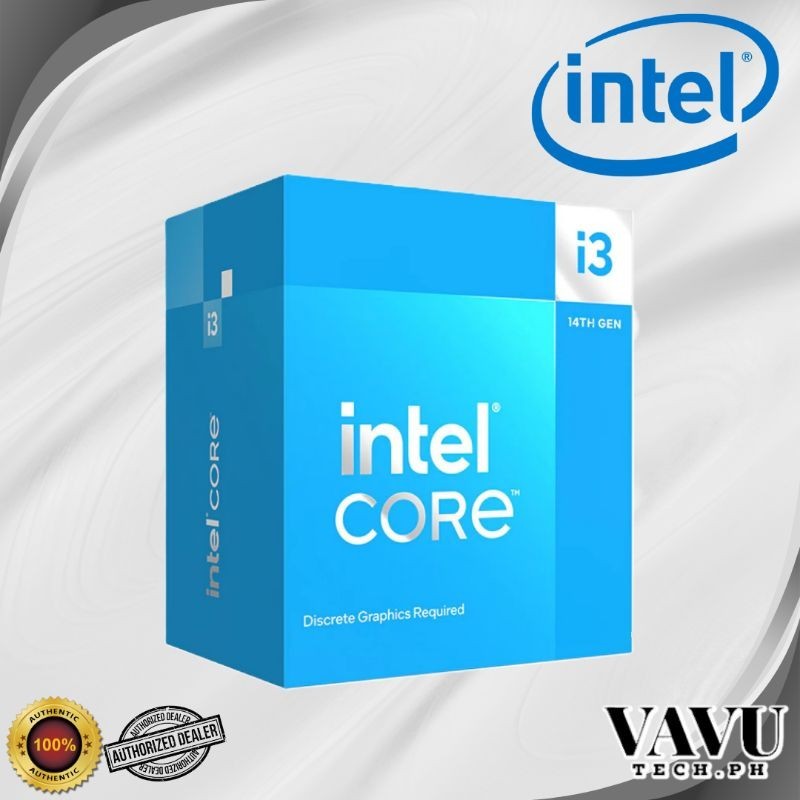
The Intel Core i3‑14100F, a 4‑core, 8‑thread CPU that can handle most everyday work and gaming tasks with ease at around USD 105 (approx. ₱5,900), is another strong modern budget gaming CPU option when paired with a modest GPU. Pros: very low upfront cost and power draw. Cons: fewer cores, so less headroom for demanding streaming or heavy multitasking compared with the 14‑core 245K or older 8‑core Ryzen parts.
Older processors in gaming: how much performance you are leaving on the table
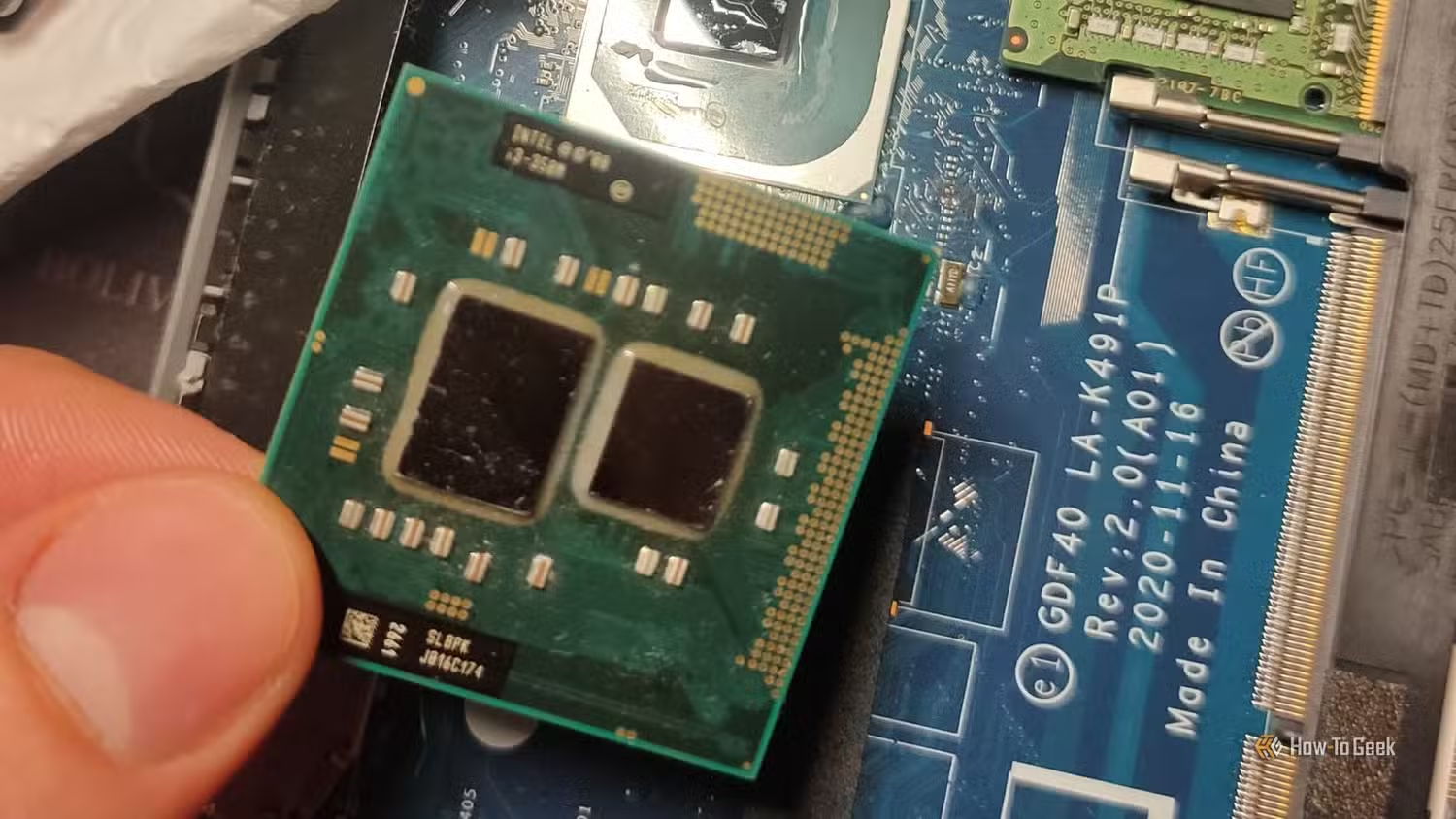
Older processors gaming performance is far better than their age suggests when you look at real frame rates. A Core i7‑8700, with 6 cores and 12 threads, still delivers strong single‑core performance, keeping up well in modern games at 1080p with an entry‑level graphics card. Its close sibling, the i7‑8700K, reaches 63 FPS in Dragon’s Dogma 2, 88 FPS in Starfield and 69 FPS in Baldur’s Gate 3 at 1080p on a powerful GPU, while hitting 239 FPS in F1 24 and 393 FPS in Rainbow Six Siege. That is more than enough for high‑refresh 1080p gaming. A Ryzen 5 1600, available used for around USD 20–25 (approx. ₱1,100–₱1,400), can still manage 53 FPS in Starfield, 144 FPS in F1 24 and 249 FPS in Rainbow Six Siege. For many competitive or story‑focused titles, that performance makes an upgrade far less urgent.
Who should upgrade now: gamers, streamers, and creators
Whether a CPU upgrade is worth it comes down to what you do while gaming. Buying an old CPU for work or gaming can make a lot of sense if you are on a tight budget, but raw performance is not the only factor that matters. If you play at 1080p with a mid‑range GPU and rarely stream, chips like the Ryzen 7 2700X or Ryzen 5 1600 still feel smooth, especially in esports titles. The 2700X, with 8 cores and 16 threads, has powered 1080p gaming on a tight budget in systems matched to console‑level performance, though it draws up to 105W. For serious streaming or video editing, the extra cores and higher clocks of the Core Ultra 5 245K make it the better long‑term platform despite the higher platform cost. Meanwhile, the inexpensive 4‑core i3‑14100F is perfect for basic everyday use and light gaming builds.
Buy if / Skip if
- Buy the Intel Core Ultra 5 245K if you are building a new mid‑range rig and want the best performance per dollar on a modern DDR5 and PCIe 5.0 platform.
- Skip the Intel Core Ultra 5 245K if you already own a solid 6‑ or 8‑core chip like a Core i7‑8700 or Ryzen 7 2700X and only game at 1080p.
- Buy the Intel Core i3-14100F if you need the cheapest new CPU that can still handle everyday work and light gaming with a modest graphics card.
- Skip the Intel Core i3-14100F if you plan to stream, edit video, or run lots of heavy apps while gaming; 4 cores and 8 threads will feel limiting sooner.
- Buy the Ryzen 7 2700X if you can find it used at a low price and want an 8‑core budget gaming CPU that can also handle multitasking and streaming.
- Skip the Ryzen 7 2700X if you are sensitive to power consumption or electricity cost, because its 105W TDP means higher heat and energy use.
- Buy the Ryzen 5 1600 if you are building a dirt‑cheap PC for basic computing and esports‑focused light gaming on an older DDR4 platform.
- Skip the Ryzen 5 1600 if you already have a similar‑era quad‑ or hexa‑core chip and are considering a full platform refresh to something like the Core Ultra 5 245K instead of another minor step.