


The Big Picture: SteamOS Updates Matter More Than Any New Game
SteamOS updates are operating system patches for Valve’s portable gaming ecosystem that directly change performance, visual quality, download speeds, and Proton compatibility, turning previously broken or unstable games on devices like the Steam Deck into playable experiences—or breaking them again if you are on the wrong update channel. Right now, the latest SteamOS updates are less about shiny new features and more about fixing problems that were quietly undermining handheld gaming: poor frame rates with FSR upscaling, disabled HDR in Assassin’s Creed Black Flag Resynced, slow WiFi downloads, and Proton issues that stopped games like Diablo IV and Marvel Rivals from running at all. If you treat these updates as background noise, you are leaving performance, image quality, and even game access on the table. The practical angle is simple: know what changed, pick the right channel, and avoid needless frustration.

Performance and HDR: SteamOS 3.8.15 Is the Safe Default
The stable SteamOS 3.8.15 release is the patch most portable players should care about first. It targets real-world complaints from Steam Deck users who saw performance drop after the broader 3.8 rollout, with degraded frame rates when composition was required—for example when using FSR upscaling. In practical terms, this means that the built-in FSR now behaves the way it should: you get the expected performance boost without random hitching or slowdowns. More importantly for visual snobs, 3.8.15 “fixed an issue preventing enabling HDR in Assassin’s Creed Black Flag Resynced,” restoring the game’s high-dynamic-range mode on SteamOS. Portable hardware already makes visual trade-offs; locking HDR out was unacceptable. If you care about stable frame rates and working HDR, staying on or switching to the stable channel for 3.8.15 is the smart move while other branches catch up.
Beta Channels: 3.8.23 Features with Strings Attached
The SteamOS 3.8.23 Beta release is where Valve is experimenting—and where impatient players can trip themselves up. This build lives in the Beta and Preview channels and folds in new features that are still being tested. One useful fix is for “delayed start time for some games under Proton when no capture device is present,” which smooths out launch behavior for titles that were oddly hanging when you did not have capture hardware connected. However, 3.8.23 Beta still suffers from degraded performance in some situations involving composition and FSR, a problem that the stable 3.8.15 already addresses. Valve openly advises affected users to switch to the stable update channel while they work on bringing the fix to beta. The takeaway: Beta is for people willing to accept performance trade-offs in exchange for early fixes and features. Everyone else should treat it like a test lab, not a daily driver.
Proton Experimental: Fixes That Decide Whether Big Games Even Launch
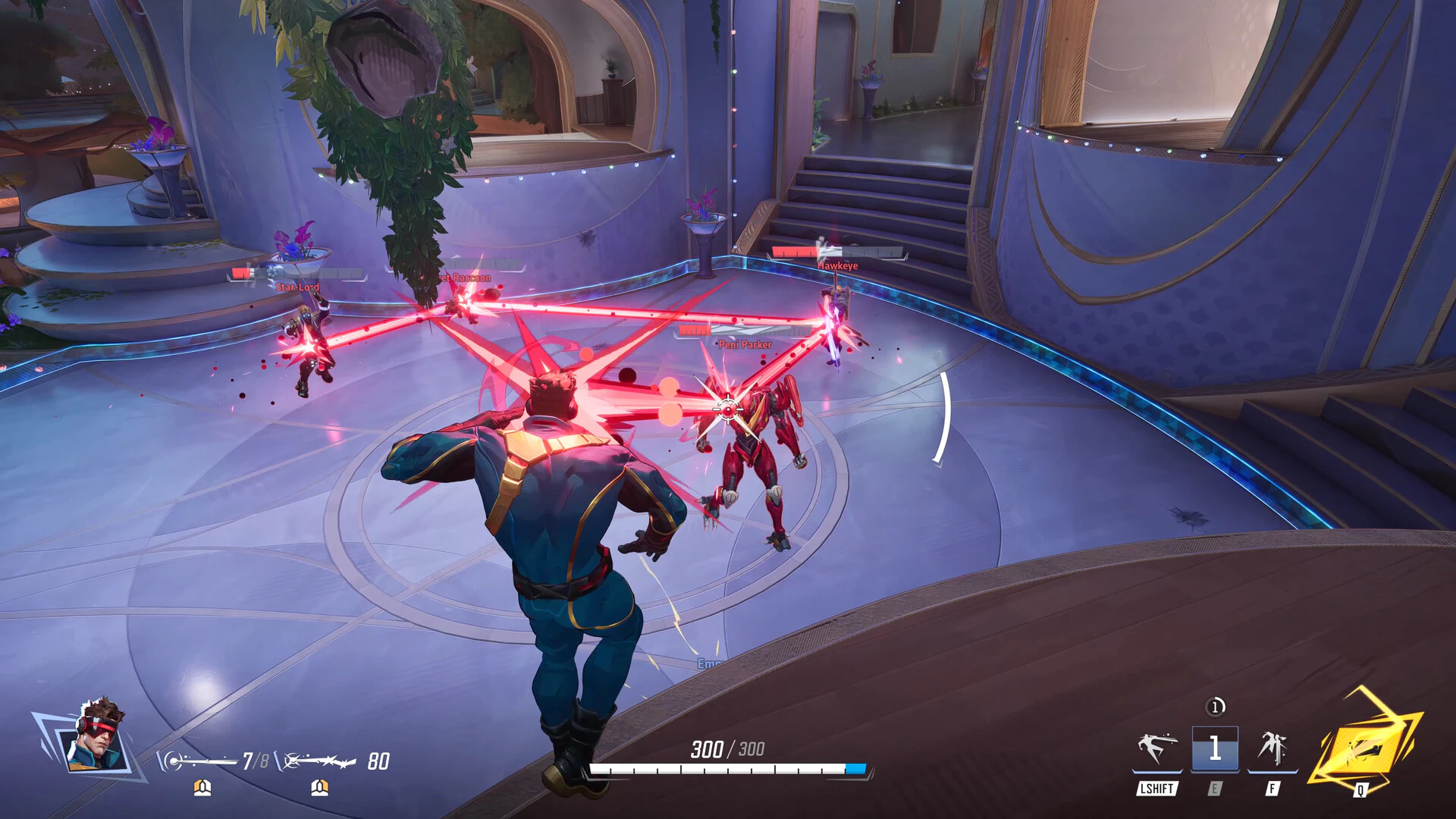
If SteamOS is the foundation, Proton compatibility determines whether many Windows games run at all on Linux-based devices. Valve’s latest Proton Experimental update is a quiet but crucial patch for some major titles: it fixes Diablo IV being unplayable after a recent game update and stops Marvel Rivals from crashing after its own update. It also tackles subtle but infuriating game rendering issues, like sprites not rendering in Zombie Estate 2 and RPGMaker Engine games freezing after being minimized inside gamescope. Alongside these, Proton 11 regressions have been cleaned up so that The Coma 3: Bloodlines is playable again and an Elite Dangerous HUD mod no longer crashes the game. According to one Linux-focused outlet, Proton Experimental is Valve’s testing ground for future stable Proton versions, and you can install different Proton builds by searching for "Proton" in your Steam library. For Steam Deck owners, enabling Proton Experimental on problematic games is no longer optional—it is the difference between “runs fine” and “does not start.”
Faster WiFi and Smart Settings: How to Use These Fixes Today
Beyond rendering and performance, Valve quietly fixed a network bottleneck that affects every portable player who installs games over WiFi. SteamOS 3.8.14 resolves an issue where routers that incorrectly advertise their Modulation Coding Scheme (MCS) requirements were causing devices to fall back to lower speeds, limiting download performance. The update is designed to give WiFi-equipped hardware better download speeds, and a 3.8.22 beta version is already available for Steam Deck owners through the Beta and Preview channels. Functionally, this means shorter waits for large downloads—an underrated quality-of-life win in a handheld context where you might be away from ethernet. You can grab the stable and beta OS updates directly from System Settings on the Steam Deck, choosing Stable for 3.8.15’s FSR and HDR fixes, or Beta/Preview if you need 3.8.23’s Proton start-time improvements and are willing to accept remaining performance issues. With Proton Experimental selected per-game, you stack OS fixes, Proton compatibility, and faster WiFi into a much smoother portable experience.