
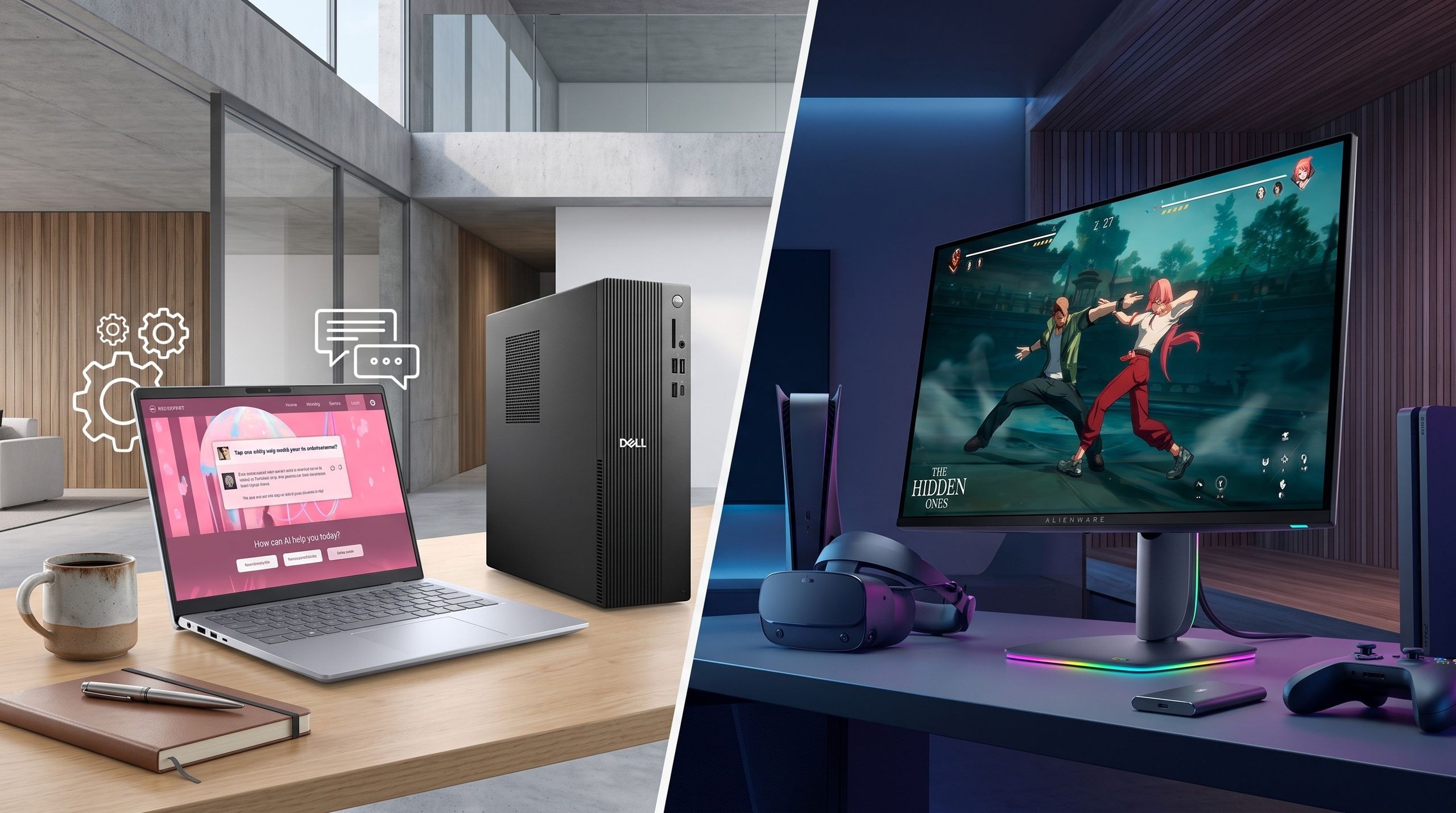

Are Today’s Sub-$1,000 Laptop Deals Worth It?
Gaming and productivity laptop deals under 1000 are time-limited discounts on mid-range Windows notebooks that balance performance, portability, and price, giving budget-conscious buyers access to capable dedicated graphics, modern processors, and enough memory and storage for everyday workloads and casual gaming without crossing the four-figure mark. Right now, they are worth serious attention. Rising memory and storage costs mean the baseline value of new machines has dipped, but Dell, Lenovo, and Amazon are countering with real gaming laptop discounts and affordable productivity laptops that stand out in this tougher market. If you stay under USD 1,000 (approx. ₱56,000), you will give up cutting-edge GPUs and the most powerful CPUs, yet you still can get smooth 1080p gaming, strong multitasking for content creation, and solid build quality. In short: these summer deals are good, not perfect—but good enough that waiting may cost you.
Among the more notable productivity-focused offers, Dell’s summer promotion cuts the Dell 14 Plus Laptop down to USD 859.99 (approx. ₱48,000) from USD 1,379.99 (approx. ₱77,000), a substantial drop for a Core Ultra 7 machine with modern RAM and storage. According to TechRadar’s John Loeffler, “for the price and the performance on offer the 14 Plus is easily one of the best Windows laptops going,” and that quote now lands even harder at this lower price. At the true budget end, the Dell 15 Laptop falls from USD 799.99 (approx. ₱45,000) to USD 629.99 (approx. ₱35,000), giving light users a clean, fast machine for browsing, documents, and streaming without paying for GPU power they will not use. Taken together, these deals show the sub-$1,000 segment still has life—and real value—despite the broader trend of rising laptop prices.
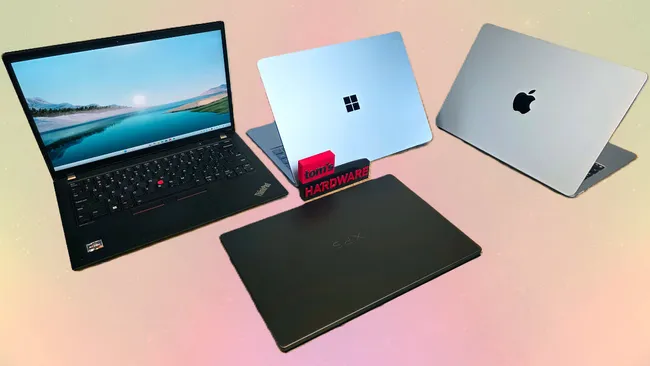
Dell’s Standout Productivity Deals Under $1,000
If you care more about getting work done than chasing maximum frame rates, Dell’s current laptop deals under 1000 are the clearest wins. The Dell 14 Plus Laptop at USD 859.99 (approx. ₱48,000) is the headline offer: a Core Ultra 7 processor, 16GB of fast DDR5 memory, and a 512GB SSD combine into a portable machine that easily handles remote work, heavy browser use, and creative tasks like light photo editing and video trimming. It is not a pure gaming rig, but integrated graphics and efficient cooling make casual titles and cloud gaming very feasible. The smaller discount on the Dell 15 Laptop is also meaningful. At USD 629.99 (approx. ₱35,000), its Core i5-1334U, 16GB RAM, and 512GB SSD are overkill for spreadsheets and documents, which means the system will stay responsive for years. These are the kind of affordable productivity laptops that still feel quick under pressure, rather than cheap compromises.
What makes these Dell offers stand out in the current landscape is that they are fighting against a wider market squeeze. As Tom’s Hardware notes, memory and storage prices are at record highs, shrinking how much laptop you get for a given budget. That reality shows up across many brands as devices cut RAM, settle for slower SSDs, or bump prices into uncomfortable territory. Dell’s promo flips the equation: you get high-end CPUs and plenty of modern RAM while staying under USD 1,000 (approx. ₱56,000). For students, desk-bound professionals, and remote workers, this is about longevity as much as upfront savings. You are not shopping for the cheapest possible notebook; you are targeting machines with enough headroom to survive several major OS updates, more demanding web apps, and heavier multitasking without becoming sluggish. In that sense, these deals are less about chasing a bargain and more about locking in a capable daily driver before the next wave of price hikes.
Budget Gaming Laptops: Lenovo LOQ and Sub-$1,000 Alternatives
On the gaming side, budget gaming laptops are also seeing meaningful discounts, especially from Lenovo and Amazon. The most eye-catching specs belong to the Lenovo LOQ 2026 configuration with a Ryzen 7 250 and RTX 5060—hardware that pushes well beyond older entry-level GPUs. In Amazon’s current deal, that machine drops 11% from USD 1,649.99 (approx. ₱93,000) to USD 1,464.70 (approx. ₱82,000), which PC Guide notes is the lowest price tracked at the retailer. While that particular LOQ sits above our USD 1,000 ceiling, it matters because it shows how far budget gaming lines have come: you can now get ray tracing-capable RTX 5060 graphics, a 165Hz 15-inch display, 16GB of memory, and a roomy 1TB SSD in what is marketed as a budget-friendly gaming family.
If you must stay strictly under USD 1,000 (approx. ₱56,000), Tom’s Hardware’s curated list on Amazon offers more traditional budget gaming laptops with slightly older but proven GPUs. The HP Victus 15.6-inch gaming laptop at USD 823.99 (approx. ₱46,000) pairs an Intel Core i5-12450H with an RTX 3050, 16GB RAM, and a 512GB SSD—more than enough for smooth 1080p play in esports titles and many AAA games at medium settings. The MSI Thin A15, at USD 899 (approx. ₱50,000), uses a Ryzen 5-7535HS and another RTX 3050 plus 16GB DDR5, again with a 144Hz Full HD panel for responsive action. These machines will not match the sheer throughput of the Lenovo LOQ’s RTX 5060, but for casual gamers and creators editing 1080p video or working with still images, they hit a sweet spot of price, portability, and performance that merits a clear “yes, these deals are worth it” verdict.
Productivity-Focused Under-$1,000 Picks for Creators and Students
Not every buyer needs a discrete GPU. Many creators, students, and office workers benefit more from lean, efficient laptops that prioritize CPU performance, memory, and storage over gaming parts. Here, Lenovo and other brands on Amazon provide several strong affordable productivity laptops under USD 1,000 (approx. ₱56,000). One example is the Lenovo Slim 3 IdeaPad 15-inch listed by Tom’s Hardware at USD 729.99 (approx. ₱41,000). It features an AMD Ryzen 5 7535HS six-core processor, 16GB of DDR5 RAM, a 512GB PCIe SSD, and Wi-Fi 6 in a light luna grey chassis—exactly the kind of specification that keeps Chrome tabs, office suites, and creative apps responsive while remaining easy to carry. While it lacks dedicated graphics, integrated GPU performance on modern Ryzen chips is good enough for light gaming and GPU-accelerated tasks in photo apps.
When you line this Lenovo Slim 3 up against Dell’s discounted 14 Plus and 15 models, a pattern emerges: the best sub-$1,000 options are not the flashy flagships, but mid-range machines with balanced specs. You tend to see 16GB RAM rather than the 8GB that bogs down cheaper notebooks, SSDs of at least 512GB that leave real breathing room for large files, and displays in the 15-inch range that strike a good balance between workspace and portability. For content creators who primarily edit photos, design assets, or short video clips, this tier is especially attractive. Dedicated GPUs help with heavy rendering, but for many workflows, a strong CPU and sufficient RAM matter more—and these deals deliver that. In a market where Apple’s MacBook Neo is solving similar problems on the macOS side, these Windows-focused offers give non-Apple users competitive options without pushing into premium price territory.
Buy if / Skip if
- Buy the budget gaming laptops if you want smooth 1080p gaming and modern features while staying under USD 1,000 (approx. ₱56,000).
- Skip the budget gaming laptops if you need high-refresh 1440p or 4K performance and expect to play the newest AAA titles on ultra settings.
- Buy the affordable productivity laptops if your priority is multitasking, office work, and light creative projects that benefit more from strong CPUs and 16GB RAM than from a discrete GPU.
- Skip the affordable productivity laptops if you rely on GPU-heavy workloads such as 3D rendering or constant high-resolution video exports where an RTX-class card becomes essential.
- Buy the budget gaming laptops if you are a casual gamer or student who values portability, a fast SSD, and Wi-Fi 6 over desktop-level upgrade paths.
- Skip the affordable productivity laptops if you already own a capable desktop and only need the cheapest possible secondary device for occasional note-taking.