
From Voice Commands to Conversations on Your Wrist
Siri AI on Apple Watch is a redesigned, context-aware voice assistant in watchOS 27 that lives in its own app, holds back-and-forth conversations using your previous questions, and pulls in personal data from across your Apple devices so your watch can answer more natural, multi-step requests instead of dumping web links.
The key change is simple: Siri AI Apple Watch turns the watch from a notification screen into a voice assistant wearable you can talk to without fear of hearing, “Here’s what I found on the web.” Earlier versions of Siri on Apple Watch were painfully limited; for many tasks they did little more than push you toward a browser on a tiny display. Now, Siri AI lives in a dedicated app in watchOS 27 and can use context from past questions to sustain a back-and-forth dialogue. That contextual understanding, combined with deeper access to information searchable on the internet and personal context from your Apple devices, is why this upgrade feels more like a new product than a small software bump.
How Siri AI Changes Everyday Apple Watch Use
In real use, watchOS 27 features show that Apple Watch AI capabilities are finally aligned with how people live. Planning a weekend is a good stress test. When one tester asked about upcoming festivals in Chicago, Siri AI not only surfaced events, but also handled follow-up questions about music acts and food at the Taste of Chicago, turning a vague idea into a plan. For nearby breweries, it drew on earlier questions to keep a useful back-and-forth going.
Another reviewer ran side-by-side tests on two watches and found that on questions like, “When’s the next ferry from Vallejo to San Francisco?” the old Siri replied with the dreaded web search, while Siri AI answered directly: the next ferry leaves Vallejo at 4:10 p.m. That contrast captures the shift: old Siri made you dig for answers; the new voice assistant wearable gives you the answer and moves on. For many users, this is the first time they’ve intentionally wanted to use Siri on Apple Watch, calling the new experience a potential game-changer.
Smart Stack Gestures and Faster, Proactive Help
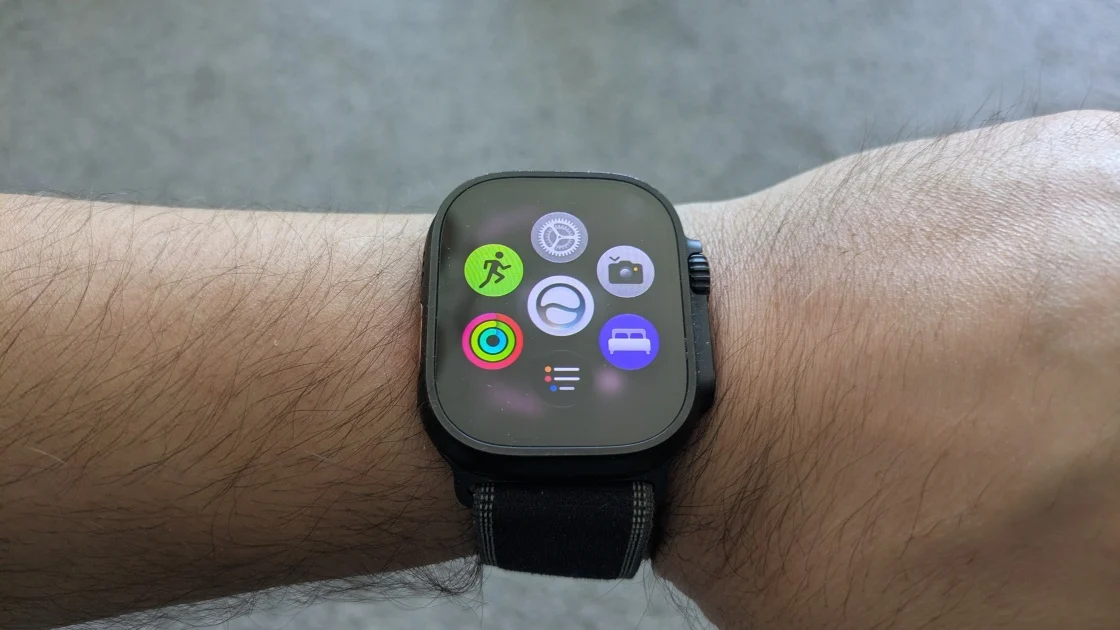
Siri AI does not act alone. The updated Smart Stack in watchOS 27 quietly fills in the gaps, making AI answers easier to act on. The Smart Stack now offers more contextual suggestions and has added convenient gesture controls. With a new single-tap gesture, you can select a widget to open its related app, and a double-tap lets you scroll through widgets one-handed. According to one early tester, “I found both gestures worked reliably and made it easier to navigate my watch with a single hand.”
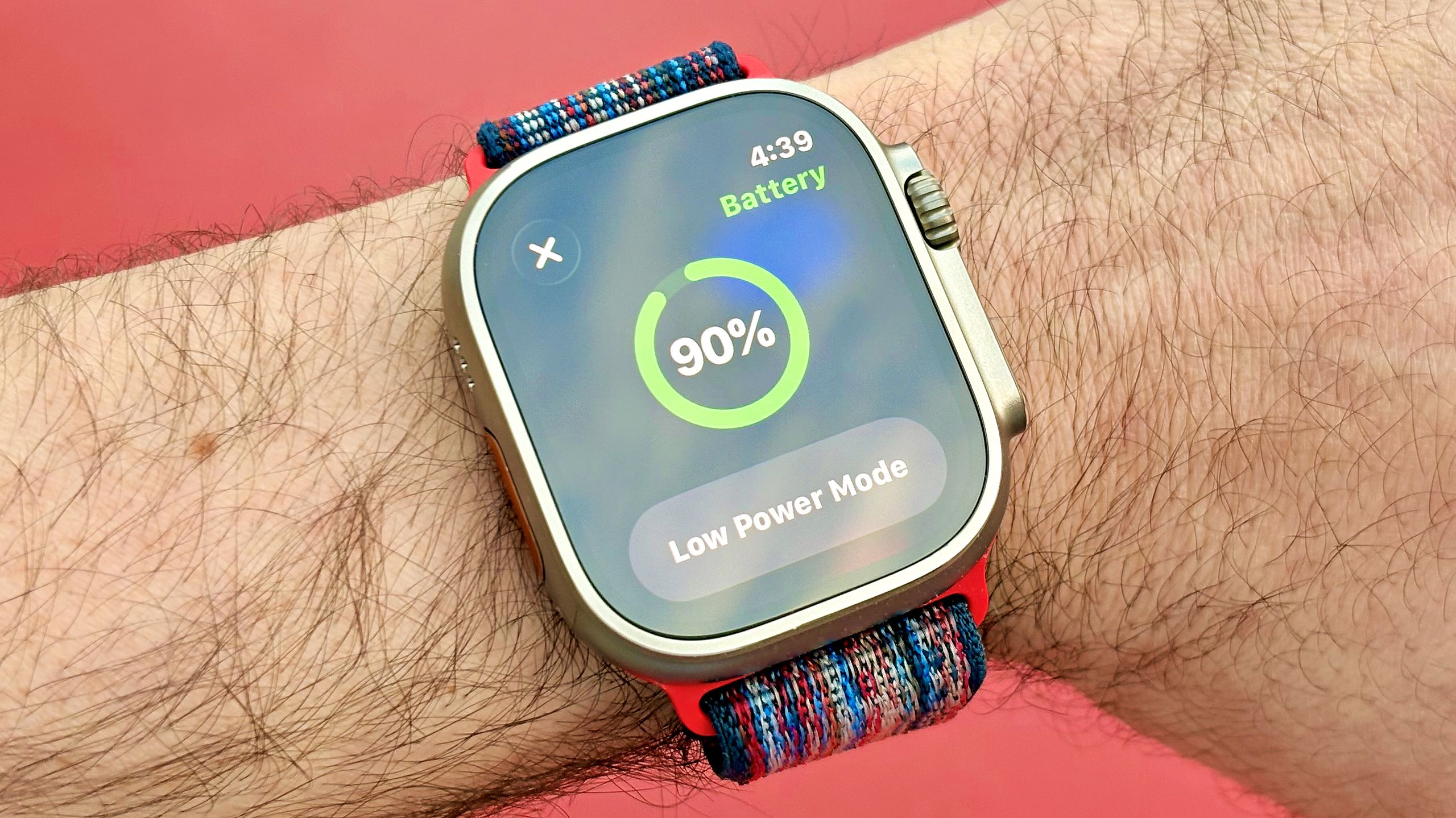
These small changes matter because they support the Siri AI Apple Watch experience. If Siri tells you your transit card is low, a Smart Stack card can surface your transit widget as you hop on the subway. ID cards at the airport, a noise widget that warns about loud environments, and a quick way to find your parked car in Maps all align with the idea of a more proactive assistant on your wrist. Music playback starts faster, and the system will proactively disable unused features to extend battery life, while a refined Find My app puts a map front and center. Together, these watchOS 27 features make the watch feel responsive instead of reactive.
Where Siri AI Wins — and Where It Still Falls Short
The performance gap between Siri AI and the old Siri is stark. In kitchen tests, for example, asking, “What ingredients do I need to make buttermilk?” led the old Siri to yet another web search, while Siri AI replied with a clear recipe-style answer: to make a homemade buttermilk substitute, you need milk and an acid, with a standard ratio of 1 tablespoon of acid for every cup of milk. That shift from link-dumping to useful instructions, plus faster responses on tasks like ferry schedules, makes the previous Siri feel obsolete.
Still, this is beta software, and the cracks show. The watchOS 27 public beta rolled out after being announced at WWDC in June, with a general release expected this fall, but you cannot roll back once installed and bugs are still possible. Siri AI on the watch can answer how you slept after you grant health data access, yet it may send you to the Health app on iPhone when you ask for more detail, such as deep sleep. Unlike the phone version, the Siri AI watch app currently does not show your past conversations. Apple is clear that Siri AI and watchOS 27 are early, and they are far from final.
Who Should Try Siri AI on Apple Watch Now?
Siri AI is not for everyone yet, but it is already relevant to a wide group of Apple Watch owners. If you rely on your watch as a daily companion and you are curious about Apple Watch AI capabilities, the public beta of watchOS 27 is available now for eligible devices: you need an iPhone 11 or later and an Apple Watch 9 or later, including Apple Watch SE 3, Ultra 2, and Ultra 3. You must install the iOS 27 beta first, then the watchOS 27 beta through the Watch app. Apple warns that installation takes time and that once you move to this beta, there is no way back.
This release will appeal most to people who speak to their watch throughout the day, commuters who need quick answers, home cooks who want hands-free help, and parents managing younger users through revamped child accounts and screen time limits on Apple Watch for kids. Those who hate bugs should wait for the stable release expected this fall. But for early adopters, Siri AI on Apple Watch finally feels like the assistant Apple has been promising: more conversational, more contextual, and far more helpful than anything that came before.