
From Space Heater to “Light Bulb”: What a Mini PC Really Changes
Switching from a traditional tower to a mini PC means replacing a high‑wattage, heat‑spewing machine with a compact, thermally efficient computer that uses far less power, generates far less heat, and makes your workspace noticeably cooler, quieter, and more comfortable during long work sessions.
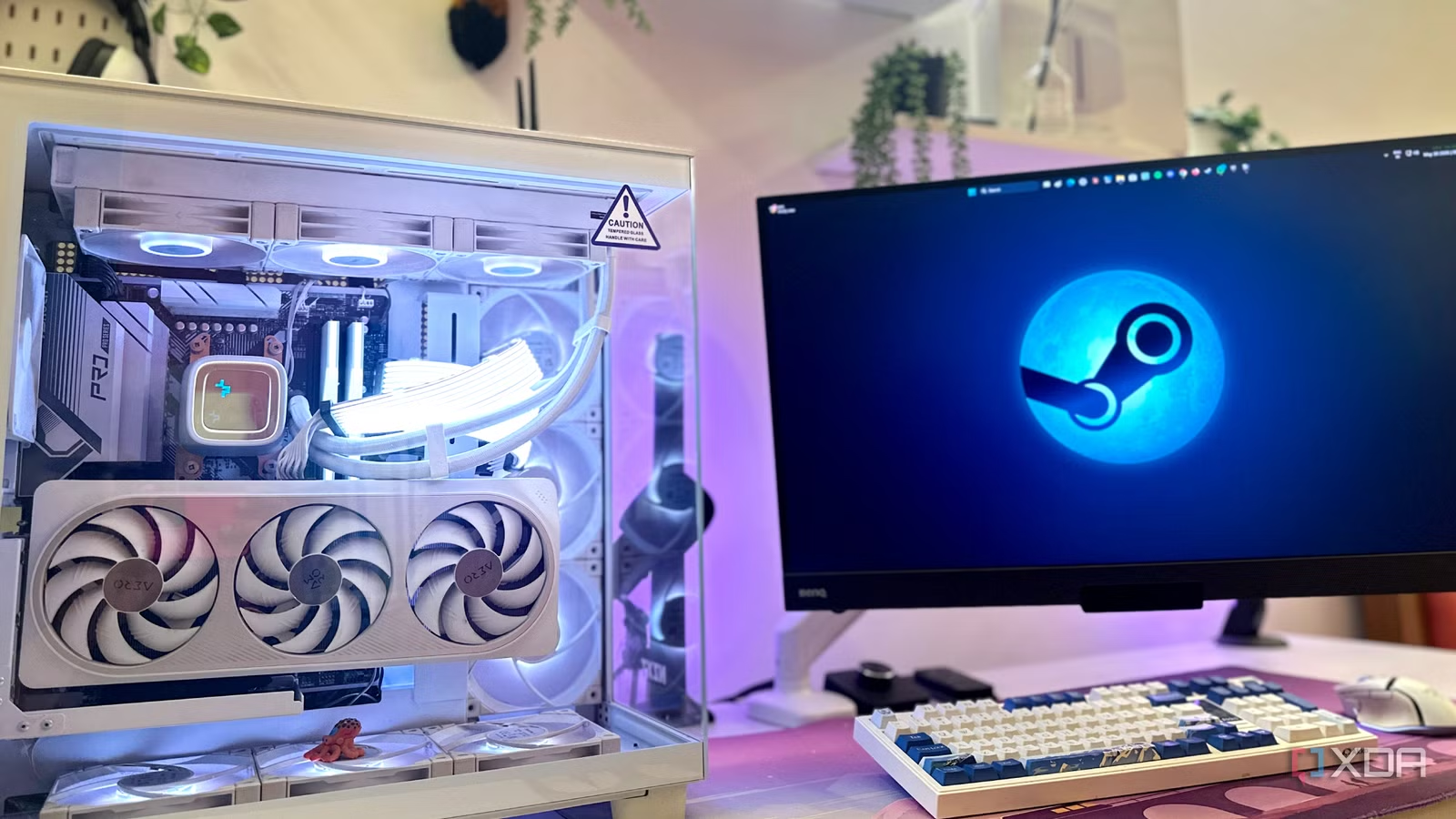
My old tower behaved like a discreet space heater. A high-end workstation with a discrete GPU can pull around 500W under everyday editing or compiling loads, and nearly every watt you draw becomes heat in your room. I felt it as hot exhaust pouring over my legs, turning my office into a sauna and leaving me dehydrated with low-grade tension headaches by mid-afternoon. It was not a technical problem; it was a health problem. Mini PCs come at this from the opposite direction. Many compact systems cap total thermal design power at 35–65W, which is why one reviewer described the switch as “replacing a space heater with a light bulb”. That shift in thermal output, more than any benchmark chart, is what changed my daily life.
The Hidden Health Cost of a Hot Desk
I used to accept that feeling lousy by 3 p.m. was part of working at a powerful desktop. Summer made it worse. My room ran warmer than any other space at home because the tower was dumping sheets of hot air into a confined corner. The result was a subtle but constant physical strain: dehydration, tension headaches, and the sense that my brain was slogging through warm molasses during long sessions.
Once I moved to a mini PC, the mini PC health benefits were obvious within days. These compact systems can cut heat output by more than 80%, which stops your desk from becoming a localized heat trap and helps prevent headaches and cognitive fatigue. Lower thermal output means less stress on your body over a full workday. For people who spend their entire day at a desk, trading a slice of unused peak power for a cool, quiet workspace is one of the smartest upgrades you can make. For me, it was the difference between enduring my office and wanting to sit down and work.
Compact PC Thermal Efficiency, Noise, and Comfort
The health shift came from compact PC thermal efficiency, not magic. Most mini PCs use laptop-class processors designed to stay within tight thermal limits while still offering enough performance for everyday productivity. Many modern models idle at roughly 6W and peak around 25W under typical office workloads, remaining highly energy-efficient and virtually silent during those tasks. That silence matters: quiet desktop computing reduces background stress and makes it easier to stay focused for hours at a time.
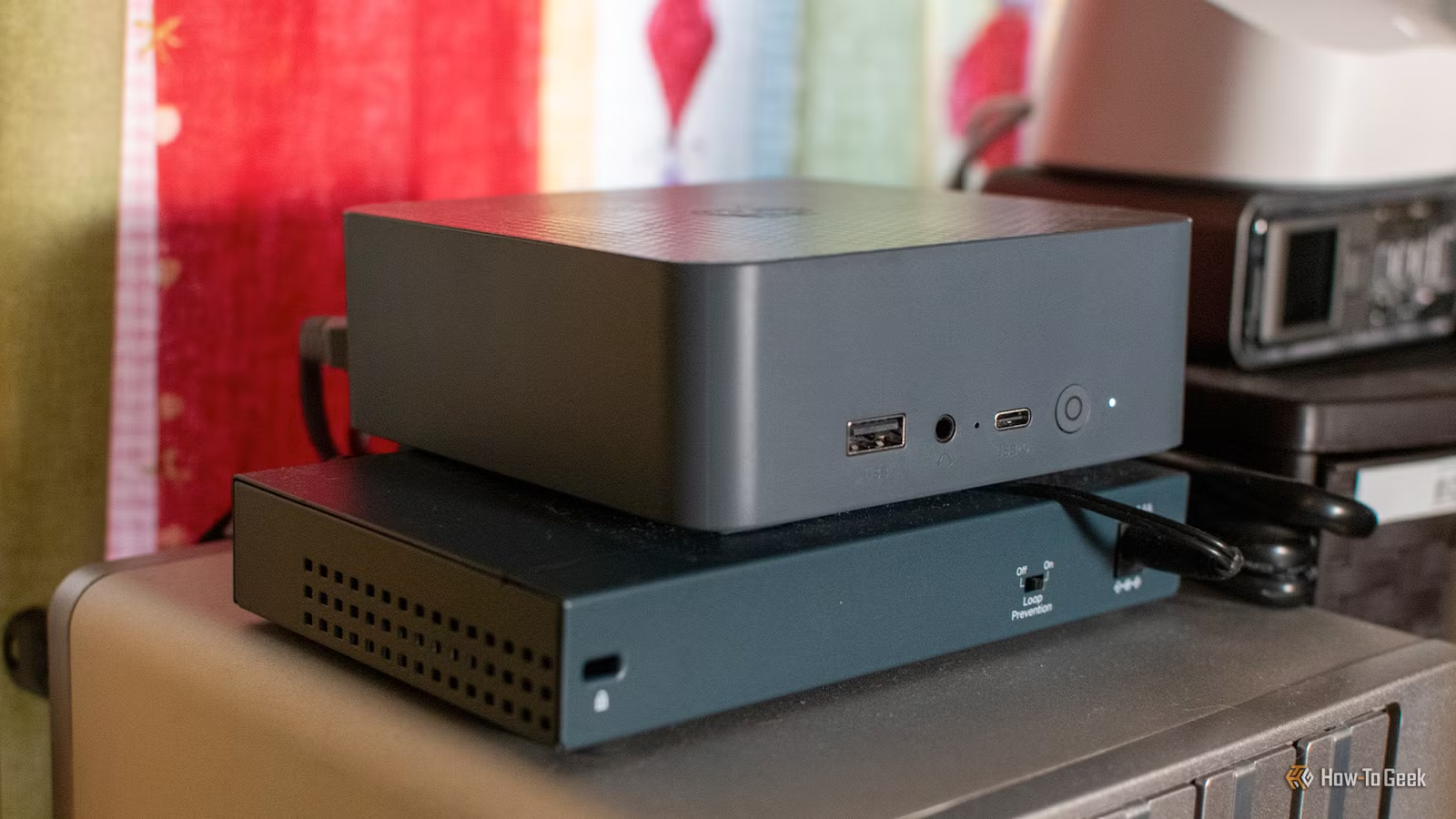
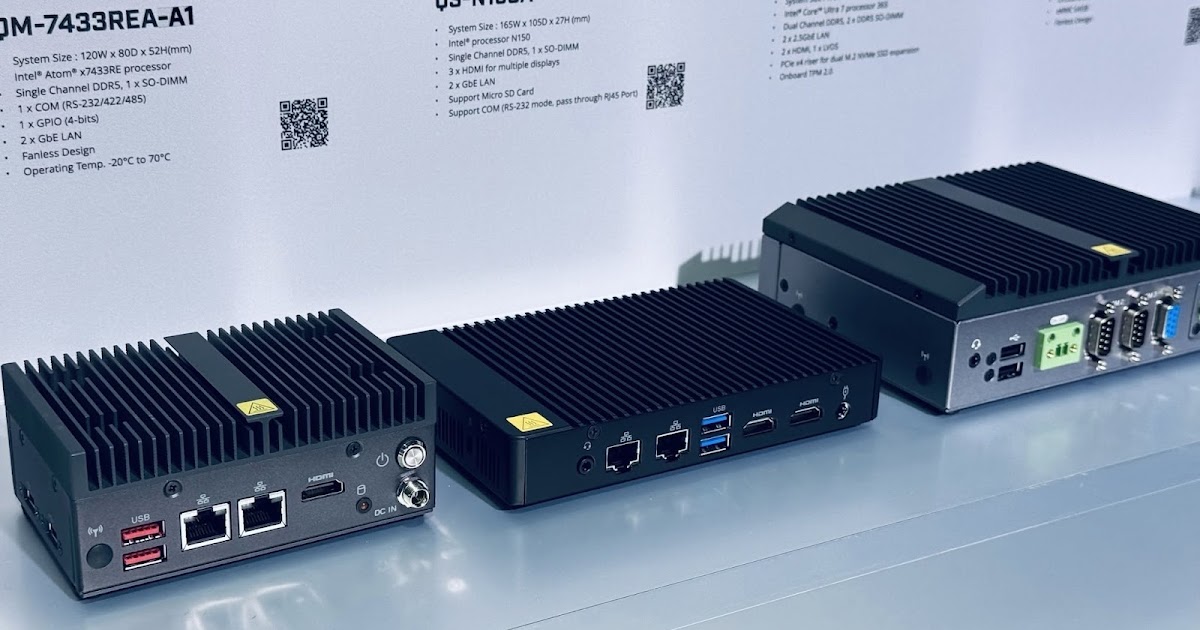
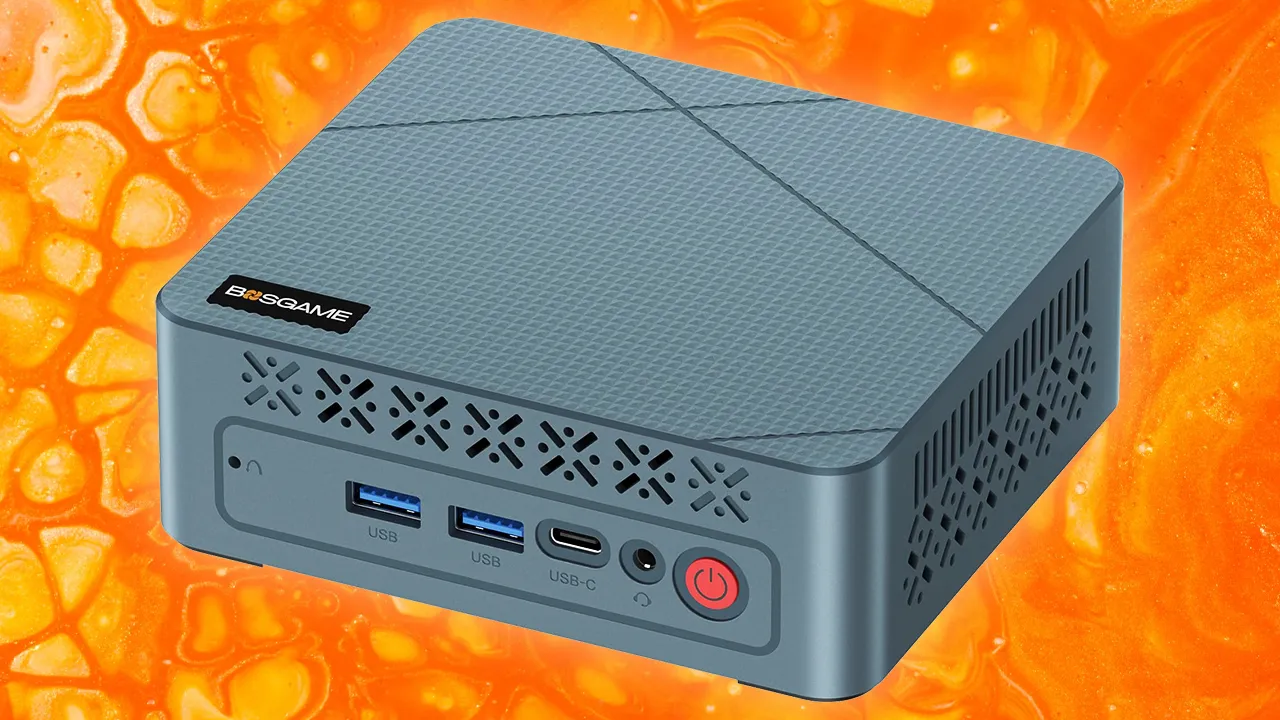
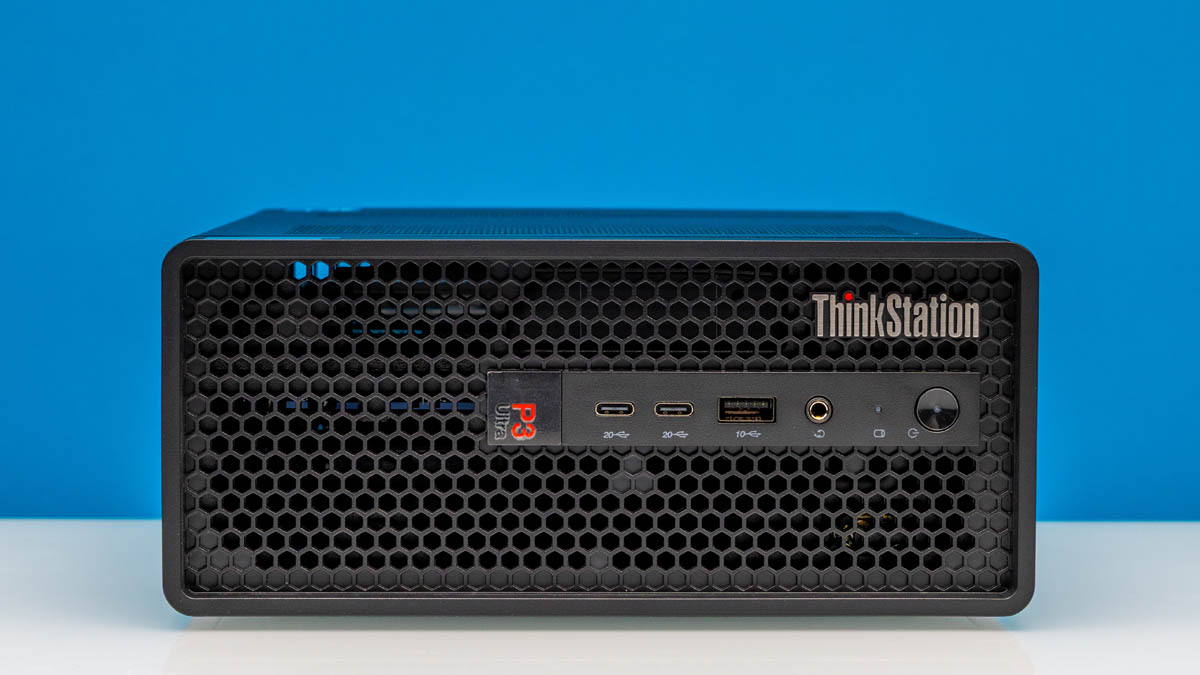
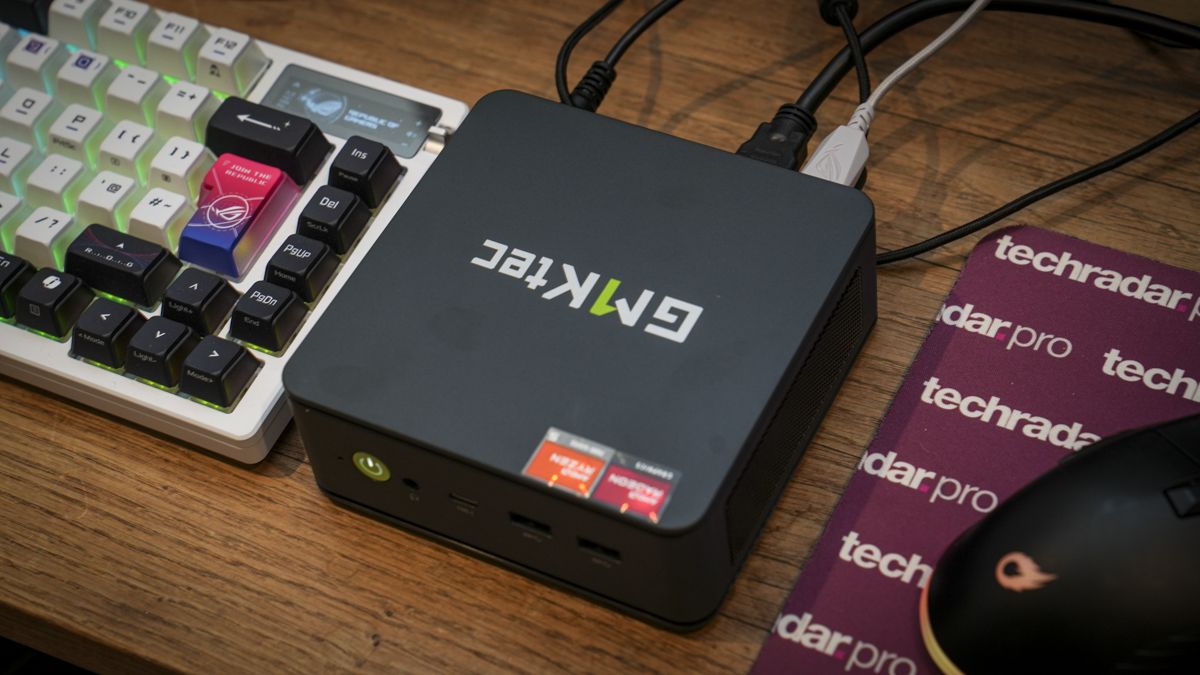
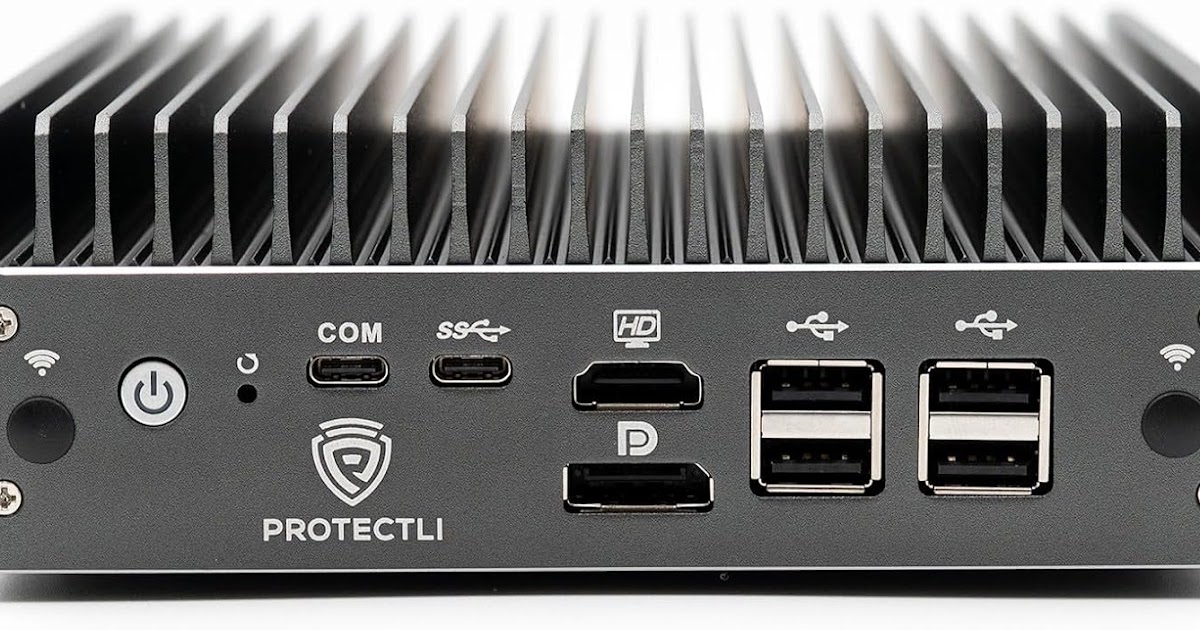
The physical form factor helps too. These machines often fit in the palm of your hand and can sit on crowded desks, tuck behind a monitor, or slide into small kiosks. You are no longer forced to park a bulky tower by your legs or under your arms, where it blasts warm air straight at you. That flexible placement lets you choose cooler, better-ventilated spots, which further improves comfort. Scaling down my hardware was not a retreat from performance; it was a deliberate move toward comfortable computing and quieter, less stressful workdays.
Ergonomics, Cable Sanity, and Who Should Downsize
Mini PCs are more than tower PC alternatives; they are desk liberators. Shrinking your system to a box roughly the size of a small book lets you reclaim a massive portion of your physical desk footprint. With fewer components and shorter runs, you can clean up cable clutter and set up a visually calm workspace that is easier to keep dust-free. Space savings open room for proper monitor height, better keyboard placement, and even a second display without feeling boxed in.
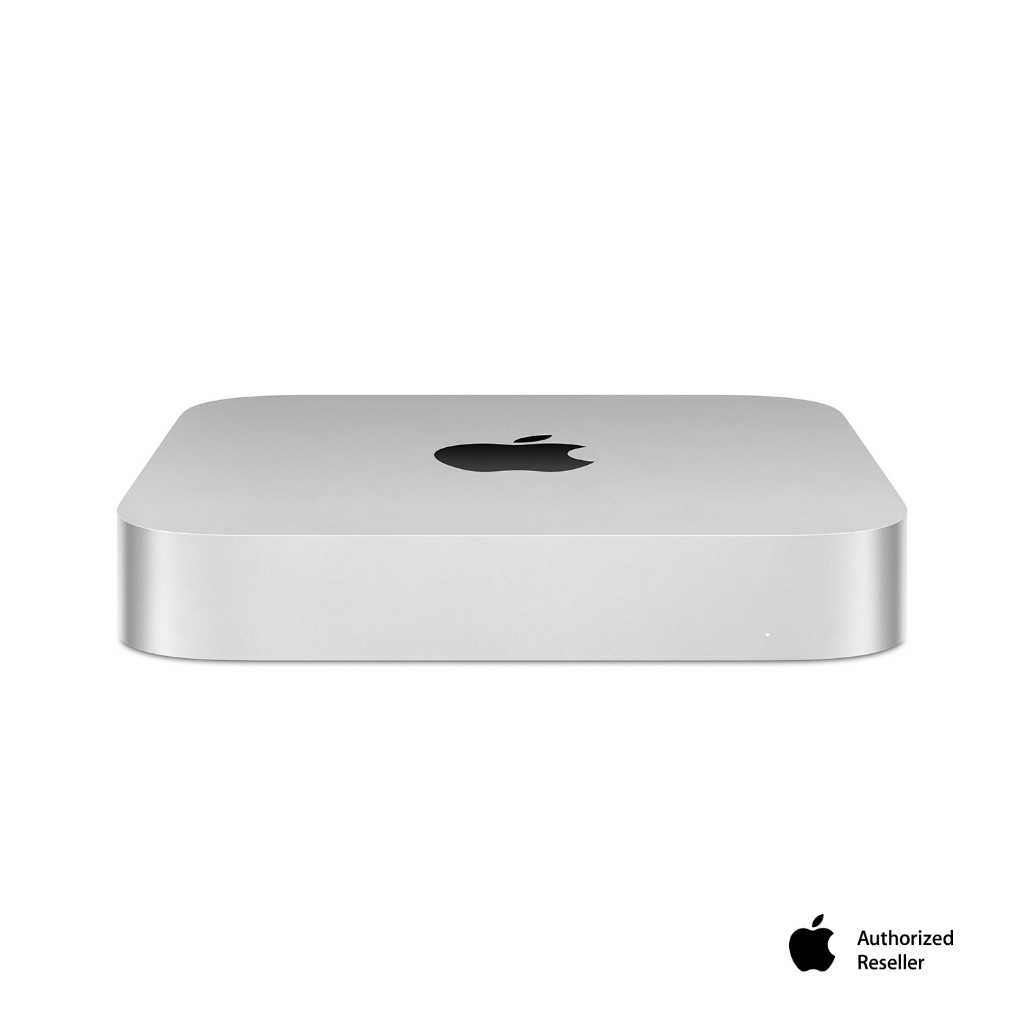
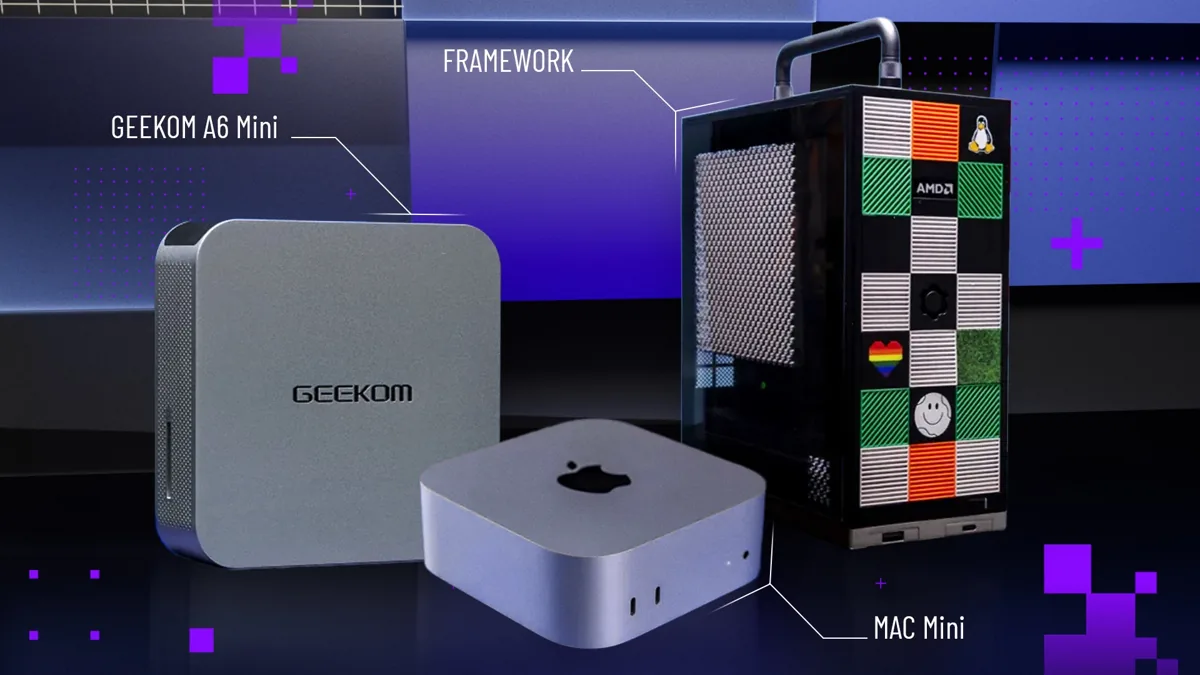
The relevance stretches across different kinds of users. Everyday home-office workers who like the Apple ecosystem can look at compact desktops like the Mac mini, while more demanding creative professionals gravitate toward systems in the Mac Studio class. Office-bound professionals, remote workers, and anyone sensitive to heat will feel the mini PC health benefits most quickly. And because many mini desktops rely on integrated graphics rather than discrete GPUs, they naturally run cooler and quieter, which supports better ergonomics and mental comfort even before you touch your monitor arm or chair height.
The Trade-Offs: When a Mini PC Is Enough—and When It Isn’t
Mini PCs are not perfect. You lose modular upgradability: you cannot swap the CPU, drop in a bigger internal power supply, or easily replace a motherboard the way you can with an ATX tower. If you are a heavy media creator or gamer, integrated graphics—even though they are strong for daily tasks—still cannot match a high-end PCIe GPU. Some models can introduce a different annoyance: higher-pitched fan whine right on your desk, which can be more noticeable than a deeper tower hum.
But those limitations do not erase the compact PC thermal efficiency advantage. Many mini systems cap their TDP at 35–65W, compared to 500W for a loaded workstation. You can keep a full tower powered down for gaming sessions or heavy renders and use a mini PC as your quiet desktop computing daily driver. For workers who care more about health, comfort, and focus than raw benchmark scores, downsizing is a clear win. The day my room stopped feeling like a server closet was the day my workdays started feeling sustainable.