
The one upgrade most AM4 users should prioritise
A Socket AM4 upgrade guide is a step‑by‑step plan for deciding whether your next PC part should be a CPU, GPU, RAM, SSD, or motherboard so you gain clear, measurable performance instead of wasting money on fashionable but low‑impact components. For a well‑balanced AM4 system, the single most effective upgrade for most people is a stronger graphics card paired with the CPU you already own. Start with this baseline: an 8‑core Ryzen 7 5800X, a modern B550 motherboard, 32GB of DDR4‑3200, and an RTX 3060 12GB is still a capable mix for gaming and productivity. If your workloads and games feel slow, real‑world testing shows that swapping the GPU—for example to an xx70‑class card—delivers far more improvement per unit of budget than touching the board, RAM, or platform. According to one AM4 user’s testing, “a newer GPU is where I’ll be focusing my upgrade energy,” even after asking AI for alternatives.
What AI got right (and wrong) about AM4 upgrades
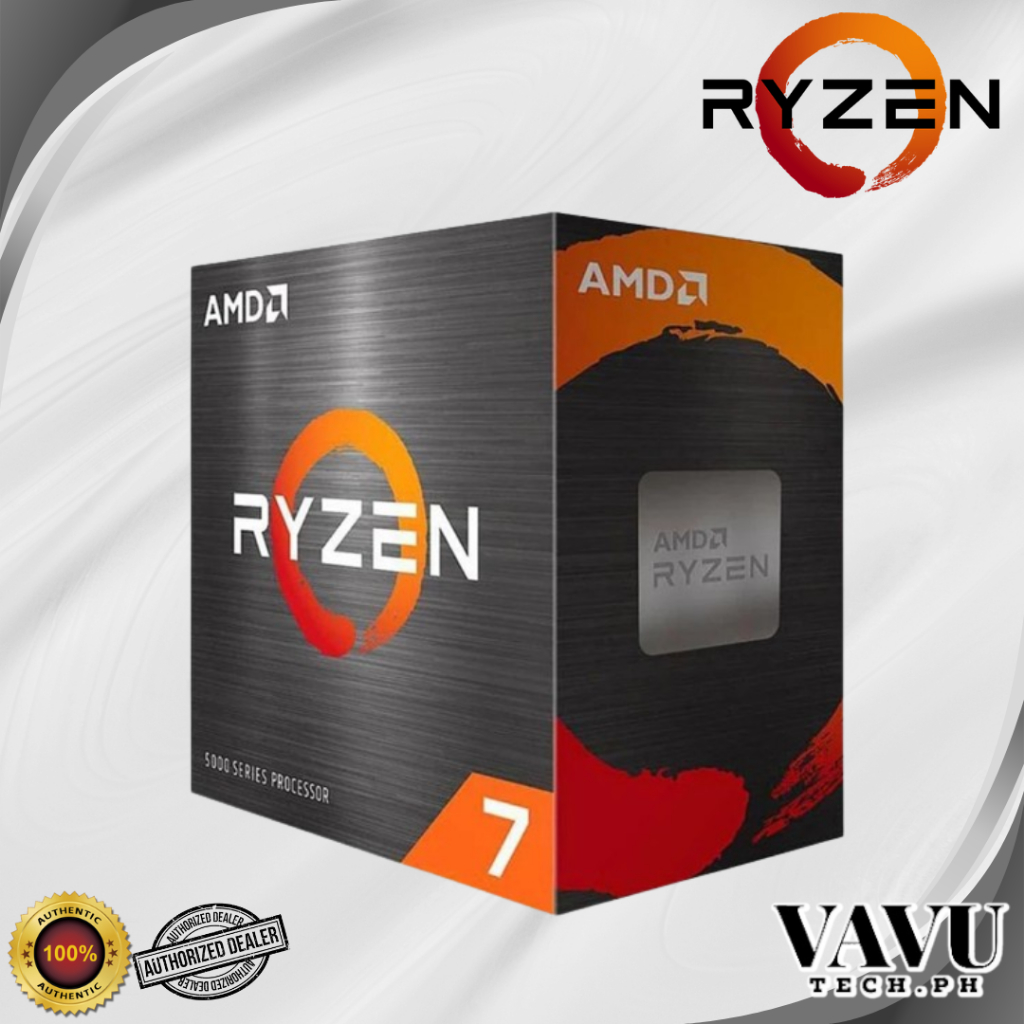
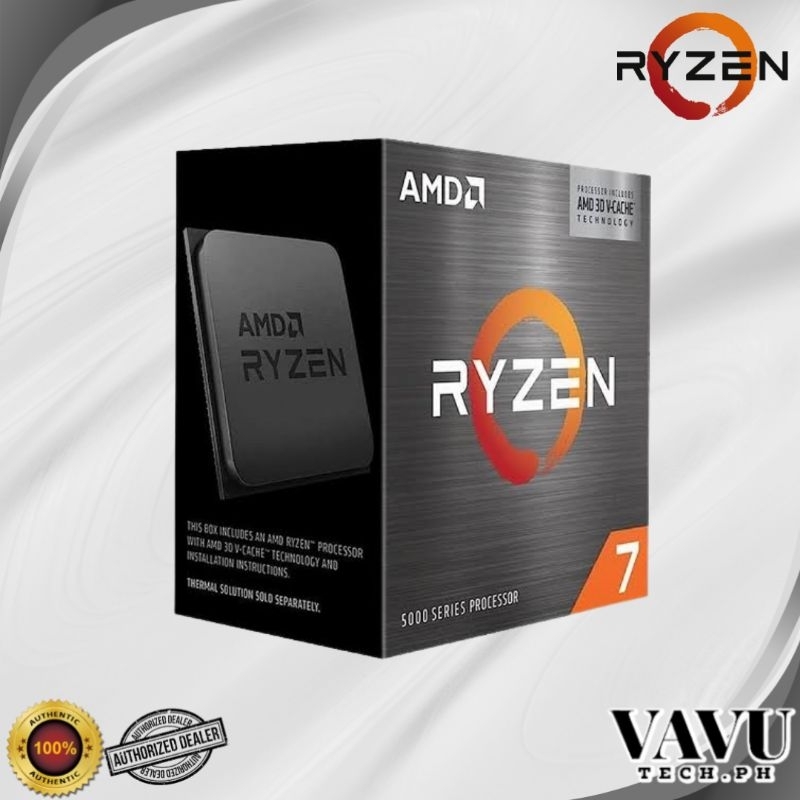
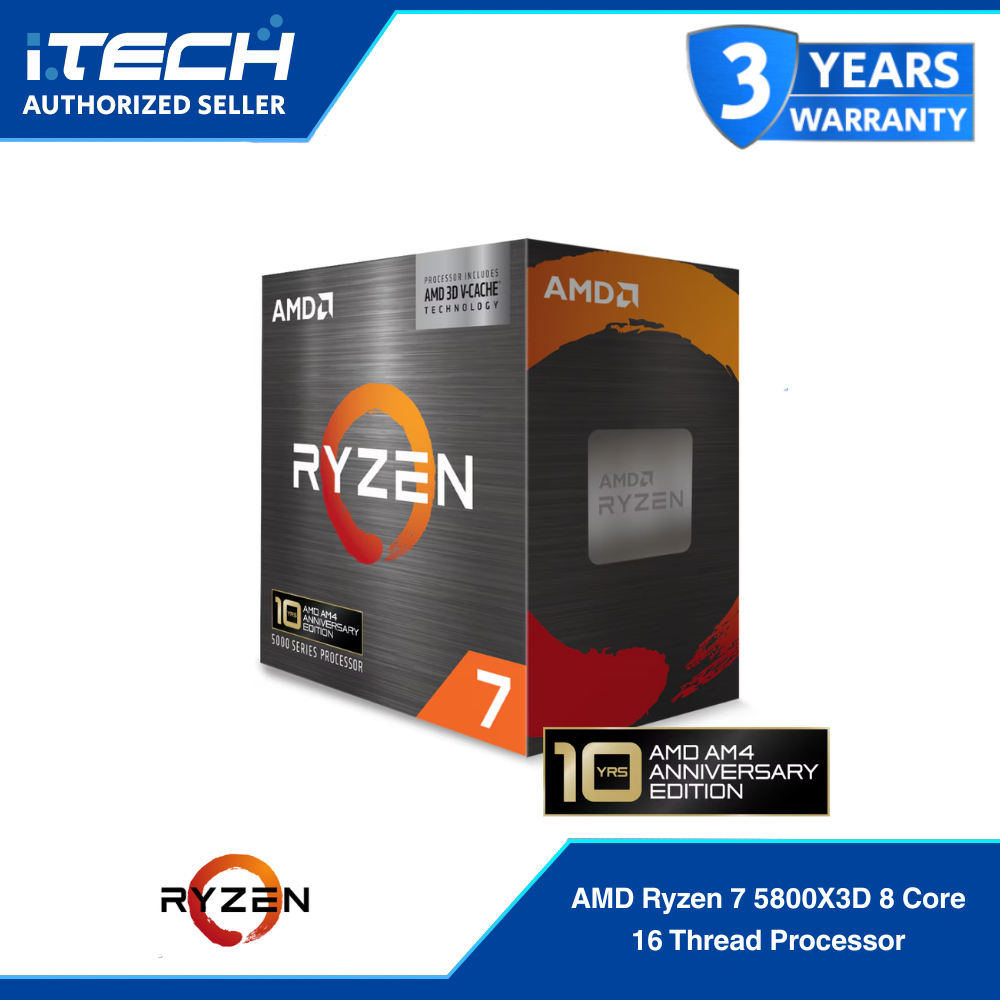
AI suggestions are a useful starting point, but you should treat them as hypotheses to test, not orders to follow. When one AM4 owner asked an AI tool for cost‑effective upgrades, it proposed four ideas; “its recommendations are largely solid, and two out of four isn’t shabby based on the information I provided.” In other words, roughly 50% of the advice held up once real performance and budget impact were considered. The sensible half of the list was a GPU upgrade and, for older builds, raising memory to 32GB, which aligns with practical CPU upgrade strategy. The weak half was a CPU swap that traded a Ryzen 7 5800X for a 5700X3D and a storage change that offered little uplift for balanced gaming and productivity compared with a graphics card upgrade. For someone who needs both frame rates and fast workloads, sacrificing some productivity in a move toward a 5800X3D or similar gaming‑first chip was judged poor value.
Motherboard selection: mid‑range beats flagship for AM4 and beyond
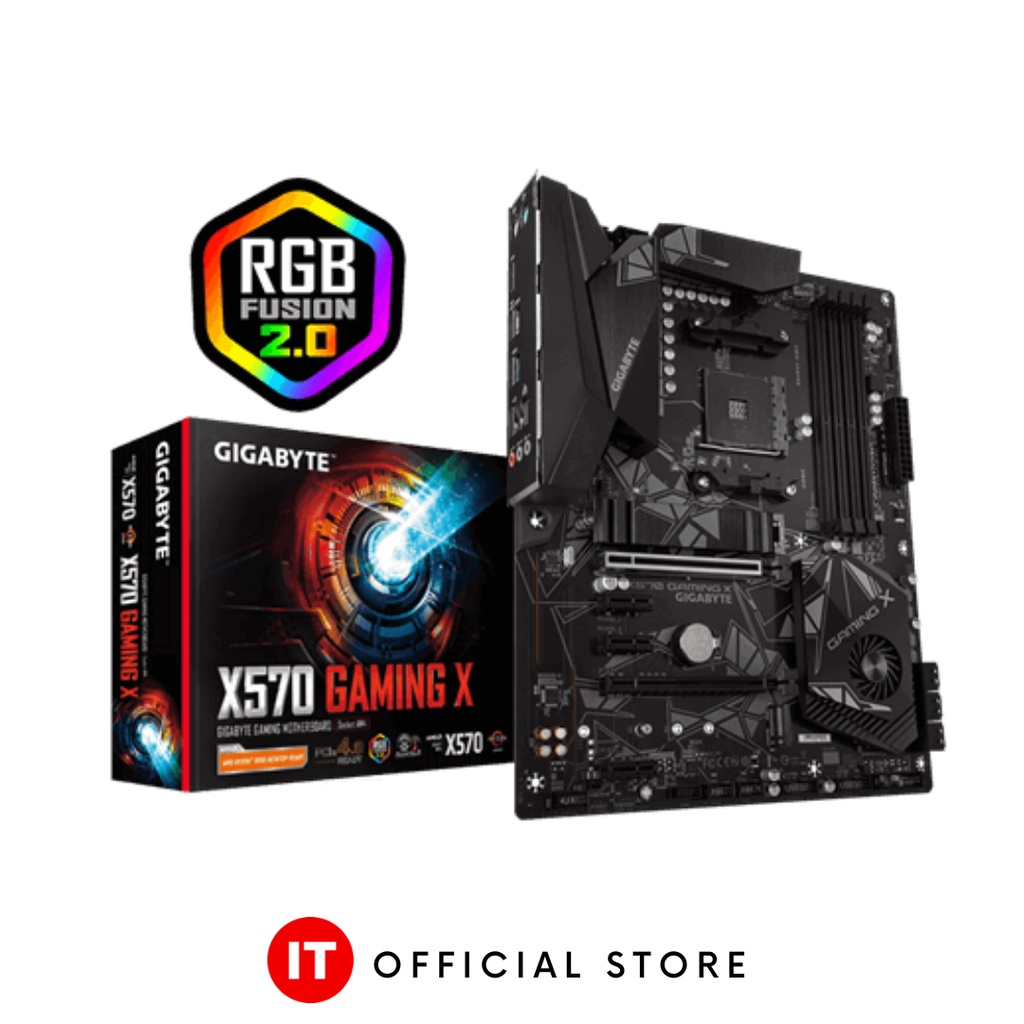
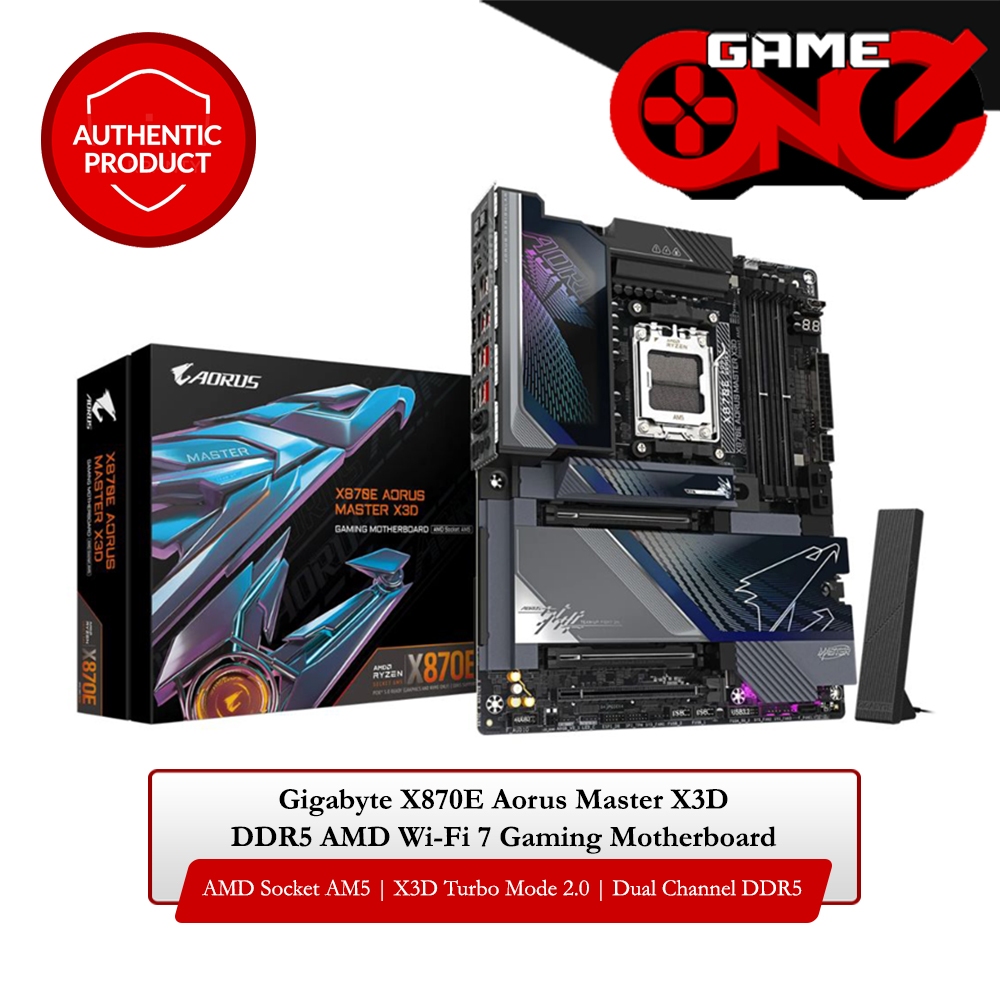
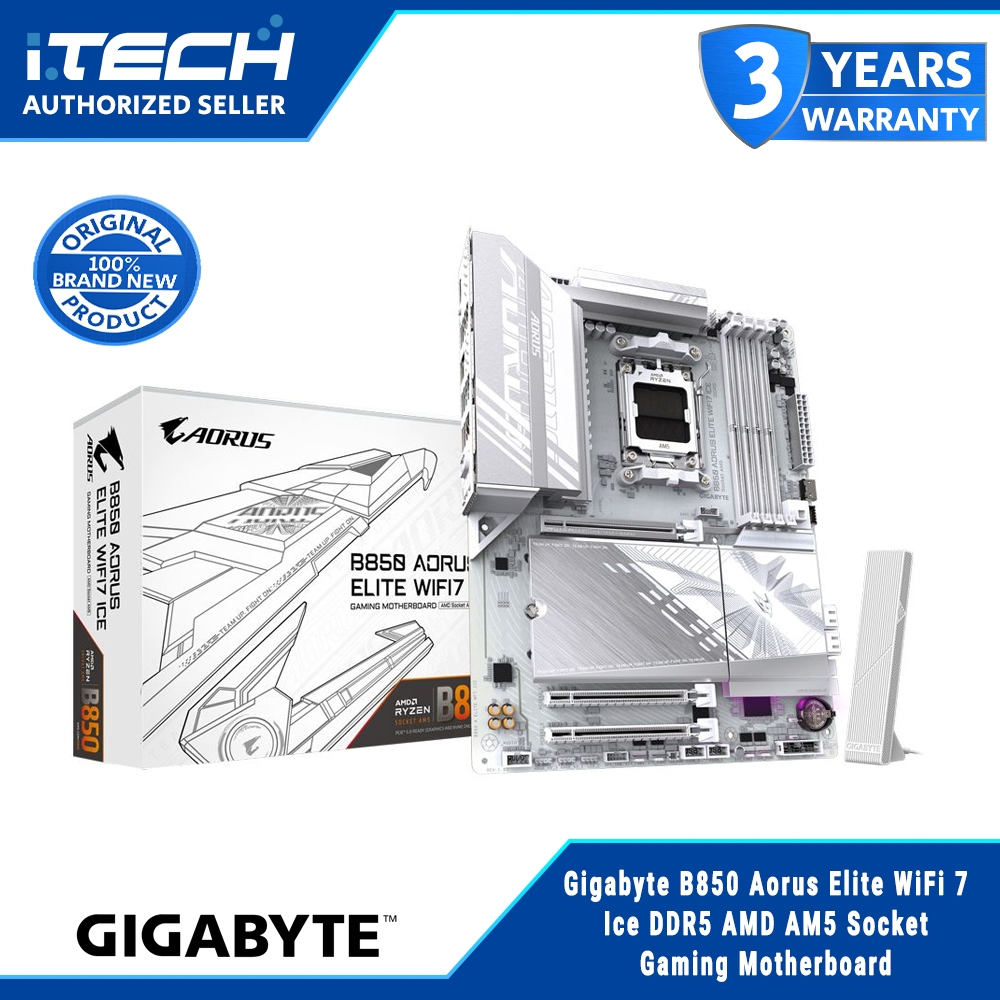
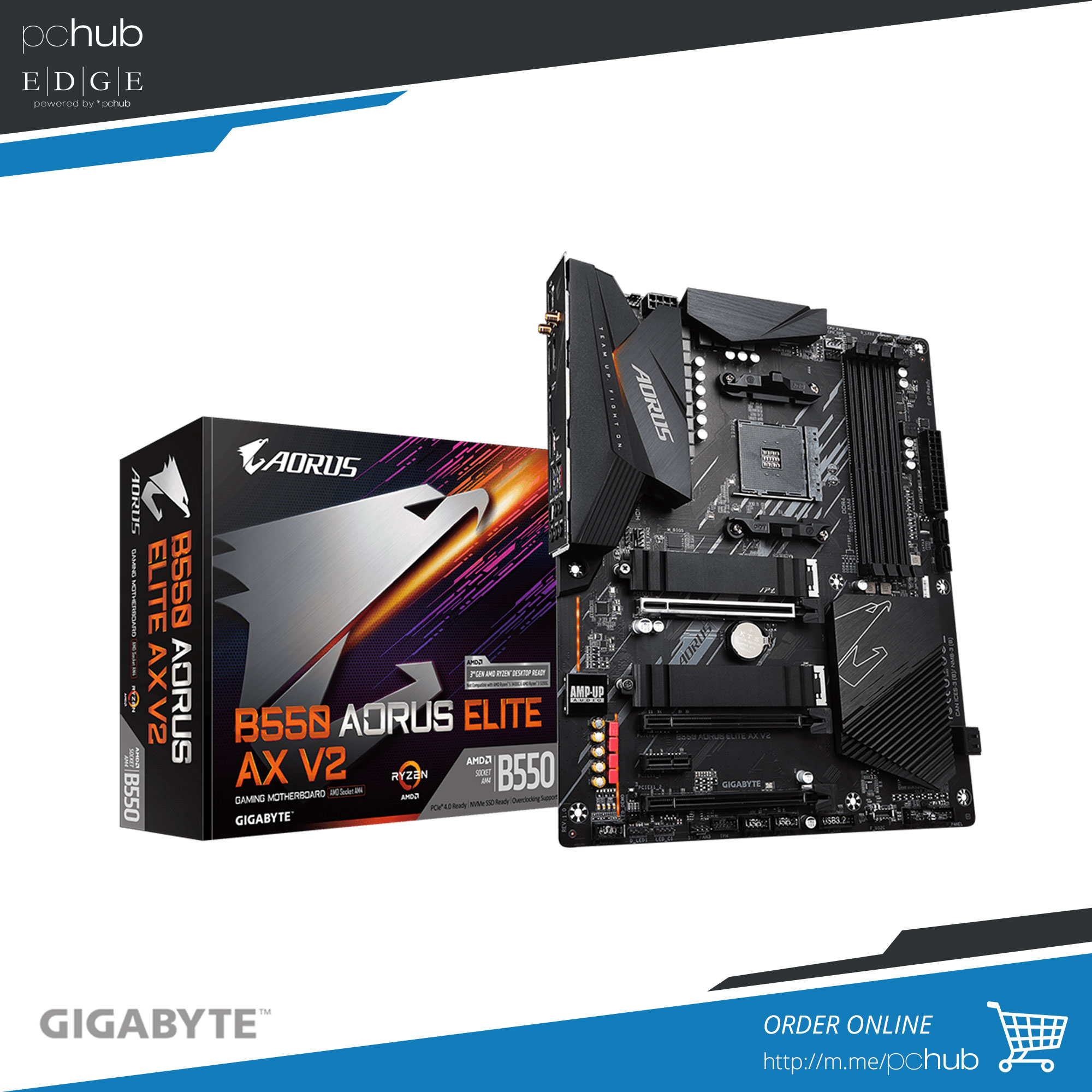
Motherboard selection is where many builders overspend. One experienced upgrader admits they made a mistake by chasing flagship chipsets, first with X570 instead of a perfectly capable B550, and later with an X870E board that their CPU did not need. The lesson carries directly into AM4 upgrade planning: boards rarely limit gaming performance; CPUs, GPUs, and RAM speed do. A solid mid‑range board such as a B550 on AM4—or something like the GIGABYTE B850 AORUS Elite for AM5, with ATX form factor, four DDR5 slots, and PCIe 5.0 support—delivers the performance you care about without paying for premium features you may never use. One source notes that mid‑range boards can offer the same CPU performance as X870E while costing less than half as much, proving that mid‑range motherboards provide about 95% of real‑world performance at a fraction of the flagship cost.
Budget PC upgrades and platform longevity on AM4
The smartest budget PC upgrades start by asking which component improves your day‑to‑day experience. One upgrader found that focusing on frame‑rate‑driving parts—CPU, GPU, and RAM—was far more effective than chasing exotic motherboard features. This approach matches the AI‑guided ranking that put the GPU first for value, noting that for balanced gaming and productivity you see a smaller improvement per unit of budget from many other changes. AM4 platform longevity means you do not need a wholesale replacement to stay viable. AM4 is “still very viable for gaming and productivity,” and the guidance was clear: “Should you move to AM5? Not yet,” when you already have an 8‑core CPU, 32GB RAM, PCIe 4.0, and a modern board. Incremental upgrades—stronger GPU today, maybe more RAM or a refined CPU choice later—outperform jumping platforms early, especially when flagship boards demand twice the outlay yet delay the real benefit of their features for years.
Buy if / Skip if
- Buy the AM4 GPU upgrade if your current system matches a Ryzen 7 5800X, 32GB DDR4‑3200, and RTX 3060 12GB and you want higher gaming FPS and smoother GPU‑accelerated workloads.
- Skip the AM4 GPU upgrade if your monitor is low‑refresh or you are satisfied with current frame rates and instead feel disk responsiveness or capacity is your only real bottleneck.
- Buy the mid‑range AM4 or similar B‑series motherboard if you care more about stable performance than about Wi‑Fi 7, 5GbE LAN, USB4, or dual PCIe 5.0 SSD slots.
- Skip the flagship X‑series motherboard if you are tempted mainly by its long spec sheet, because spending about twice as much does not make your games run faster and may still involve PCIe lane compromises.
- Buy the AM4 RAM upgrade to 32GB if you run heavier productivity tasks alongside gaming and your current capacity is lower, since older AM4 platforms can gain responsiveness from more memory.
- Skip the AM4 CPU swap to a gaming‑first X3D chip if you rely on productivity performance and would rather put that budget into a newer GPU where the improvement per unit of cost is higher.