
What the Google Health Outage Was—and Why It Matters
The Google Health outage on July 15 was a server-side failure that disrupted sync and pairing for all users’ Fitbit and Pixel Watch devices, blocking Health Coach features and leaving wearers temporarily unable to see fresh health data inside the Google Health app. This was not a minor glitch; it was a wearable device outage that exposed how dependent modern health tracking has become on a single cloud service. Google’s own incident page described it as “Sync not working for all users,” confirming that every Google Health account was affected, not just a handful of unlucky people. If your sleep scores vanished or your watch “forgot” to sync steps, the problem was never your Bluetooth or your phone—it was Google’s infrastructure failing in the background.
How the Outage Hit Fitbit, Pixel Watch, and Health Coach
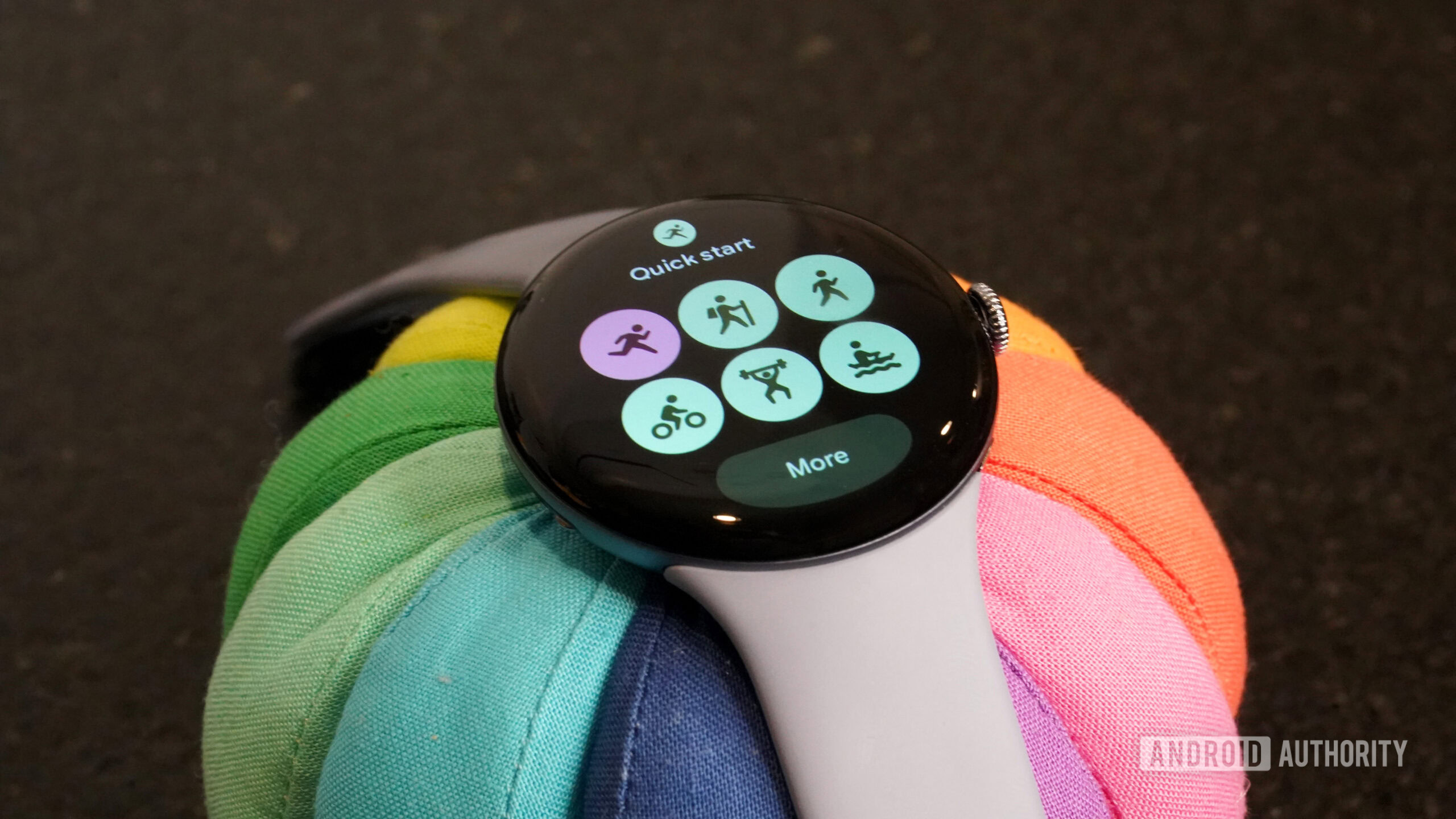
The outage started around 04:20 PDT on July 15 and ran for roughly seven hours, cutting off device sync and pairing for all Google Health users. Fitbit sync issues and Pixel Watch syncing failures showed up as missing sleep data, error codes, and devices that appeared unpaired and unable to reconnect. This was clearly a server-side breakdown, not a Bluetooth problem, as Google’s status dashboard kept the mobile app and web API marked as available while flagging Device Sync / Pairing as down. Health Coach didn’t escape either: Ask and Summaries features were explicitly listed as impacted, leaving users with old data and no fresh guidance. The frustrating part is that Google offered no public explanation of what triggered the outage, even as people reset watches and reinstalled apps trying to fix a problem they didn’t cause.
The Fix: Timeline, What Worked, and What Probably Saved Your Data
According to one status update, “Google has confirmed a widespread Google Health outage that is preventing devices from syncing and pairing,” and later, “Google has restored the Device Sync / Pairing service.” Google says the issue was fixed by July 16 after running for about seven hours, with sync and pairing now back for all users. The platform’s design likely saved most people’s data: activity, sleep, and other metrics are stored locally on your Fitbit or Pixel Watch while the cloud is unavailable, and once device sync is restored, Google Health should be able to pull records from the outage window. But “should” and “probably” are doing heavy lifting here—there’s no guarantee every gap will be filled. That uncertainty is the real lesson: when your health history lives in one cloud, any outage feels like a partial amnesia.
What You Should Do Now: Safe Reconnection Steps
- Stop troubleshooting like it’s your fault. This was a confirmed service-wide Google Health outage, not a problem with your phone or Bluetooth.
- Do not reset or unpair your Fitbit or Pixel Watch. Removing a working connection can create a second problem that you cannot fix while pairing relies on the same cloud service that just failed.
- Avoid deleting or reinstalling the Google Health app, signing out, clearing app data, or removing your wearable from your account unless Google explicitly tells you to.
- Keep your tracker or smartwatch connected and charged. It will still collect information locally while cloud syncing is unavailable, and that data can be pulled into Google Health after the outage.
- Now that sync and pairing are restored, open Google Health, wait for a manual or automatic sync to complete, and give delayed data time to appear, as some records can take longer to process.
A Wearable Reality Check: Your Health Data Needs a Safety Net
This outage did more than break Fitbit sync issues and Pixel Watch syncing—it showed how fragile a cloud-first health ecosystem can be. When one platform goes down, a wearable device outage becomes a life-log outage, and people lose not only numbers but trust. You were told to avoid resets, unpairing, and app reinstalls because those actions could make recovery harder while Google’s own systems were unavailable. That advice is sound, but it is also a reminder of how little control users have once their data pipeline depends entirely on a vendor’s servers. Google Health may now be back online, Device Sync / Pairing restored, and Health Coach features recovering, but the next incident will raise the same question: what happens to your health story when the cloud goes dark?