

KB5101650: A Security Patch That Exposes a Deeper Driver Problem
The Windows 11 KB5101650 update block on select Dell PCs refers to Microsoft temporarily withholding a critical security and quality patch from affected systems after discovering a compatibility problem between an Intel power management driver and a new Windows USB-C Connection Manager interface that leads to shutdowns, overheating, and performance loss.
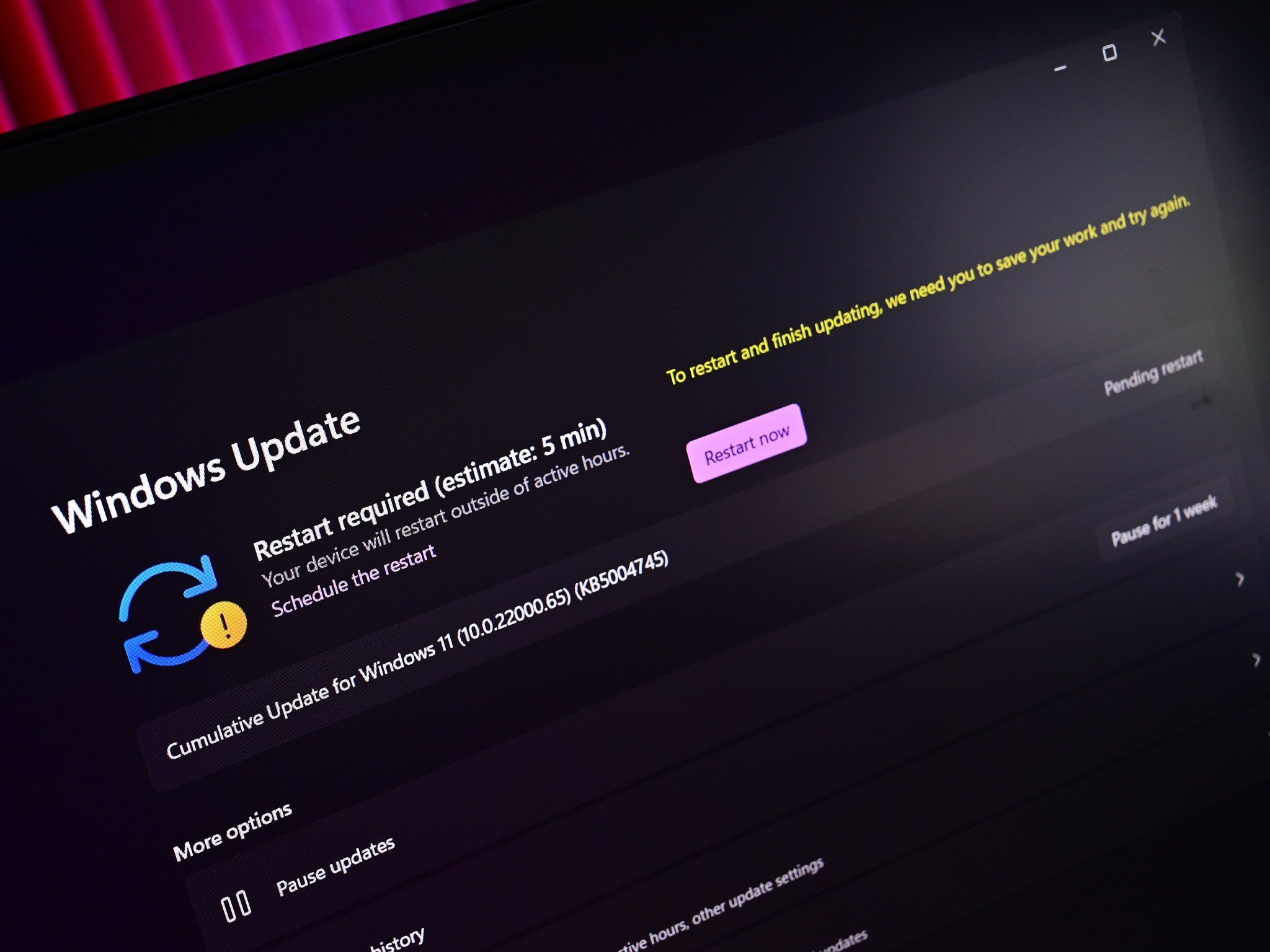
Microsoft has temporarily blocked the July Windows 11 security update KB5101650 on some Dell devices because of an Intel driver conflict with the new Windows USB-C Connection Manager interface. The issue traces back to the June 23 preview update KB5095093, which shipped new functionality such as Point-in-Time Restore alongside a revamped USB-C Connection Manager. In theory, KB5101650 should be a big win: it is part of a Patch Tuesday wave that addresses 570 vulnerabilities across Microsoft products. In practice, for specific Dell PCs running Windows 11 24H2 and 25H2, it breaks something far more basic than a browser zero-day: stable power and thermal management. That trade‑off should worry PC builders and IT admins more than the headline security number.

Inside the Intel Driver Conflict and the Dell PC Compatibility Issue
The heart of the problem is a clash between the Intel Innovation Platform Framework (IPF) Processor Participant driver and the new Windows USB-C Connection Manager interface introduced in KB5095093. This IPF driver helps control power draw, cooling, and thermal behavior, effectively acting as a coordinator for processor power states and heat management. When Windows changes how it talks to USB‑C power and peripherals, but the Intel driver still expects the old rules, the result is failed thermal and power management routines.
On affected Dell PCs, the symptom is visible: Device Manager shows a yellow exclamation mark next to the Intel Innovation Platform Framework Processor Participant entry, signaling the Dell PC compatibility issue with the new stack. Once that warning appears, users report degraded performance, increased temperatures, battery drain, and unexpected shutdowns. According to Microsoft’s release health notes, “devices affected by this issue may experience unexpected shutdowns, poor performance, increased heat, and battery drain”. In other words, a low‑level Intel driver conflict has turned what should have been a routine Windows 11 update into a reliability risk for Dell owners.
Why Microsoft Blocked the Windows 11 Update and What That Tells Us
This is not a case of Microsoft discovering the bug after a public meltdown. Dell spotted the behavior during testing, reported it, and a joint investigation traced it to the incompatibility between the Intel IPF Processor Participant driver and the USB‑C Connection Manager interface introduced in KB5095093. Microsoft then chose the nuclear option: it blocked KB5101650 from being offered via Windows Update to the affected Dell configurations. It also decided not to deliver the associated Patch Tuesday payload (KB5105610) to those same systems, again because of the severity of the instability.
From a stability standpoint, that is the right call. PCs that slipped through earlier with KB5095093 installed have already seen degraded performance, higher temperatures, battery drain, and unexpected shutdowns. For once, the Windows 11 update blocked status is a feature, not a bug: it prevents more Dell systems from inheriting the same Intel driver conflict and power management failures. At the same time, this underscores how brittle modern Windows stacks are when firmware, chipset drivers, and new OS subsystems don’t evolve in lockstep — especially around power and USB‑C.
Guidance for PC Builders, Dell Owners, and IT Teams
For Dell owners and PC enthusiasts, the priority is to stop treating manual installs from the Update Catalog as harmless. If Windows 11 has blocked KB5101650, forcing it is a mistake. Microsoft explicitly advises Dell users not to manually install KB5101650 on affected devices and to wait for an official fix instead. Before you even consider side‑loading the KB5101650 update, check whether your system shows the telltale sign of the Dell PC compatibility issue: open Device Manager, expand System devices, locate the Intel Innovation Platform Framework Processor Participant driver, and see if there is a yellow exclamation mark. If there is, your machine is already in the danger zone.
If you have installed the preview KB5095093 and are seeing shutdowns, overheating, or sluggishness, the safest path is to roll back that update from Settings → Windows Update → Update history → Uninstall updates. Do not chase newer cumulative updates until Microsoft confirms a resolution and your Dell support page offers a revised Intel IPF Processor Participant driver. Going forward, PC builders and IT teams should build driver checks into their patch playbooks: verify power‑related Intel drivers, confirm there are no Device Manager warnings, and only then approve new feature or preview builds on production hardware.
What Comes Next: Fixes, Intel Driver Updates, and Update Strategy
Microsoft says it is working with Dell on a fix and expects to release a resolution for impacted PCs in the coming days. When that lands, it will not be enough to apply a single cumulative update and move on. Because the root cause is an Intel driver conflict, the long‑term solution will likely require updated Intel IPF Processor Participant drivers to be installed alongside, or before, future Windows patches. Users are advised to monitor Dell’s driver support pages for new Intel IPF releases and to watch the Windows release health dashboard for status changes.
Meanwhile, non‑Dell systems should still install KB5101650, since it remains a critical security rollup for Windows 11 24H2 and 25H2 devices and addresses hundreds of vulnerabilities. For everyone else, the lesson is clear: automatic trust in Patch Tuesday is no longer enough. Every major Windows 11 update blocked on a subset of hardware is a reminder that firmware, vendor drivers, and OS updates form a single reliability chain. If you break one link — here, Intel’s power management driver — the whole system feels it.





