

What “running LLMs locally” means and why you’d bother
Running LLMs locally means hosting and executing large language models on your own hardware instead of a cloud service, so your prompts and data stay on devices you control while you trade some raw performance for privacy, flexibility, and long‑term cost savings.
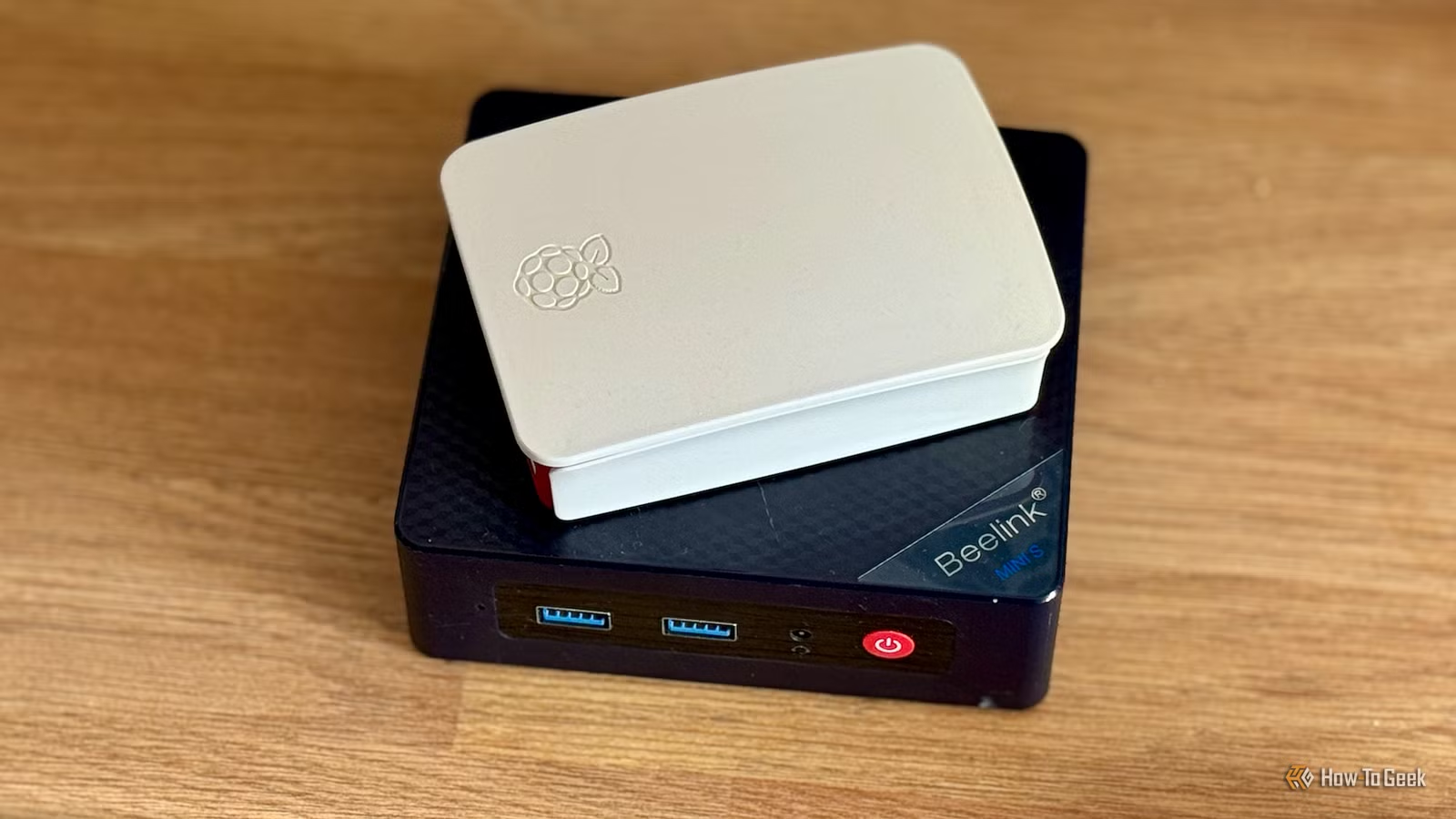
If you like tinkering with PCs and homelabs, local AI models are worth your time. You keep control of your data, you are not at the mercy of API outages, and you avoid ongoing subscription fees. Low-end hardware AI is possible: even a modest mini PC with integrated graphics can handle useful tasks such as natural-language briefings and document cleanup, though generation will be slower than in the cloud. The real prerequisite is patience and realistic expectations. The small local LLMs you can run on budget systems are never going to match the capabilities of large cloud models, and even simple tasks can take a long time to complete. The rest of this guide focuses on squeezing the most value out of a self-hosted LLM on limited hardware, using containerized tools where it makes sense.

Understand the trade-offs before you deploy
On low-spec machines, the main trade-off is between model capability and responsiveness. The small local LLMs that run within your memory and CPU budget are never going to match the reasoning depth of services like ChatGPT, Gemini, or Claude, and even fairly simple tasks take a long time to complete on modest hardware. In some areas, such as deep financial analysis over many documents, results from these compact models can be fairly useless compared to a powerful cloud-based LLM.
This is why workload choice matters. Transformations, summaries, and structured text generation are ideal, while complex analytics or highly nuanced writing are better left to the cloud. According to one homelab practitioner, many self-hosted services are optimized to run on as few resources as possible, so you can run them on low-powered hardware and still see big gains. Local LLMs fit into that same pattern when you pick the right jobs and accept slower generation in exchange for privacy and control.
Step-by-step: A workflow that makes slow local LLMs feel fast
You do not fix slow hardware by wishing for more speed; you design around it. The trick is to treat your self-hosted LLM like a batch processor: queue work when nobody is waiting and serve the results instantly when you need them. That is how a mini PC with a modest Celeron-class CPU, integrated graphics, and 16GB of RAM is used to power helpful automations despite slow generation times. Slow generation does not always matter if you schedule it well.
- Pick a right-sized local model for your box. On low-end hardware AI setups, smaller models (for example, in the 3–4B parameter range) give you a useful balance of capability and speed when you run LLMs locally.
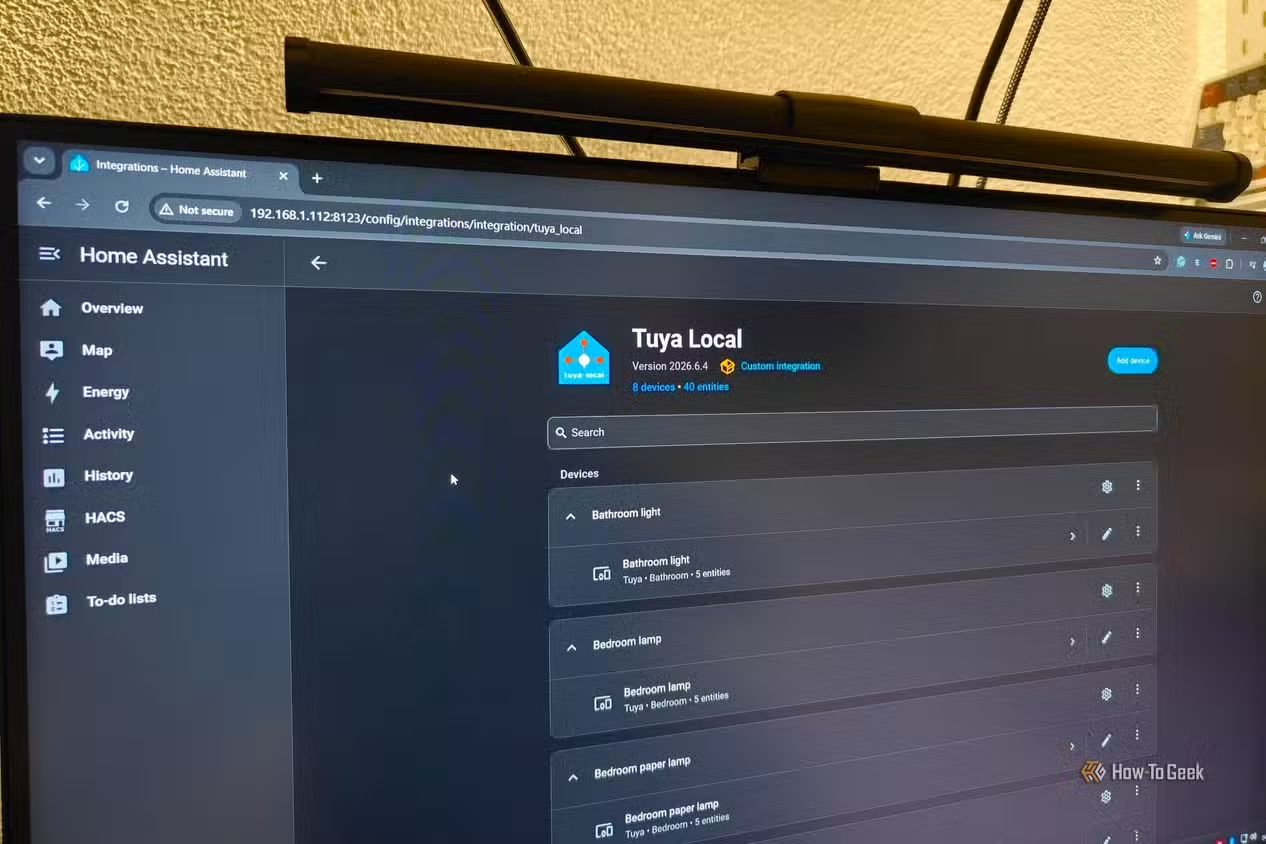
- Containerize the surrounding services. Use open-source containers for supporting workloads such as smart home control or file storage; for example, you can deploy Home Assistant and Nextcloud in Docker and run them well even without powerful hardware. This keeps your self-hosted LLM cleanly separated from automation logic.
- Design batch-style automations. For a morning household briefing, pull calendar events, school lunches, and weather into your automation system, pass the key facts to your local AI model, and let it generate the natural-language script hours before you hear it so the announcement is always ready when you walk into the kitchen. The same approach works for daily RSS digests or other one-shot outputs.
- Move slow work out of your active hours. If generating that briefing plus text-to-speech takes 10 minutes, schedule it for 5 AM so the smart speaker can play it instantly later. Likewise, generate a full day’s worth of cleanup reminders or other announcements overnight when nobody cares how long it took as long as they are ready.
- Target narrow, repeatable use cases. Use your local AI models for tasks where predictable structure matters more than perfect creativity. Examples include turning top items from several RSS feeds into a Kindle newsletter with summaries and a TL;DR, so you can start each day with a personalized news brief you can scan quickly and then read full stories that interest you. Another is stripping names, locations, and account numbers from documents so you do not send sensitive information to a cloud provider.
The real gotcha is expecting interactive chat at cloud speeds on a modest box. You will be disappointed if you try to have long, back-and-forth conversations in real time. But when you restructure your use cases into scheduled jobs—briefings generated before breakfast, newsletters built before you pick up your e-reader, daily to-do prompts prepared overnight—the slower pace stops being a problem and starts looking like a quiet background assistant that always has something ready when you ask.

Use containers to stretch weak hardware further
Running your self-hosted LLM alongside other services in containers keeps things maintainable and efficient on budget hardware. Many homelab services are optimized to run on as few resources as possible, meaning you can easily run them on low-powered hardware and still see benefits. Home Assistant, for instance, runs fantastically inside a container and does not need a ton of power unless you have hundreds of devices and very complex automations. That makes it a good companion for a local AI setup that handles language-heavy tasks while Home Assistant gathers data and triggers automations.
You can apply the same idea to storage and privacy-friendly cloud replacements. Nextcloud is designed to be run in Docker and can be set up fairly easily over a weekend, and people report running it on old Raspberry Pis, mini PCs, and laptops as long as they have enough storage. Combine that with local AI models to summarize, tag, or prepare content inside your own infrastructure. This kind of budget AI deployment gives you many of the advantages of cloud services—file sync, smart home, basic AI assistance—while keeping your data local and avoiding external dependencies.
Is running a self-hosted LLM on a budget box worth it?
If your goal is a replacement for full-strength cloud chatbots, you will be underwhelmed by what low-end hardware AI can do. The small models that fit on your mini PC or aging laptop cannot match the depth or speed of larger hosted systems, and some demanding tasks like detailed financial analysis are still better done in the cloud. But if you focus on practical, repeatable tasks—daily briefings, newsletters, reminders, and redacting sensitive data—a self-hosted LLM starts to shine.
Used this way, local AI feels less like a chatbot and more like a quiet, schedule-driven assistant. It can generate a tailored morning summary so it is always ready when you enter the kitchen, read a digest on your e-reader, or hear reminders that stick precisely because the messages change each time you walk into a room. The main things to watch for are scope creep and unrealistic expectations. Keep your models small, your workloads focused, and your heaviest jobs queued for off-hours, and running LLMs locally becomes a cost-effective alternative to cloud AI rather than a frustrating downgrade.