
OLED vs mini-LED: What’s the Real Choice for Modern Gaming Monitors?
OLED gaming monitors and mini-LED gaming monitors are advanced display types that improve lighting control and image quality over traditional IPS and VA LCDs by either turning individual pixels on and off or using thousands of tiny backlight zones for finer brightness and contrast control across the screen. In plain terms, OLED is the contrast and response-time champion, while mini-LED is the brightness and value play. With both now priced where standard IPS used to sit—27-inch 1440p panels under USD 350 (approx. ₱19,600)—you are no longer paying a huge premium to step into cutting-edge high refresh rate gaming. If you mainly play competitive shooters and care about motion clarity above all, OLED’s instant pixel response and 240–480Hz options are hard to beat. If you spend more time in bright rooms, want punchy HDR, or need a big ultrawide for work and play, recent mini-LED and fast VA ultrawide gaming monitors offer more brightness, less burn-in worry, and lower prices.
| Spec | OLED example | Mini-LED / Fast VA example |
|---|---|---|
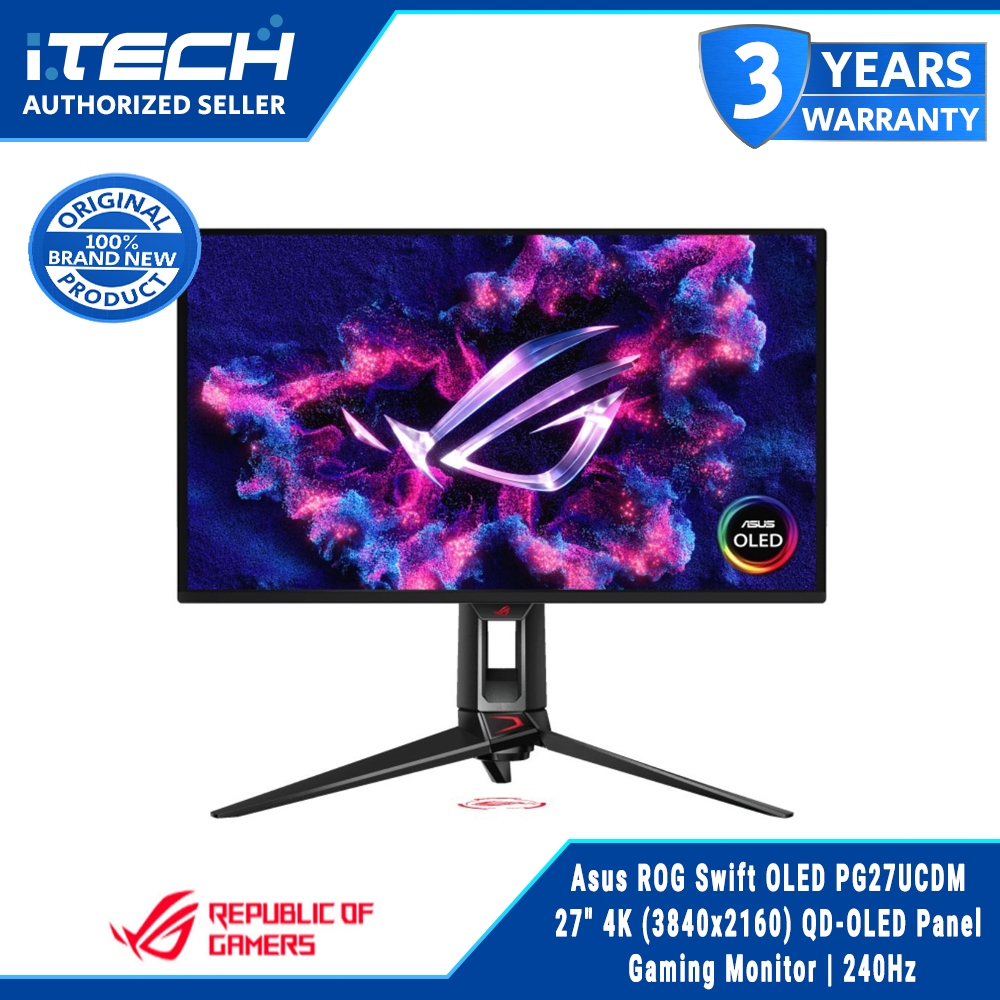
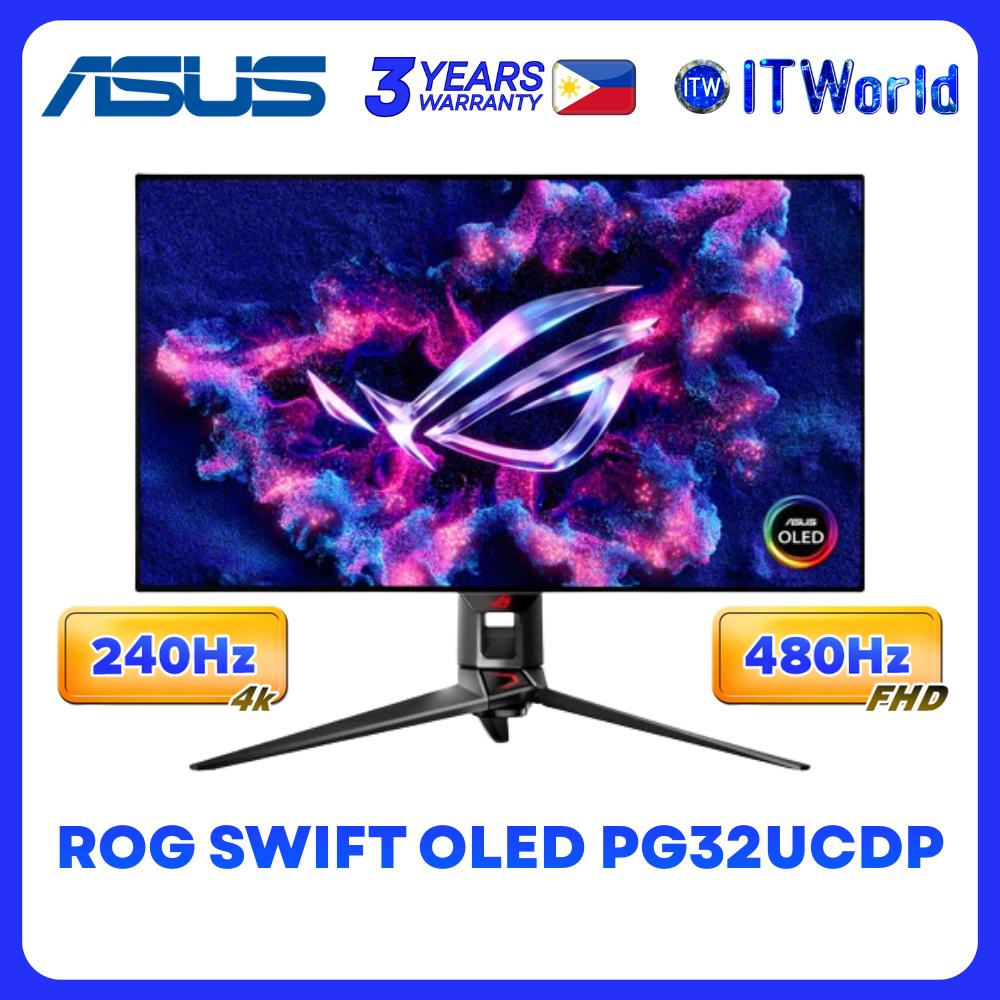
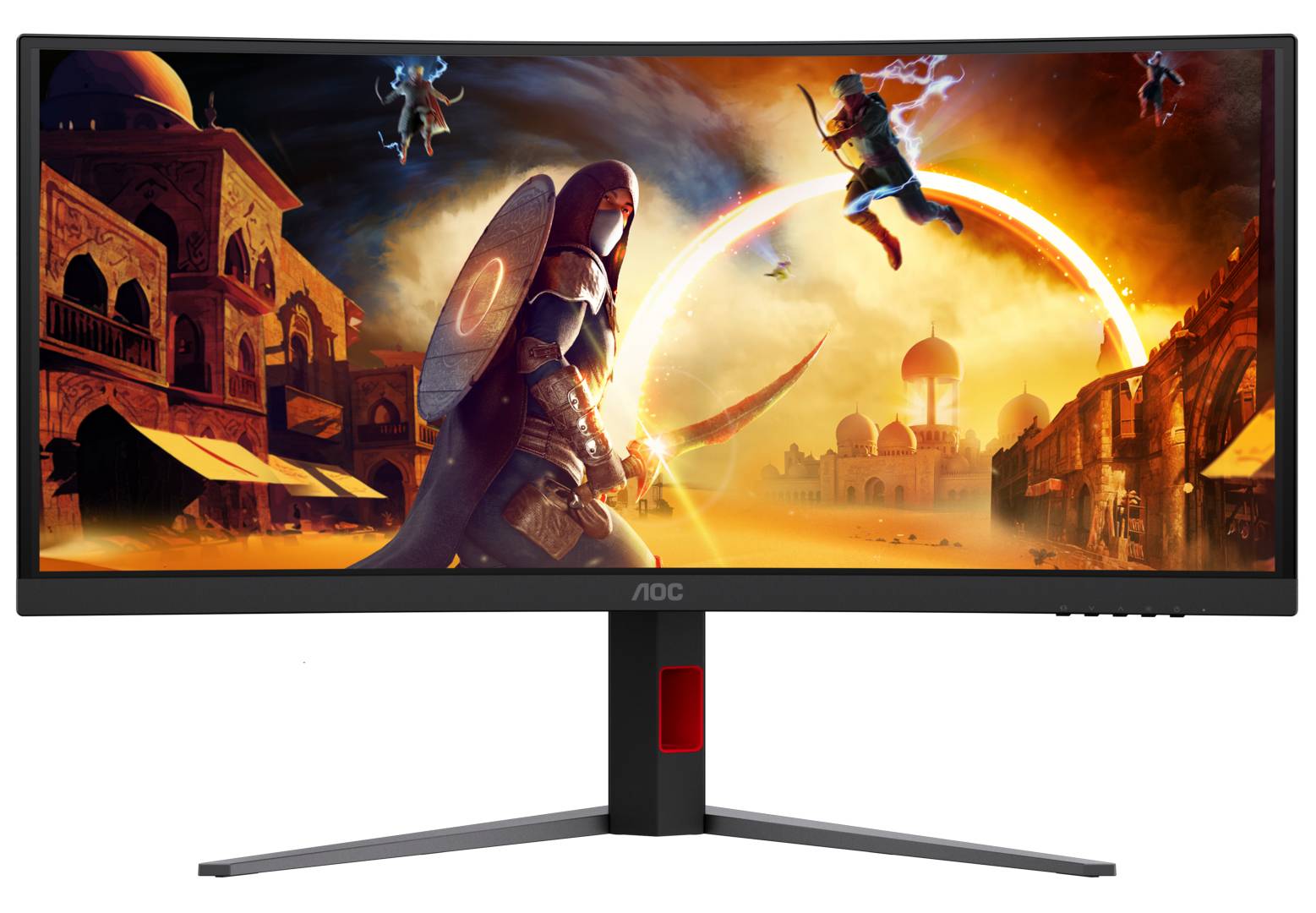
| Panel tech | True Tandem RGB OLED (ASUS ROG Swift PG27UCWM/PG32UCWM) | Mini-LED LCD (KTC M27T6S) / Fast VA ultrawide (AOC CU34G4ZCA) |
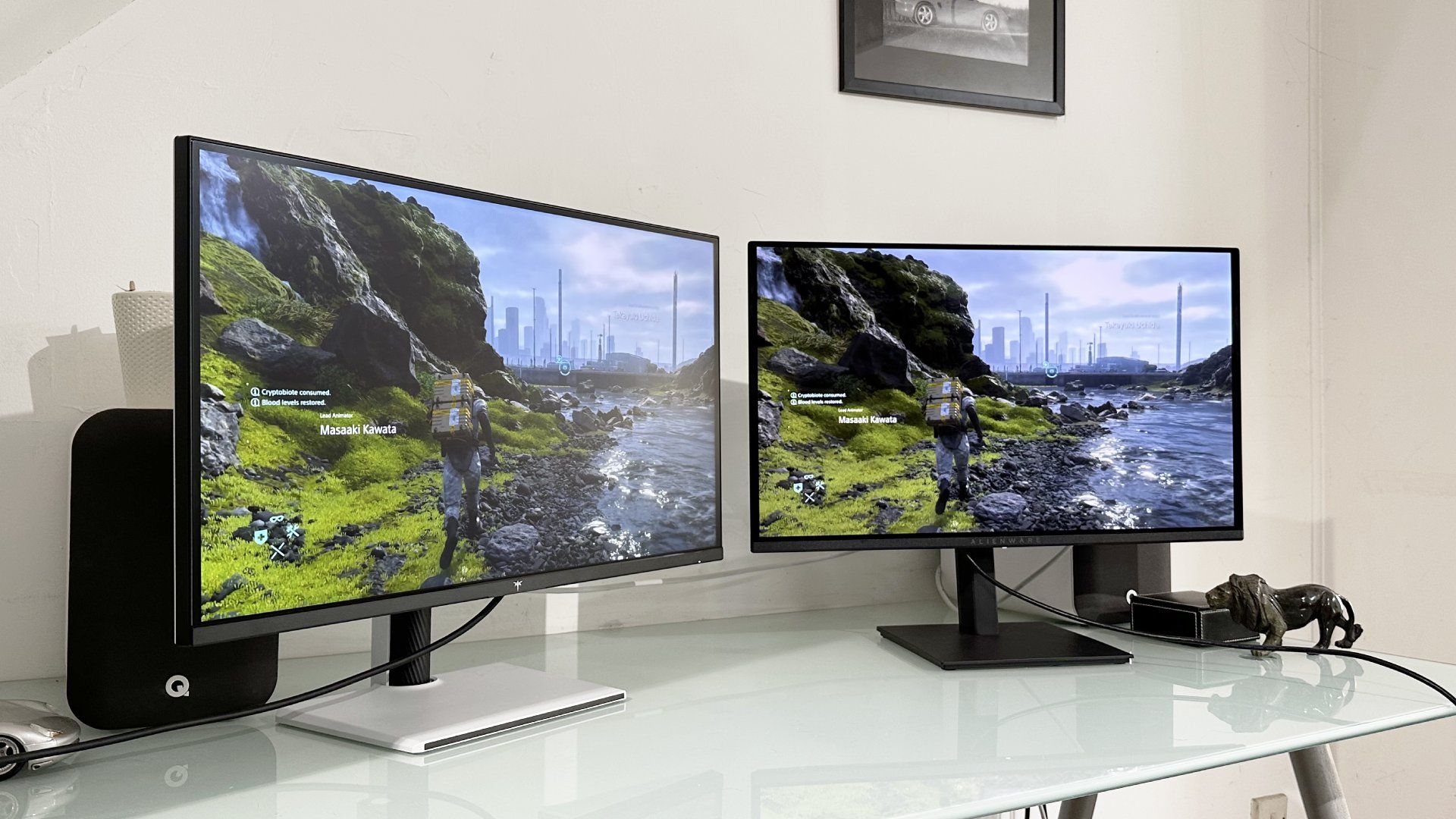
| Typical price | Alienware AW2726DM around USD 350 (approx. ₱19,600) | KTC M27T6S around USD 290 (approx. ₱16,240); AOC CU34G4ZCA MSRP £329.99 |
| Max resolution / refresh | 4K at 240Hz; FHD at 480Hz on ASUS ROG OLEDs | 1440p at up to 210Hz on KTC mini-LED; 3440×1440 at 250Hz on AOC CU34G4ZCA |
| Peak HDR brightness | 1,000 nits peak HDR on True Tandem RGB OLED | Over 1,000 nits possible on some mini-LED monitors; 450 nits on AOC ultrawides |
| Pixel response | Around 0.03ms rated pixel response on OLED panels | Around 1ms claimed on typical LCDs; 0.3–0.5ms MPRT on AOC ultrawides |
| Special features | GaN power supply (~35% less waste heat); Dolby Vision; Dual Mode 4K/240Hz–FHD/480Hz | Local dimming zones on mini-LED; KVM switch and 90W USB-C power delivery on AOC ultrawides |
Why OLED Gaming Monitors Feel So Fast—and Where They Fall Short
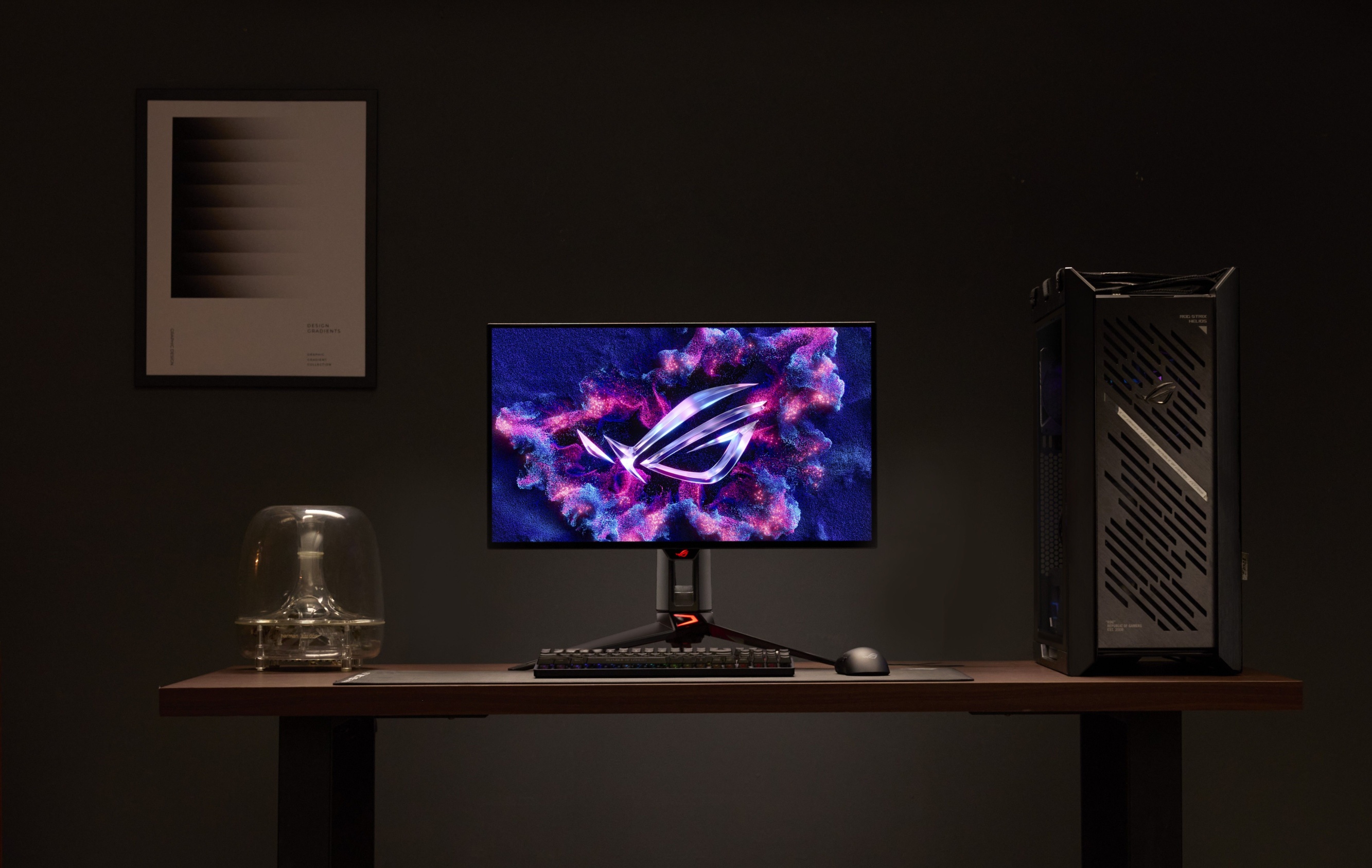
OLED panels light each pixel individually, which removes the need for a backlight and eliminates bloom around bright objects. That per-pixel control gives you deep blacks, starfields without halos, and contrast ratios that standard LCDs cannot match. On top of that, OLED pixel response times are about two orders of magnitude faster than typical LCDs—LCDs claim around 1ms, while gaming OLEDs are rated at about 0.03ms. For high refresh rate gaming, that means cleaner motion at 240Hz and above with fewer smearing artifacts. Flagship 4K gaming displays like the ASUS ROG Swift OLED PG27UCWM and PG32UCWM push this further: they hit 1,000 nits peak HDR brightness, switch between 4K at 240Hz and full-HD at 480Hz with a hotkey, and use gallium nitride power supplies to cut waste heat by roughly 35 percent. According to ASUS, that "Dual Mode" design targets both creators who need sharp 4K and esports players chasing sub-frame clarity at 480Hz. Trade-offs remain. Even the latest OLED monitors stay under 350 nits for full-screen brightness, so bright rooms or wide HDR tone maps still favor mini-LED. OLED also brings real burn-in risk over very long use, though evidence suggests most users will not see issues for many years. On the new Tandem WOLED generation, a known limitation is visible banding in very dark scenes and dark-mode desktops because of micro-current variation in the panel’s digital-to-analog converter. If you live in dark UI themes and graded content, that’s a meaningful caveat.
Mini-LED and Fast VA Ultrawide Monitors: Brightness, Utility, and Value
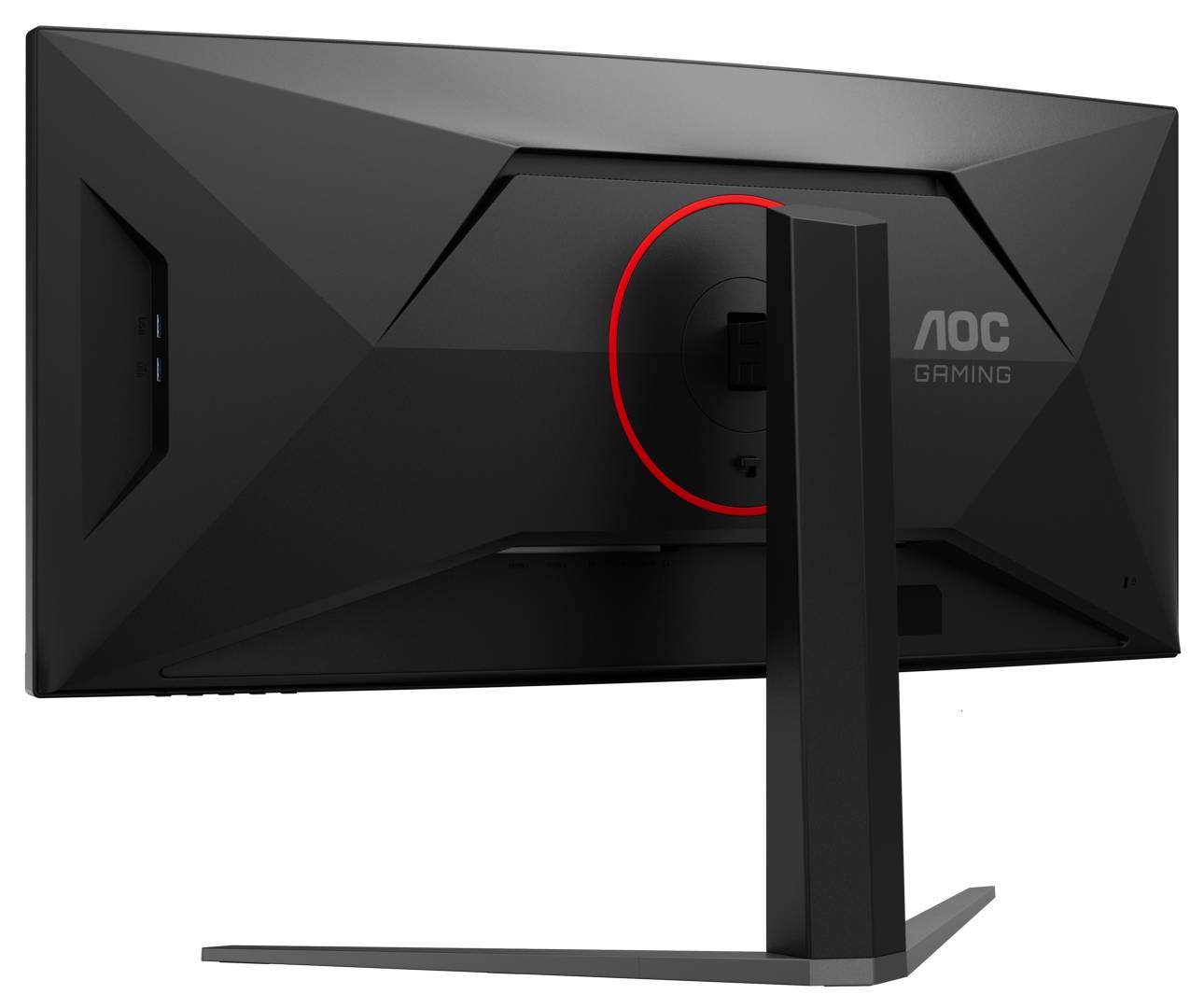
Mini-LED display technology keeps the familiar LCD structure but replaces a single backlight with an array of individually controllable zones—often around 1,000 to 2,000—so different parts of the screen can run at different brightness levels. That greatly improves contrast and helps some mini-LED monitors exceed 1,000 nits peak brightness, well above what full-screen OLED can sustain. In practical terms, you get punchier highlights, better HDR in bright rooms, and none of OLED’s long-term burn-in anxiety. Budget models now look compelling. The KTC M27T6S mini-LED comes in around USD 290 (approx. ₱16,240), undercutting the Alienware AW2726DM OLED’s roughly USD 350 (approx. ₱19,600) while still delivering strong lighting control and high refresh rates up to 200–210Hz. For hybrid setups, AOC’s 34-inch ultrawide gaming monitors—the CU34G4CA and CU34G4ZCA—add real work-life convenience: both include 90W USB-C power delivery and built-in KVM switching so you can use one keyboard, mouse, and screen for two machines and swap between them with a button press. The CU34G4ZCA focuses on high refresh rate gaming with a curved 3440×1440 Fast VA panel, 240Hz refresh overclockable to 250Hz, and a rated 0.3ms MPRT pixel response time. Its sibling CU34G4CA offers 180Hz with 0.5ms MPRT. Both hit 450 nits brightness and carry DisplayHDR 400 labels, but their lack of local dimming means HDR is serviceable rather than spectacular. Mini-LED zones can still bloom slightly in hard edge cases and black levels won’t reach OLED, yet for bright, wide, and practical ultrawide gaming monitors, this camp rules on value.
High-Refresh Use Cases: Competitive Play vs Immersive and Creative Work
When choosing between OLED and mini-LED or fast VA ultrawide gaming monitors, think about how and where you play. For high refresh rate gaming in fast shooters or action titles, OLED’s combination of instant pixel response and high refresh ceilings is a concrete advantage. The Alienware AW2726DM, for example, runs at 240Hz and is slightly faster on paper than the 200–210Hz KTC M27T6S mini-LED. ASUS’s ROG OLEDs go further by letting you trade resolution for speed—4K at 240Hz when you want clarity, or 1080p at 480Hz when low input latency and motion definition matter more. For immersive ultrawide gaming and content creation, panel size, aspect ratio, and brightness start to matter as much as response time. AOC’s 34-inch 21:9 ultrawide gaming monitors, with curved WQHD 3440×1440 resolution, widen your field of view in racing and simulator games while also giving professionals more desktop space to run several windows side by side. Their 240–250Hz and 180Hz refresh options ensure smooth motion, and features like KVM and 90W USB-C tilt them toward hybrid gaming-work setups. Creators who grade HDR video or work in bright studios will welcome mini-LED’s stronger HDR headroom and higher full-screen brightness. Meanwhile, those focused on dark-scene cinematic content may still prefer OLED’s perfect blacks—provided they accept the Tandem WOLED banding caveat at low luminance and moderate their use of static UI elements to minimize burn-in risk.
Buy if / Skip if
- Buy the OLED gaming monitor if you play fast competitive games where instant pixel response, 240–480Hz refresh, and flawless per-pixel contrast matter more than maximum brightness or long-term burn-in concerns.
- Skip the OLED gaming monitor if you work in bright rooms, rely on dark desktop modes, or would be bothered by potential low-luminance banding and any risk of image retention over many years.
- Buy the mini-LED gaming monitor if you want strong HDR with over 1,000 nits possible, better full-screen brightness than OLED, and no burn-in worry at a lower price like the KTC M27T6S around USD 290 (approx. ₱16,240).
- Skip the mini-LED gaming monitor if you are extremely sensitive to haloing around bright objects against dark backgrounds and demand the absolute best black levels for movies and dark games.
- Buy the 34-inch ultrawide gaming monitor if you want a curved 3440×1440 canvas with up to 250Hz, KVM switching, and 90W USB-C power delivery for a single-screen work-and-play setup.
- Skip the 34-inch ultrawide gaming monitor if top-tier HDR with local dimming and OLED-grade contrast is more important to you than desk efficiency and extra horizontal workspace, since these VA panels lack dimming zones and only carry DisplayHDR 400 certification.