
Windows vs Linux Gaming: What This Comparison Is About
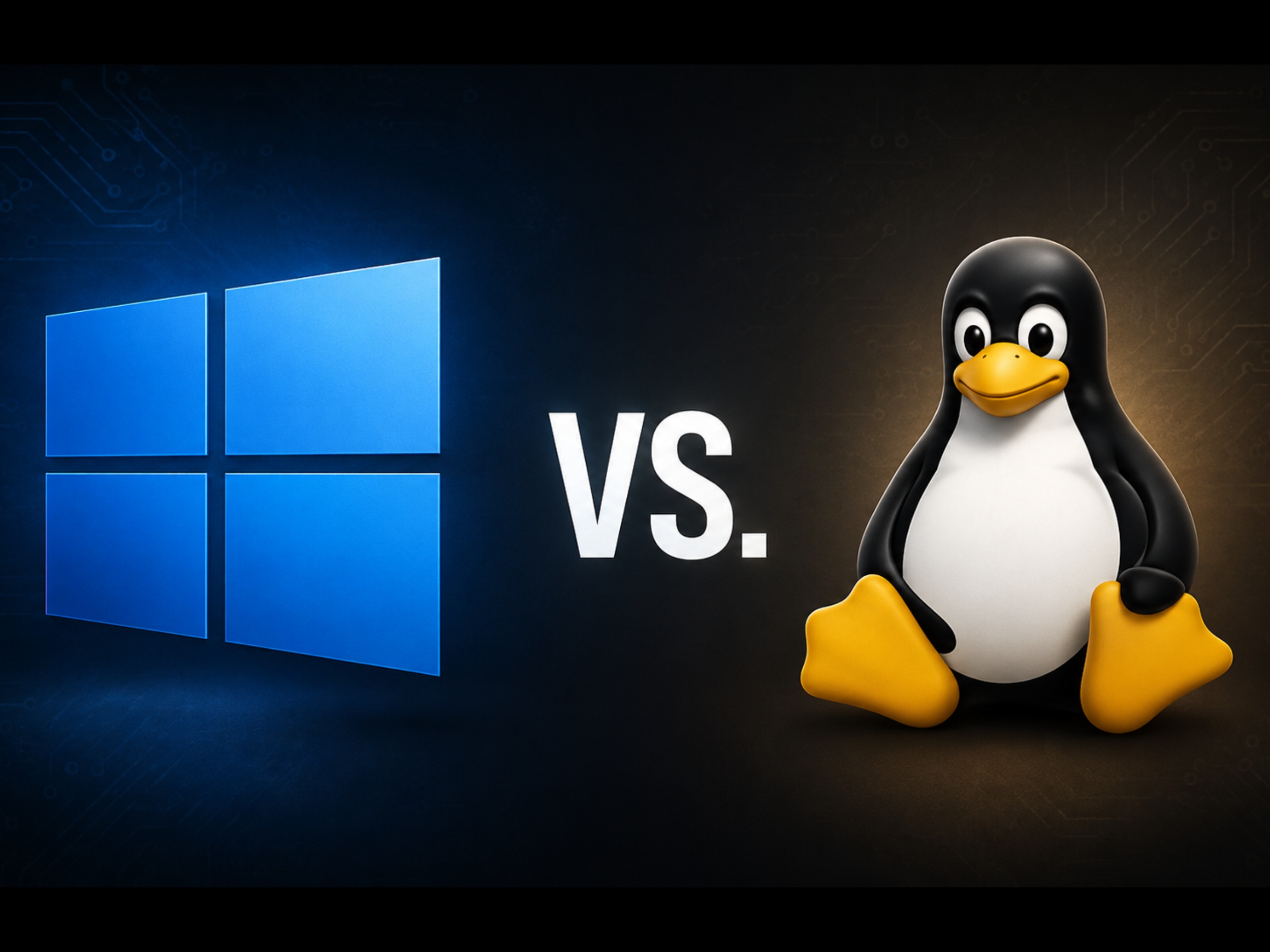
Windows vs Linux gaming is a comparison between two desktop operating systems to judge which delivers higher frame rates, smoother frame times, and better real‑world gaming OS performance when running the same hardware, while also weighing software compatibility, driver quality, and day‑to‑day usability beyond games. For most players who care about competitive stability and broad game support, Windows is still the safer default. Linux, however, is now fast enough and mature enough that it can outperform Windows in some non‑gaming workloads and give smooth performance in many titles, especially for users willing to tweak settings and accept some gaps in anti‑cheat and app support.
Benchmarks: Where Windows Wins and Linux Keeps Up
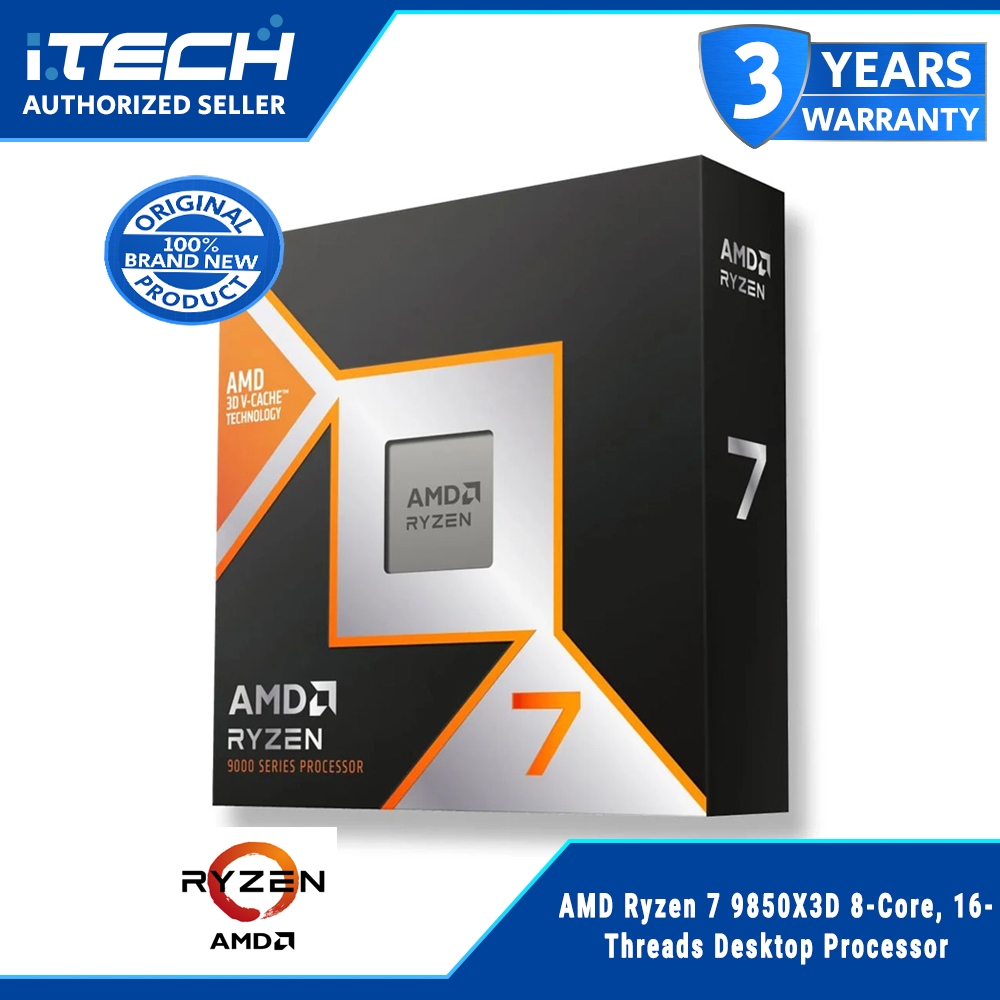
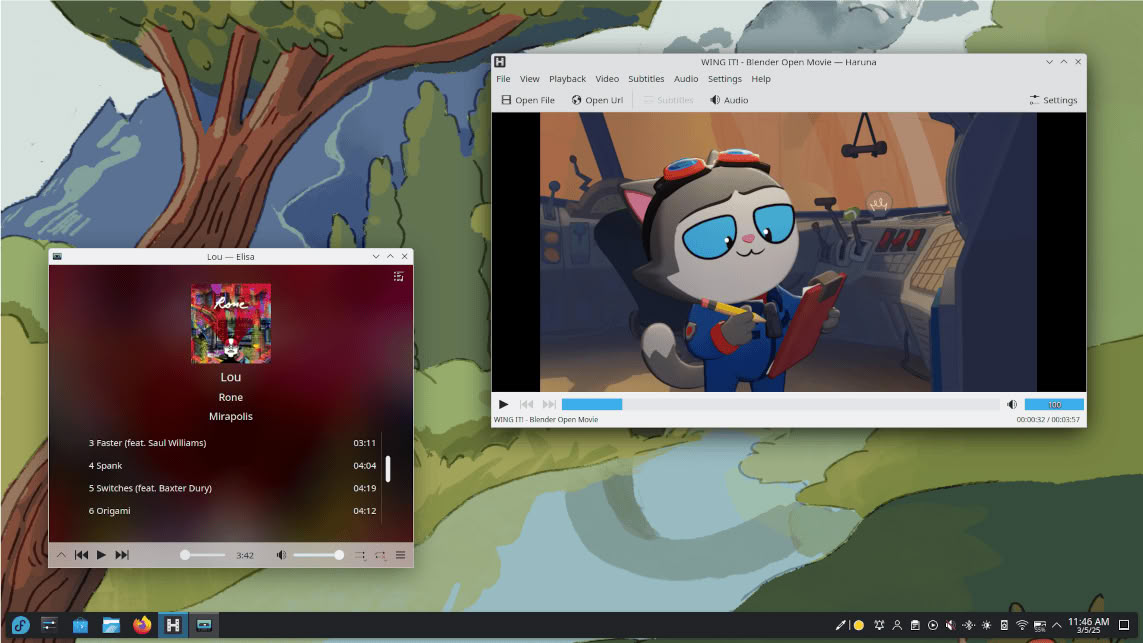
A recent side‑by‑side test installed Windows 11 and Fedora KDE Linux on the same PC, using an AMD Ryzen 7 9850X3D, Radeon RX 9700 XT and two identical SSDs to keep conditions identical. In CPU‑heavy and productivity tasks, Linux pulled slightly ahead thanks to lower overhead: Geekbench scores reached 3,595 single‑core and 19,995 multi‑core on Linux versus 3,500 and 19,144 on Windows, a three to four percent gain depending on workload. Fedora also led in all three Blender scenes, again pointing to leaner system processes and fewer background services. When the focus shifted to games, the pattern flipped. Windows 11 topped every gaming benchmark in the test, despite the same graphics settings and resolution on both systems.
| Game @ 1440p (avg FPS) | Windows 11 | Fedora KDE Linux |
|---|---|---|
| Cyberpunk 2077 | 149 FPS | 140 FPS |
| Arc Raiders | 145 FPS (131 FPS 1% low) | 133 FPS (94 FPS 1% low) |
| Marvel Rivals | 116 FPS | 110 FPS |
Real-World FPS vs Playability: The Compatibility Question
Looking at the raw frame rates, the gaps are modest: nine FPS in Cyberpunk 2077 and six FPS in Marvel Rivals at 1440p. The bigger story is consistency and whether your games launch at all. Arc Raiders showed why Windows still rules competitive play: 1% lows were 131 FPS on Windows but only 94 FPS on Linux, so the Linux run dipped deeper and more often. That kind of variance matters more than a small uplift in average FPS when you care about input feel and frame pacing. Compatibility is an even sharper edge. Some multiplayer titles never started under Linux in the test; Fortnite refused to launch because Easy Anti‑Cheat did not support Linux, and other anti‑cheat‑protected games like Valorant and many Game Pass titles remain unavailable. If your library leans heavily on those, Linux is a non‑starter today.
Linux Proton Gaming, Drivers, and Why the Community Stays Split
Modern Linux gaming stands on Proton, which translates DirectX calls so Windows games can run without native ports. The earlier productivity results suggest that when Linux does not rely on translation layers, its lower overhead lets it use hardware more efficiently. That is one reason many players report smooth experiences in most of their Steam libraries using Linux Proton gaming setups, even if they keep a small Windows partition for stubborn titles. However, not all Linux setups are equal. Commenters argue that a general‑purpose distro like Fedora is a poor stand‑in for tuned gaming distros such as CachyOS, Nobara, or Bazzite, which ship with gaming‑oriented kernels, schedulers, and presets out of the box. Some also note that Radeon RX 9700 XT drivers are still relatively new on Linux, which can handicap results in early tests. Fragmentation across many distros, configurations, and support channels keeps the community divided on how ready Linux is as a main gaming OS.
Beyond FPS: UX, Stability, and Choosing Your Gaming OS
Performance is only part of gaming OS performance. One source notes that while Linux can be more efficient on a technical level when it avoids translation layers, Windows still pulls ahead for many people because they use their PC for much more than games. The Windows user experience, especially for non‑experts, benefits from a culture of setup wizards, unified driver installers, and layered complexity that hides most command‑line work. On Linux, basic tasks inside the “walled garden” of a software center are easy, but stepping beyond that often drops users into long command‑line guides that may break on newer versions. That friction matters if you tinker with peripherals, capture tools, or mods. At the same time, Windows brings its own overhead from telemetry and bundled features, which can nibble at raw performance. According to one summary of the benchmarks, “Windows 11 came out on top in every game tested,” while Linux kept an edge in CPU and rendering workloads. The decision comes down to whether you value maximum compatibility and ease of use, or leaner performance with some effort and compromises.
Buy if / Skip if
- Buy the Windows PC if your top priority is playing every major multiplayer title, including games that depend on Easy Anti-Cheat or other unsupported anti-cheat systems.
- Skip the Windows PC if you prefer a leaner system with fewer background services and can tolerate narrower game support in exchange for better efficiency in non-gaming workloads.
- Buy the Linux PC if your library is mostly single-player or Proton-friendly games and you like the idea of a fast, lower-overhead OS that edges out Windows in CPU and Blender benchmarks.
- Skip the Linux PC if you are a non-expert user who dislikes command-line tools and wants the kind of guided installers and automation that are common on Windows.
- Buy the Linux PC if you enjoy tuning your system, testing gaming-focused distros, and do not mind living with driver maturity and distro fragmentation as trade-offs.
- Skip the Windows PC if you are willing to give up some compatibility and polished UX in order to avoid bloat like bundled assistants and extensive telemetry that can impact raw performance.
- Buy the Windows PC if you play competitively and care about higher 1% lows and more stable frame times like those seen in Arc Raiders during testing.
- Skip the Linux PC if missing titles such as Fortnite, Valorant, or some Game Pass releases would make your main gaming setup feel incomplete.