
Top Pick: GPU First, Then Targeted AM4 Upgrades
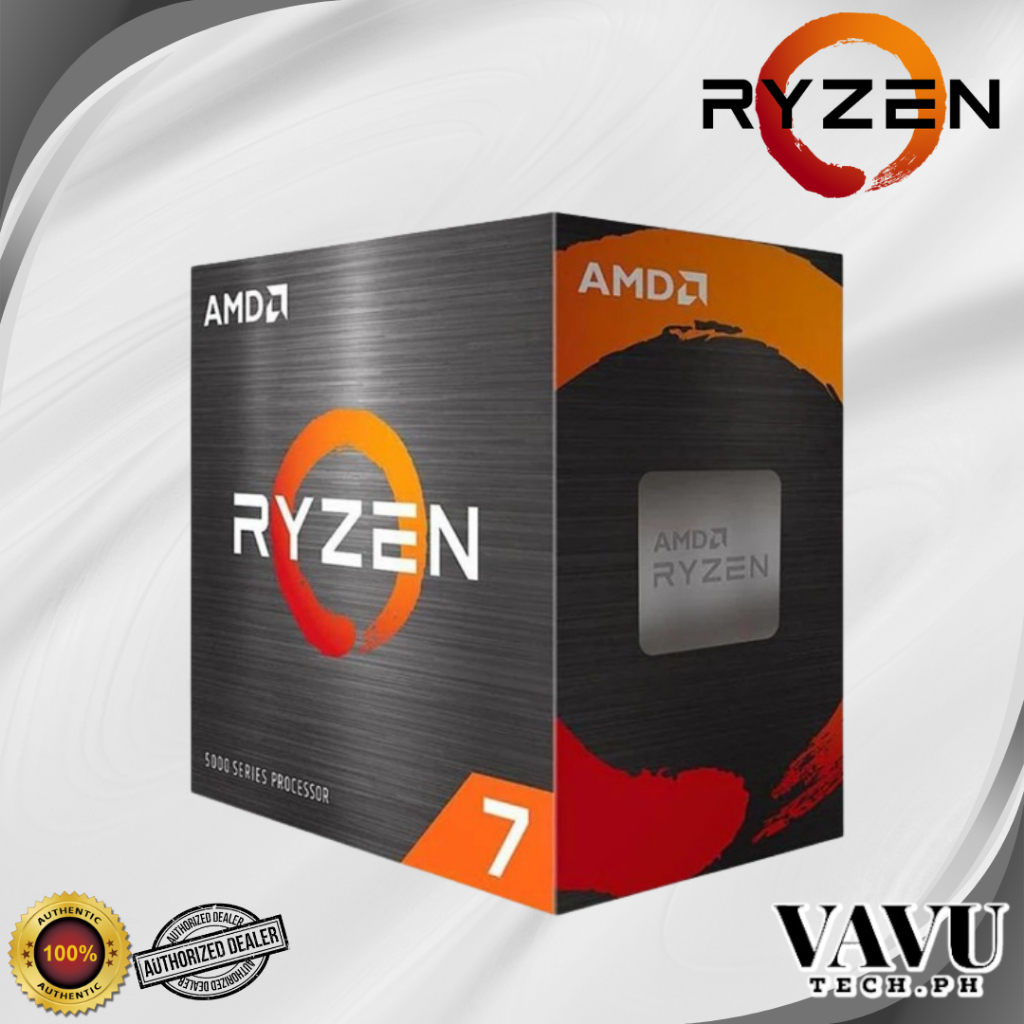
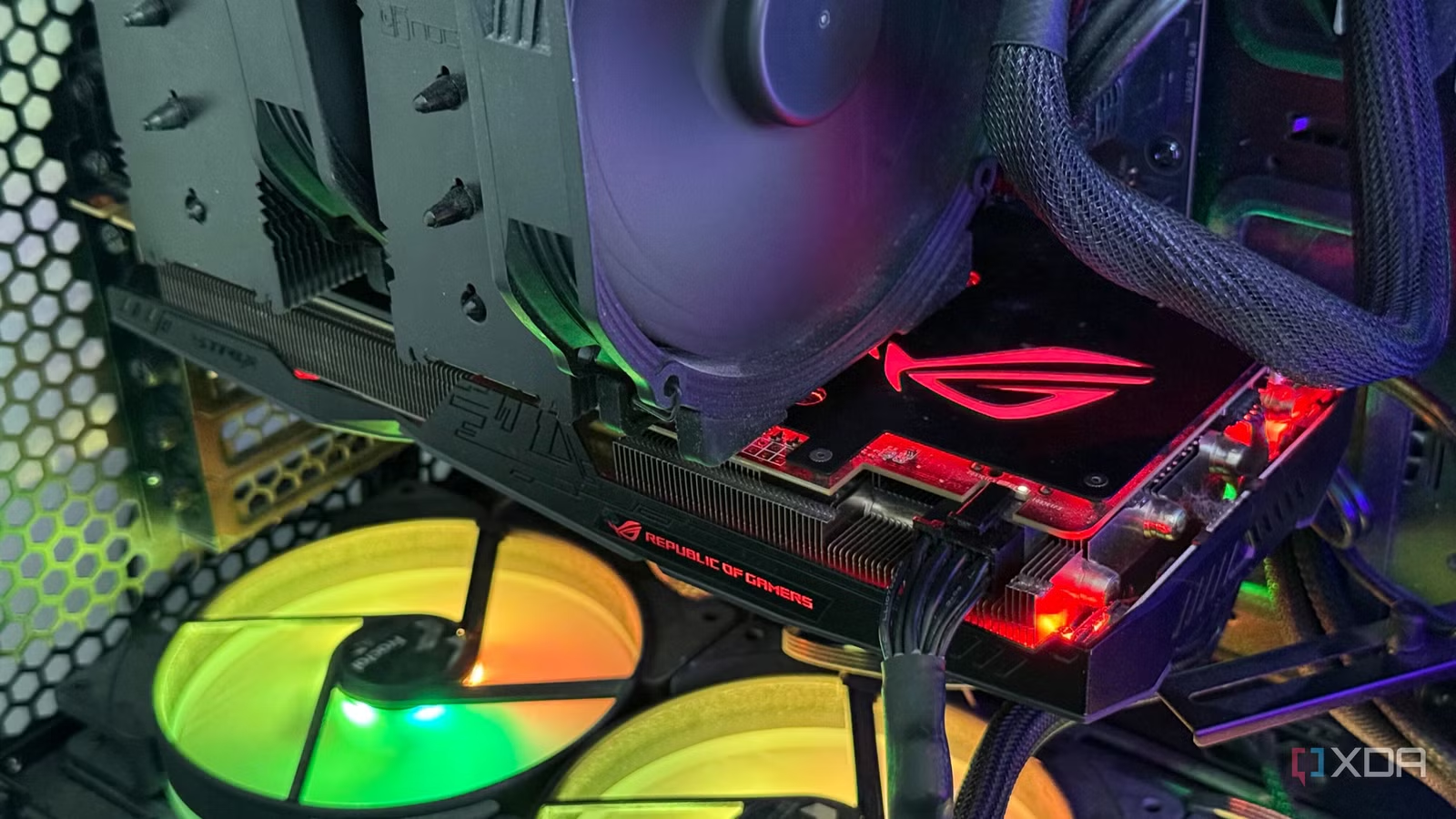
A Socket AM4 upgrade is the process of improving an existing AMD AM4-based PC with new parts such as a graphics card, CPU, motherboard, or memory to gain better gaming, productivity, or local AI performance without switching to a newer platform, extending the AM4 platform lifespan and saving money compared with a full rebuild. For most people, the single best upgrade is a stronger GPU paired with selective AM4 component swaps. Real-world testing shows that a well-balanced system with a Ryzen 7 5800X, B550 motherboard, 32GB DDR4-3200, and an RTX 3060 remains very viable for gaming and productivity. But if you feel limited, moving to a higher-tier graphics card delivers the largest performance jump in modern games and GPU-accelerated apps, while leaving room to refine your CPU, RAM, and storage later. You should treat AM4 as a solid mid-range base and invest first where the gains are biggest.
AM4 Is Still Worth Keeping for Most Builds
Socket AM4 remains a smart choice because it offers enough compute for mid-range gaming and productivity workloads despite newer sockets being available. Many builders already own systems with 8-core CPUs, 32GB RAM, PCIe 4.0, and modern motherboards, which means they are not forced to move to a newer platform to stay productive. Instead of replacing the whole machine, you can stretch your AM4 platform lifespan by upgrading only the parts that hold you back. This matters more than ever during a DRAM crisis, where last-generation GPUs, CPUs, and memory kits can cost several times their original prices. There is a clear way to spend money to keep existing hardware relevant rather than replacing it outright: focus on upgrades that give clear gains for your workloads while avoiding unnecessary full-platform jumps. In short, keep AM4 unless you have very specific high-end needs.
CPU, Motherboard, and RAM: Where They Matter
Once your GPU is sorted, CPU upgrade priority depends on what you do most. A Ryzen 7 5800X still pairs well with stronger GPUs at 1440p without major bottlenecks, giving balanced gaming and productivity performance. If you care mainly about gaming, AI tools may suggest chips like the Ryzen 7 5700X3D as “best gaming-per-pound” because extra cache can provide 10–30% more FPS and smoother lows in CPU-heavy games. However, this kind of recommendation needs validation: one real-world user rated the suggestion lukewarm and pointed out that focusing on gaming CPUs can slightly hurt productivity, making a GPU upgrade more attractive. For older AM4 systems, upgrading the motherboard, CPU, or RAM to 32GB can make sense, but each gives different gains depending on whether you value frame rates, background apps, or heavy multitasking. Treat RAM and motherboard as supporting upgrades, not your first move.
| Component | Best Use Case | Typical Benefit |
|---|---|---|
| CPU (modern 8-core) | Gaming + productivity mix | Higher minimum FPS, faster multi-core tasks |
| Motherboard (B550/X570) | Storage & IO-heavy work | PCIe 4.0, better VRM, more connectivity |
| RAM (32GB DDR4) | Content creation & multitasking | Smoother heavy workflows, more browser tabs |
Gaming, Content Creation, and Local AI: Different Priorities
Upgrade priorities differ sharply for gaming, content creation, and AI workloads. For a balance of gaming and productivity, one AI ranking put the GPU upgrade first, then the CPU, followed by SSD and RAM changes. That ordering matches what builders see in practice: games and GPU-accelerated tools such as video editing, 3D work, and many AI apps respond most to a stronger graphics card. If your focus shifts to pure gaming, cache-heavy CPUs like 3D V-Cache models can add noticeable frame rate gains, but they may slightly reduce some productivity scores, so they are not the best choice for everyone. On the other hand, local AI inference and home-server tasks often benefit more from repurposing older hardware than chasing raw FPS. Old desktops and laptops can be turned into media servers, NAS boxes, or local AI machines thanks to modern software, extending hardware lifespan without major new purchases.
Smart, Budget-Friendly Ways to Extend AM4
Budget PC upgrades on AM4 work best when they are targeted. Instead of buying a new platform, many builders can extend the AM4 platform lifespan with a single high-impact upgrade, such as a better GPU, and then small additions like faster storage or more RAM. There is, however, a way to spend money to keep existing hardware relevant rather than replacing it outright: use low-cost accessories or repurpose old systems for secondary roles. These are examples of sub-$50 accessories that can breathe new life into components that would otherwise sit unused, recycled, or sold at a poor price. AI tools can help you spot options, but they are not perfect; in one case, AI suggested four Socket AM4 upgrades and only two made clear sense after checking real performance and availability. The right strategy is to accept AI as a starting point, then confirm every recommendation against benchmarks and your own workload.
- Buy the stronger GPU upgrade if gaming performance or GPU-accelerated apps feel clearly limited on your current AM4 system.
- Skip the GPU upgrade if you mostly use your PC for light office work or web browsing where your current card is already idle.
- Buy the CPU upgrade if you play CPU-heavy games or run multi-core productivity tasks that keep your existing processor near 100%.
- Skip the CPU upgrade if your 8-core AM4 chip still delivers smooth performance and you have not pushed it to its limits.
- Buy the RAM upgrade to 32GB if you edit large media projects, run many browser tabs, or use local AI tools alongside other apps.
- Skip the RAM upgrade if you stay under your current memory capacity and do not see stutters when multitasking.
- Buy the faster SSD or small accessories if system responsiveness and loading times annoy you more than raw frame rates.
- Skip the platform switch away from AM4 if your motherboard supports PCIe 4.0 and you can still slot in sensible component upgrades.