

What This Guide Does and What Your PC Needs First
Assassin’s Creed Black Flag Resynced settings optimization is the process of tweaking graphics, resolution, and system options so the game runs smoothly on Steam Deck, Steam Machine, and older or budget PCs without sacrificing essential visual quality or frame stability. If you love the idea of sailing through the Caribbean on a portable screen or a modest desktop, but hate stutter and inconsistent frame rates, this guide is for you. The catch: you must meet the basic PC requirements and be willing to spend a little time inside menus instead of on the high seas. According to Ubisoft’s published PC requirements, every preset expects 16GB of dual‑channel RAM, 65GB of SSD space, and Windows 10 or 11. Those numbers matter even for budget gaming settings; if your system falls short, no amount of tuning will save your frame rate. On the plus side, the official spec table shows older and mid‑range GPUs, such as the RTX 3060 in the recommended tier, at targets like 1080p60 for the Medium preset, which means the game is deliberately built with non‑flagship hardware in mind. For handhelds, the developers added dedicated handheld presets and full support for modern upscalers like AMD FSR, Nvidia DLSS, and Intel XeSS, so portable performance tuning is baked into the design.

Step-by-Step: Getting Black Flag Resynced Running Smoothly on Steam Deck
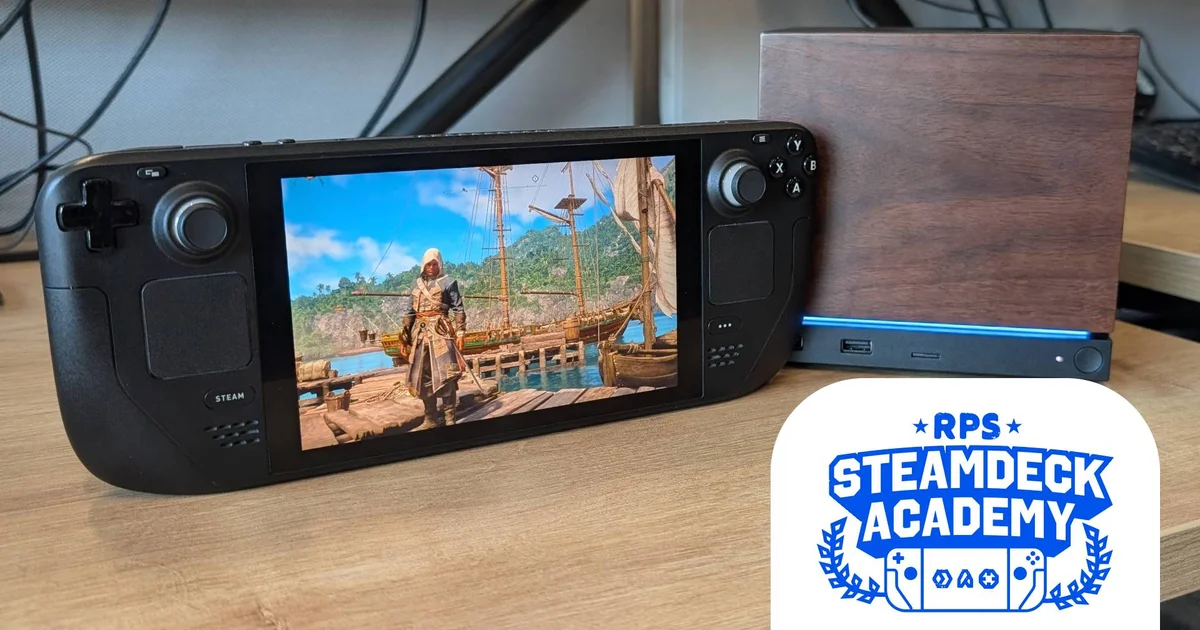
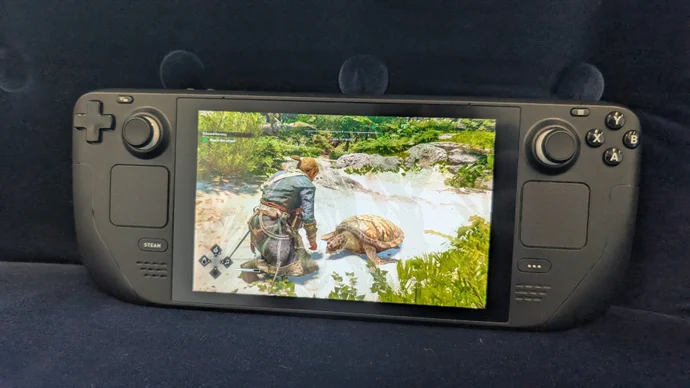
On Steam Deck, you get access to the full Assassin’s Creed Black Flag settings menu, not a locked handheld preset, which makes proper PC performance tuning possible. That flexibility is powerful, but also means almost every slider affects frame rate, so careless tweaks can hurt performance. The goal here is a stable 30–45fps range on the Deck’s 800p screen, using AMD FSR rather than native resolution as your main tool. The main gotcha: battery drain is steep when the game pushes the hardware, so think in terms of frame stability rather than chasing the highest numbers. The most common mistake right now is trying to install the Ubisoft version through Lutris, even though a recent Ubisoft Connect update has broken that path; instead, install the launcher directly. Another easy trap is relying on the default handheld presets without upscaling: at native resolution, the Handheld Low preset only averages 28fps in the benchmark with native TAA, but jumps to about 35fps when you enable FSR on Quality mode. That tells you how important the upscaler is: without it, the game feels sluggish in busier towns and ship battles.
- Install the Ubisoft Connect or Steam version correctly on your Deck. If you use Ubisoft Connect, switch to Desktop Mode, download the installer, add it to Steam as a non‑Steam game, then do the same for the main Connect executable before launching Black Flag Resynced through it.
- Set resolution to the Deck’s native 1280x800, then disable Dynamic Resolution to avoid unpredictable visual shifts while you move through dense areas.
- Choose AMD FSR as your upscaler and set Upscaler Quality to Balanced; this is the load‑bearing choice that keeps your frame rate above 30fps in heavy scenes like Havana while still letting the game reach about 45fps in calmer areas.
- Turn Frame Generation off and switch off Motion Blur and Chromatic Aberration to reduce visual smearing and minor performance overhead.
- Disable Raytracing mode, then push Character, Particles, Water, Texture Resolution, Geometry, Shadow, and Scatter Density down to Ultra Low, keeping Camera Effects on and Screen Space Effects, Light Source Quality, Clouds, and Deformation at Low or Very Low levels.
- Use Low or Very Low for Fog, Terrain, and Terrain Texture Quality, plus Low Loading Distance and Micropolygon settings to trim distant detail that the Deck’s small screen does not show clearly anyway.
- Run the in‑game benchmark, then hop into a demanding city area; if frame rates dip below 30fps often, consider nudging FSR from Balanced to Performance, or lowering remaining Low settings to Very Low until the game stays in the 30–45fps band.
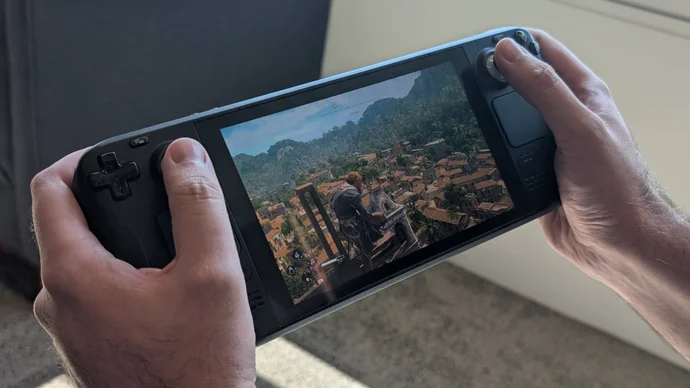
These handheld‑focused Assassin’s Creed Black Flag settings look aggressive at first glance, with many options sitting at Very Low or Ultra Low. However, with FSR Balanced as the core optimization, you avoid dropping every single slider to rock bottom while still matching or exceeding the Handheld Low preset’s performance. In practice, Balanced outperforms FSR Quality for handheld use: the benchmark gap is only around 4fps, but Balanced stops frame rates falling into the low twenties in markets and busy streets. The trade‑off is mild softness, which is far less noticeable on an 800p screen than the choppiness you would feel from inconsistent frame pacing. The only lingering downside is how hard the game hits the Deck’s battery, draining a full charge of the original LCD model in roughly an hour and twenty minutes, so plan shorter pirate sessions or bring a charger.
Optimizing Assassin’s Creed Black Flag Settings on Steam Machine and Mid-Range PCs
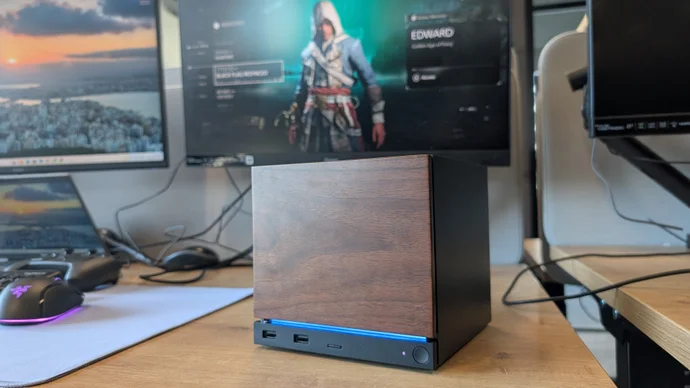
The Steam Machine may look like a compact console, but Assassin’s Creed Black Flag Resynced runs surprisingly well on it when configured correctly, and performance lines up closely with a desktop RTX 4060 system using comparable graphics settings. Because the game was designed with handheld PCs in mind and relies heavily on upscaling instead of raw resolution, you can treat Steam Machine tuning like any other budget gaming settings job: focus on 1080p with sensible upscaler use and a mix of Medium and High options that avoid heavy ray tracing. At native 1080p with TAA, preset testing shows the Steam Machine averaging about 43fps on Ultra High, 57fps on High, and 82fps on Ultra Low, while the RTX 4060 desktop hits around 46fps, 57fps, and 84fps on the same presets. That near‑match is your hint that you do not need a top‑end GPU to enjoy the game at solid frame rates. One thing to watch for is the Steam Machine defaulting to a 60Hz display cap in SteamOS; if you want uncapped frame rates, you must manually remove that limit through the quick access menu.
For a balanced 1080p experience on Steam Machine or a typical mid‑range desktop GPU like the RTX 4060, start by turning Dynamic Resolution off and picking AMD FSR on Quality instead of Balanced, since you have more headroom than the Deck. Then leave Frame Generation off and keep Motion Blur and Chromatic Aberration disabled for clarity. Set Raytracing mode to off to avoid its extra cost, and run Character Quality at Medium, Hair Strands on Player Only, Post Effects on High, and Particles on Ultra High for lively combat without a large performance hit. Use Medium for Water Quality, but push Texture Resolution Quality to Ultra High, and set Loading Distance, Geometry Quality, and Micropolygon to High. Screen Space Effects and Light Source Quality work well at Medium, Shadow Quality at High, and Cloud and Fog at Medium or High depending on taste. Terrain and Terrain Texture can sit at High, with Scatter Density on Ultra High and Deformation at Medium for good environmental detail. This mix delivers around a 70fps average in the benchmark, with enough buffer to stay above 60fps during normal play.
How These Optimized Settings Scale Across Older and Budget Rigs
One of the quiet strengths of Assassin’s Creed Black Flag Resynced is how its official PC requirements favor older and budget‑friendly hardware instead of chasing only high‑end cards. Because of ongoing DRAM shortages and rising RAM and SSD prices, hardware makers have revived legacy components, and Ubisoft responded by tailoring the game’s requirements so older PCs could still meet their targets. In practice, that means a widely used GPU like the RTX 3060 sits in the recommended tier, aimed at 1080p60 on the Medium preset with Balanced upscaling and standard ray‑traced lighting. Across hardware, tuned settings behave consistently: the Steam Machine and an RTX 4060 desktop show nearly identical preset averages at 1080p, while the Steam Deck hits similar frame rates to its handheld Low preset once you lock in FSR Balanced and accept lower individual settings. With a mid‑range card and the mixed High/Medium layout described earlier, you can push the benchmark to about 70fps and keep real‑world drops comfortably above 60fps. On lower‑spec handhelds, that same philosophy—upscaler first, aggressive cuts to expensive detail—lands the game in the 30–45fps window without making Black Flag Resynced look like a decade‑old port.
Takeaway: Is the Tuning Effort Worth It?
If you are playing on Steam Deck, Steam Machine, or a modest desktop, the short answer is yes: spending half an hour with these Assassin’s Creed Black Flag settings pays off. Once you embrace FSR as the central tool—Balanced on Deck, Quality on larger 1080p screens—you gain the frame stability that handheld presets promise without forcing every slider to the lowest possible value. You do trade away some niceties like full ray tracing and high‑end hair simulation, and the Deck’s battery drain stays a concern, but you keep responsive controls and a visually consistent world. The real watch points are installation and caps: avoid broken launcher setups by installing Ubisoft Connect directly on Deck if you use that version, and double‑check SteamOS display limits on Steam Machine so you are not stuck at 60Hz when the game could run faster. With those handled, Assassin’s Creed Black Flag Resynced becomes a good example of PC performance tuning on portable and budget rigs: a few smart compromises, a bit less shimmer, and a much smoother trip across the Caribbean.