
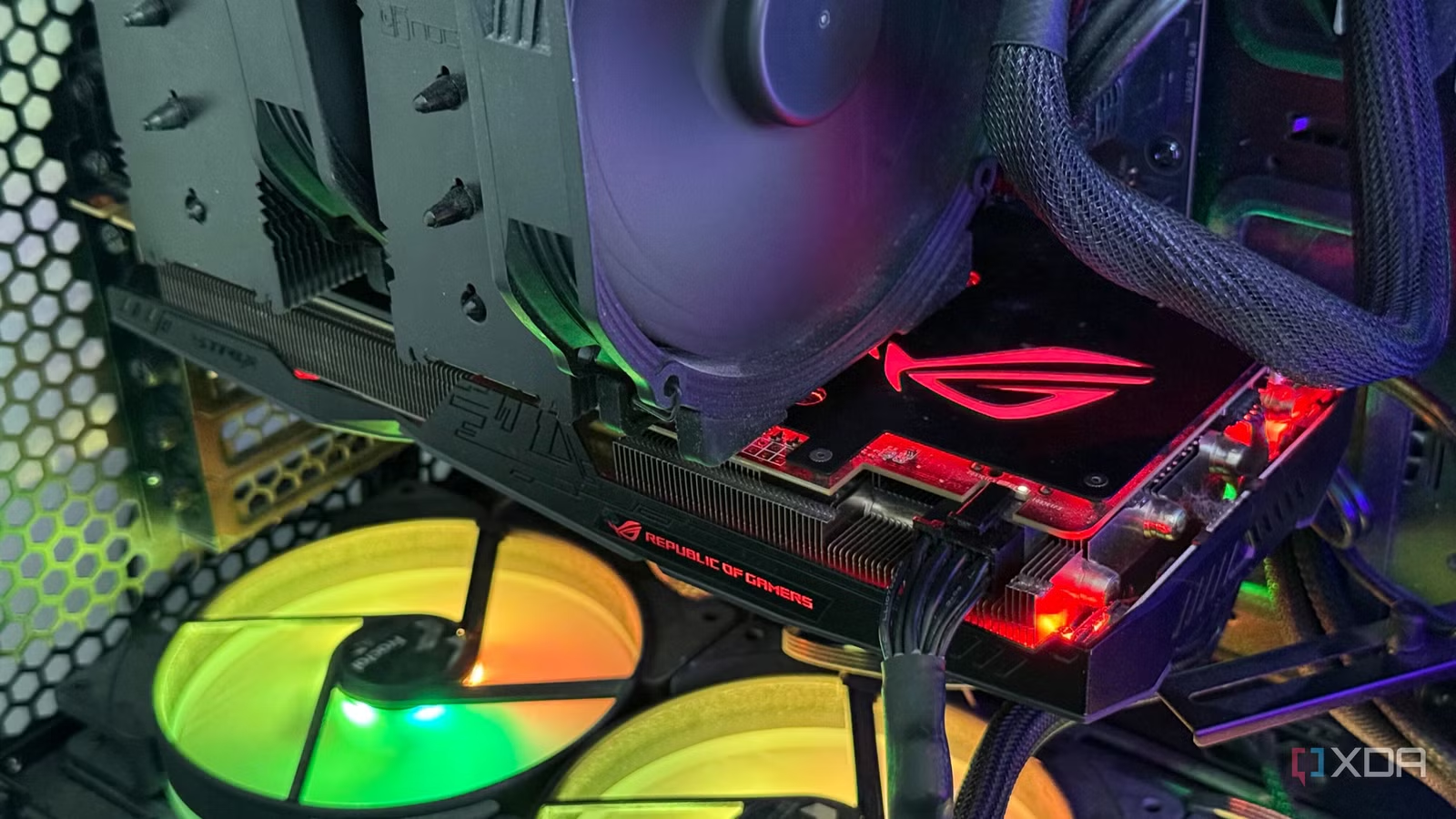

Start Here: The Single Best Upgrade for Most AM4 Systems
A Socket AM4 upgrade is any component refresh—typically CPU, GPU, RAM, or storage—designed to increase gaming and productivity performance without replacing the entire platform, focusing on measurable PC performance gains and lower total cost through targeted AM4 platform refresh choices. The number one upgrade for most AM4 owners is a graphics card replacement. If you are on a mid-range GPU such as an RTX 3060 12GB paired with a strong AM4 base—Ryzen 7 5800X, a modern B550 motherboard, and 32GB DDR4 3200MHz RAM—you will see the biggest real-world uplift from moving to a more powerful card. AI guidance confirms this: upgrading the GPU is ranked as the “best overall value”, delivering the largest gaming improvement and faster GPU-assisted productivity work like video editing, Blender, AI tools, and Adobe apps. Aim first at this upgrade unless your current card already easily meets your frame-rate and resolution targets.
GPU Upgrade Guide: Where the Big FPS Gains Come From
If games feel sluggish or GPU-accelerated apps are slow, a new graphics card should be your top priority in any Socket AM4 upgrade plan. With an RTX 3060 12GB as a baseline, moving to a higher tier card such as an RTX 4070 Super, RTX 5070, Radeon RX 7800 XT, or Radeon RX 9070 yields substantial PC performance gains. According to one AI-assisted recommendation, an RTX 4070 Super can deliver roughly 70–90% more gaming performance than an RTX 3060, while an RTX 5070 can reach about 90–110% uplift, and a Radeon RX 7800 XT offers around 60–80% more performance. The Ryzen 7 5800X is fast enough that these GPUs are not heavily bottlenecked at 1440p. This makes a GPU upgrade the clear first pick: it meaningfully improves frame rates, visual quality, and productivity workloads, while letting you keep your existing AM4 board, CPU, and memory.
CPU and RAM: Targeted Upgrades for Specific Workloads
Once you have a strong GPU, the next Socket AM4 upgrade to consider is the CPU—but only if your workloads are CPU-bound. A focused CPU upgrade guide for AM4 points to chips like the Ryzen 7 5700X3D when gaming is your priority and you want to stay on AM4. Swapping a Ryzen 7 5800X for a 5700X3D can give 10–30% higher FPS, smoother 1% lows, and clear gains in CPU-heavy titles such as Factorio and Cities Skylines II, while keeping productivity performance similar. However, this model has been effectively discontinued and is gaming-first, so it is less compelling if you care more about productivity or already own a strong 8-core like the 5800X. RAM upgrades are simpler: many older AM4 rigs benefit from moving to 32GB if they run virtual machines, large 4K/8K editing projects, heavy AI workloads, or complex CAD. Beyond that, more memory or faster kits tend to give smaller returns than a GPU refresh.
Storage, AI Tools, and Reusing Hardware Instead of Replacing It
After GPU, CPU, and RAM, think of storage and peripherals as quality-of-life upgrades rather than core performance drivers. If you are still on SATA or an older NVMe drive, moving to a PCIe Gen4 NVMe SSD with 2TB capacity improves project loading, game installs, and overall Windows responsiveness, even though it will not increase FPS. These changes make your AM4 platform refresh feel snappier day to day. AI tools can help you match upgrades to your workloads and budget: one user found that AI suggestions for GPU and storage improvements aligned well with a value-first strategy for a balanced gaming and productivity rig. At the same time, software innovation means your "old" hardware can be reused instead of scrapped; repurposing older PCs as AI inference boxes, Plex servers, NAS machines, or home automation nodes keeps them relevant and cuts e-waste. Keeping AM4 while avoiding a full shift to AM5—which demands a new motherboard, DDR5 RAM, and CPU—often saves significant cost and extends the life of what you already own.
Buy if / Skip if
- Buy the GPU upgrade if your current card (for example, an RTX 3060 12GB) is limiting your gaming frame rates or GPU-accelerated work.
- Skip the GPU upgrade if you mainly do light productivity tasks and your existing card already hits your target resolution and settings.
- Buy the Ryzen 7 5700X3D upgrade if you play CPU-heavy games and want 10–30% more FPS while staying on the AM4 platform.
- Skip the Ryzen 7 5700X3D upgrade if productivity performance matters more to you than gaming, or if you are happy with your current 8-core CPU.
- Buy the RAM upgrade to 32GB if you run virtual machines, edit large 4K/8K video, use heavy AI tools, or work with big CAD projects.
- Skip the RAM upgrade beyond 32GB if you mainly game and browse, because you will see smaller returns than from a graphics card refresh.
- Buy the PCIe Gen4 NVMe SSD upgrade if you are still on SATA or an older NVMe drive and want faster loading and more responsive everyday use.
- Skip the PCIe Gen4 NVMe SSD upgrade if your current storage is already fast and your main concern is frame rate rather than responsiveness.
- Buy the AM4 platform refresh if you want better performance without paying for a new motherboard, DDR5 RAM, and CPU.
- Skip the AM4 platform refresh if you have the budget, need cutting-edge features, and are ready to retire or repurpose your current hardware as a secondary system.





