
Top Pick: Retro Digital Presets for Lightroom and Capture One
Film simulation presets are digital editing settings that recreate the colors, contrast, grain, and tonal response of specific analog films so photographers can add analog photo effects to their images without shooting or processing real film.
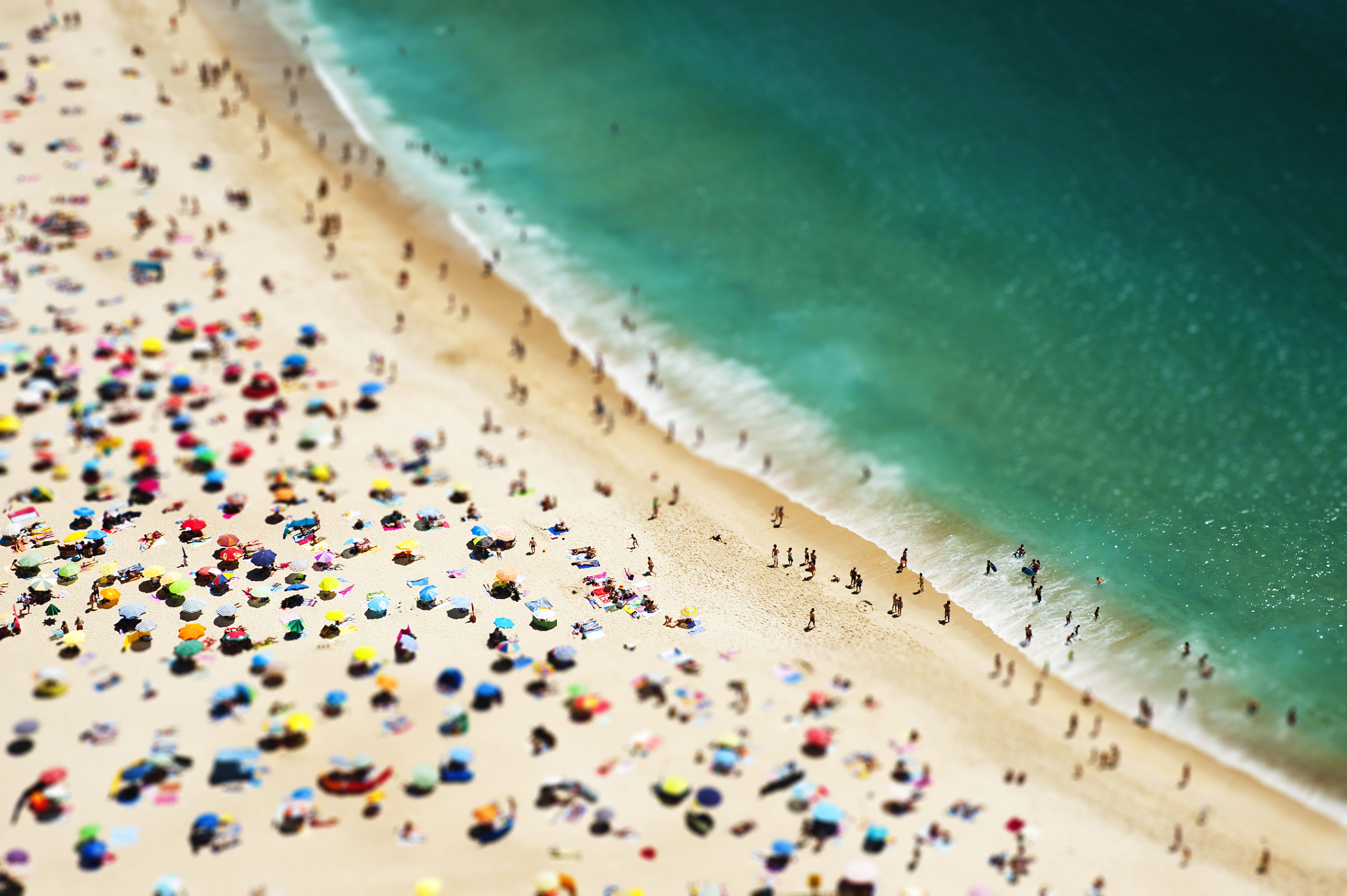
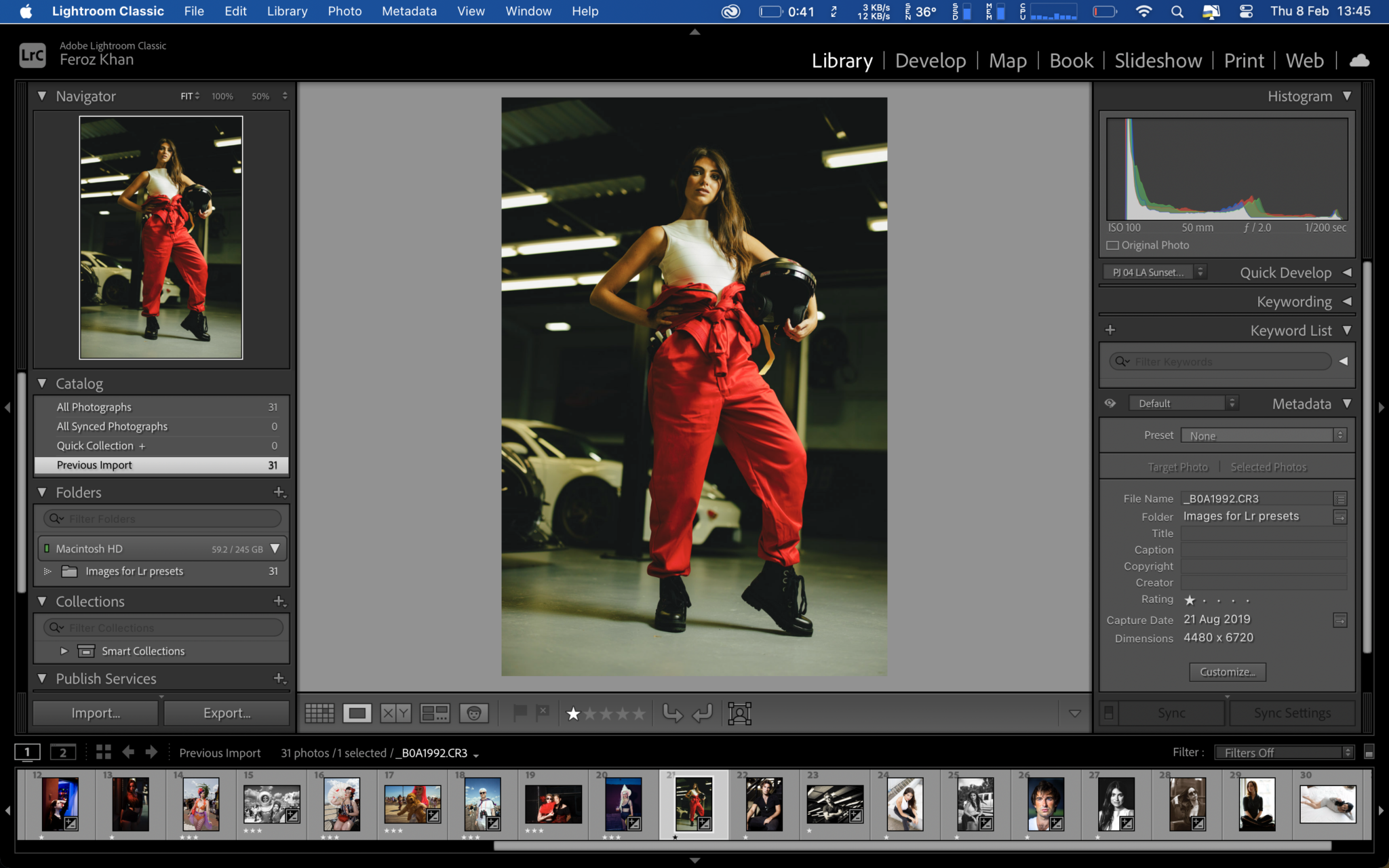
If you mainly live in Lightroom or Capture One, the best place to start is with the Retro Digital Presets pack, because it drops a full set of ready‑to‑use analog looks straight into the software you already use for every job. These film simulation presets are designed to make images in varied studio and natural light stand out, whether you shoot street photography, landscapes, or portraits. You get 20 presets in total: 10 color and 10 black‑and‑white, with each look tuned so results do not overlap and editing stays fast and predictable. Some of these are Adaptive presets that automatically scan your photos for faces and skies, then apply targeted masks only to those areas so you do not have to build complex local adjustments by hand.
The pack is “insanely affordable” and costs less than USD 40 (approx. ₱2,240), which is a fraction of buying an older DSLR to chase the same aesthetic. These presets were tested on RAW files from Canon, Nikon, Sony, Leica, Panasonic, Olympus, OM System, and Fujifilm bodies, so they are a safe bet no matter which digital sensor you prefer. Because they run in both Lightroom and Capture One, and can even be uploaded to Lightroom on mobile devices, they slot neatly into existing workflows and give you a consistent digital film emulation pipeline at home and on the go.
Best Free Option: Spektrafilm’s Data‑Driven Film Engine
If you care more about absolute authenticity than speed, Spektrafilm is the free tool that should be on your shortlist. It is described as “a faithful analog film processing tool” that uses spectroscopic data from manufacturer datasheets to build a physically based model of film, print, and scan behavior. Instead of acting like a simple one‑click filter with a splash of grain and color tweaks, it runs your photo through a full virtual analog process: developing a negative, scanning it, then applying a print profile. The software is built in the Python programming language and works outside of standard photo editors, taking JPEG, RAW, or TIFF files as input.
Spektrafilm shines for photographers who enjoy the “labor of love” aspect of film and want that same slow, meticulous feel in their digital film emulation. At present, it focuses on iconic Kodak film stocks with some Fujifilm options, plus a range of print profiles, so you can match both negative and paper behavior. A typical 24‑megapixel RAW took around 30 seconds to process in testing, which mirrors the deliberate pace of analog darkroom work and encourages you to commit to a look. The tool has enough controls to tweak exposure response and grain, and you can save favorite configurations to reuse, turning it into a powerful free analog engine for budget‑conscious shooters who do not mind stepping outside Lightroom.
According to one reviewer, “Not only is this free, but it’s completely blown me away,” referring to how Spektrafilm made them revisit their archive and see old digital files in a new, filmic light. Because it accepts RAW and TIFF files, you still benefit from your digital sensor’s dynamic range and clarity while the software layers on nostalgic color science and grain characteristics through its virtual analog pipeline.
Why Premium Presets Still Matter in a World of Free Tools
Spektrafilm proves that free tools can deliver professional‑grade analog effects, but premium preset packs remain the better choice for fast, repeatable retro photo editing. The Retro Digital Presets, for example, were built around the look of earlier digital cameras by embracing the grain, sharpness, colors, and white balances of that era to bring those looks back inside modern editors. Because every preset in the 20‑style pack is tuned to avoid overlap, you can quickly test several analog photo effects without getting lost in near‑duplicate styles. Adaptive presets that detect faces and skies further streamline color grading, which matters when you are processing dozens or hundreds of images for a client.
Premium film simulation presets also tend to be better integrated with everyday tools: these run natively in Lightroom Classic, Capture One, and Lightroom on mobile, and their intensity can be adjusted with the Amount slider in the Develop module for quick refinement. That means you keep your usual catalog, exports, and shortcuts while swapping in analog‑style rendering at the end. In a busy workflow, this level of integration is worth paying for. You spend less than USD 40 (approx. ₱2,240) once instead of buying another camera body for up to USD 1,000 (approx. ₱56,000), yet you can apply those looks to every camera you own.
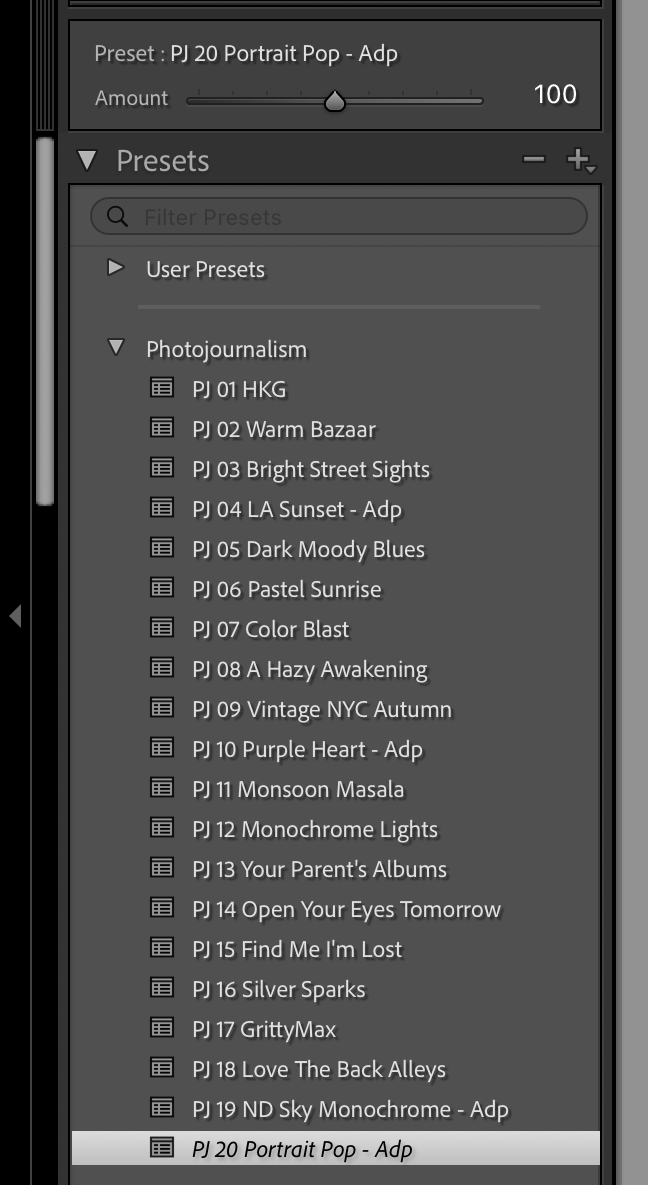
The same publisher’s Photojournalism Presets expand this approach with themed color and black‑and‑white looks—such as Vintage NYC Autumn, Color Blast, and Gritty Max—designed for on‑the‑go use and mobile editing. With both packs, you effectively build a library of “digital film rolls” inside your editor, ready whenever you need a specific mood.
Free vs Paid: Which Film Simulation Path Should You Take?
Choosing between free and paid film simulation tools comes down to how often you grade images, how fast you need to work, and how much you enjoy tinkering. Free options like Spektrafilm lower the barrier for budget‑conscious photographers; the tool is free, uses published data from iconic film stocks, and lets you explore different film and print combinations without spending a cent. You feed it your RAW files and submit them to a virtual analog process, keeping digital sensor advantages while gaining convincing film behavior. How you interact with the tool depends on how you approach the medium, which makes it ideal if you enjoy experimenting.
Paid packs shine when you need reliable, repeatable analog looks day in, day out. For less than USD 40 (approx. ₱2,240), the Retro Digital Presets give you 20 ready‑to‑go styles in Lightroom and Capture One, many with automatic masking for faces and skies, so you can transform a whole shoot in minutes instead of hand‑grading every frame. If you want more, a subscription under USD 3.99 (approx. ₱223) per month or USD 25 (approx. ₱1,400) per year adds bonus preset content, including a free “mystery box” for Lightroom or Capture One. In short: pick Spektrafilm if you value deep customization and zero cost; pick premium presets if speed and integration matter more than tinkering.
Buy if / Skip if
- Buy the Retro Digital Presets if you edit often in Lightroom or Capture One and want fast, consistent analog photo effects across entire shoots.
- Skip the Retro Digital Presets if you rarely edit or are unwilling to spend money on presets, even if they cost less than USD 40 (approx. ₱2,240).
- Buy the Spektrafilm tool if you are budget‑conscious, enjoy experimental digital film emulation, and do not mind working outside your usual editor.
- Skip the Spektrafilm tool if you need instant, in‑editor results and dislike waiting around 30 seconds per 24‑megapixel image.
- Buy the Photojournalism Presets if you want themed color and black‑and‑white looks for retro photo editing on desktop and mobile.
- Skip the Photojournalism Presets if you already own a large preset library and prefer to build custom looks instead of relying on packs.