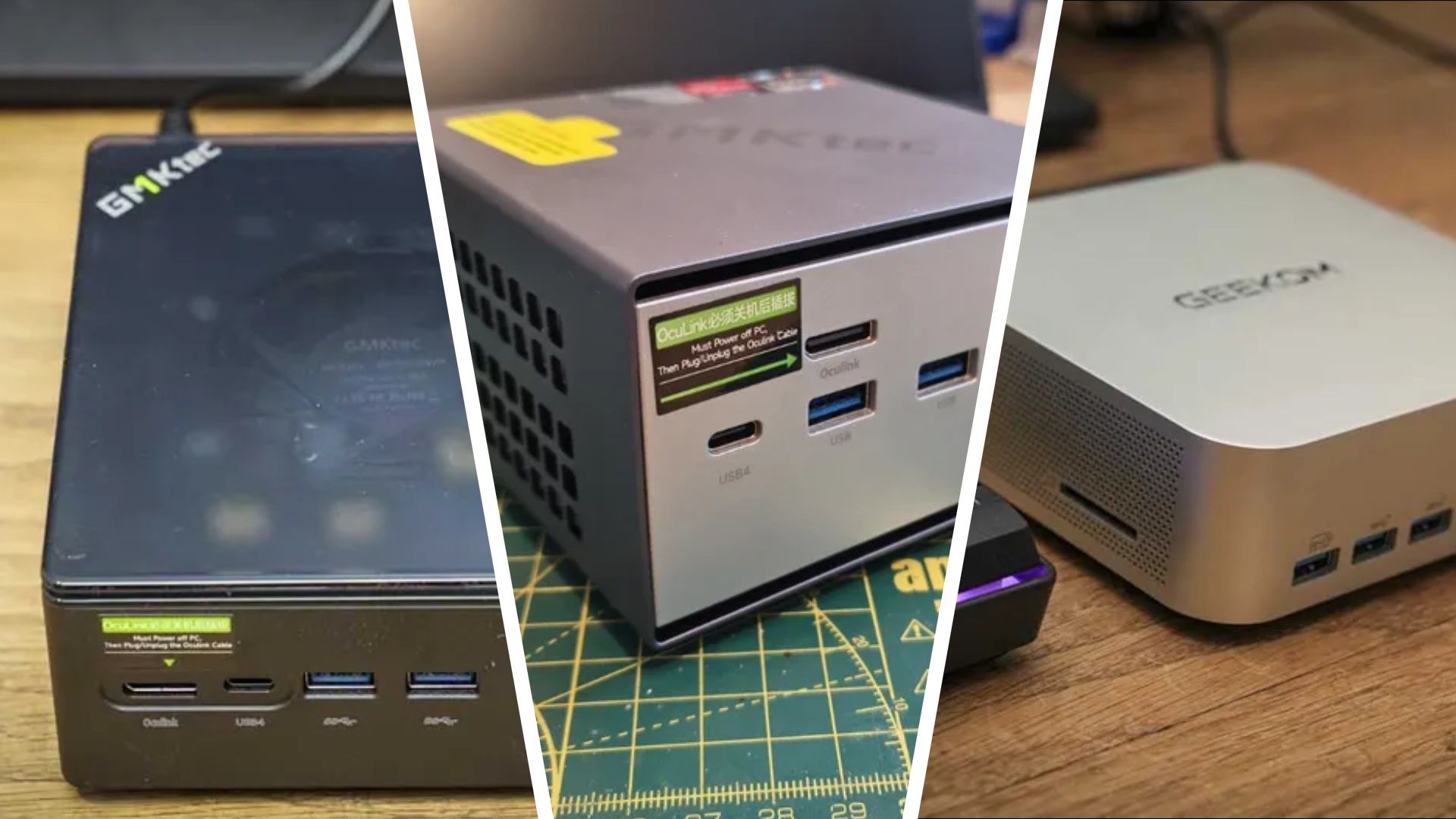

Deal verdict: are these compact video editing PCs worth it?
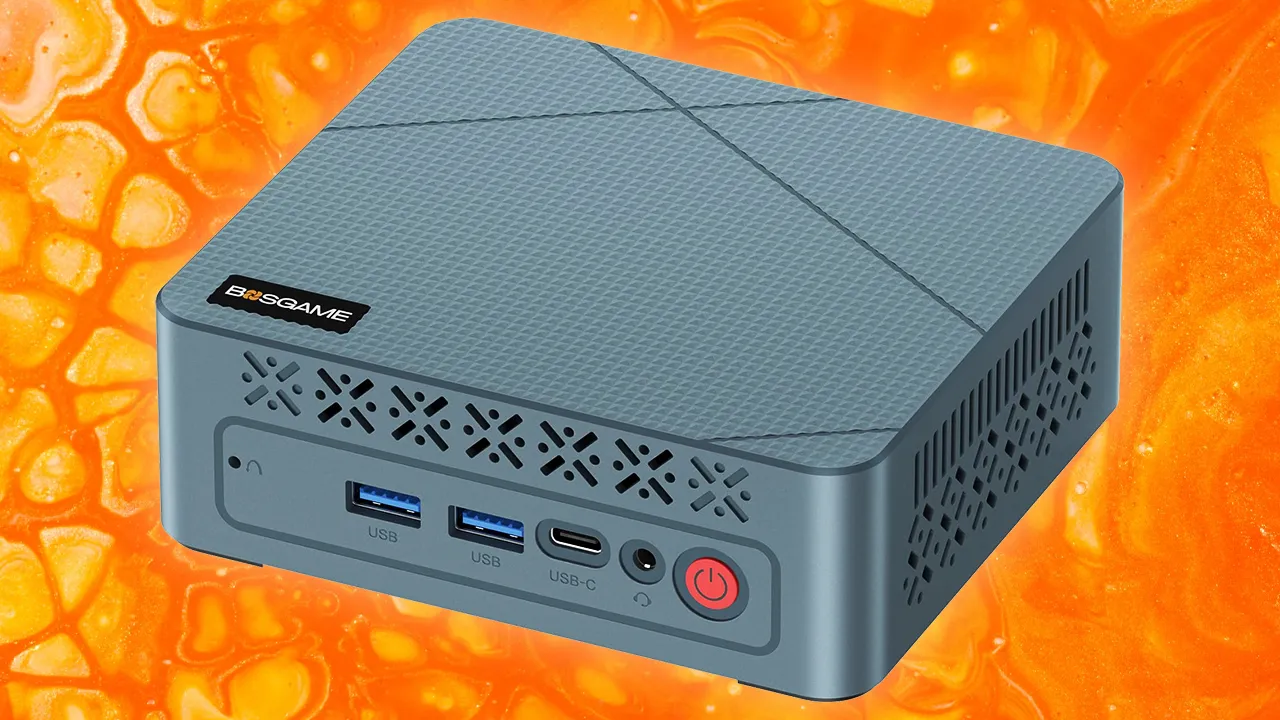
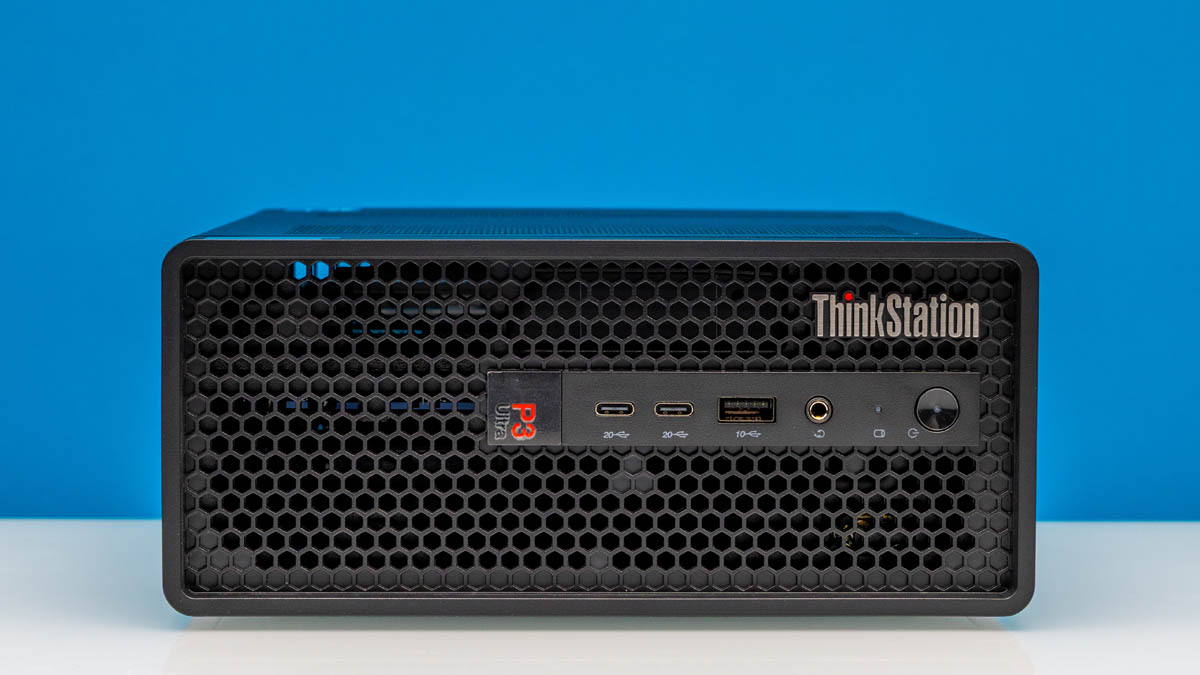
Mini PC deals for 4K editing are discounted small form factor editing rigs built around laptop-class processors that deliver enough CPU, RAM, and storage performance to handle high-bitrate 4K timelines while saving significant desk space compared to traditional towers.
For 4K video editors, the standout value is AMD-based mini PCs from GMKtec, GEEKOM, and Kamrui: you get capable CPUs, enough memory for creative apps, and triple‑4K display support in boxes that fit under a monitor arm. Compared with full desktops, modern mini PCs are powerful enough to replace a tower for most work tasks and streaming while staying affordable. Add current discounts and, in many cases, eGPU options, and these machines are worth serious consideration as an affordable creative workstation or small form factor editing rig.
Callout: These are some of the best deals for anyone looking to build a compact workstation or gaming rig without maxing out their credit card.
GMKtec and GEEKOM: mini PC deals for 4K editing workflows
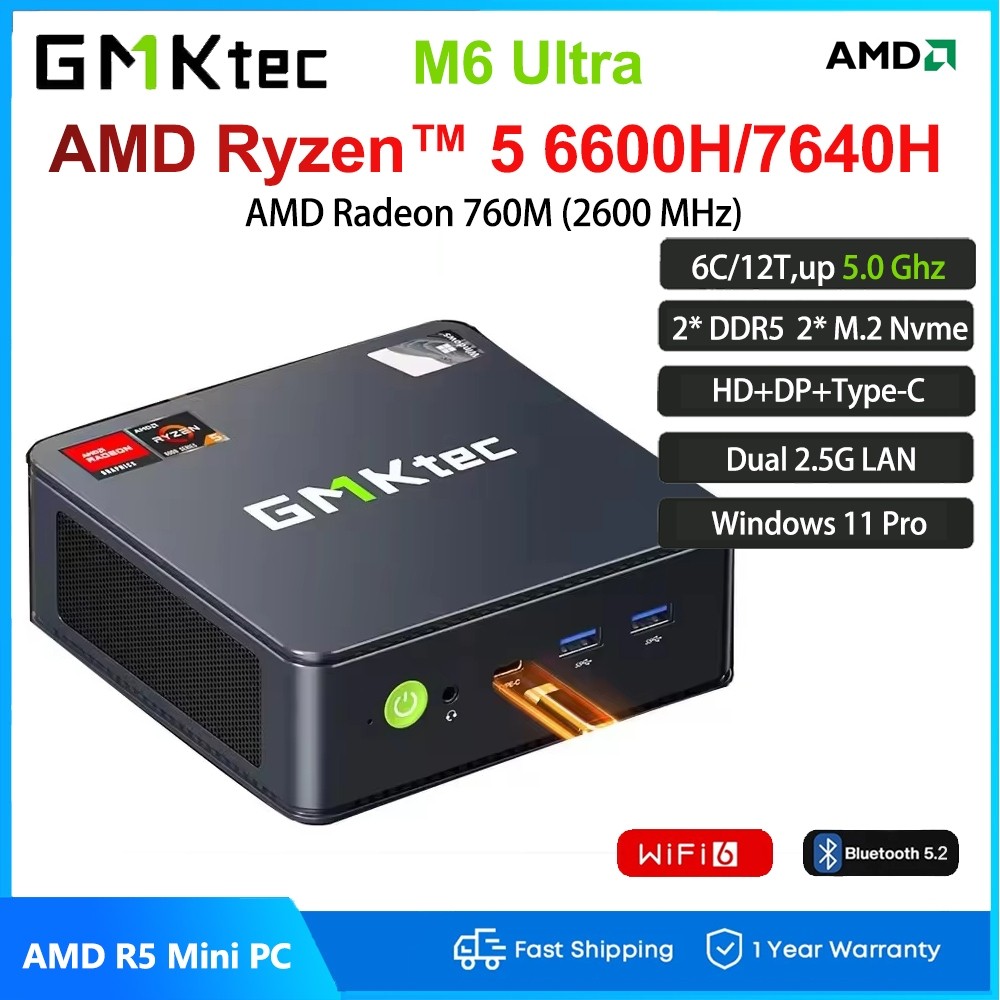
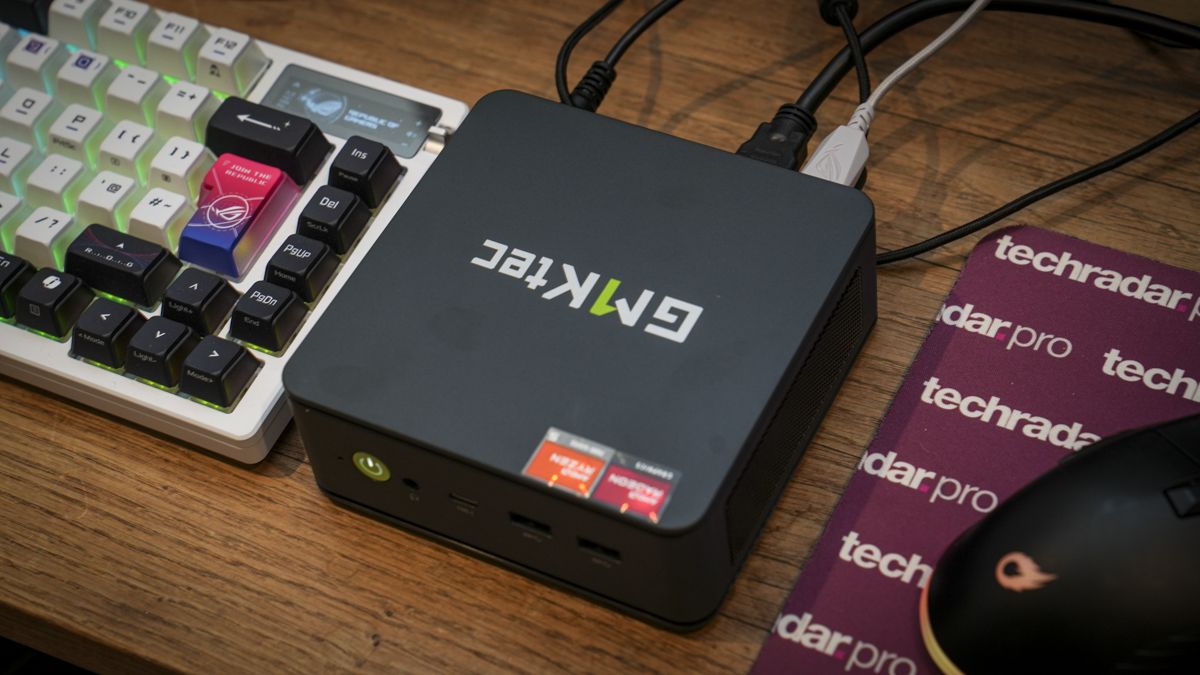
If you want a compact video editing PC that holds up in Premiere Pro and DaVinci Resolve, GMKtec’s Ryzen systems are the sharpest deals right now. The GMKtec M6 Ultra with Ryzen 7 7640HS, 16GB RAM, and a 512GB SSD for USD 450 (approx. ₱25,200) at Amazon is 18% off and described as a solid mini PC deal with strong creator performance and triple 4K support. A higher configuration with 32GB RAM and a 1TB SSD is also discounted and framed as a sneaky powerhouse for demanding workloads.
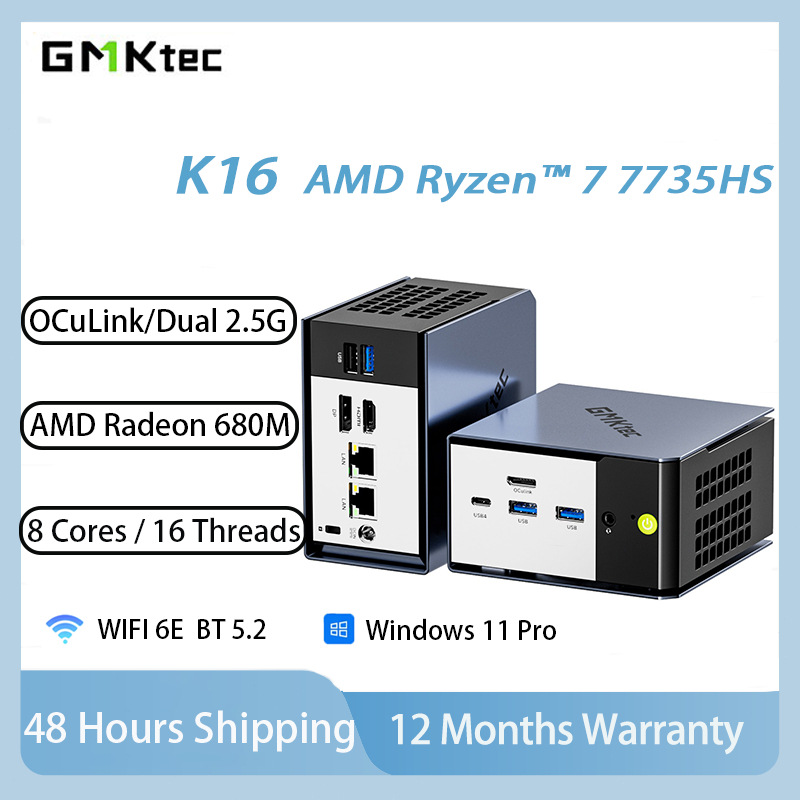
Stepping up, the GMKtec K16 drops from about USD 949.99 (approx. ₱53,200) to USD 639.97 (approx. ₱35,800) at Amazon. It pairs a Ryzen 7 7735HS with 32GB LPDDR5 RAM and a 1TB SSD, plus triple‑display output, Wi‑Fi 6E, dual 2.5GbE LAN, and both USB4 and OCuLink for high‑bandwidth eGPU connections. This makes it a versatile compact system for gaming and creative workloads, and one of the best mini PC deals 4K editing enthusiasts can grab today.
On the GEEKOM side, the Air12 mini PC with an Intel 7505 CPU, 8GB RAM, 256GB SSD, and dual 4K display support is 25% off at Amazon, bringing its price to USD 299 (approx. ₱16,700). It is a budget‑friendly way into a compact desktop alternative for lighter timelines and proxy workflows.
Kamrui and higher‑end Ryzen: small form factor editing rigs compared
Kamrui’s discounts target editors who want an affordable creative workstation rather than a barebones browsing box. The Kamrui E3B with Ryzen 7 7735HS, 16GB LPDDR5 RAM, and a 512GB SSD is USD 359 (approx. ₱20,100) at Kamrui, a 32% discount that turns it into a great mid‑level productivity machine for the money. While pitched for office and light creative work, the CPU can support 4K editing when paired with sensible codec choices and perhaps an eGPU later.
For more demanding timelines, Ryzen 7 and Ryzen 9‑class mini PCs shine. A GMKtec K8 Plus with Ryzen 7 8845HS, 32GB DDR5 RAM, and a 2TB SSD is described as fast for gaming, video editing, and multitasking, while still fitting into a compact desktop alternative. At the very top, the GEEKOM A8 Max uses a Ryzen 9 8945HS, 32GB DDR5, and a 1TB PCIe 4.0 SSD and is purpose‑built for AI workloads and creative tasks, selling for USD 949 (approx. ₱53,200) instead of its usual USD 1,099 (approx. ₱61,600).
Quote: “Powered by AMD’s Ryzen 7 8845HS processor, the GMKtec K8 Plus combines 32GB of DDR5 memory with a spacious 2TB SSD for fast performance in gaming, video editing, and multitasking.”
Why mini PCs make sense for creative workspaces
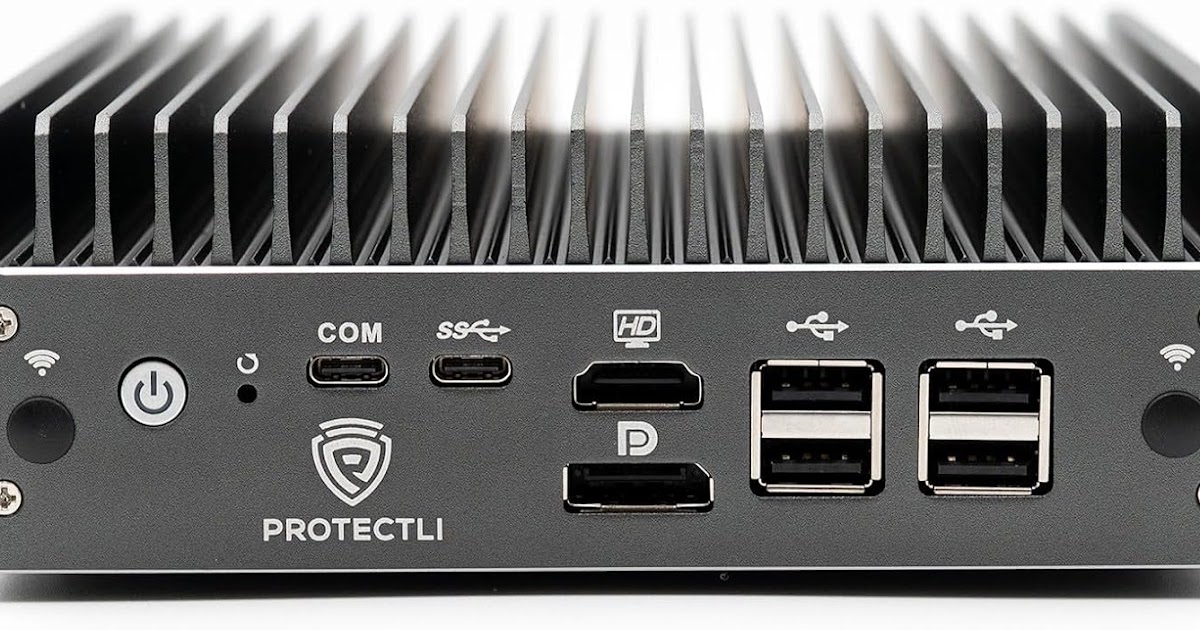
Mini PCs matter to editors because they free up space and stay quiet while rendering. Their small footprint means they can be placed practically anywhere, which helps in tight studios or shared offices. Many models mentioned here support triple 4K displays, dual 2.5GbE networking, and modern I/O like USB4, so you are not trading away connectivity for size.
According to one long‑running PC testing lab, mini PCs are powerful enough to replace desktops for most users when used for work, browsing, or streaming movies, and there are devices for each scenario that remain affordable. When you add their quiet cooling and expandable storage, they become a compact video editing PC option that can grow into a full small form factor editing rig over time. For budget‑conscious creators, this delivers serious value compared with buying and powering a large tower from day one.
eGPU docks, peripherals, and how to build an affordable creative workstation
To complete these mini PC deals 4K editing setups, look at eGPU docks and reliable power. Several highlighted mini PCs, including the GMKtec K16, support OCuLink or USB4 connections so they can hook up to external graphics card docking stations. Two Minisforum docks stand out: the DEG1 at USD 109 (approx. ₱6,100) for OCuLink, and the DEG2, normally USD 300 (approx. ₱16,800) but now under USD 240 (approx. ₱13,400), supporting both OCuLink and USB4.
For power, an RTX 5080‑class eGPU needs about 360W, which is why a high‑capacity Corsair SF750 PSU, normally USD 200 (approx. ₱11,200) but currently USD 160 (approx. ₱8,900), is recommended alongside these docks. Pair a discounted GMKtec or Kamrui mini PC with one of these docks, the Corsair PSU, fast external SSDs, and color‑accurate 4K monitors, and you have an affordable creative workstation that rivals many towers in practical performance while staying compact.
- Buy the GMKtec K16 if you want OCuLink and USB4 for an eGPU‑ready small form factor editing rig at a steep discount.
- Skip the GMKtec K16 if you never plan to add an external GPU and mainly cut lightweight 1080p or proxy 4K footage.
- Buy the GMKtec M6 Ultra if you need a compact video editing PC with strong Ryzen 7 performance and triple 4K support on a tighter budget.
- Skip the GMKtec M6 Ultra if you demand top‑tier AI and GPU performance out of the box instead of expanding later with an eGPU.
- Buy the Kamrui E3B if you want a discounted, snappy everyday box that can handle light creative tasks and basic 4K timelines.
- Skip the Kamrui E3B if you regularly work with heavy effects or long multicam 4K sequences that need more CPU and RAM headroom.
- Buy the GEEKOM A8 Max if you want a powerful Ryzen 9‑based mini PC for AI‑assisted editing, gaming, and advanced creative workloads at a reduced price.
- Skip the GEEKOM A8 Max if your budget is tight and you can edit comfortably on discounted midrange Ryzen 7 systems instead.