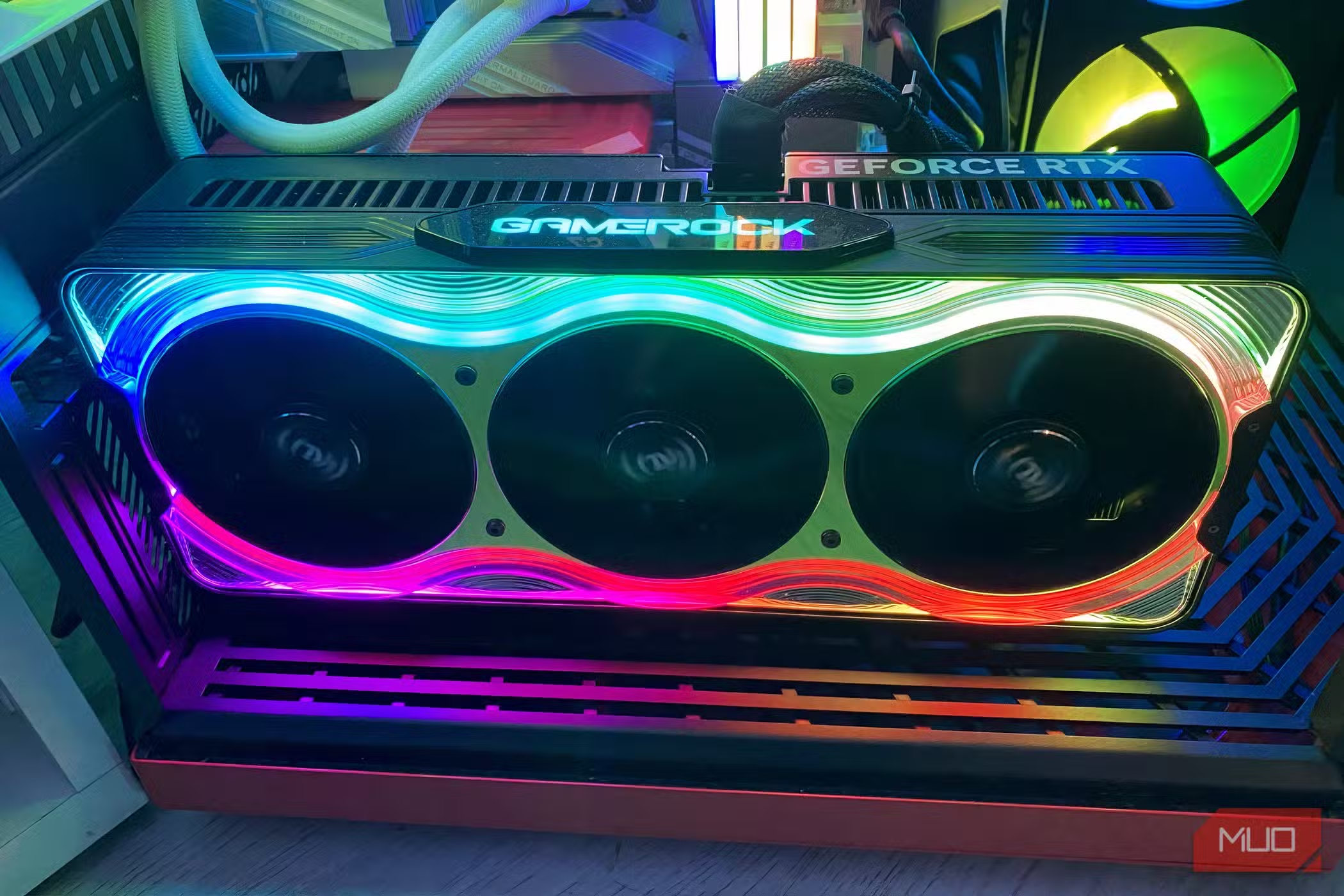

AI PC Builder Comparison: What We Tested and Why It Matters
An AI PC builder comparison is an evaluation of how different AI assistants recommend full computer builds, judging their component selection, pricing accuracy, and real-world viability so buyers can see which tool gives reliable hardware advice and which ones make costly or dangerous mistakes across the entire system. Using that lens, we asked ChatGPT, Claude, Gemini, and Perplexity to design a high-performance gaming PC around USD 1,500 (approx. ₱84,000), with strict requirements: an NVIDIA GeForce RTX 50‑series GPU and an AMD X3D processor, plus value‑focused RAM, SSD, PSU, case, and motherboard choices. We then checked every part and price manually with up‑to‑date listings to see which AI stayed grounded in today’s RAM and SSD market and which felt stuck years behind. The outcome is clear: only one AI produced a build you could trust as a foundation instead of a cautionary tale.
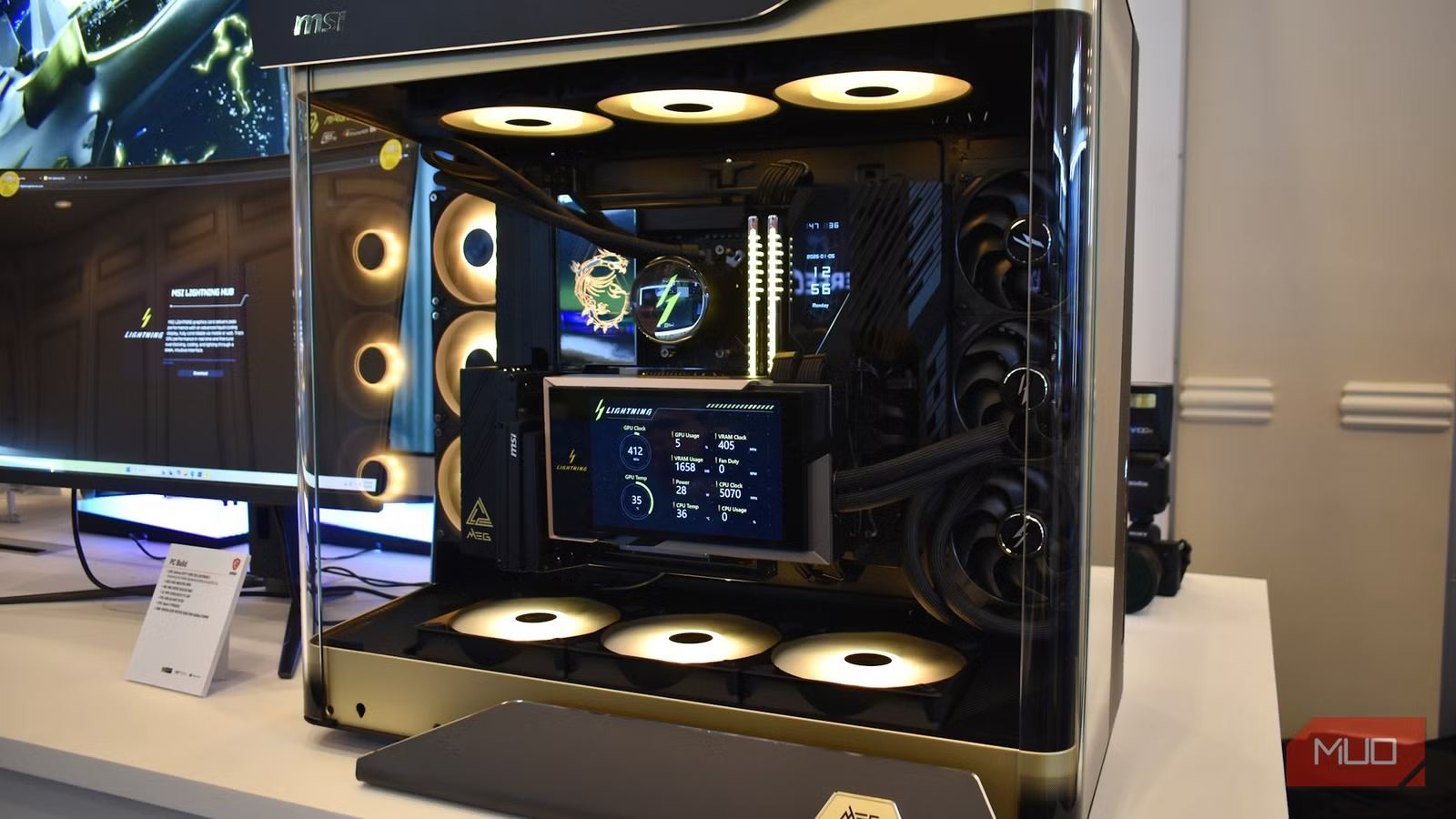
ChatGPT vs Claude: Performance Ambition vs Price Reality
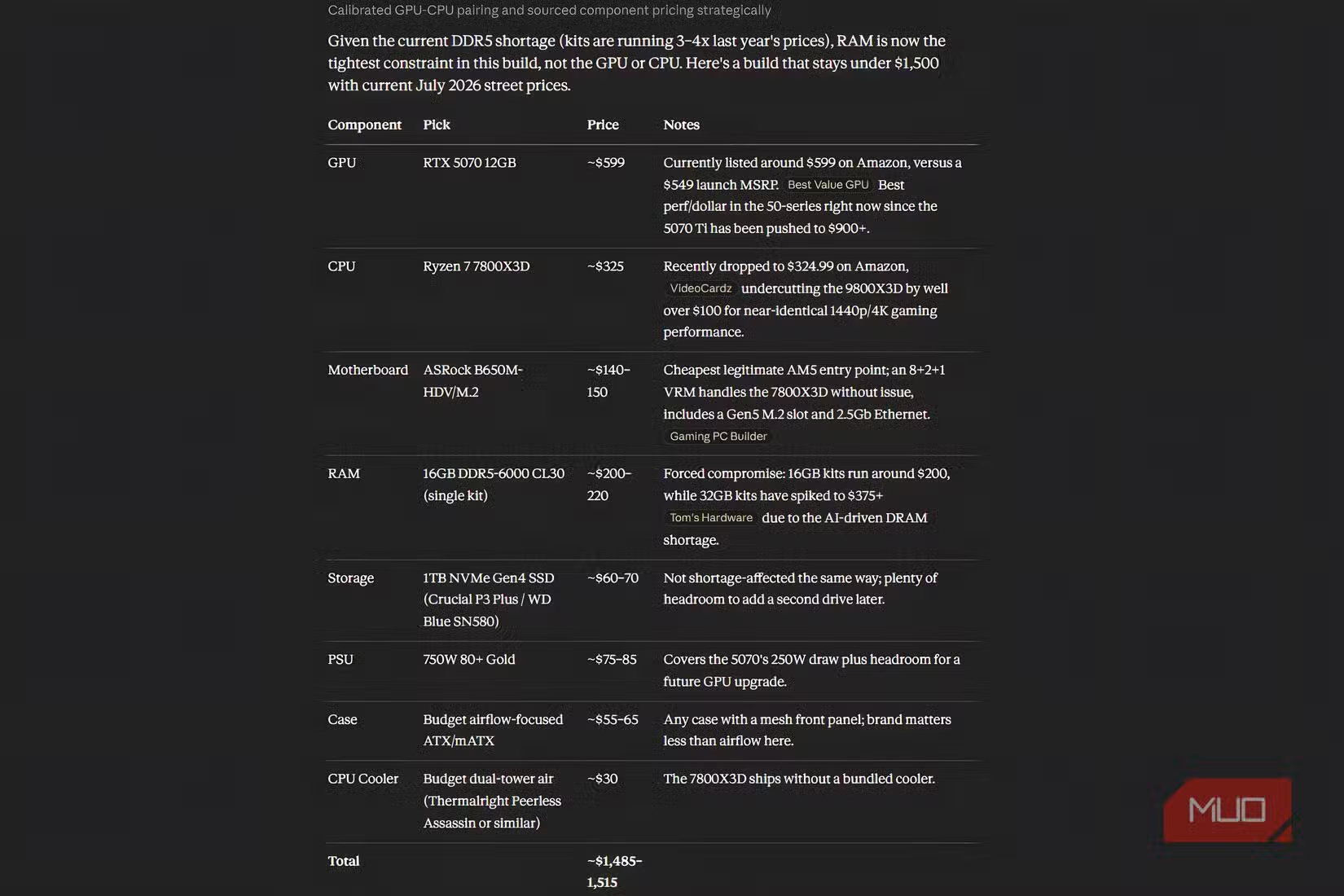
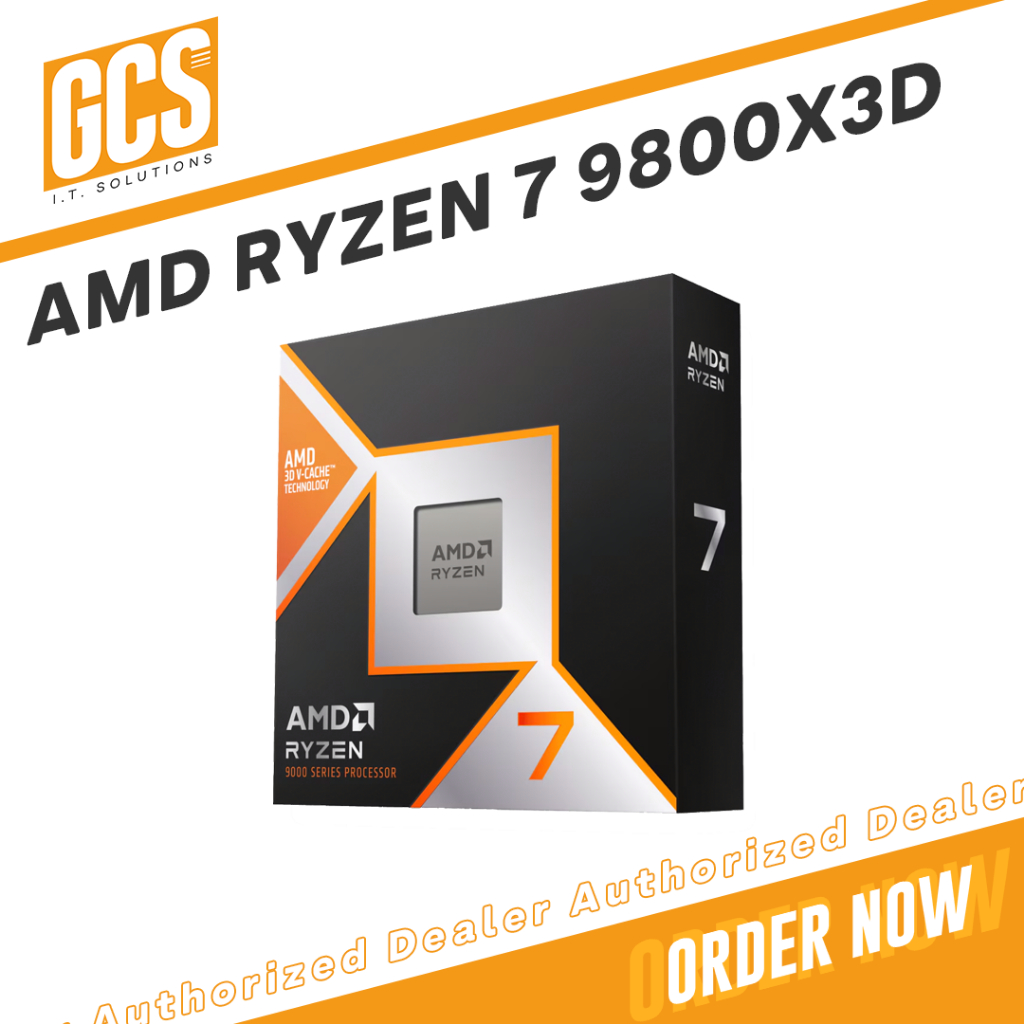
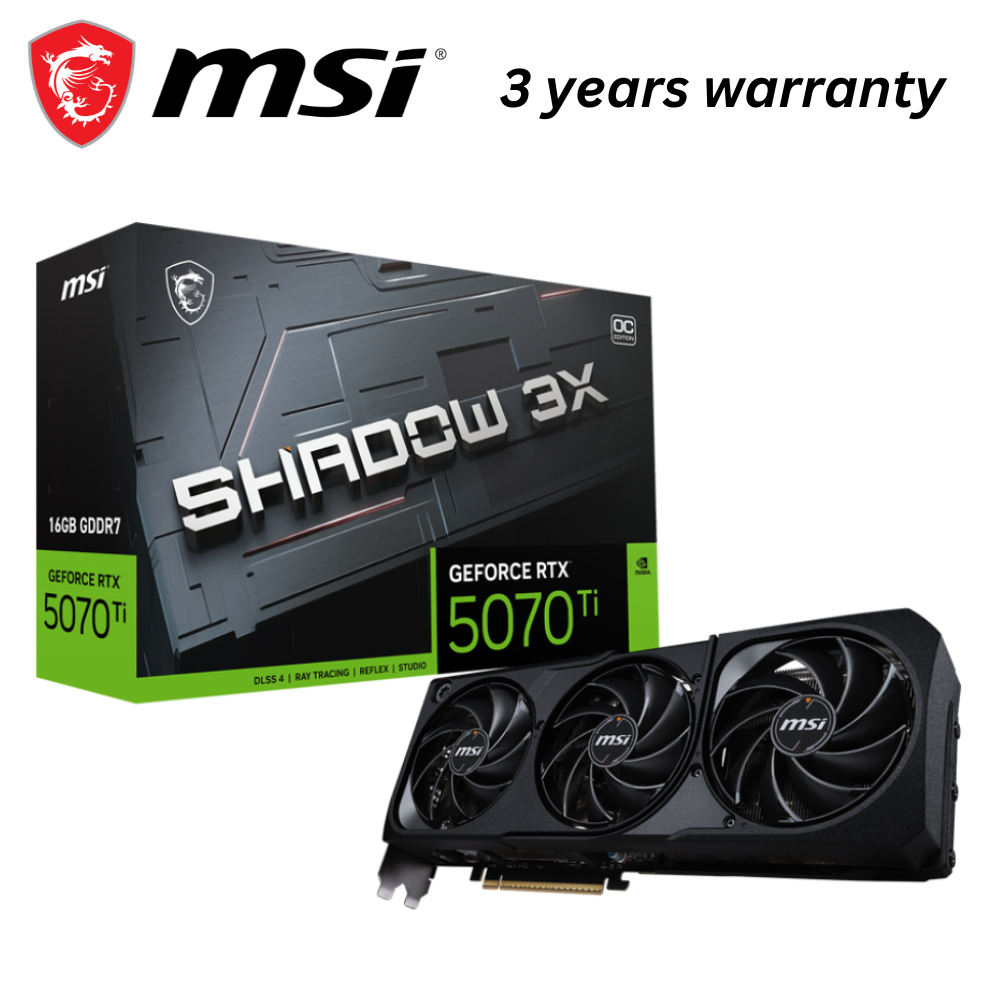
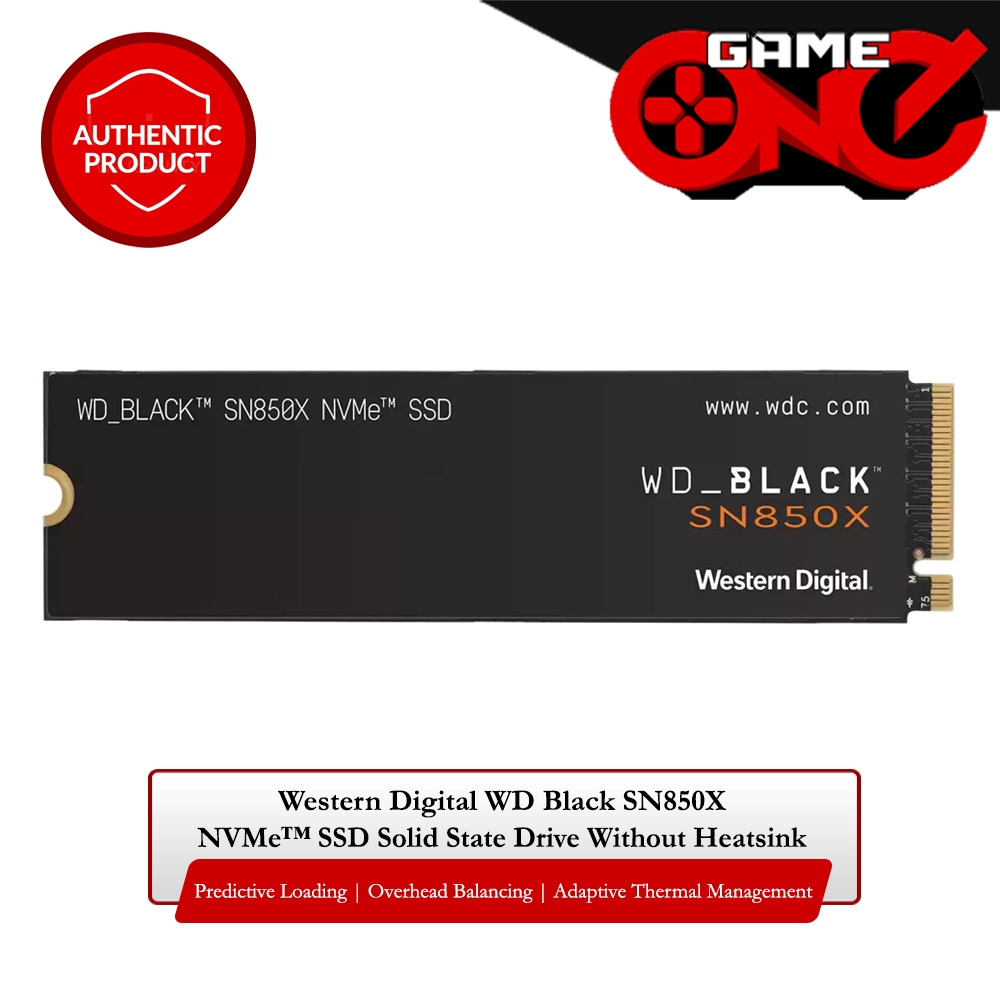
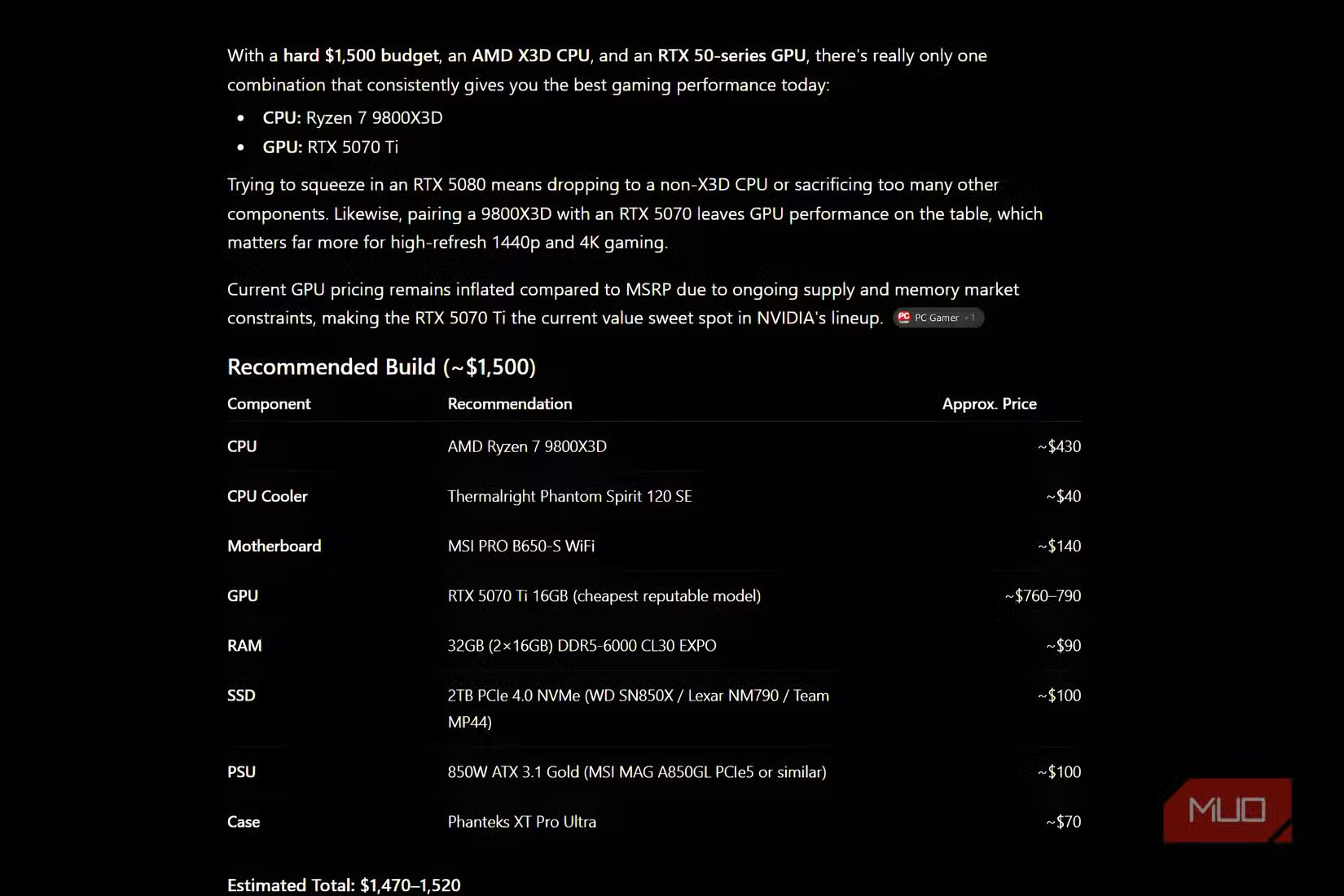
The ChatGPT gaming PC build was the most aggressive on raw performance, centering on a Ryzen 7 9800X3D and an RTX 5070 Ti 16GB, flanked by 32GB DDR5‑6000, a 2TB WD Black SN850X, and solid supporting parts. On paper, this nails the brief: excellent CPU for gaming, high‑end GPU, fast memory and storage, and quality PSU and case. The problem is price reality. Its July estimates for memory and SSD were still anchored in older data, with the RAM and SSD now costing far more than the quoted ranges, pushing the true total from an estimated USD 1,685–1,815 (approx. ₱94,000–₱101,000) to USD 2,597.14 (approx. ₱145,000). In a market where “NAND and DRAM prices aren't expected to go down anytime soon,” those outdated assumptions break the budget and show why you must verify AI hardware recommendations against current listings. Claude, by contrast, delivered a more modest but coherent build that respected pricing trends and needed only targeted tweaks to become a viable rig.
| Spec | A (ChatGPT build) | B (Claude-derived final build) |
|---|---|---|
| CPU | Ryzen 7 9800X3D X3D processor | AMD X3D processor (final build based on Claude’s foundation) |
| GPU | NVIDIA GeForce RTX 5070 Ti 16GB from RTX 50-series | NVIDIA GeForce RTX 50-series GPU (kept from Claude’s base build) |
| RAM | 32GB (2×16GB) DDR5-6000 CL30, Corsair Vengeance | Upgraded from 16GB to 32GB DDR5 using lower-priced modules |
| SSD | 2TB WD Black SN850X PCIe 4.0 | SSD removed to free budget for extra RAM capacity |
| Cooler & PSU | Thermalright Phantom Spirit 120 SE + MSI MAG A850GL 850W Gold PSU | Comparable air cooler and 850W 80+ Gold PSU class components |
| Price Behavior | Estimated total USD 1,685–1,815 (approx. ₱94,000–₱101,000) vs actual USD 2,597.14 (approx. ₱145,000) | Tweaked to stay close to the USD 1,500 (approx. ₱84,000) budget after manual price checks |
Gemini and Perplexity: Safer Pricing, Riskier Omissions
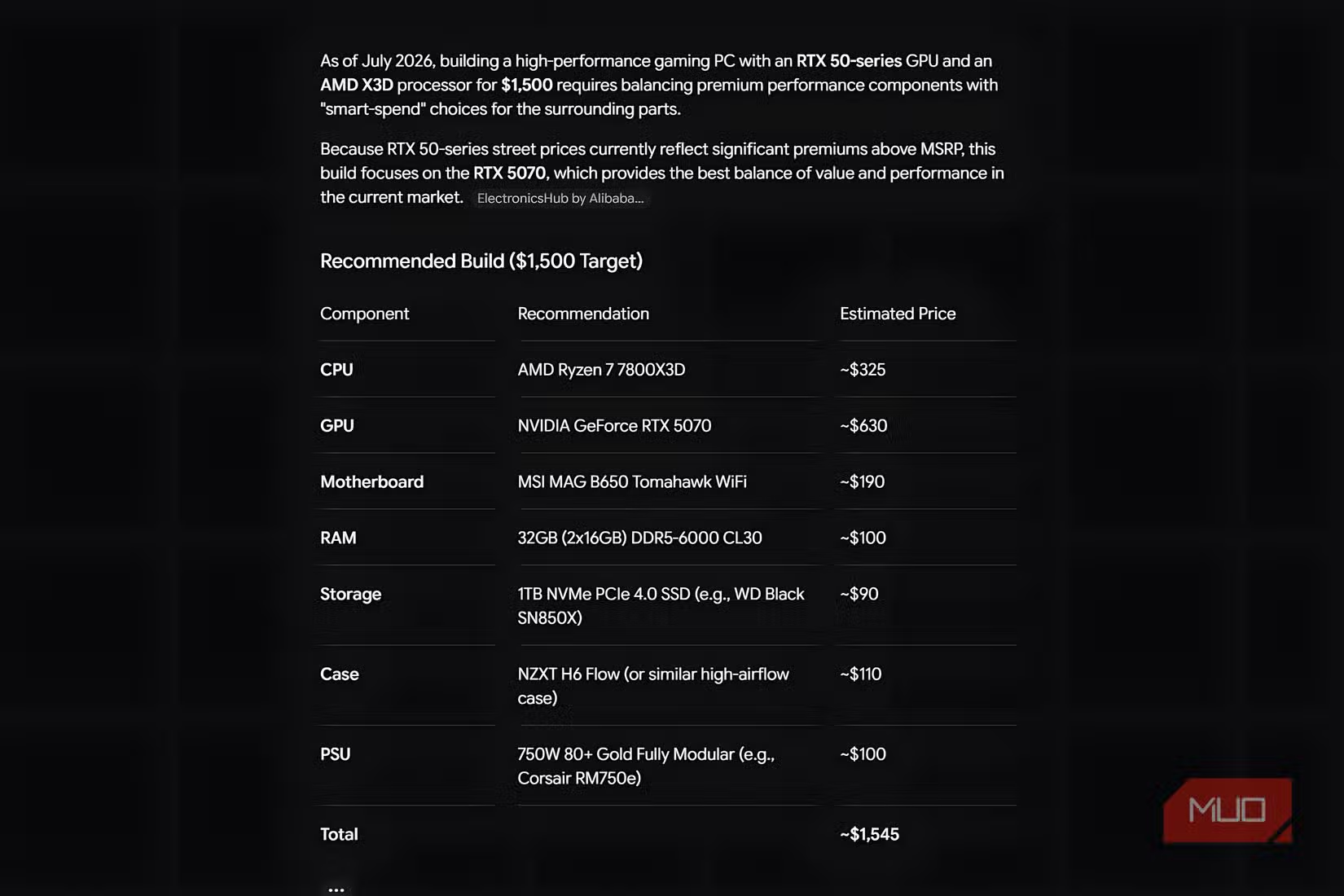
Gemini and Perplexity took a more conservative angle on PC component selection. Instead of fully specced lists straight away, they leaned on bundle hunting, pointing toward AMD CPU + motherboard + RAM combos at major retailers to stretch value and reserve more budget for the GPU. That strategy makes sense in a world where RAM prices eat a huge chunk of the budget and bundle savings matter. However, the execution exposed reliability gaps. With additional prompting, both eventually produced complete builds, but Perplexity made a critical mistake: it omitted a CPU cooler from the parts table and description altogether. AI may not get prices exactly right, but leaving out a core thermal component is dangerous if a beginner copies the list verbatim. Gemini at least remembered the cooler and offered a viable set of parts for a powerful mid‑range system, but like the others, it still required human price checks because “prices can change quickly and are higher,” and no AI in this test could be trusted on cost without verification.
RAM and SSD Price Volatility: Why AI Feels Stuck in 2024
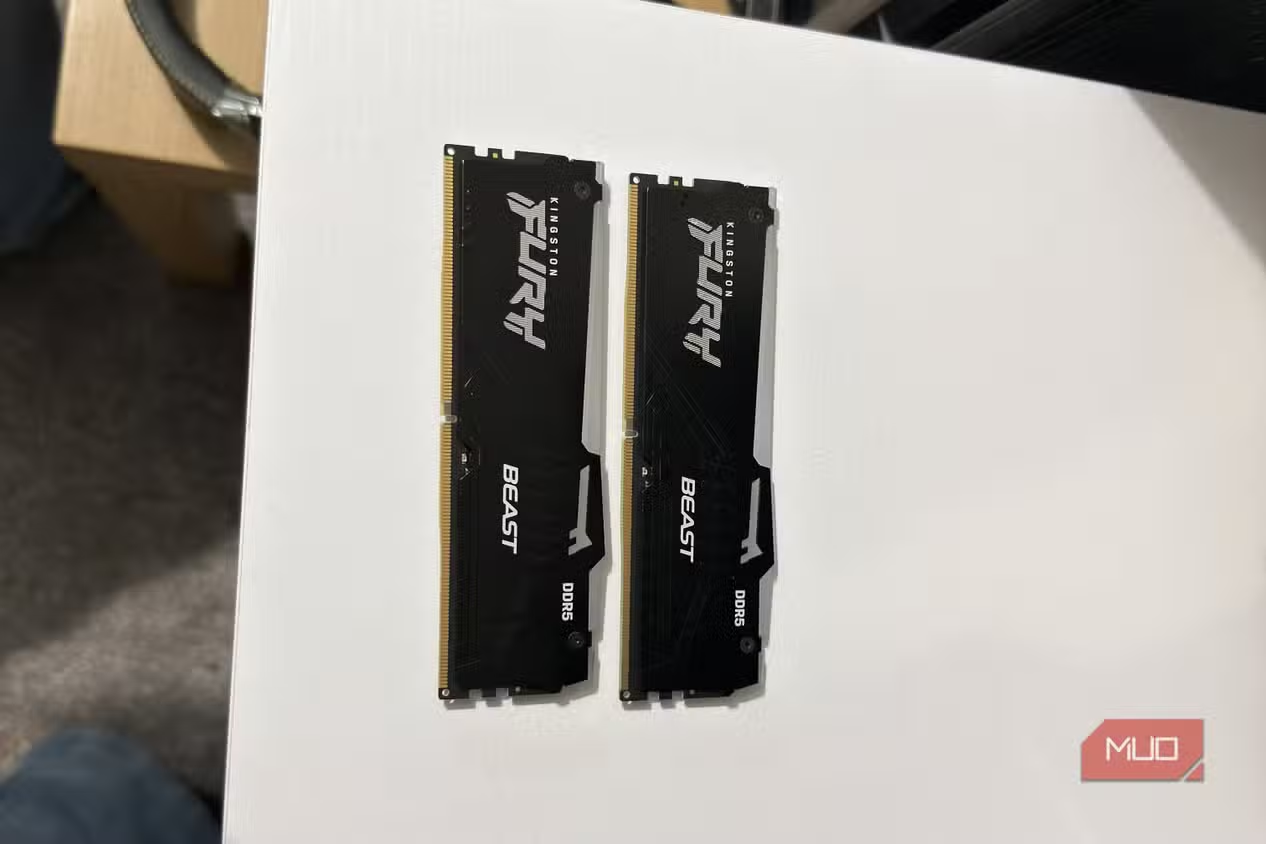
The harshest stress test for any AI PC builder today is memory and storage. The brief here landed right in the middle of a DRAM and NAND upswing, where a 32GB DDR5 kit and a 2TB PCIe 4.0 SSD can now consume a huge slice of a USD 1,500 (approx. ₱84,000) budget. One build, for example, assumed 32GB DDR5‑6000 CL30 would cost USD 85–95 (approx. ₱4,750–₱5,300), when updated listings put the same kit at USD 469 (approx. ₱26,200) after discount. The SSD estimate showed a similar gap, with a quoted USD 95–110 (approx. ₱5,300–₱6,200) vs an actual USD 348 (approx. ₱19,500). According to the SK Hynix CEO, DRAM and NAND pricing trends are expected to keep rising until 2030, which means any AI trained on older market data will understate costs for years. That lag explains why otherwise smart AI hardware recommendations end up over budget and why you must treat AI’s dollar figures as rough sketches, not shopping lists.
Value vs Performance: Which AI You Should Trust (With a Human in the Loop)
When we judge these assistants as AI PC builders, the winner is the one that balanced performance and price well enough to serve as a real starting point. ChatGPT delivered the strongest high‑end gaming spec sheet but failed on current pricing, inflating the build far past the stated budget once RAM and SSD reality hit. Gemini and Perplexity showed better awareness of bundle value and mid‑range positioning, yet Perplexity’s missing cooler underlines how dangerous it is to copy AI lists without checking for compatibility and completeness. In practice, Claude “was the only one who gave me a decent foundation to work from,” needing just a RAM upgrade to 32GB and the removal of the SSD to land on a build that impressed the end user. The broader lesson is simple: AI can shortlist parts and spot value, but human verification of prices, thermals, and component compatibility remains essential before you spend a cent.
- Buy the Claude-based build if you want the best balance of performance per dollar with manageable tweaks and a clear upgrade path.
- Skip the Claude-based build if you refuse to trade SSD capacity for more RAM and prefer large fast storage on day one.
- Buy the ChatGPT build if you prioritize maximum gaming performance and are willing to expand the budget well beyond USD 1,500 (approx. ₱84,000).
- Skip the ChatGPT build if you need strict price accuracy and can’t afford RAM and SSD that now cost several times the estimated ranges.
- Buy the Gemini or Perplexity builds if you’re comfortable treating them as draft shopping lists and cross‑checking every part and bundle manually.
- Skip the Perplexity build if you want a complete, copy‑paste PC component selection, because omitting a CPU cooler is a serious oversight.