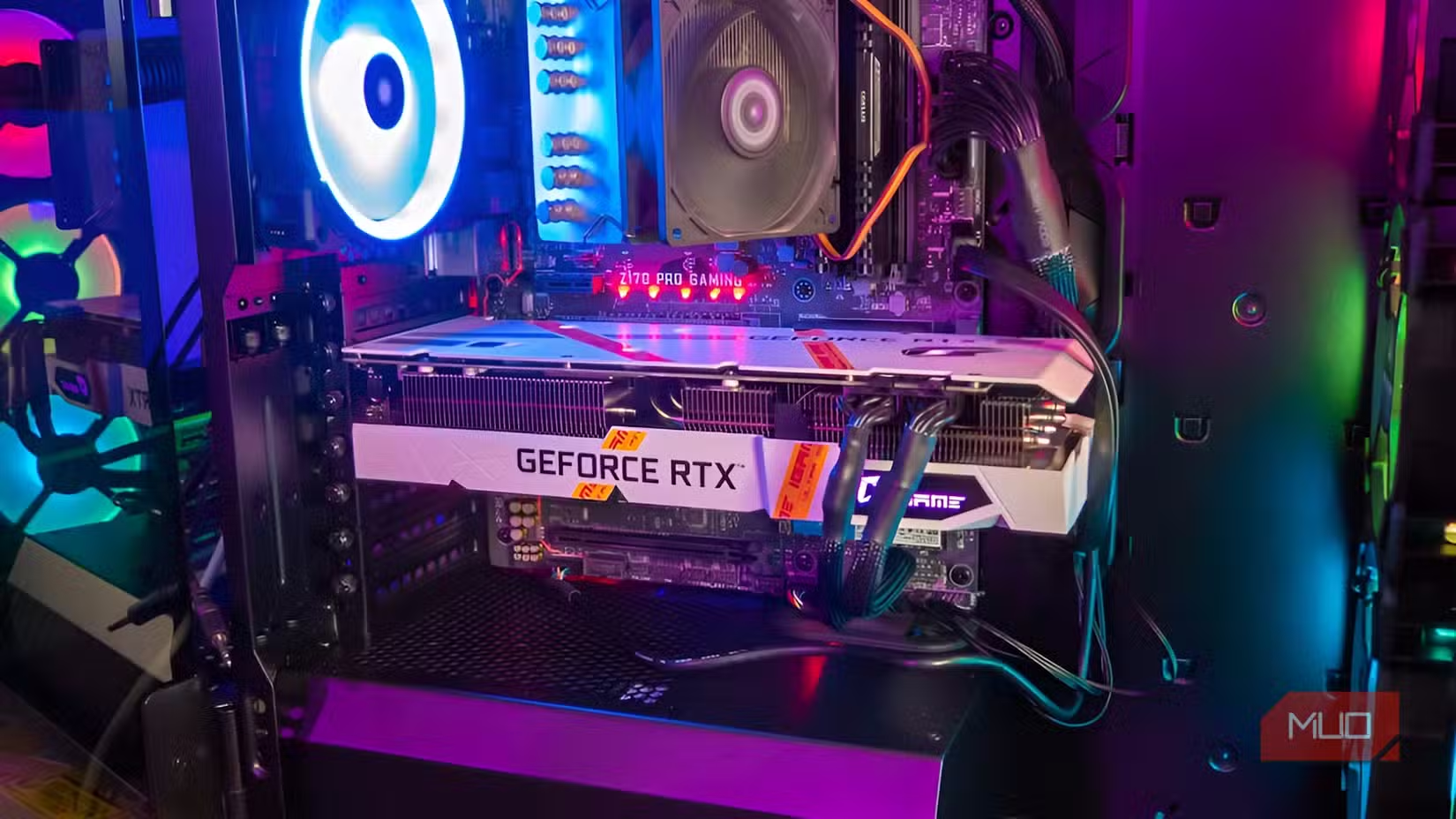

The real enemy of performance: misconfigured firmware and Windows
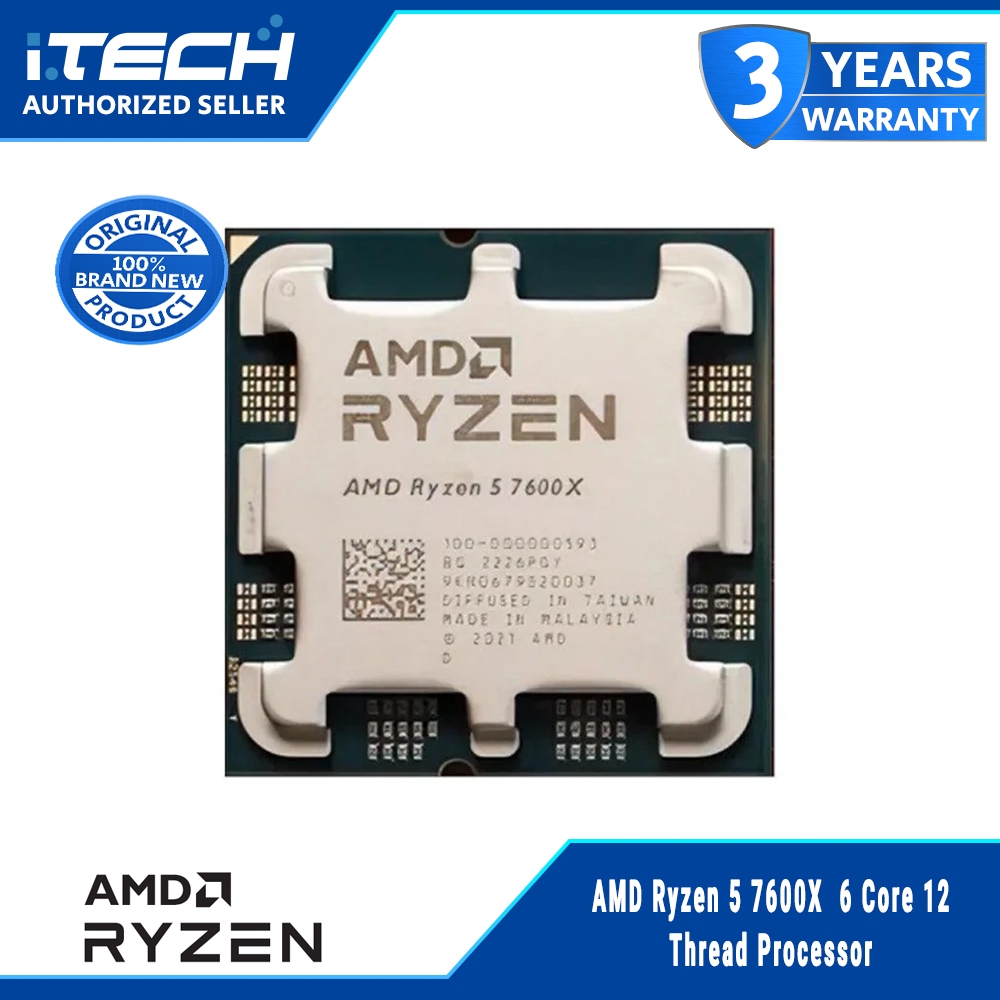
Hidden performance issues in a PC are configuration problems in the BIOS and Windows—such as conservative power limits, disabled memory profiles, thermal management, and virtual memory behavior—that silently throttle CPU and GPU boost, damage frame pacing, and cause stutters that users misdiagnose as aging or weak hardware rather than fixable firmware and operating system settings. When your games stutter or frame times spike, the reflex is to blame the GPU or “old” CPU and start pricing upgrades. One user with a Ryzen 5 7600X and RTX 4070 Ti Super-equipped rig even flirted with replacing the chip with a 9600X before digging deeper. That kind of knee-jerk reaction is how you waste USD 229 (approx. ₱13,000) on the wrong solution. The uncomfortable truth: default BIOS performance settings and Windows throttling behavior are often the culprits, not the silicon.
BIOS defaults: stability-first settings that quietly throttle your rig
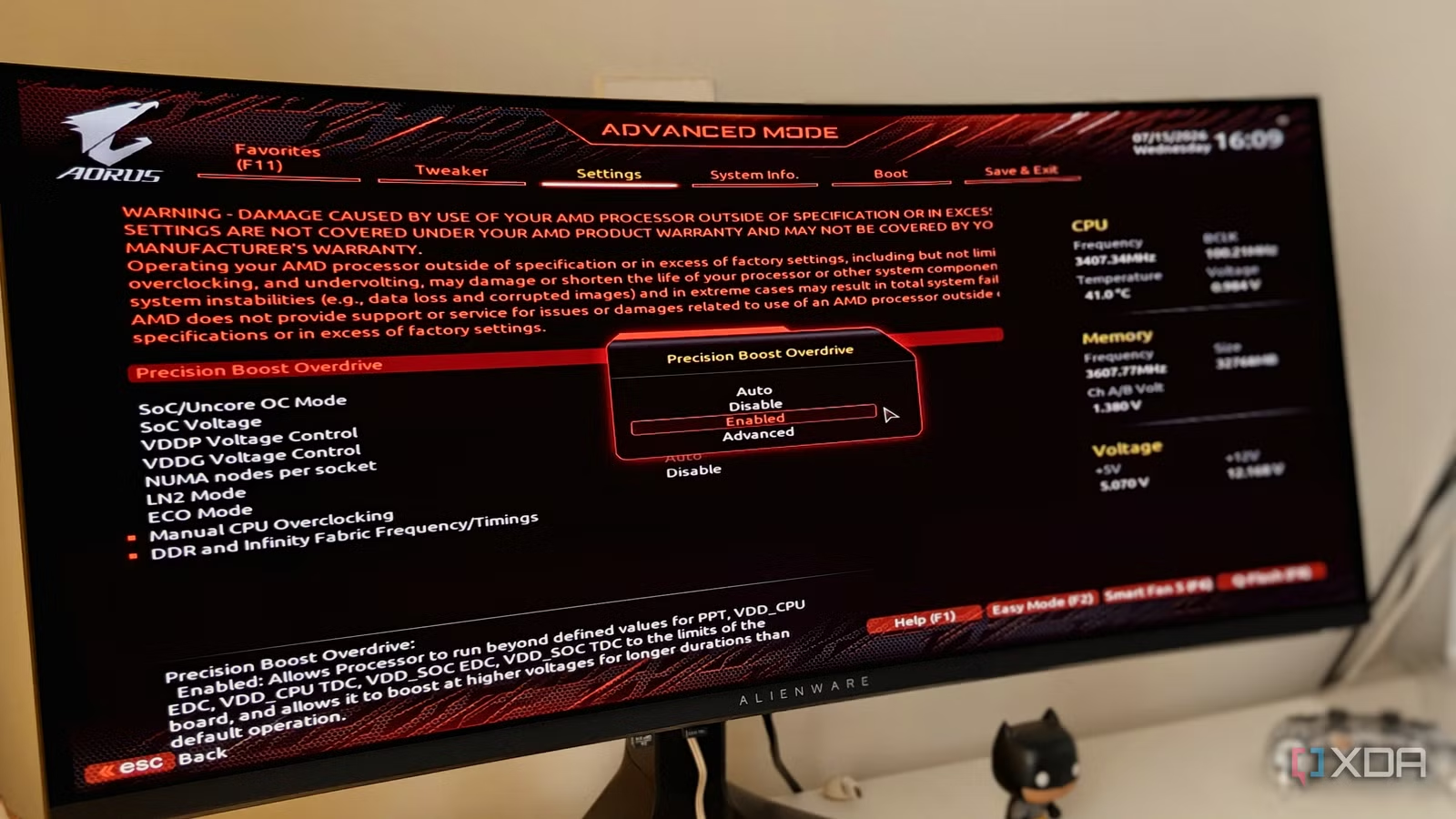
Your BIOS/UEFI is one of the biggest determinants of your PC's performance and stability, defining CPU boost behavior, power limits, memory speed, system temperatures, and even GPU performance. Yet many gamers never change the BIOS defaults after building a PC, unknowingly throttling their system's performance. Those defaults are designed for guaranteed boot and silence, not maximum framerate. XMP/EXPO memory profiles, for example, ship disabled; unless you manually enable them, your expensive DDR5 kit runs at conservative JEDEC speeds, cutting into gaming performance and peak FPS. Enabling XMP/EXPO is technically overclocking, but these profiles are rigorously tested and almost guaranteed to perform reliably for typical 32GB DDR5-6000 to DDR5-6400 gaming setups, with instability mainly appearing at much higher capacities and frequencies, where systems may revert to JEDEC. Ignoring BIOS performance settings is like buying a sports car and never taking it out of eco mode.
Thermals add another layer of stealth throttling. Default fan curves are tuned more for quiet operation than cooling, so your fans ramp too late under load. Your CPU keeps waiting for more air, but reaches dangerously close to its throttling temperature before that happens; performance starts declining long before the throttling point is reached, directly hurting gaming performance. On modern AMD systems, Precision Boost Overdrive (PBO) automatically adjusts frequency and power based on thermal and electrical limits. If your BIOS leaves PBO constrained while also running timid fan curves, the chip will pull clocks back under sustained load without tripping obvious throttle flags, turning what should be stable boost into wavering, uneven performance that feels like random "lag" rather than a configuration mistake.
When “no throttling” still means throttling: logs, sensors, and AI help
Opinionated PC performance troubleshooting means refusing to stop at “everything looks fine” in monitoring tools. In one case, a user experiencing intermittent stuttering in Forza Horizon 6 on a Ryzen 5 7600X and RTX 4070 Ti Super system saw HWiNFO’s PROCHOT and HTC flags read “No” for every sample. By AMD's definition, this CPU never throttled at all. The usual drill—disabling non-essential Windows background processes, capping frame rate below a 240Hz monitor refresh, and checking RAM EXPO in BIOS—gave only temporary relief before the stutter returned in the next tunnel. That’s the trap: relying on surface-level metrics and generic forum recipes instead of demanding a deeper explanation tailored to your own logs and behavior.
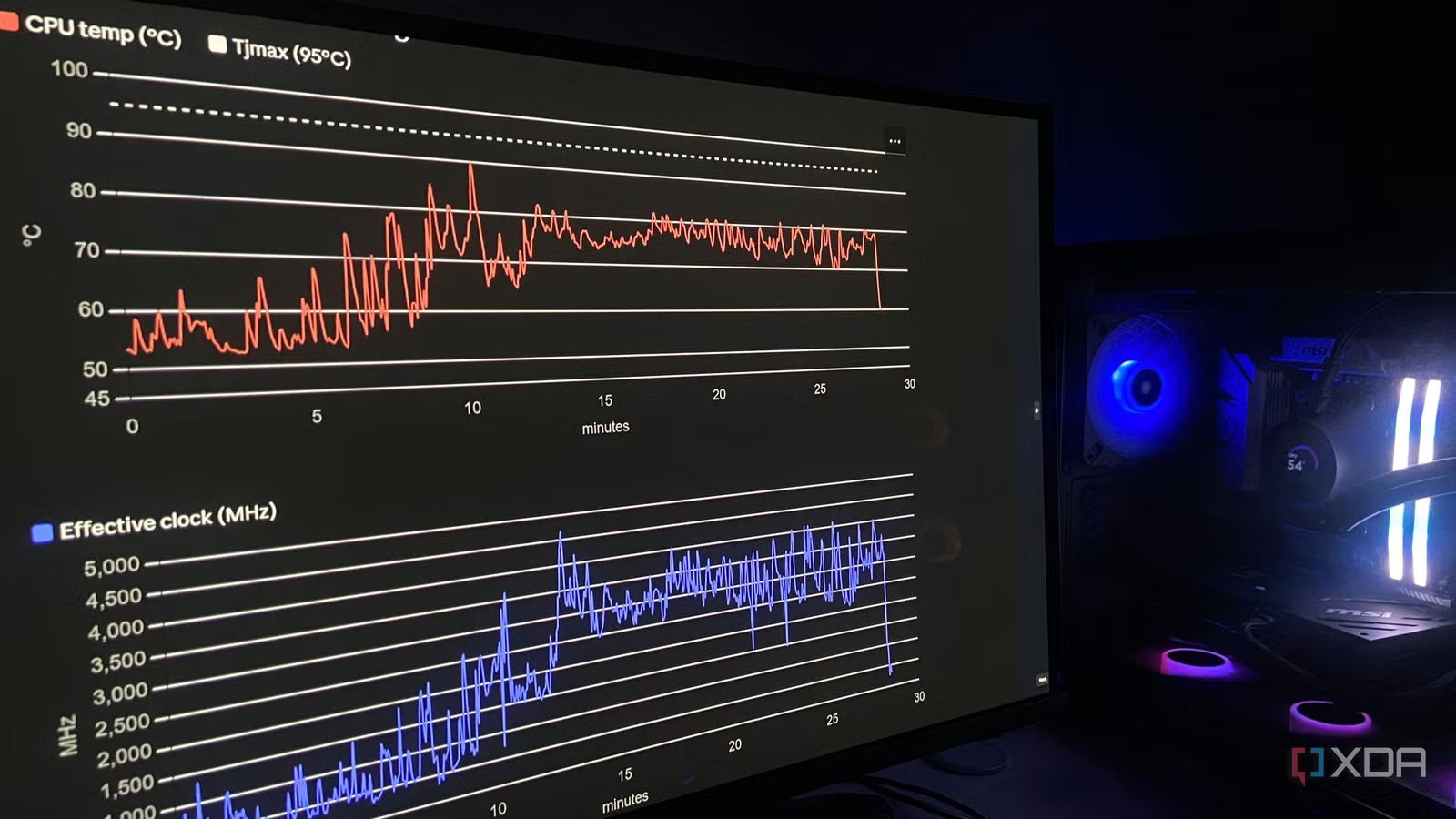
Exporting detailed CPU sensor logs at one-second intervals and handing the raw CSV to an AI made the difference. With only hardware specs and symptoms provided, the model analyzed temperatures, effective clocks, and timing over five minutes. It found that the chip was running thermally maxed out, jumping from 55°C at idle to a sustained 76–80°C plateau. Then, at the 10.5 second mark under load, temperature spiked from 78°C to 90.4°C in five seconds and the effective clock crashed from 4,200MHz to 740MHz; this was Precision Boost yanking clocks to protect the chip, invisible to throttle flags. Fable 5's most notable achievement here was not just recommending a Curve Optimizer offset, but exposing a hidden performance issue that standard indicators denied, saving both time and a needless USD 229 (approx. ₱13,000) CPU upgrade.
Windows memory and power behavior: frame drops masquerading as GPU limits
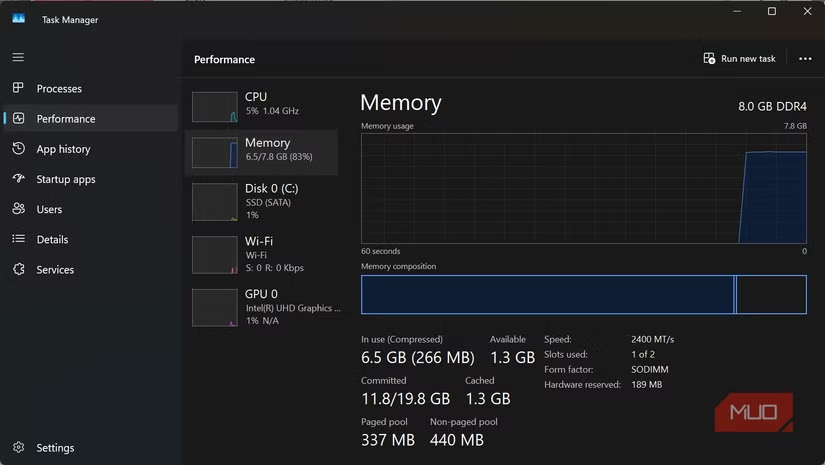
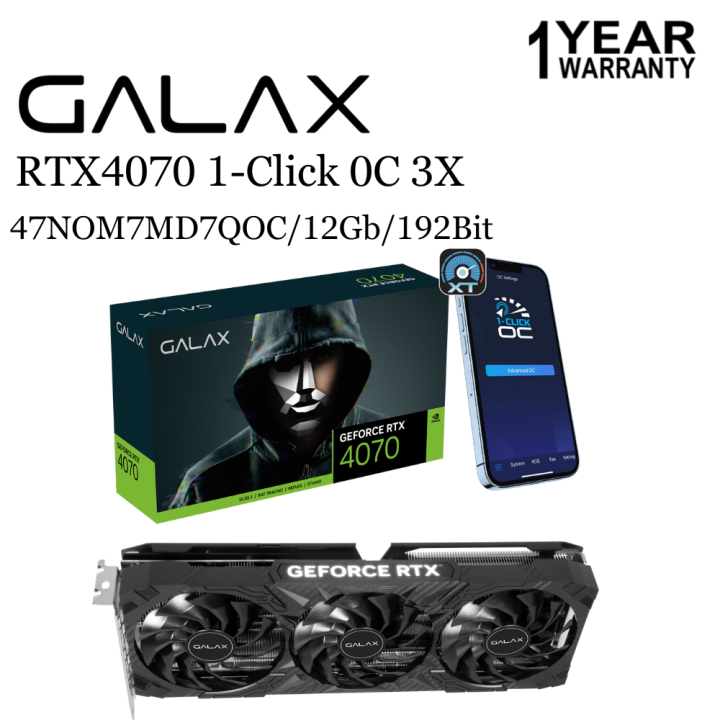
Blaming the GPU is a common mistake when frame pacing collapses. One player experiencing Baldur's Gate 3 stuttering described 20 minutes of smooth sailing, then stutter, then smooth again, despite their RTX 4070 showing 70–80% usage, sub-70°C temperatures, and VRAM far below its 12GB limit. A struggling GPU would normally sit near full utilization during stutters, but this mismatch forced a rethink. Resource Monitor revealed disk activity spikes during stutters and committed memory approaching 30GB out of 32GB. There was almost no frame-rate counter movement; what fell apart was frame pacing. This is the signature of Windows' virtual memory behavior stepping in: pagefile.sys moves overflow data from RAM to a file on your system drive, trading nanosecond RAM access for much slower storage-speed access. Virtual memory is a safety net, not a performance feature, and you feel it when memory pressure hits.
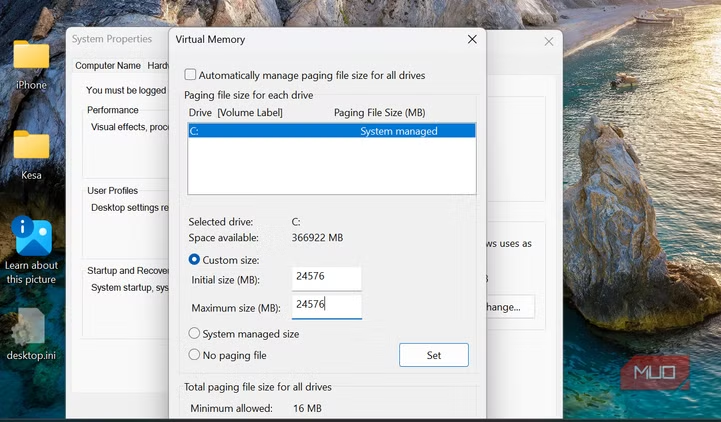
You should check if memory pressure is happening before touching settings. Open Task Manager, go to Performance → Memory, and reproduce the stutter while watching committed memory and disk activity. If you see committed memory pushing toward installed RAM alongside disk spikes, Windows is leaning on the pagefile. A practical Windows throttling fix in that specific case was to set a fixed page file: press Windows + R and run sysdm.cpl, go to Advanced, open Performance → Settings, then Advanced → Virtual memory, untick automatic management, choose the system drive, select Custom size, and set initial and maximum sizes equal before restarting. The author set both to 24,576MB (1.5× their RAM), noting that this "didn't eliminate stutters, but what seemed to be a recurring pattern every 20 minutes occurred far less often". This fix doesn't stop Windows from paging and it doesn't give you more RAM, but it can smooth out how paging interacts with frame pacing.
Stop shopping, start auditing: a systematic pre-upgrade checklist
The pattern across these stories is blunt: people jump to hardware upgrades before exhausting configuration fixes. One user nearly replaced a Ryzen 5 7600X with a 9600X, then chose a more personalized form of troubleshooting by logging CPU behavior and escalating it to an advanced AI model, saving USD 229 (approx. ₱13,000) and hours of forum crawling. Many gamers never change BIOS defaults after building a PC, even though those defaults ensure stability but limit performance. Windows pagefile behavior can create frame drops that look like GPU weakness. According to one account, “If none of these show up in your numbers, then your issue probably has nothing to do with the pagefile, and you may need to be aware of these other problems:”—a reminder that careful measurement should guide every tweak.
A sensible PC performance troubleshooting order is clear. First, audit BIOS performance settings: enable XMP/EXPO if appropriate, review PBO and power limits, and tune fan curves so cooling responds before you hit thermal ceilings. Second, monitor sensors over time with logging and scrutinize effective clocks and temperatures instead of trusting simple throttle flags. Third, in Windows, check Task Manager and Resource Monitor for memory pressure and disk spikes; only then consider controlled pagefile changes. Microsoft typically advises leaving the system-managed pagefile unless a specific workload benefits from change, underscoring that tweaks must be evidence-based. And only after firmware and OS checks fail should you consider expensive hardware upgrades. Your system is probably “fast enough” on paper; it’s the hidden performance issues in configuration that are holding it back.