
Verdict: Incredible HDR Speed, With a Near-Black Catch
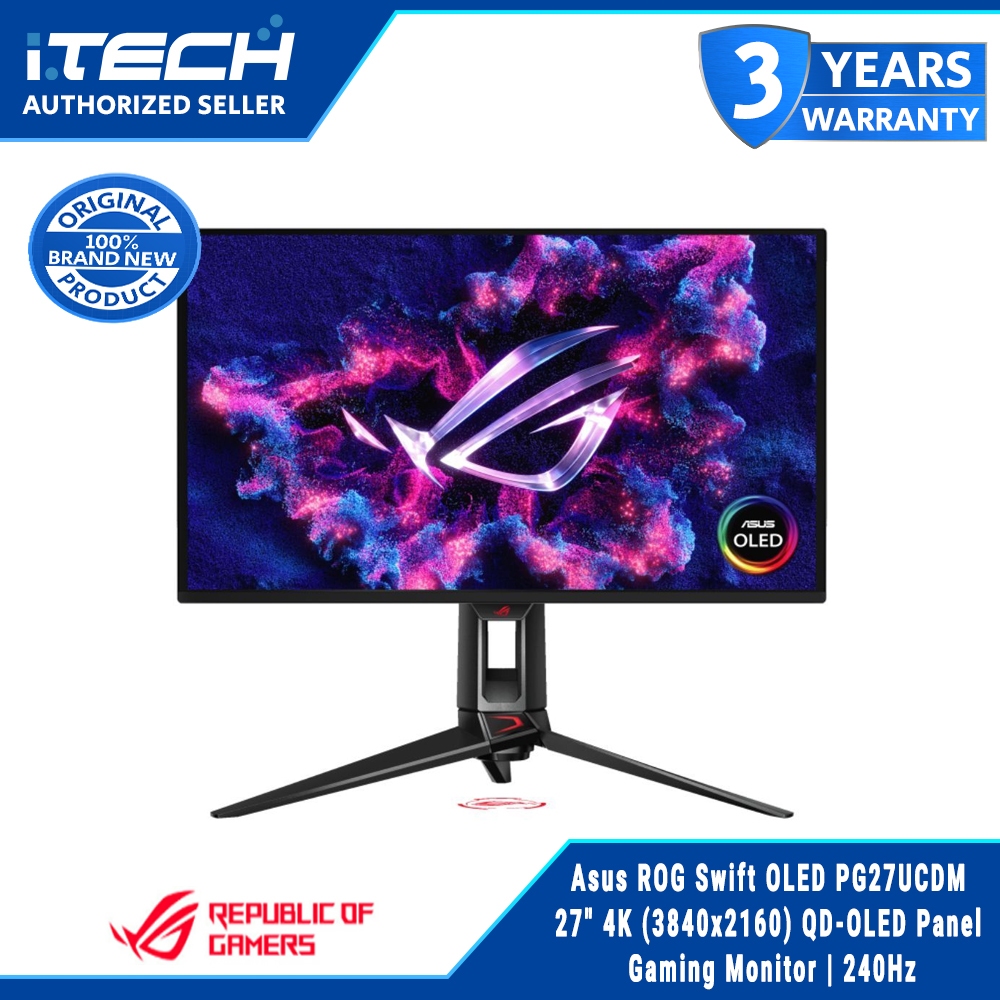
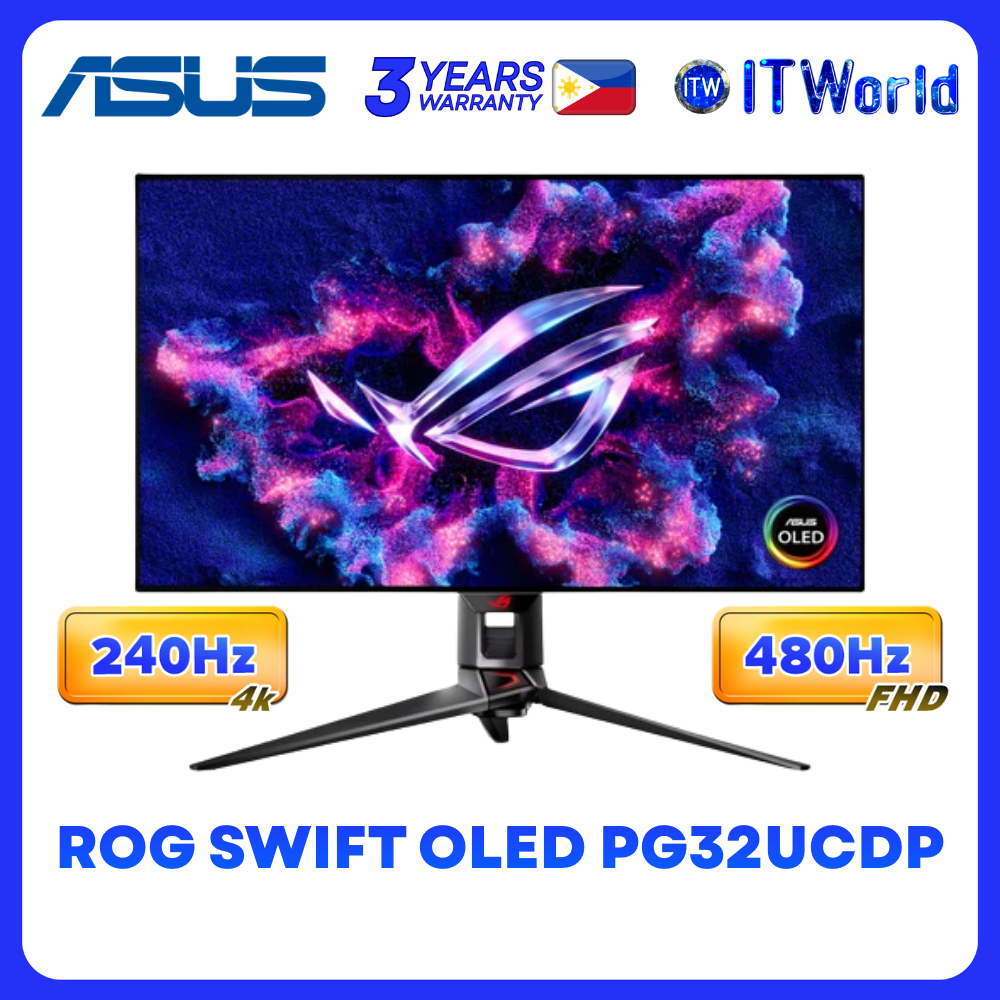
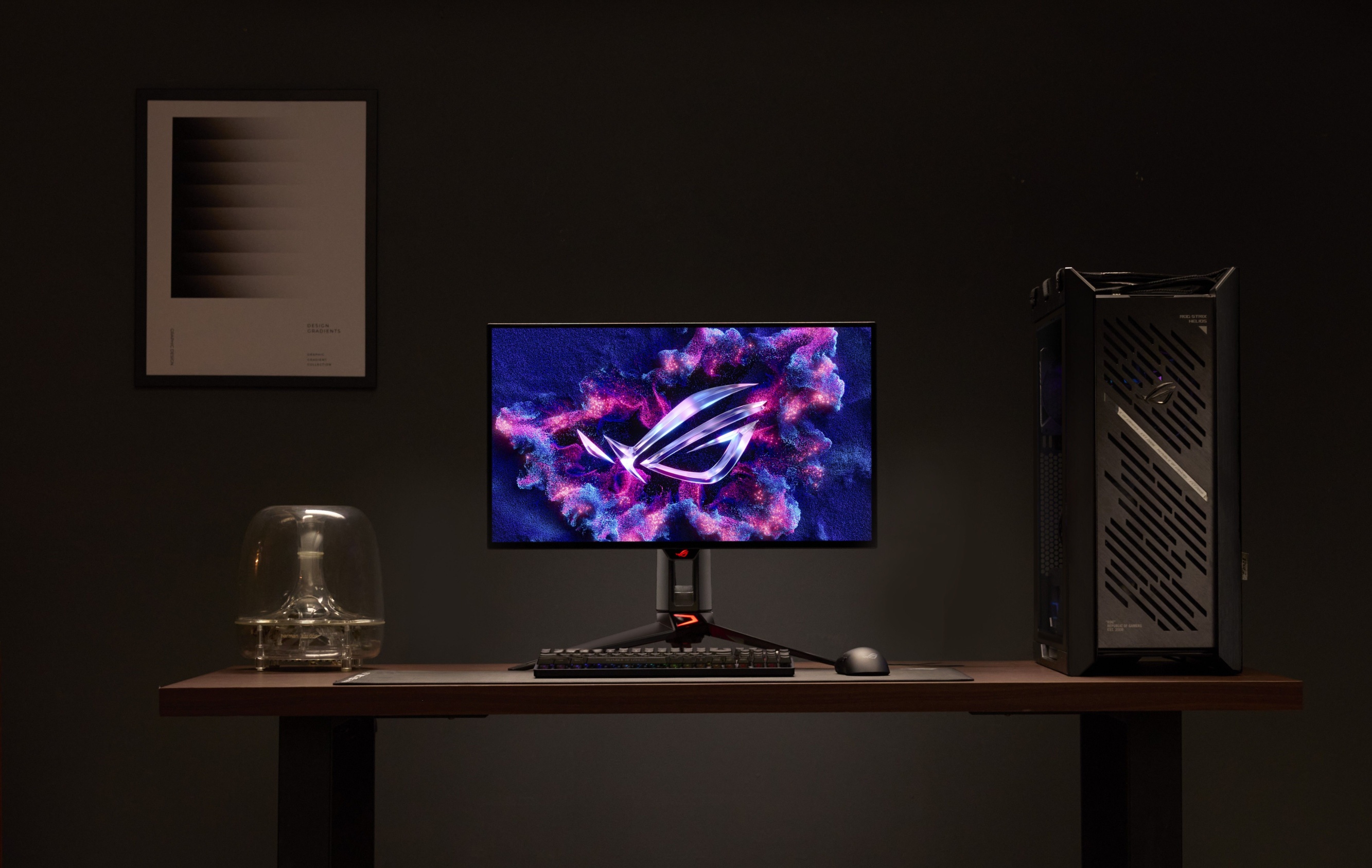
ASUS ROG Swift OLED PG27UCWM and PG32UCWM are flagship Tandem RGB OLED gaming monitors that combine a 4K 240Hz display, 480Hz full-HD mode, and 1,000-nit HDR brightness in 27-inch and 32-inch sizes for high-end gaming and content creation workstations. From a user’s point of view, these are outstanding OLED gaming monitors if you care about image quality and ultra-high refresh rates more than perfection in dark scenes. The new Tandem RGB OLED panel brings pure RGB stripe subpixels, excellent HDR, and a Dual Mode hotkey that lets you flip between 4K@240Hz and FHD@480Hz. However, the underlying four-stack architecture has a documented near-black banding limitation in very dark content that no firmware update is expected to eliminate. For competitive players and HDR junkies, that trade-off may be acceptable; for dark-mode purists, it’s a real reason to pause.
| Spec / Feature | PG27UCWM (26.5") | PG32UCWM (31.5") |
|---|---|---|
| Panel type | 4K True Tandem RGB OLED, TrueBlack Glossy | 4K True Tandem RGB OLED, TrueBlack Glossy |
| Dual Mode | 4K@240Hz / FHD@480Hz hotkey toggle | 4K@240Hz / FHD@480Hz hotkey toggle |
| Peak brightness | 1,000-nit HDR peak | 1,000-nit HDR peak |
| Size & role | Compact, esports-focused desk setups | Larger, workstation-style setups |
Tandem RGB OLED and Dual Mode: What You Gain in Real Use
Tandem OLED stacks four emissive layers vertically, spreading the light-generation work across them via a charge-generating layer, which allows far higher brightness and lower per-layer stress than single-stack OLEDs. In practice, that’s how these ROG Swift OLED panels reach 1,000 nits of peak HDR brightness while sustaining a 1,500,000:1 contrast ratio, 99% DCI-P3, true 10-bit color, Dolby Vision, and factory-calibrated Delta E under 2 for color accuracy. The pure RGB stripe layout drops the white subpixel used in conventional WOLED, improving text sharpness and expanding color volume by up to 27% at peak luminance. ASUS’s Dual Mode hotkey is more than a spec sheet trick: instant switching between 4K@240Hz and FHD@480Hz makes the monitors feel like two devices in one—one tuned for cinematic single-player HDR, the other built for competitive shooters where sub-frame clarity matters most.
Heat, Longevity, and OLED Care: How Hard Can You Drive It?
Driving a high refresh rate monitor at 1,000 nits can mean a lot of heat, so ASUS replaced the usual silicon MOSFET power supply with a gallium nitride field-effect transistor (GaNFET) design. The company’s measurements show roughly 35% less waste heat and a 10% drop in vent temperature, which they estimate translates into about a 25% improvement in OLED lifespan compared to previous ROG OLED monitors. Alongside that hardware change, enhanced OLED Care Pro features include an upgraded Neo Proximity Sensor with five motion sensitivity levels and a configurable Auto Away timer from 1 to 15 minutes, automatically triggering a protective back image when you step away. These tools matter if you use the panel for long hours of static UI or content creation, as they help reduce burn-in risk without forcing you to manually babysit the screen.
Pros
- True RGB stripe OLED with sharper text and up to 27% larger color volume at peak brightness
- 1,000-nit HDR, 99% DCI-P3, true 10-bit color, and Dolby Vision for high-end gaming and content work
- GaNFET power supply cuts waste heat by ~35% and lowers vent temperature by 10%, aiding panel longevity
Cons
- Known near-black banding in dark scenes due to Tandem four-stack architecture, not fixable via firmware alone
- Banding becomes more pronounced at 480Hz because shorter frame times make near-black current control harder
- Official pricing is still unpublished, so buyers must wait or rely on third-party listings for cost comparisons
The Dark-Scene Limitation and AI Agent Controls: Everyday Trade-Offs
The biggest caveat for these OLED gaming monitors is their behavior in very dark content. At low luminance levels common in dark game scenes and desktop dark modes, the Tandem WOLED panel’s digital-to-analog converter shows micro-current variations that can appear as visible banding. Independent reviewers have reproduced this on earlier monitors using the same panel generation, and both the panel maker and ASUS have acknowledged the issue. LG Display’s own measurements show that at 8 gray (~0.26 nits), current variation across channels is about 31%, but it falls to roughly 1.25% and becomes imperceptible by 32 gray (~4.82 nits). ASUS has confirmed that a firmware-only fix is unlikely. On the usability side, the PG27UCWM and PG32UCWM support Display Control CLI and Agent Skill software, letting AI agents adjust modes and profiles—like switching to FHD@480Hz FPS mode or setting sRGB and uniform brightness for color-critical work—via natural language.
Buy if / Skip if
- Buy the ROG Swift OLED PG27UCWM/PG32UCWM if you want a flagship 4K 240Hz display with 1,000-nit HDR and excellent color for both gaming and content creation workstations.
- Skip the ROG Swift OLED PG27UCWM/PG32UCWM if visible banding in dark scenes or desktop dark mode would bother you more than any HDR or refresh-rate gains.
- Buy the ROG Swift OLED PG27UCWM/PG32UCWM if you need a high refresh rate monitor that can instantly switch to FHD@480Hz for competitive titles while retaining OLED-level motion clarity.
- Skip the ROG Swift OLED PG27UCWM/PG32UCWM if you prefer to wait for published pricing and broader long-term testing before committing to new Tandem RGB OLED technology.
- Buy the ROG Swift OLED PG27UCWM/PG32UCWM if reduced heat, enhanced OLED Care Pro, and long-session comfort matter for a workstation that stays powered on all day.