
From Dumb Voice Prompts to a Real Apple Watch Assistant
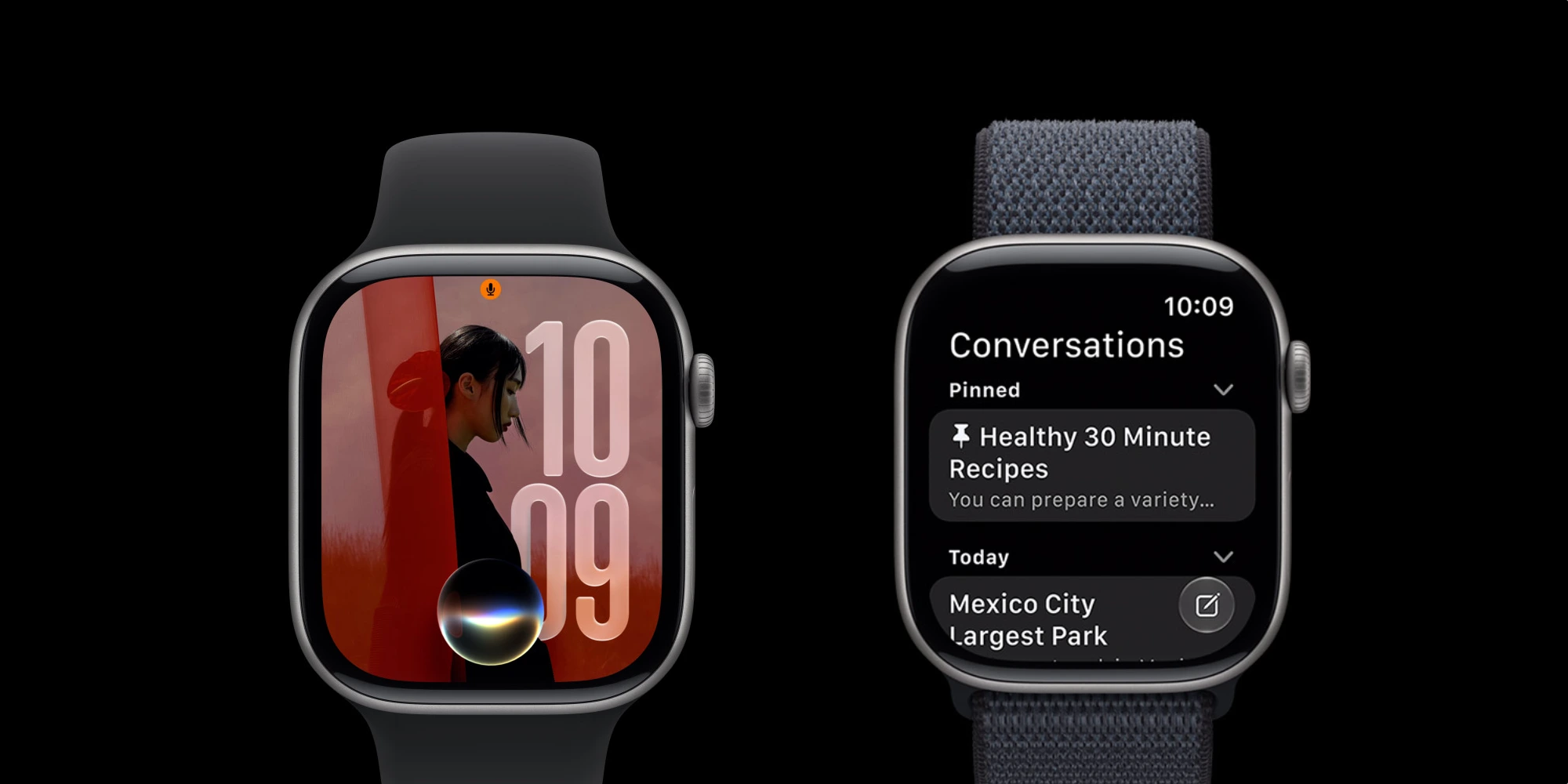
Siri AI on Apple Watch in watchOS 27 is a redesigned, on‑device assistant that replaces the old web‑search‑driven Siri with a conversational, context‑aware system able to answer complex questions, perform actions inside apps, and sync your interactions across Apple devices, turning the watch into a practical wearable AI upgrade rather than a passive notification companion. This is the shift Apple Watch users have been waiting for: intelligent help that lives on the wrist, not in a browser tab they can barely read. For years, Siri on Apple Watch felt like a half‑finished idea, often dumping “Here’s what I found on the web” onto a tiny display that was never meant for browsing. With the watchOS 27 public beta, Apple is finally giving the watch the same AI‑powered Siri seen on iPhone, iPad, Mac, and Vision Pro, after leaving it out of the initial Apple Intelligence rollout two years ago.
What Changed: Siri AI vs. Old Siri on Apple Watch
The difference between old Siri and Siri AI on Apple Watch is not subtle; it’s a complete change in how you can use your wrist. Previously, Siri’s typical response to anything even slightly complex was to return web results, forcing you to wait for pages on a screen that “wasn’t designed for browsing”. In early tests, the new Siri AI can answer specific, real‑world questions—like ferry schedules—with direct, useful information instead of links. It also behaves more like modern chatbots: you can ask open‑ended questions, request actions in apps, and pull details from across your device, such as “Send Dad my flight number” or “Play that song that James sent me” from Messages. The practical impact is clear: this is the first time some testers say they have intentionally wanted to use Siri on the watch, describing it as a potential “game‑changer” compared with the legacy assistant.
Real-Time Wearable AI and the Apple Ecosystem Handoff
Siri AI Apple Watch usage only reaches its full potential when paired with an Apple Intelligence‑enabled iPhone—typically an iPhone 15 Pro or newer. With that setup, your watch becomes a wrist‑based front end to a larger AI brain. You can call upon the assistant from your wrist, ask questions like you would with ChatGPT or Gemini, and have it act across apps and devices: surfacing the door code for your Airbnb, finding photos from your last trip, or continuing conversations you started on Mac or iPad via the dedicated Siri app that syncs across all these platforms. This seamless handoff matters because it finally respects how people use wearables: quick, glanceable interactions that tie into a broader ecosystem. Instead of forcing you to reach for your phone, the watch can now start and continue meaningful AI‑driven tasks in seconds, where the context moves with you from screen to screen.
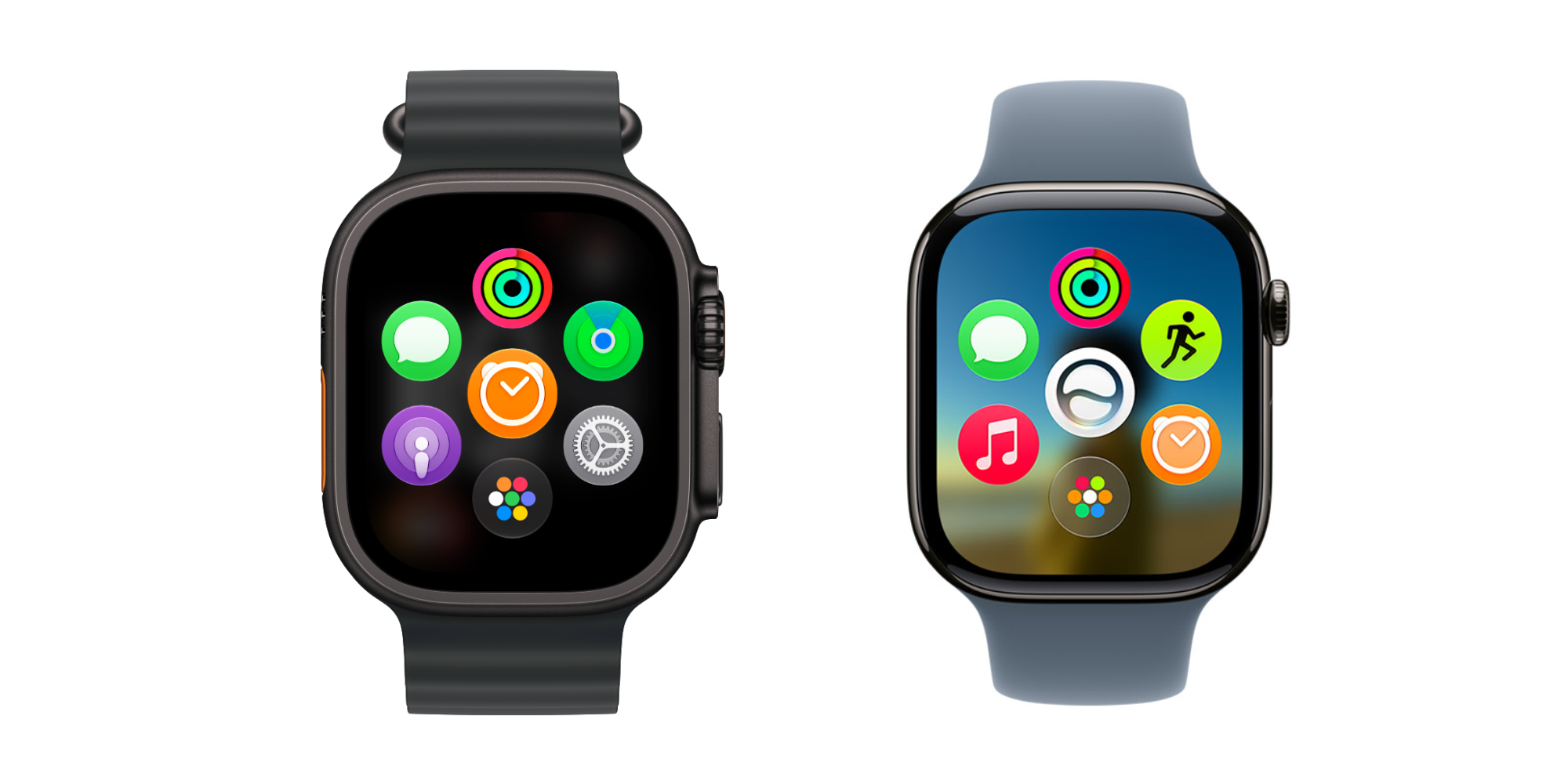
watchOS 27 Features That Support the New Interaction Pattern
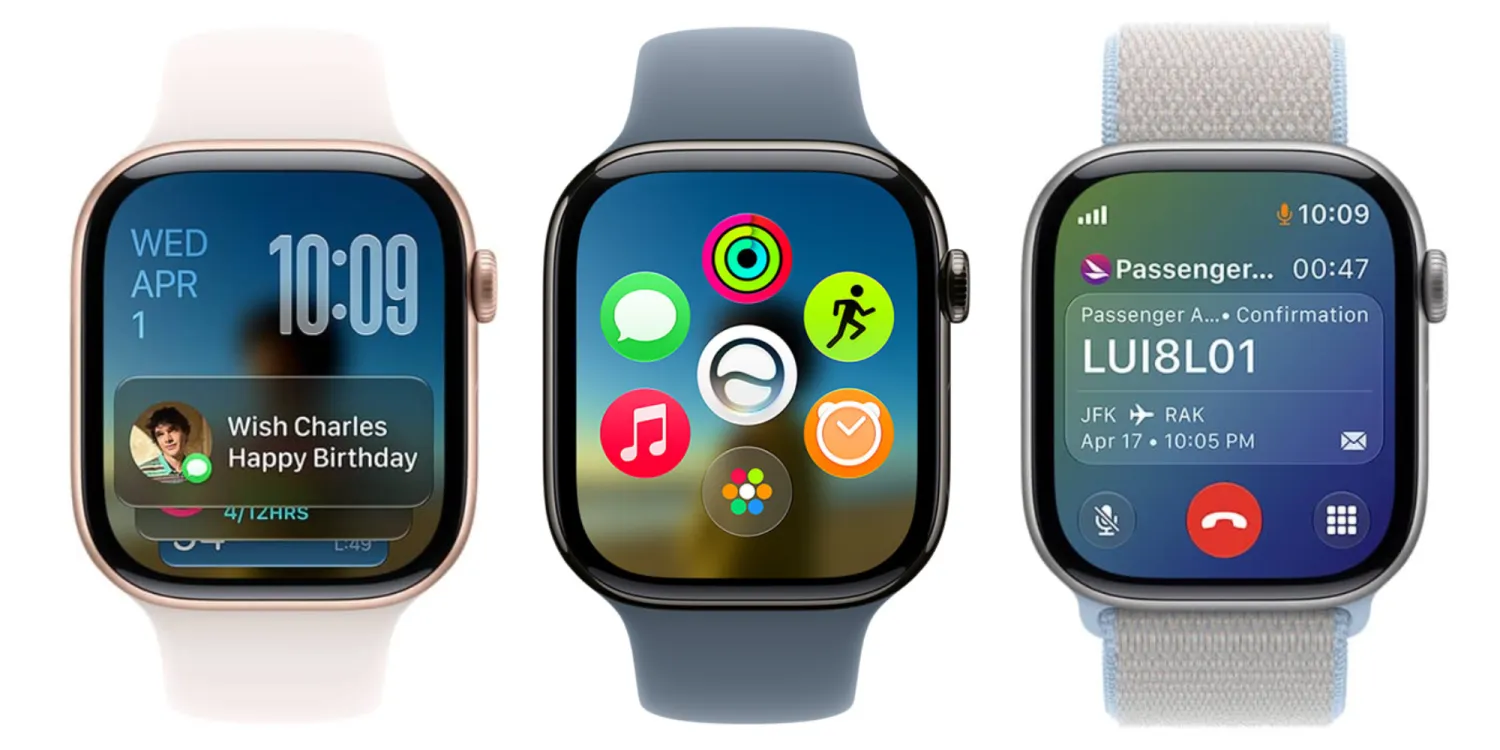
watchOS 27 is more than a Siri overhaul; it rethinks how you get to information and actions on your watch. The new dynamic app grid appears when you press the Digital Crown, surfacing six Siri‑suggested apps based on recency and popularity, with the Siri app in the center when Siri AI is enabled. A refreshed tap system lets you double tap to open the Smart Stack and then use a single tap gesture to interact with widgets from your watch face. Health and fitness features like Workout Buddy now run without a nearby iPhone, add Spanish language support, and expand insights on pace, distance, and duration. There are improvements to Cycle Tracking with perimenopause and menopause support and more accurate treadmill distance tracking from the wrist. All of this aligns with the idea that the watch should be a self‑sufficient, AI‑assisted device—not a dumb terminal waiting on your phone.
Beta Today, Everyday AI on Your Wrist Tomorrow
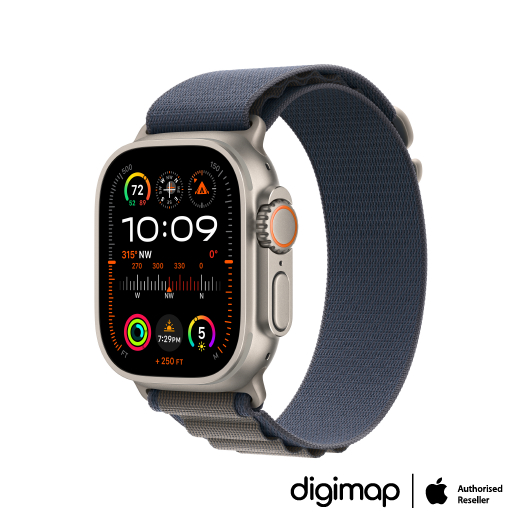
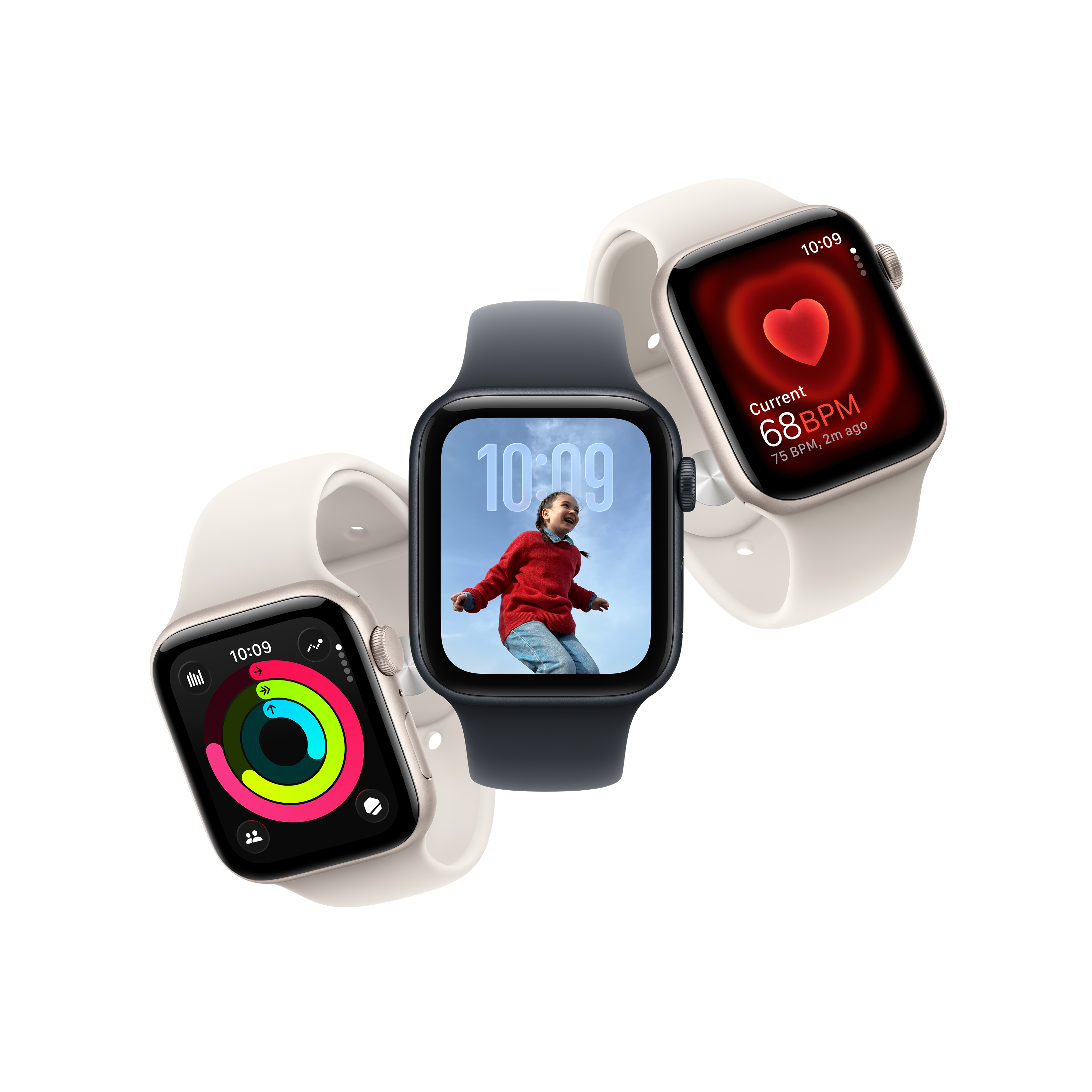
You can try Siri AI on your wrist now by installing the watchOS 27 public beta on a compatible Apple Watch—Series 9 or newer, Ultra 2 or newer, or Apple Watch SE 3—paired with an Apple Intelligence‑enabled iPhone. The public beta is available today, with the final release expected this fall alongside Apple’s next major announcements. Beta software carries real risks, and you cannot uninstall or downgrade from watchOS 27 once it’s installed, so early adopters should be prepared for bugs and glitches. That said, performance and answer quality are already strong enough that some testers say, “I’m keeping the new one” after direct comparisons. The broader story is clear: Siri AI is turning the Apple Watch from a passive notification surface into an active, context‑aware Apple Watch assistant. If Apple keeps refining this path, the watch may finally earn its place as the everyday wearable AI upgrade people wanted from day one.