
Our Top Pick: Core Ultra 5 245K Beats Most Budget and Legacy Options
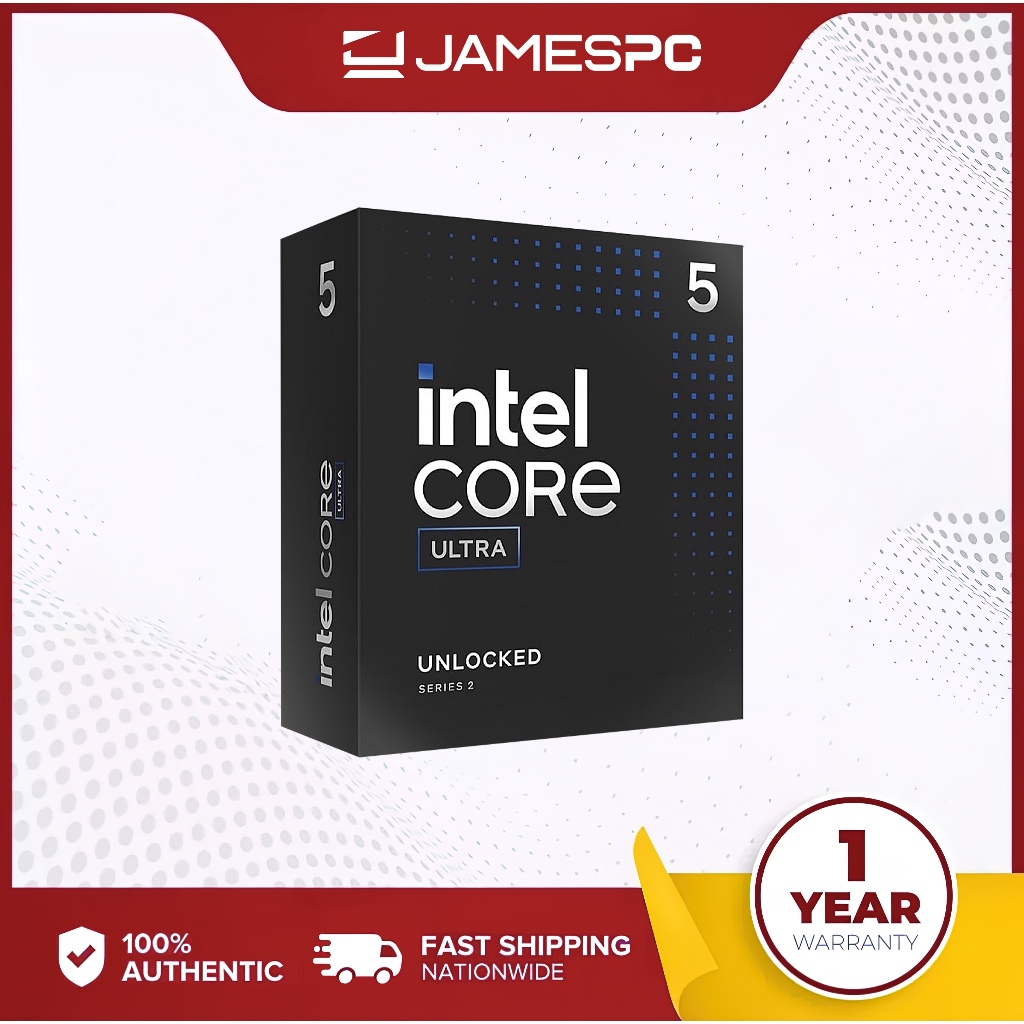
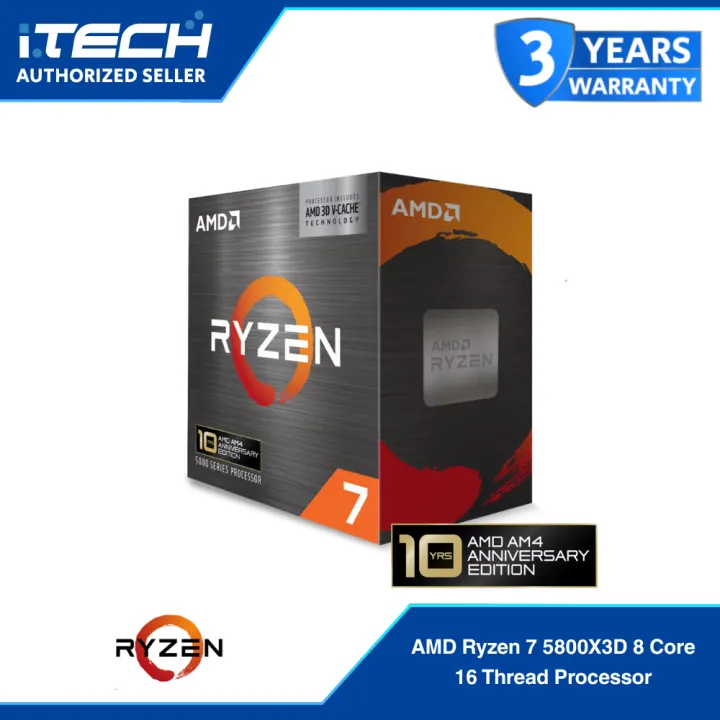
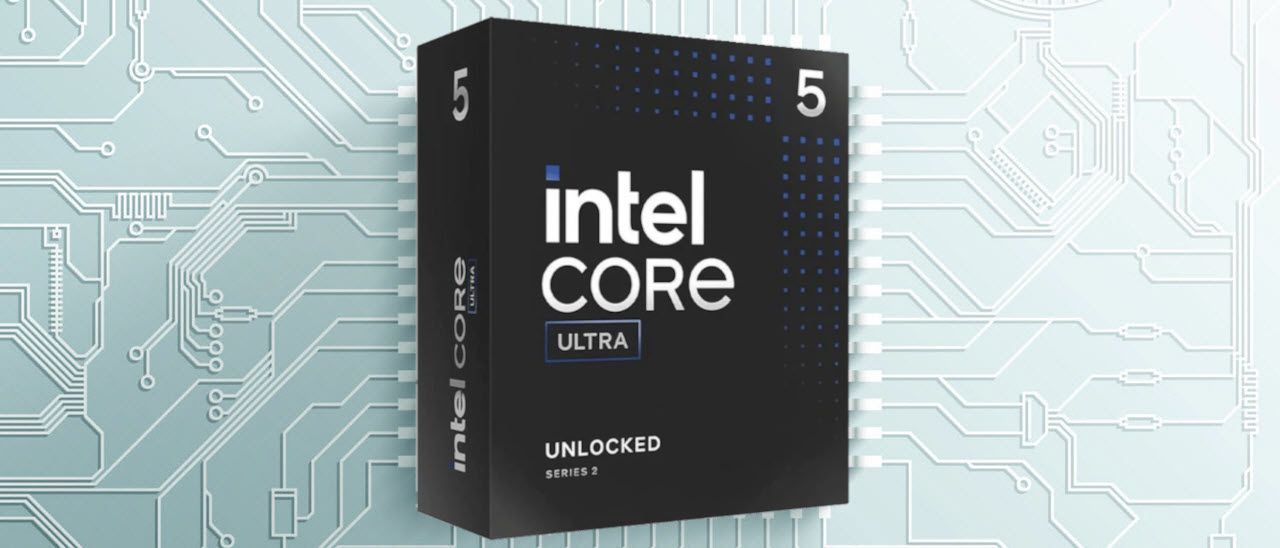
A CPU upgrade decision is the process of comparing the performance, price, platform features, and future upgrade options of your existing processor against newer or used alternatives so you can choose the chip that offers the best budget CPU value, gaming CPU worth, and long‑term reliability for your specific workload and budget. For most people building or refreshing a gaming PC today, the Intel Core Ultra 5 245K at USD 179.99 (approx. ₱10,100) is the best choice for value and performance. It delivers 14 cores (6 performance cores and 8 efficiency cores) with boost clocks up to 5.2 GHz on P‑cores and 4.6 GHz on E‑cores, and it supports PCIe 4.0 and PCIe 5.0 for fast GPUs and storage. In games, it outperforms AMD’s Ryzen 7 5800X3D, a special‑edition chip priced at USD 349 (approx. ₱19,600), while offering one of the strongest FPS‑per‑dollar ratios ever measured at its discounted price. This makes it the clear top pick if you want modern platform features without paying flagship prices.
| Spec | Core Ultra 5 245K | Typical Older Flagship (Ryzen 7 2700X) |
|---|---|---|
| Approx. price | USD 179.99 (approx. ₱10,100) | USD 50 or less (approx. ₱2,800) |
| Core / thread count | 14 cores, 14 threads (6P+8E) | 8 cores, 16 threads |
| Boost clock | Up to 5.2 GHz P‑cores, 4.6 GHz E‑cores | Higher clocks than first‑gen Zen, exact figure not stated |
| Memory support | Up to 256GB DDR5‑6400, dual‑channel | DDR4, exact speeds depend on motherboard |
| PCIe support | PCIe 4.0 and PCIe 5.0 | PCIe 3.0 on typical AM4 boards |
When Older Flagships Still Beat New Budget CPUs for Gaming
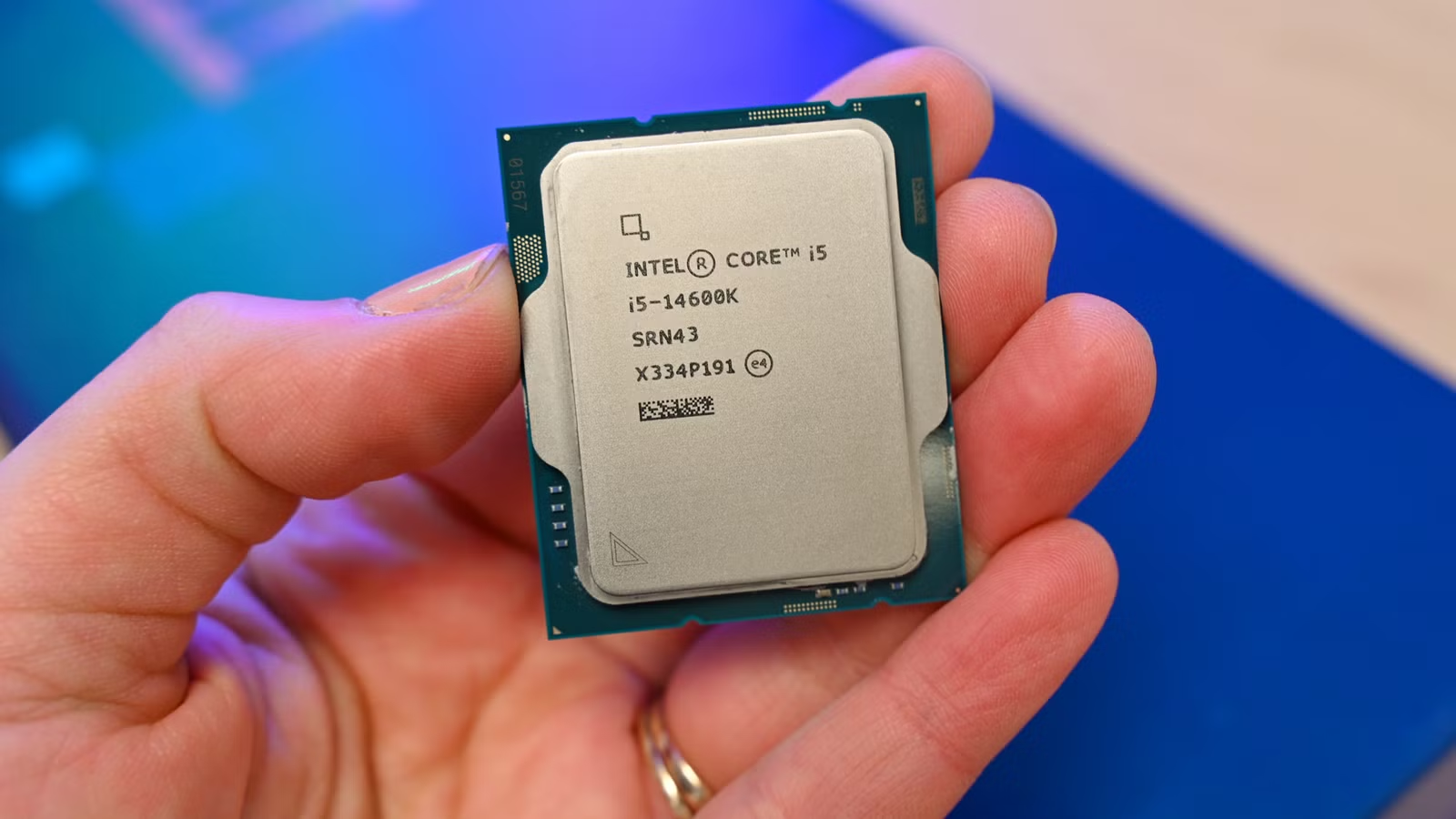
Older CPU performance can be far better than many people assume, especially if you own a past‑generation flagship. Chips like Intel’s Core i7‑8700 and similar six‑core processors continue to deliver strong single‑core performance and hold up well in modern games at 1080p when paired with an entry‑level graphics card. Higher‑core legacy parts such as AMD’s Ryzen 7 2700X remain excellent budget CPUs for multitasking, with 8 cores and 16 threads that still handle heavy workloads and gaming respectably. In benchmark testing, its non‑X sibling, Ryzen 7 2700, reached 52 FPS in Dragon’s Dogma 2 and 66 FPS in Starfield, with higher frame rates in lighter titles. These results show why older flagship CPUs often match or exceed newer budget processors in real‑world gaming and workload performance. If your current chip looks similar on paper to these examples, upgrading to a low‑end modern CPU is rarely worth the cost purely for gaming CPU worth.
Raw Value: Used Ryzen 7 2700X and Ryzen 5 1600 vs New Budget Chips
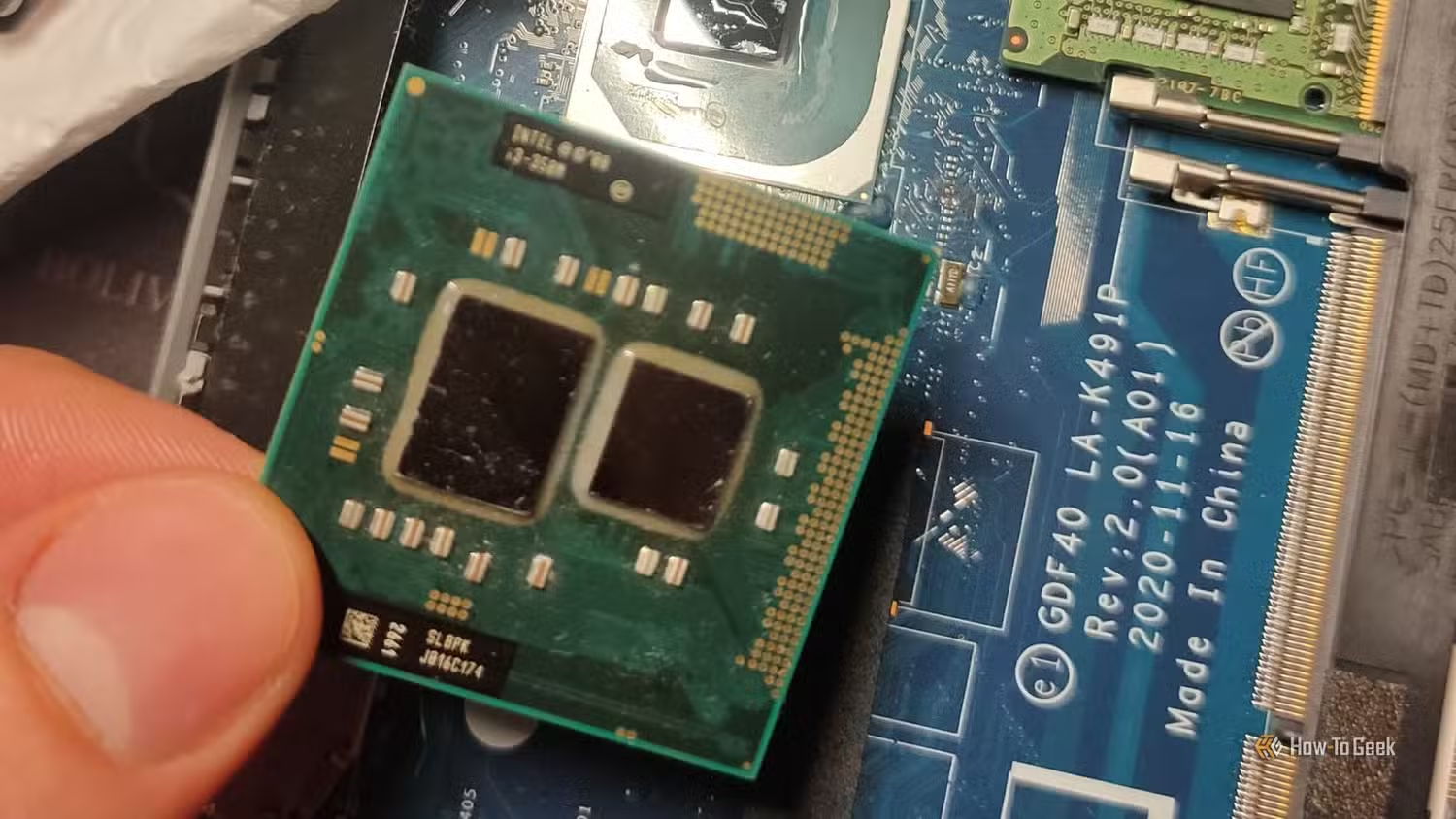
If you are chasing the best budget CPU value, the legacy market is hard to ignore. The Ryzen 7 2700X can be found for around USD 50 or less (approx. ₱2,800) on the used market, yet those 8 cores and 16 threads still provide an excellent entry point into PC gaming and heavy multitasking. One clear downside is its 105W TDP, meaning higher power consumption and more heat under load. For dirt‑cheap systems, Ryzen 5 1600 is described as a legendary budget processor that costs less than a dinner for two and can form the heart of a system aimed at basic computing and light esports gaming. Because it sits on the AM4 socket, choosing a compatible board such as a B450 model gives you an upgrade path to stronger AM4 CPUs like the Ryzen 5 5600X or Ryzen 7 5700X3D once prices drop. According to one analysis, "buying an old CPU for work or gaming can make a lot of sense if you're on a tight budget".
Modern Budget CPUs: Core i3‑14100F and the Limits of Feature Upgrades
Modern budget chips such as Intel’s Core i3‑14100F offer a different kind of value. This 4‑core, 8‑thread processor can handle most everyday work and gaming tasks with ease, providing a low‑cost way to access current platforms and features that very old architectures lack. However, older CPU performance means you may not see a huge real‑world difference if you are moving from a capable six‑ or eight‑core legacy chip merely to gain newer features. Newer budget CPUs like the Core Ultra 5 245K add PCIe 5.0 support and fast DDR5 memory, but those features alone may not justify the cost for gaming‑focused builds that care more about FPS than storage bandwidth. In many cases, the price‑to‑performance ratio favors holding onto a 2–3‑generation‑old CPU for most use cases, especially when your current chip already offers solid frame rates and multitasking ability.
Platform Considerations and Windows 11 Support
Beyond raw speed, platform support and operating system compatibility should shape your CPU upgrade decision. Some older CPUs are based on architectures that are called ancient by modern standards and lack many newer features and optimizations, including official support for current operating systems. The Core i7‑8700, for example, supports Windows 11, which is a major advantage compared with first‑generation Ryzen chips that do not meet Microsoft’s requirements. In contrast, the i7‑6700K, despite strong single‑core performance and overclocking potential, does not officially support Windows 11 and is considered a better candidate for a Linux‑based machine than a platform with a meaningful future upgrade path. This highlights a key point: legacy CPU market options remain viable for value‑conscious enthusiasts unwilling to pay flagship prices, but you must weigh OS support and upgrade paths as carefully as frame rates. At the same time, "at just USD 179 (approx. ₱10,100), no other CPU will give you more performance across the board than the Core Ultra 5 245K".
Buy if / Skip if
- Buy the Core Ultra 5 245K if you want the best mix of gaming CPU worth, PCIe 5.0 support, and DDR5 on a modern platform at a clear value price.
- Skip the Core Ultra 5 245K if you already own a capable 8‑core legacy chip like Ryzen 7 2700X and play primarily at 1080p, where older CPU performance still holds up.
- Buy the Ryzen 7 2700X if you need an excellent entry point into PC gaming and multitasking for around USD 50 (approx. ₱2,800) on the used market.
- Skip the Ryzen 7 2700X if you are sensitive to power use and heat, because its 105W TDP means higher energy costs and cooling demands.
- Buy the Ryzen 5 1600 if you are building a dirt‑cheap system for basic computing and light esports gaming, and you want AM4 upgrade options later.
- Skip the Ryzen 5 1600 if you rely on heavy multithreaded workloads, where newer architectures or higher‑core legacy flagships will age more gracefully.
- Buy the Core i3‑14100F if you want a modern, low‑cost 4‑core, 8‑thread chip that handles most everyday work and casual gaming tasks.
- Skip the Core i3‑14100F if you are already on a six‑core or eight‑core CPU, since the price‑to‑performance ratio favors holding onto such chips for most uses.