
Top pick: Core Ultra 5 245K – the smarter default CPU buy
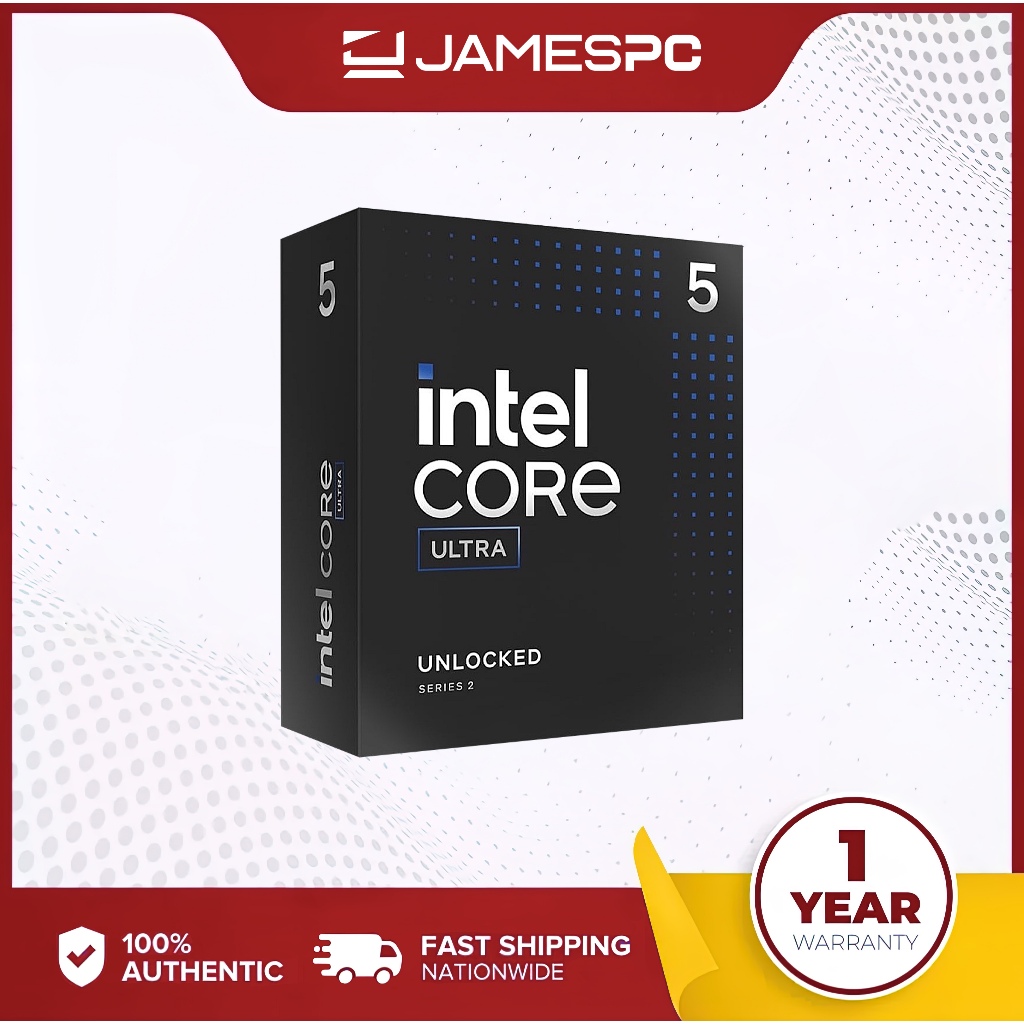
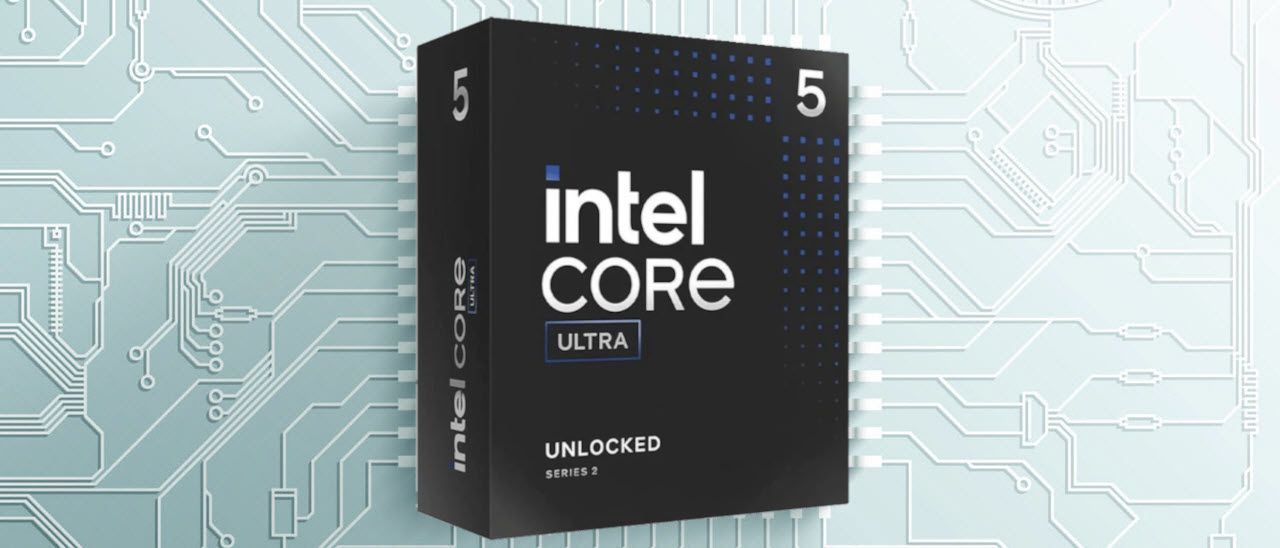
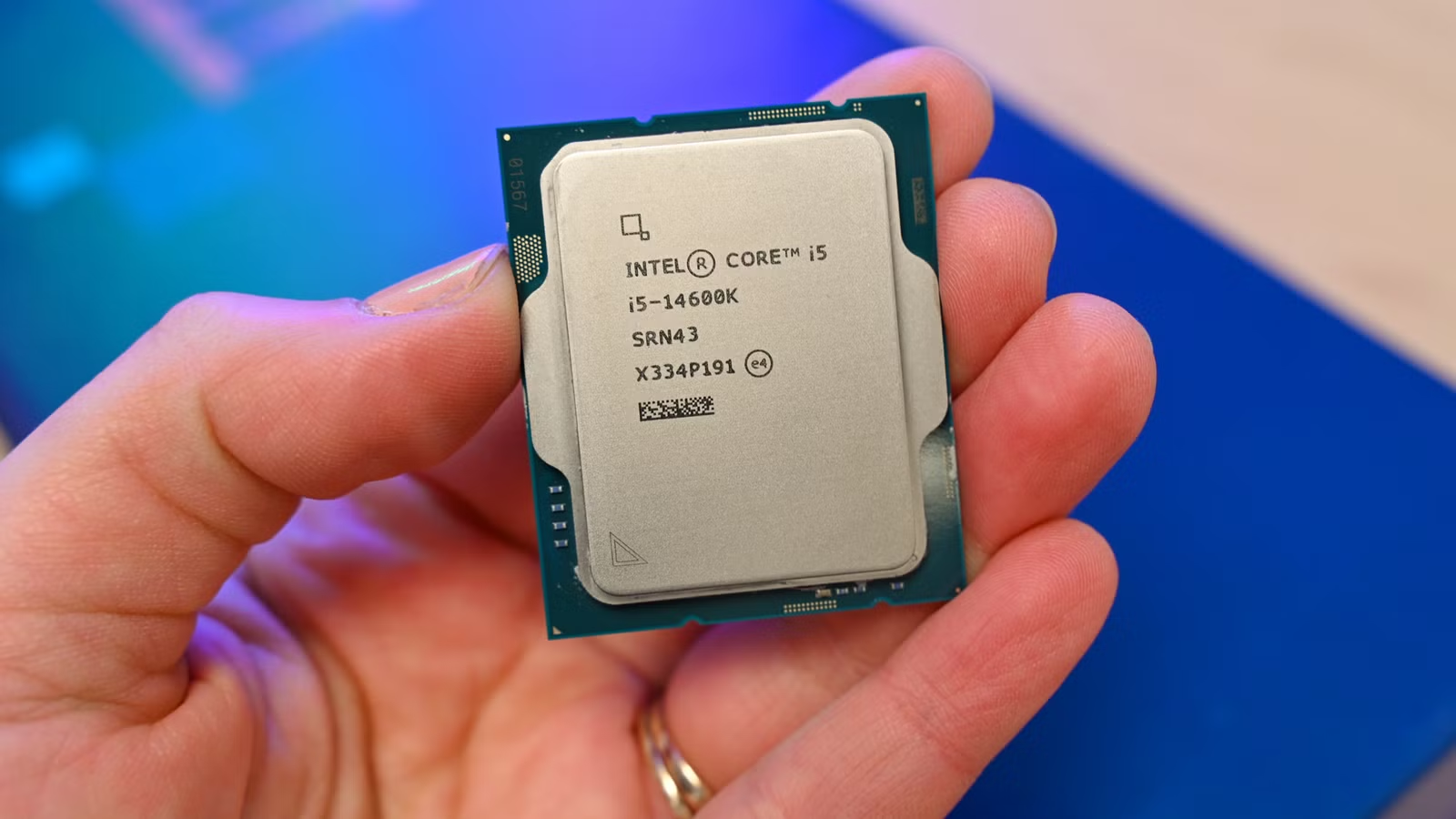
Buying older processors for gaming and content creation means choosing slightly previous‑generation CPUs that still offer strong performance, modern features, and excellent budget CPU value compared with brand‑new midrange and entry‑level chips. The clear winner for most people today is the Intel Core Ultra 5 245K at USD 179.99 (approx. ₱10,000), because it delivers near‑flagship frame rates, PCIe 5.0 support, and serious productivity performance for a fraction of high‑end prices. This 14‑core processor combines 6 performance cores and 8 efficiency cores with 14 threads and boost clocks up to 5.2 GHz on P‑cores and 4.6 GHz on E‑cores, so it handles gaming and multithreaded workloads with ease. At its current discount, its FPS‑to‑dollar ratio climbs to the top tier, outperforming much pricier gaming chips in both games and heavy productivity tasks, which makes it the best value CPU 2026 buyers can realistically put in a new build.
Why older CPUs still feel fast: real gaming and creator gains
Older processors gaming performance stays relevant longer than most marketing suggests, especially once you move beyond synthetic charts and look at real titles. The Core Ultra 5 245K, built on the same architecture and node as newer Arrow Lake refresh chips, can outperform AMD’s relaunched Ryzen 7 5800X3D in modern games while costing far less. It also posts better multi‑threaded geomean scores than several AM5 X3D flagships, so video editing and 3D rendering remain smooth when you have many cores at work. On the used side, chips like the Ryzen 7 2700X with 8 cores and 16 threads remain comparable to newer six‑core processors for mixed workloads, and they still deliver respectable FPS in demanding titles, especially when paired with sensibly chosen GPUs. These CPUs are still worth buying today, but temper your expectations around absolute top‑end performance and features.
Best older CPUs for different budgets
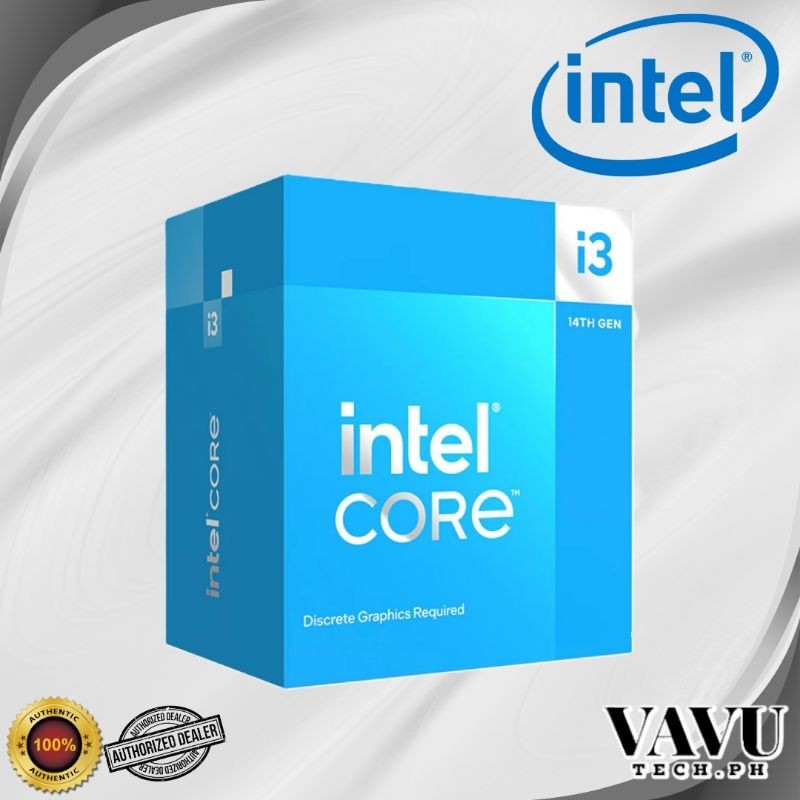
If you want the best value CPU 2026 without wasting money, match your workload to a specific older chip. The Core Ultra 5 245K at USD 179.99 (approx. ₱10,000) is the ideal balance for most gamers and creators: 14 cores, high boost clocks, and PCIe 5.0 support for next‑gen storage and GPUs. For budget office and casual gaming rigs, the Intel Core i3‑14100F brings 4 cores and 8 threads that can handle everyday work and light gaming with ease, and it often sits around USD 105 (approx. ₱5,800). On the ultra‑cheap path, the Ryzen 7 2700X can be found used for about USD 50 (approx. ₱2,800). It remains an excellent budget CPU for multitasking thanks to its 8 cores and 16 threads, even though its 105W TDP means you need decent cooling and power delivery. Buying an old CPU for work or gaming can make a lot of sense if you're on a tight budget.
| CPU | Typical price | Cores / Threads | Best for |
|---|---|---|---|
| Intel Core Ultra 5 245K | USD 179.99 (approx. ₱10,000) | 14 cores / 14 threads | Mainstream gaming & content creation with PCIe 5.0 |
| Intel Core i3-14100F | USD 105 (approx. ₱5,800) | 4 cores / 8 threads | Entry gaming and office work |
| AMD Ryzen 7 2700X | USD 50 (approx. ₱2,800) | 8 cores / 16 threads | Dirt‑cheap multitasking and budget gaming |
Longevity, trade‑offs, and who should avoid older chips
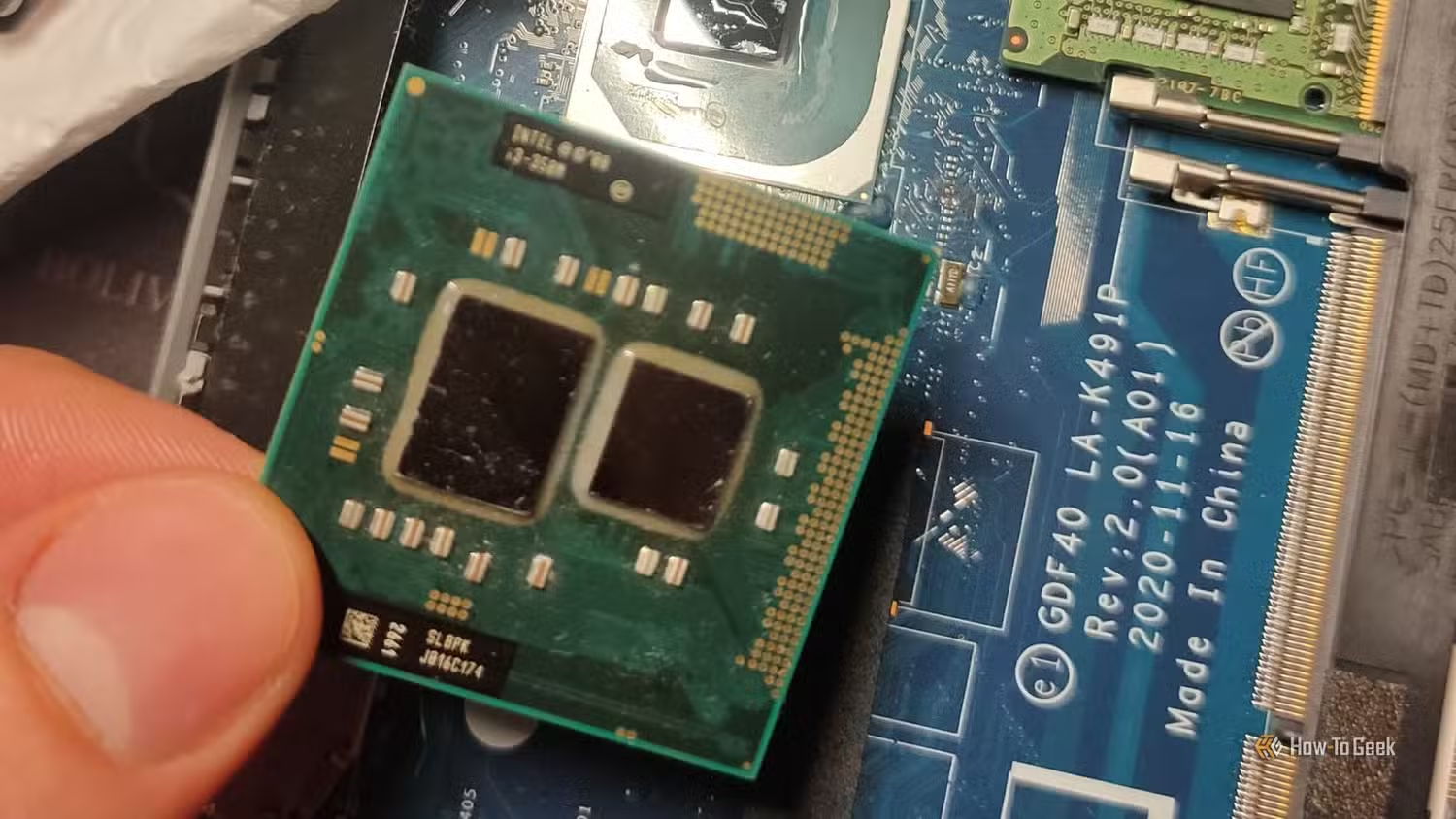
Older CPUs can stay relevant for 3–5 years in typical gaming and productivity workflows when they start with strong core counts and decent clocks. The Ryzen 7 2700X has remained comparable to newer six‑core chips because its 8 cores and 16 threads were ahead of their time. Paired with cheap DDR4 memory, such platforms let you keep overall system costs to an absolute minimum. The main cons are power draw and platform limits: the 2700X’s 105W TDP means more heat and higher electricity use, and many older boards cap you at PCIe 3.0 and previous‑gen connectivity[SR C:6056]. Meanwhile, modern budget CPUs like the Core i3‑14100F benefit from efficiency and updated instruction sets, but in real‑world gaming benchmarks, older high‑end chips often sit surprisingly close to these newer budget models when both are paired with sensible GPUs. These CPUs are still worth buying today, but temper your expectations.
Buy if / Skip if
- Buy the Core Ultra 5 245K if you want the best mix of gaming and creator performance per dollar, with PCIe 5.0 and a 14-core layout at USD 179.99 (approx. ₱10,000).
- Skip the Core Ultra 5 245K if you need the absolute latest flagship features and are willing to pay much more for small performance gains.
- Buy the Ryzen 7 2700X if you’re building a dirt‑cheap multitasking or budget gaming PC and can find the CPU around USD 50 (approx. ₱2,800) used.
- Skip the Ryzen 7 2700X if you care about low power consumption or have limited cooling, because its 105W TDP can run hot under load.
- Buy the Core i3-14100F if you want a simple, low‑cost quad‑core that can handle most everyday work and gaming tasks with ease.
- Skip the Core i3-14100F if you plan heavy video editing or 3D rendering and would benefit from more than 4 cores and 8 threads.