
The short answer: buy a mid‑tier motherboard and stop worrying
A budget PC build is a desktop system assembled with cost-effective PC parts that prioritize real-world performance in gaming or work over luxury features, focusing spending on components that directly affect frame rates and responsiveness while cutting costs on non-performance hardware such as motherboards and cosmetics. For most people, the single best place to save money without losing performance is the motherboard. Right now, motherboards are the only major PC component defying the cost-inflation trend, with prices dropping instead of rising as memory and GPU costs go up. That makes a solid mid-tier AM5 or LGA1851 board the clear top pick: it gives your CPU, GPU, and SSD everything they need, while freeing a big chunk of budget for parts that actually move the needle in games and workloads.
Motherboards: the rare PC part that’s getting cheaper
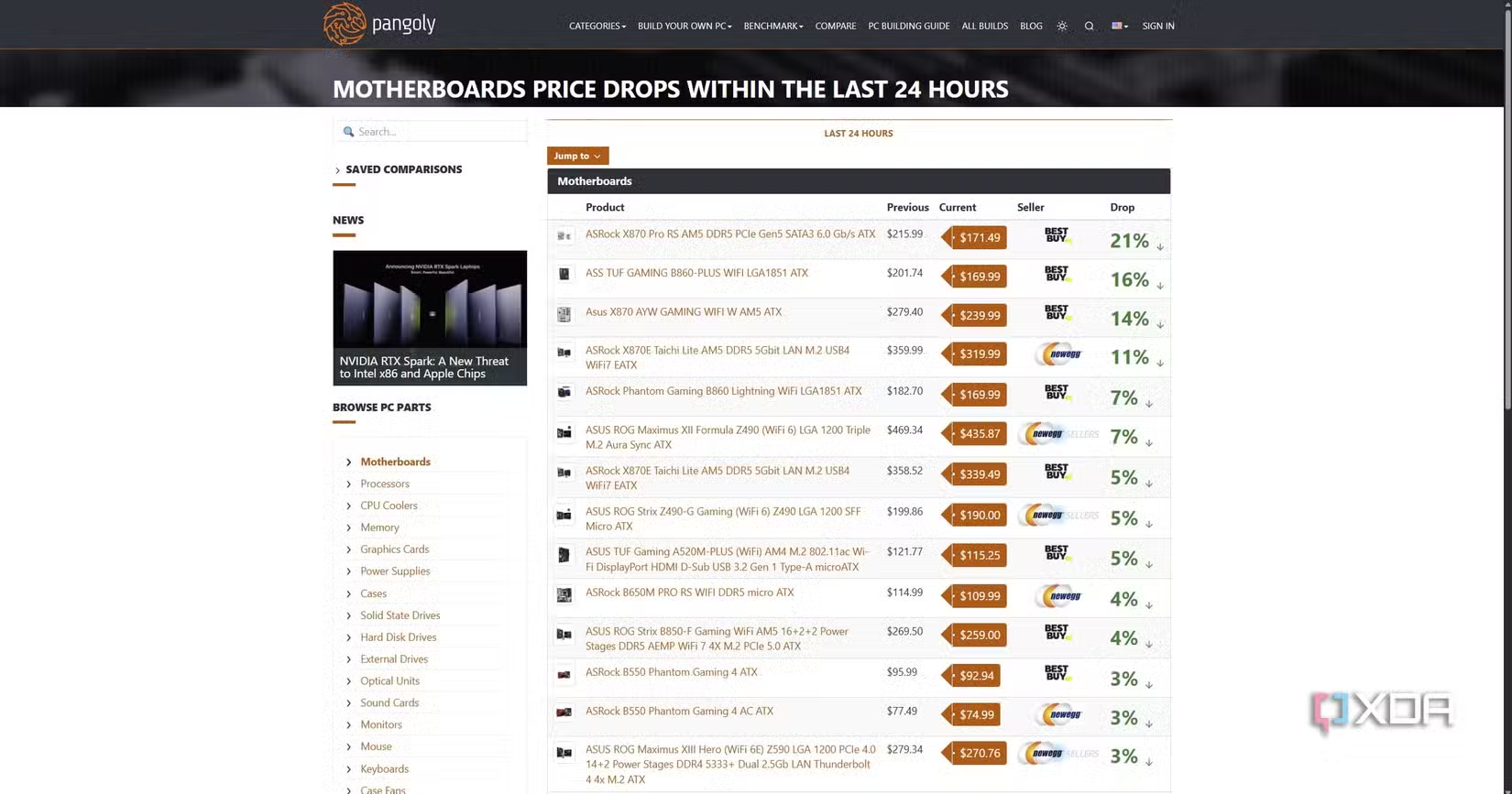
Every other major PC part—RAM, SSDs, and GPUs—is caught in an inflation cycle driven by demand for DRAM, NAND, and VRAM in AI and data workloads. Motherboards are different: they use copper, PCB, VRMs, sockets, and controllers, none of which are being hoarded by the AI industry, so they’re insulated from those price spikes. As builders delay or cancel upgrades due to rising memory and GPU prices, motherboard sales have dropped sharply, which has pushed board prices down even further. In practical terms, that means high-end X870-class motherboards with three or four M.2 slots can be found between USD 230–250 (approx. ₱12,880–₱14,000) after USD 100–120 (approx. ₱5,600–₱6,720) cuts, while B650 boards have appeared for as low as USD 109 (approx. ₱6,104) from a USD 179 (approx. ₱10,024) list price, and Z-series boards as low as USD 180 (approx. ₱10,080).
Why mid‑tier beats flagship for almost every budget PC build
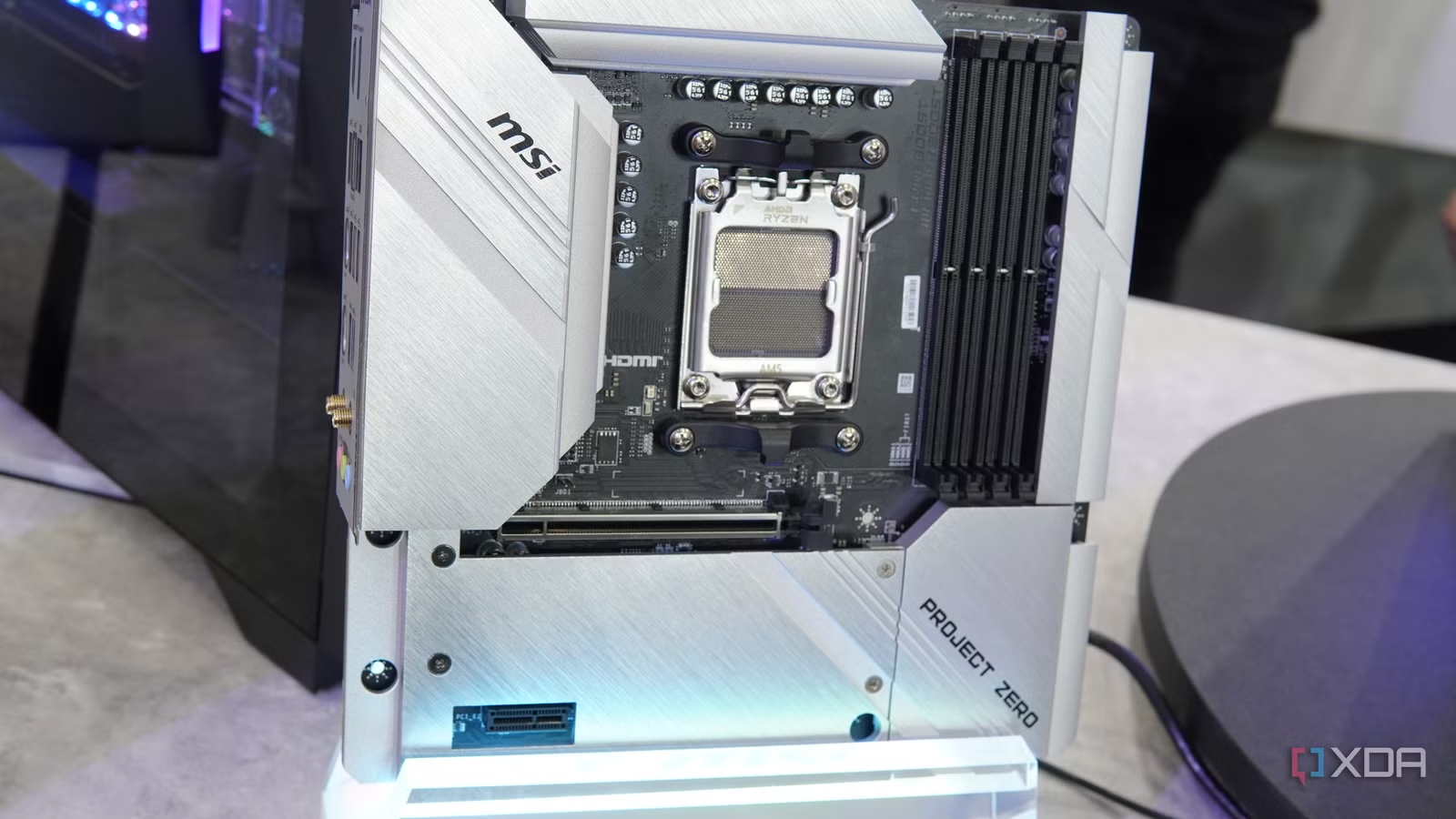
Mid-tier motherboards give you nearly identical performance to flagship models while saving well over half the board’s cost. Spending USD 400 (approx. ₱22,400) on a flagship X870E when a CPU like the 9800X3D performs the same on a B850 or B650 board that costs less than half as much does not make sense for most users. A well-chosen mid-range board still delivers essentials like PCIe 5.0 support for modern GPUs and SSDs, so “it’s not like you’re missing out by paying half the price”. Flagship extras—Wi‑Fi 7, 5GbE LAN, USB4, and support for multiple PCIe 5.0 SSDs—sound attractive, but they rarely change frame rates or day-to-day responsiveness for a budget gaming PC. Splurging on a flagship board is overkill once a platform is mature; you gain longevity features that you may only use many years down the line, while starving your CPU, GPU, or storage budget in the present.
| Spec | Mid‑tier AM5 example | Flagship AM5 example |
|---|---|---|
| Form factor | ATX | ATX or larger (E‑ATX) |
| Socket | AM5 | AM5 |
| Memory support | 4 DDR5 slots | 4 DDR5 slots |
| PCIe support | PCIe 5.0 for GPU/SSD at half the board price | PCIe 5.0, often with extra shared lanes |
| Target user | Performance-focused budget PC build | Feature-focused, high-budget build |
How to prioritize PC parts for maximum performance per dollar
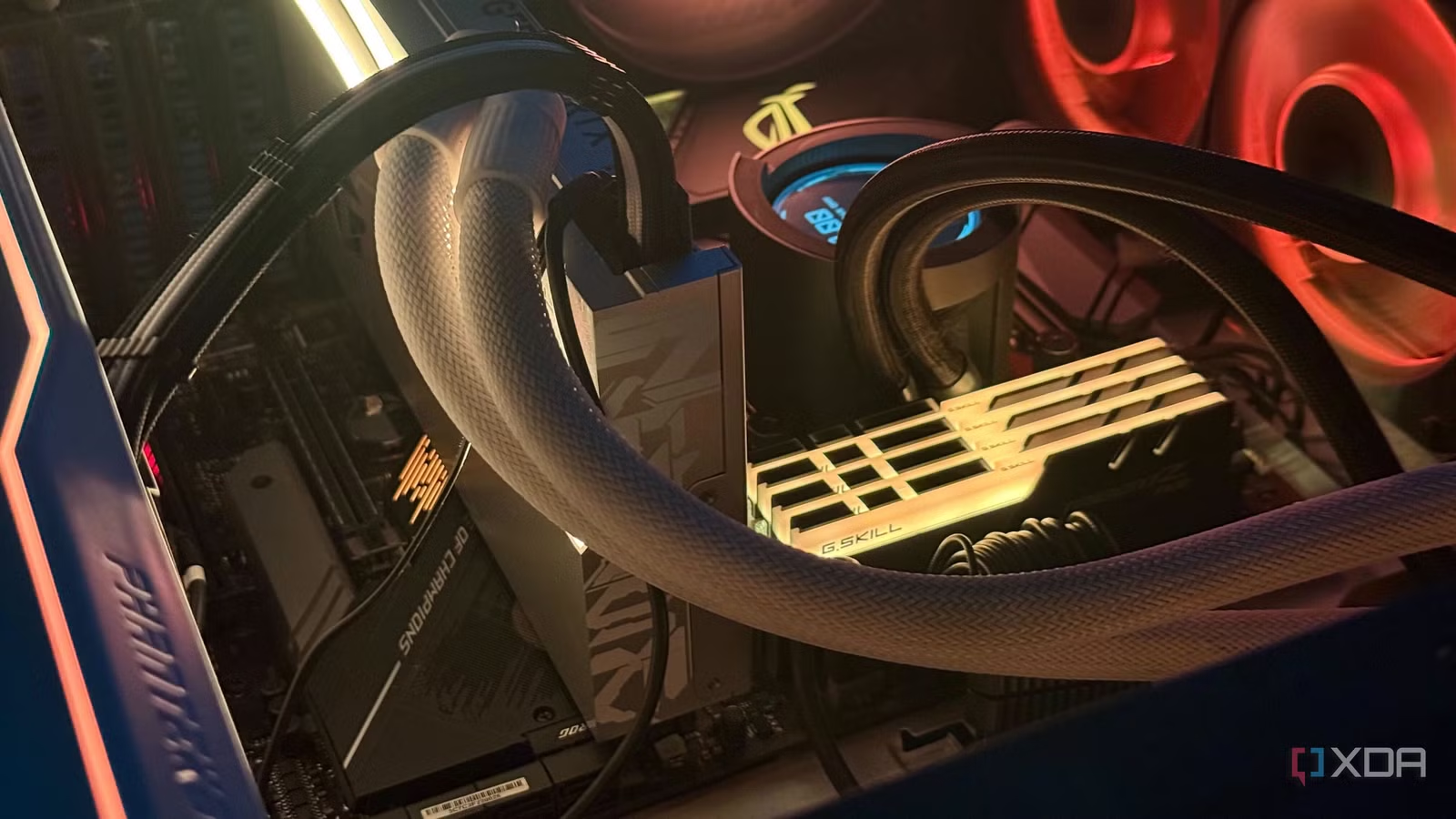
The smartest budget PC builds treat the motherboard as a stable platform, then pour savings into parts that actually dictate performance—CPU, GPU, RAM, and storage. Platform-first building lets you buy the board while it is selling below launch pricing, then add remaining components as you spot good deals. For gaming and heavy workloads, you should focus on performance the way you do when choosing those parts: they are what decide how well your games run or how fast your applications feel. A cost-effective PC parts list might pair a mid-tier AM5 board, a strong but not top-end CPU, a GPU tuned to your target resolution, and a single fast NVMe SSD instead of multiple PCIe 5.0 drives. The key is knowing which corners are safe to cut—motherboard bells and whistles, extreme overclocking support—and where steady quality matters, like reliable power delivery and enough slots for your planned RAM and storage.
Buy if / Skip if
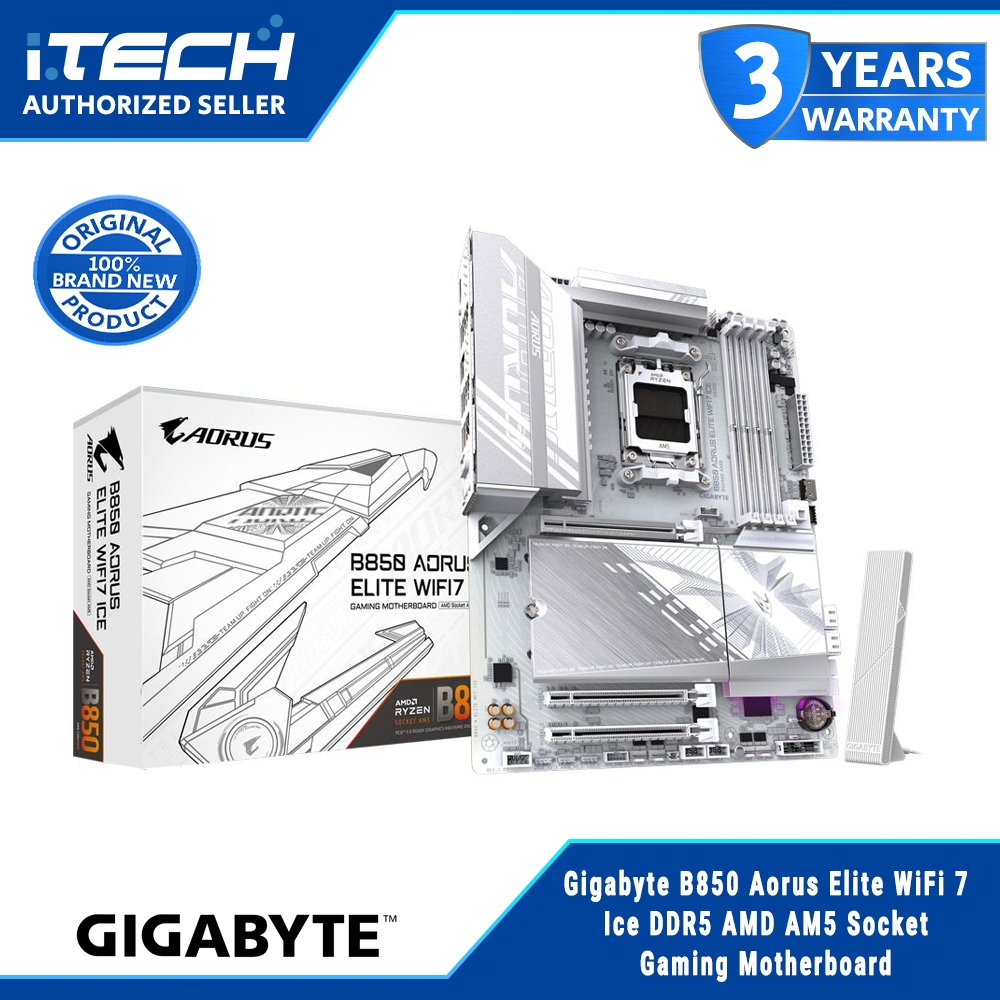
- Buy the GIGABYTE B850 AORUS Elite if you want an ATX AM5 motherboard with 4 DDR5 slots and PCIe 5.0 support while focusing your budget on CPU and GPU performance.
- Skip the GIGABYTE B850 AORUS Elite if you need niche flagship features like Wi‑Fi 7, 5GbE LAN, or multiple PCIe 5.0 SSDs that you plan to use immediately.
- Buy the GIGABYTE B850 AORUS Elite if you are building a budget gaming PC and care more about frame rates than premium motherboard aesthetics or extreme overclocking support.
- Skip the GIGABYTE B850 AORUS Elite if your workflow depends on the highest-end connectivity options and you are willing to pay flagship prices for them.
- Buy the GIGABYTE B850 AORUS Elite if you want cost-effective PC parts and agree that you do not need to future-proof the motherboard at all costs for an established platform.