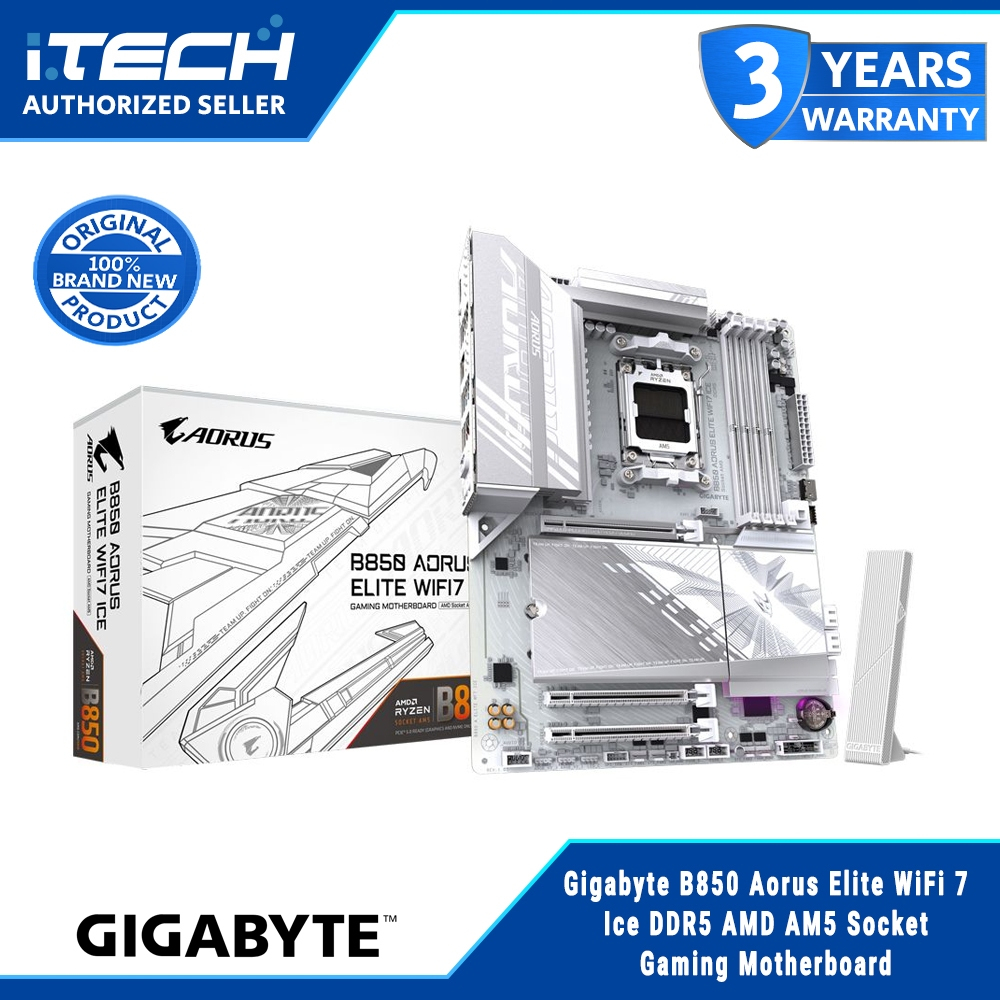
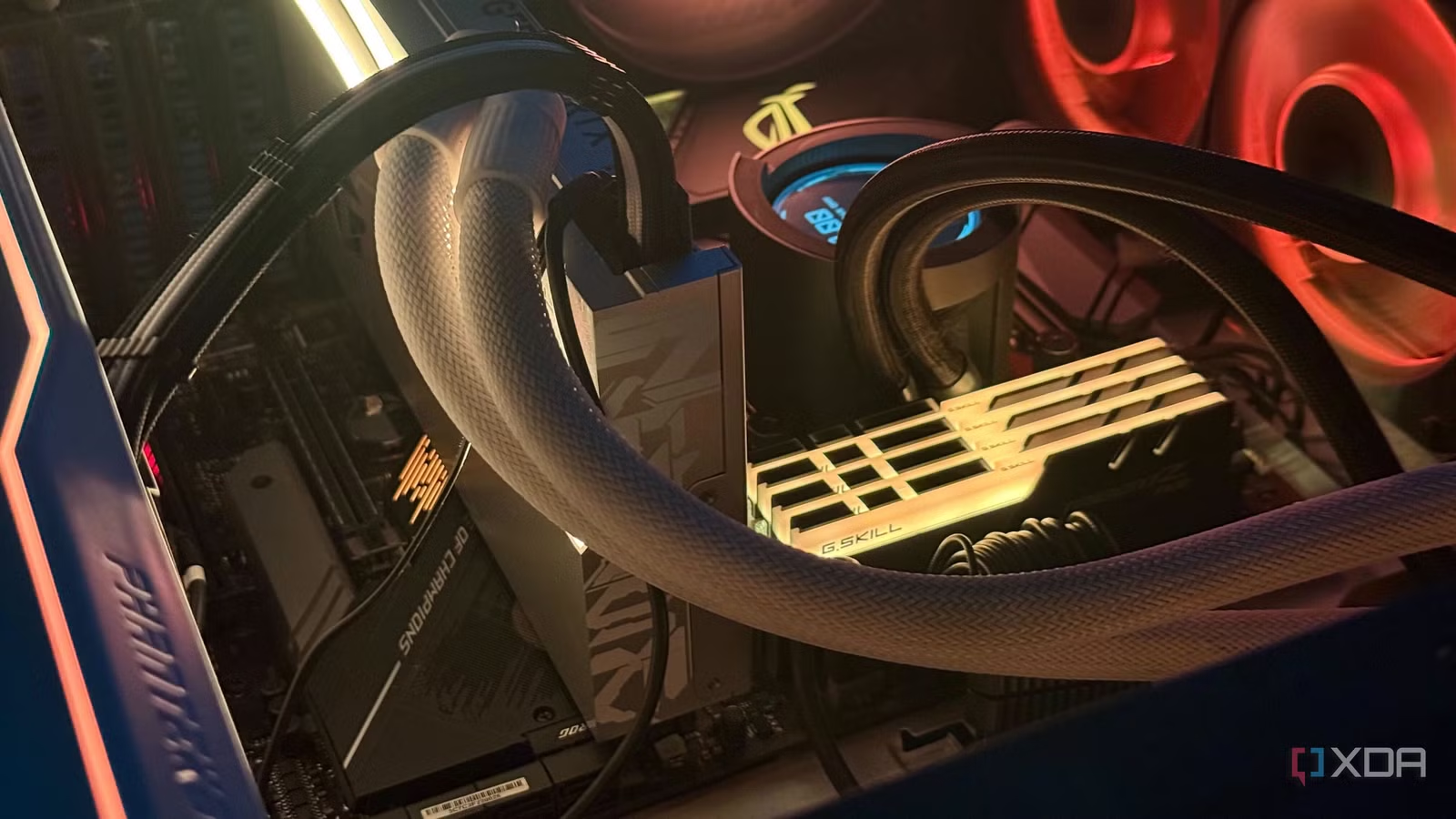

Our Top Pick: Gigabyte B850 AORUS Elite — The Sweet Spot for Most Builders
A motherboard buying guide is a set of practical rules that helps PC builders choose a board that delivers stable CPU, GPU, and storage performance without paying for unnecessary motherboard features that do not improve real-world gaming or productivity results. The Gigabyte B850 AORUS Elite is the board that hits that balance best for most people. It is an ATX motherboard for AMD’s AM5 socket with four DDR5 memory slots, giving you modern platform support and plenty of RAM capacity. You also get PCIe 5.0 support on this mid-range board, so you can run a top-end GPU and fast NVMe storage without missing the headline features of flagship chipsets. This makes it ideal for gamers and content creators who care about frame rates and render times more than RGB headers, premium audio codecs, or overbuilt power delivery that does not improve performance with mainstream CPUs.
| Spec | Gigabyte B850 AORUS Elite | Typical Flagship X870E Board |
|---|---|---|
| Form factor | ATX | ATX or larger (E-ATX) |
| CPU socket | AM5 | AM5 |
| Memory support | 4x DDR5 slots | 4x DDR5 slots |
| PCIe support | PCIe 5.0 for GPU/SSD | PCIe 5.0 for GPU/SSD |
| Core function | Stable CPU/GPU performance | Stable CPU/GPU performance |
| Extra features | Fewer premium extras | More Wi‑Fi 7, 5GbE, USB4, RGB |
The clear advantage of the B850 AORUS Elite is value: it delivers identical core functionality to flagship boards based on AMD’s X870E chipset, even with demanding CPUs such as a 9800X3D, which performs just as well on a B850 or B650 board as it does on a high-end X870E model. You still get PCIe 5.0 support, so you are not missing out by choosing a mid-range option. The trade-offs are straightforward: you give up Wi‑Fi 7, 5GbE LAN, USB4 on the rear IO, and some premium audio hardware, but none of these affect the frame rates you see while gaming or the time it takes to export a video. According to one enthusiast account, “spending $400 on a new X870E board doesn’t make much sense when the 9800X3D performs just as well on a B850 or even a B650 board that costs less than half as much.”
Flagship vs Budget Motherboard: What Really Affects Performance
When you compare a flagship vs budget motherboard with the same chipset, the critical truth is that your CPU, GPU, and RAM decide how well your games run, not the board’s marketing features. High-end boards focus on premium power delivery and thicker VRM heatsinks to attract overclockers, but many AMD users now undervolt their CPUs to lower temperatures and sustain boost clocks instead. For a chip like the 9800X3D, the kind of power delivery you get on an X870E board is excessive, because a decent B850 board can handle it with no performance loss. Real-world gaming and content creation tests confirm that a $150-class B650/B850 board and a $400-class X870E board deliver the same performance when paired with the same processor and graphics card. The premium price mostly buys longevity and future features that may take years to matter to you, if they ever do.
Unnecessary motherboard features are what drive flagship pricing up: Wi‑Fi 7 that your devices might not support yet, 5GbE LAN when your internet connection is far slower, USB4 ports you may not own peripherals for, and multiple PCIe 5.0 M.2 slots you will not fill. None of these change your frame rate or timeline render speed. More RGB headers, steel-reinforced slots, or an extra audio chip are nice touches, but they are cosmetic or quality-of-life upgrades, not performance upgrades. The smarter move is to allocate that budget toward the components that do move the needle: a faster GPU, a higher-tier CPU, or more and faster storage. Treat the motherboard as a reliable foundation, not the star of the build, and you will avoid blowing your budget on features that look impressive on paper but do little on screen.
PCIe Lanes and M.2 Slots: Avoid Hidden Bandwidth Traps
To make smart use of PCIe lanes and M.2 slots, you need a basic understanding of how bandwidth works on modern platforms. PCIe lanes are the number of data paths between the motherboard and the device in the slot. Each PCIe generation doubles speeds: PCIe 3.0 delivers about 985MB/s per lane, PCIe 4.0 about 1.97GB/s, and PCIe 5.0 about 3.94GB/s. That means up to around 15.75GB/s on a PCIe 3.0 x16 slot, 31.5GB/s on PCIe 4.0 x16, and 63GB/s on PCIe 5.0 x16. GPUs usually sit in an x16 slot, while NVMe SSDs use x4 and smaller devices like Wi‑Fi cards use x1. The catch is that many boards split this bandwidth unevenly: the main x16 slot and one PCIe 5.0 M.2 slot talk directly to the CPU, while the other slots connect through the chipset and share bandwidth with USB, SATA, and other devices.
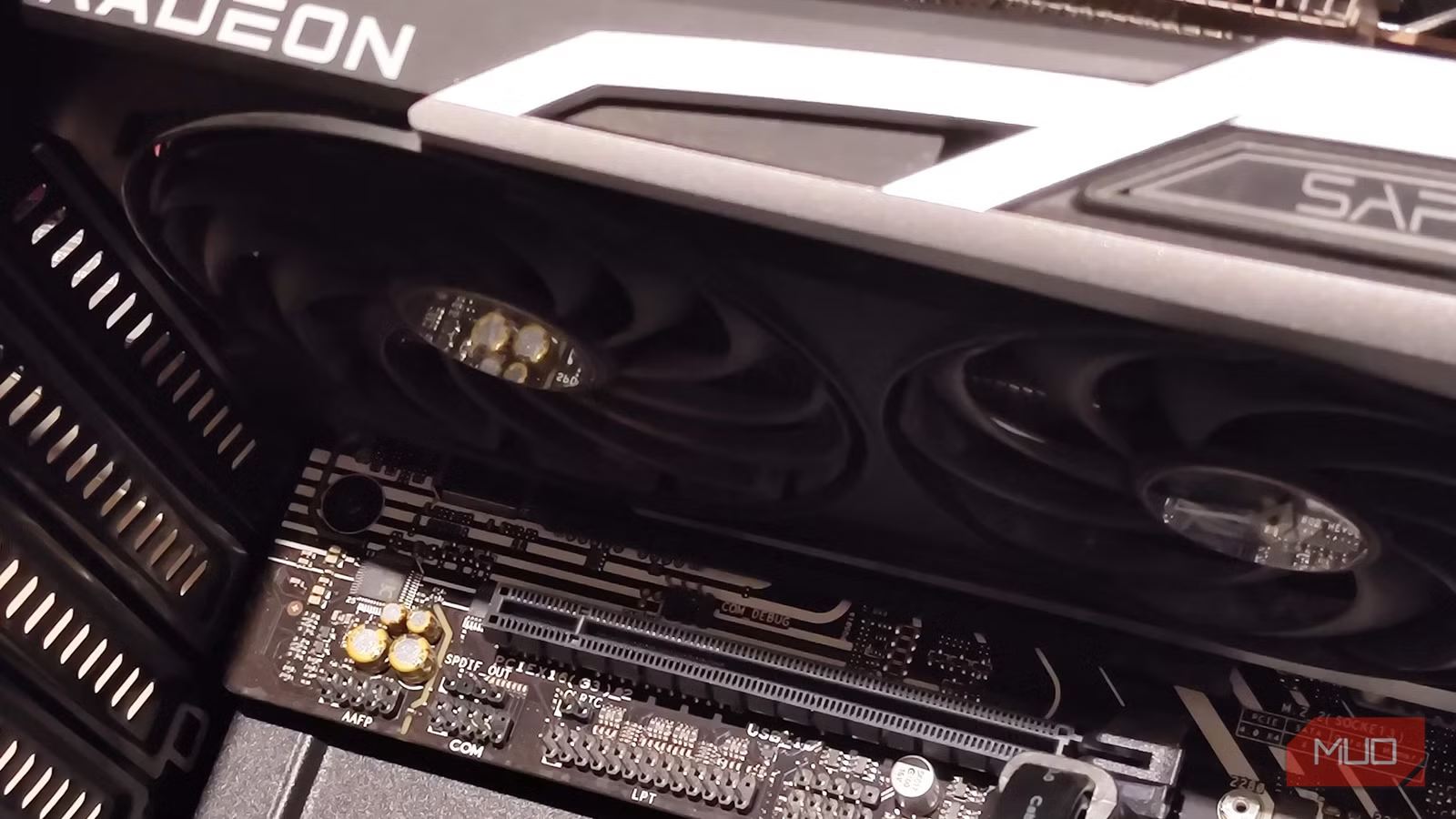
Populate the wrong M.2 slot and you can slow down your graphics card. Installing an SSD in the second CPU-connected M.2 slot on some high-end boards drops the primary PCIe slot from x16 to x8, cutting GPU bandwidth in half regardless of whether the drive is PCIe 4.0 or 5.0. On platforms with 16 PCIe 5.0 lanes shared between the GPU and that M.2 slot, populating the slot reduces the GPU to eight lanes. This can shave a few percent off frame rates even on a PCIe 4.0 card. Not every motherboard behaves this way, so you must read the manual and block diagrams to see which M.2 sockets share lanes with the GPU, especially on popular chipsets like Z790. The safest approach is to prioritize the primary GPU slot and one fast NVMe drive, then use chipset-connected M.2 slots for additional storage that does not need maximum throughput.
The fastest slot on your motherboard is often empty, and that is usually fine. Typically, the x16 GPU slot and a single PCIe 5.0 M.2 slot are the only ones directly wired to the CPU. If filling that extra CPU-connected M.2 slot forces your high-end GPU down to x8, leaving the slot unused is the better performance choice. Most users will never saturate the throughput of even a PCIe 4.0 NVMe drive for gaming and routine content creation, so chasing multiple PCIe 5.0 SSDs is another example of unnecessary motherboard features for mainstream builds. A quote that sums this up well is: “Populate your components correctly. The solution to this problem is pretty straightforward: skip the M.2 slot if you have a PCIe 5.0 GPU, unless you want to cut your bandwidth in half.”
Key Criteria for Choosing the Right Motherboard
The three to five key criteria to focus on in any motherboard buying guide are platform compatibility, power delivery that matches your CPU, sensible PCIe lanes and M.2 slot layout, and enough connectivity for your actual devices. First, make sure the board supports your socket and memory type—in the AM5 world, boards like the B850 AORUS Elite give you DDR5 support and room for future CPU upgrades. Second, look for power delivery that can handle your chip at stock or with light tuning; mid-range boards are easily capable of running CPUs such as a 9800X3D with no performance sacrifice. Third, study the PCIe lane diagram to confirm that filling extra M.2 slots will not reduce your GPU from x16 to x8. Finally, count the USB, SATA, and network ports you will actually use instead of chasing the highest possible spec sheet.
Just because you do not replace your motherboard every two or three years does not mean you should future-proof it at all costs. Overspending on a flagship board today in the hope that you will someday need Wi‑Fi 7, 5GbE LAN, or dual PCIe 5.0 SSDs often leaves you waiting years to benefit from what you paid for. Meanwhile, your CPU and GPU will age, and the money locked into the motherboard could have bought faster core components. Splurging on a flagship board makes sense when a platform is brand new and mid-range options are limited, but AM5 is established and boards like B650 and B850 already deliver stable, feature-complete builds. Treat high-end features as optional luxuries: pay for them only if you will use them within the expected lifetime of your build, not because they are printed in bold on a product page.
Buy if / Skip if
- Buy the Gigabyte B850 AORUS Elite if you want AM5 and DDR5 support with PCIe 5.0 performance without paying for flagship extras.
- Skip the Gigabyte B850 AORUS Elite if you need niche features like onboard Wi‑Fi 7, 5GbE LAN, or USB4 built into the rear IO.
- Buy the Gigabyte B850 AORUS Elite if your priority is more budget for a faster CPU, GPU, or NVMe storage instead of unnecessary motherboard features.
- Skip the Gigabyte B850 AORUS Elite if you are an extreme overclocker chasing the highest VRM counts and specialized cooling on a flagship board.
- Buy the Gigabyte B850 AORUS Elite if you are willing to read the manual and place drives in M.2 slots that do not share PCIe lanes with the GPU.
- Skip the Gigabyte B850 AORUS Elite if you plan to fill every PCIe and M.2 slot and want guaranteed full-bandwidth operation regardless of lane sharing.