

Patch Tuesday Just Changed: 622 Fixes and Three Zero-Days
Microsoft’s latest Patch Tuesday security fixes are a record-breaking wave of software repairs that close 622 documented vulnerabilities in Windows and related products in one coordinated update, including three dangerous Windows zero day exploit cases that were already being abused or publicly discussed before a patch existed.
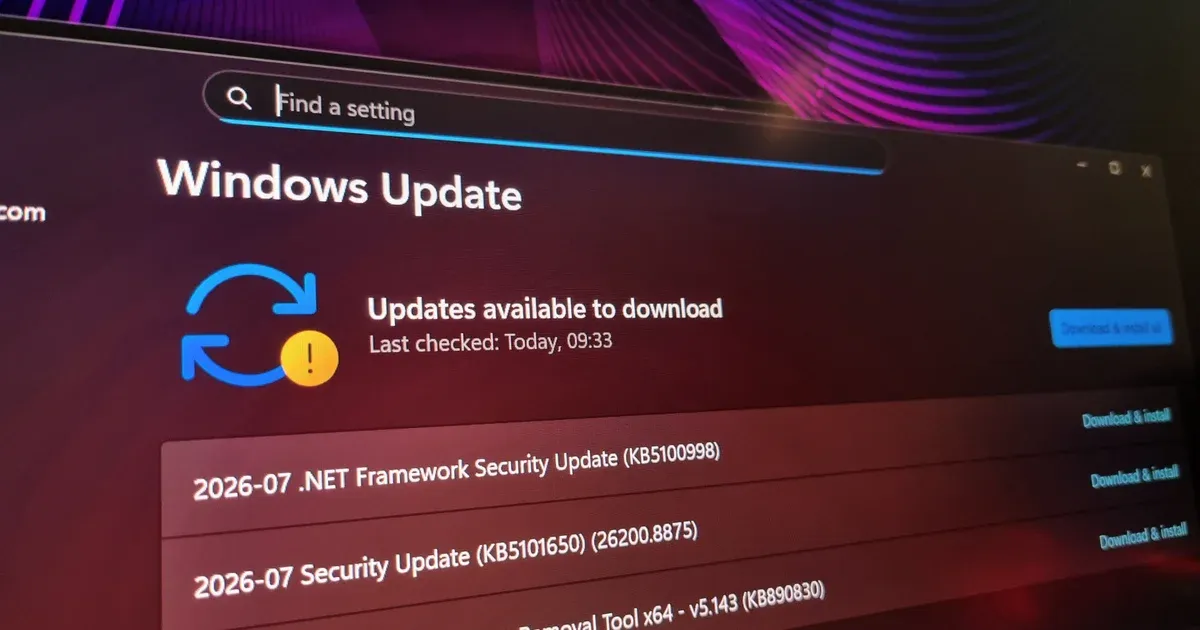
For PC builders and enthusiasts, the takeaway is blunt: this Microsoft security update is not optional hygiene, it is emergency maintenance. Update KB5101650 for Windows 11 alone addresses 622 CVEs across Microsoft’s product range, more than tripling the previous monthly record of 206. That scale is not a bookkeeping anomaly; it is the result of Microsoft pushing AI-assisted vulnerability detection into full production, surfacing flaws much faster than human teams could. When the vendor suddenly finds hundreds of weak spots it considers serious enough to fix in one batch, running an unpatched system is closer to willful neglect than calculated risk.
The Zero-Days That Matter to Your Rig
Three Windows zero day exploit paths were closed this month, and they cut across both consumer and enterprise builds. The first is CVE-2026-56155, an elevation of privilege flaw in Active Directory Federation Services that allows an attacker to elevate privileges locally on your machine. The second, CVE-2026-56164, is another elevation of privilege bug in Microsoft SharePoint Server where missing authentication for a critical function lets an unauthorized attacker gain higher privileges over a network.
The headliner for home users is CVE-2026-50661, a BitLocker security bypass that could let someone with physical access pull data from “encrypted” drives. Once that flaw was publicly disclosed, it became a race between attackers and the KB5101650 patch. Two of these zero-days were already being actively exploited and one was publicly disclosed before the fix shipped. For anyone who dual-uses a gaming PC as a daily driver with personal data and payment details, leaving these holes open is asking to be a test case.
Beyond Exploits: The Storage Bug and Dell Roadblock
Security is the headline, but there is a nasty quality-of-life fix buried in this Patch Tuesday haul. Windows 11’s Capability Access Manager, which controls app permissions, could spawn a file called CapabilityAccessManager.db-wal that silently ballooned and ate up to 500 GB of drive space without clear symptoms. On modern SSD-heavy builds where every gigabyte matters, this is more than an annoyance; it is wasted lifespan and lost room for games, project files, and scratch disks.
The complication: Microsoft warns that KB5101650 may not be available on select Dell devices with Intel processors because of incompatibilities that can cause unexpected shutdowns, performance drops, excess heat, and battery drain. That is not the sort of system behavior you risk on a tightly tuned gaming rig or mobile workstation. Dell users are explicitly advised to hold off until Microsoft and Dell confirm the fix is ready for affected models, with a resolution expected within days. Everyone else should not wait alongside them.
How to Prioritize Updates on Gaming PCs and Workstations
If you treat your custom build like a race car, then this is the pit stop you do not skip. The record volume of Patch Tuesday security fixes spans 254 elevation-of-privilege bugs, 17 security feature bypass issues, 145 remote-code-execution vulnerabilities, 102 information disclosure flaws, 16 spoofing vulnerabilities, and 35 denial-of-service problems. Fifty-nine of them are rated critical, including remote code execution, elevation of privilege, security bypass, and spoofing flaws.
According to Microsoft’s own categorization, these are not theoretical weaknesses but practical attack paths that need to be closed. The sensible order of operations for most builders is simple: if you are a Windows 11 user and not on one of the affected Dell Intel machines, install KB5101650 as soon as possible. Windows users in general should confirm the latest Microsoft security update is installed via Start > Settings > Windows Update > Check for Windows updates. Apply, reboot, test stability, then go back to tuning your overclock. Security is part of performance.
The New Normal: AI-Driven Patching and What Comes Next
This month’s KB5101650 patch is not a one-off spike; it is an early sign of how AI-assisted discovery will change the cadence of PC maintenance. Microsoft has tied the 622-CVE wave directly to its AI tooling for vulnerability detection, which filters high-confidence issues to engineering teams at scale. If that pipeline keeps running at “full tilt,” the gap between finding and fixing flaws shrinks, but the burden on end users grows: patch more often or fall further behind.
For enthusiasts, the mindset needs to shift. Patch notes are now as important to system stability as GPU drivers. You can use Windows 11’s newer ability to defer updates to specific days within a 35-day window if you want to avoid day-one surprises, or unpause and re-pause to stretch that window when needed. But in a world where attackers weaponize public disclosures within days, long-term deferral is self-sabotage. Build fast rigs, tweak BIOS settings, but treat staying current on Patch Tuesday as non-negotiable system upkeep.





