
Start Here: Why Your Top Upgrade Isn’t a New GPU
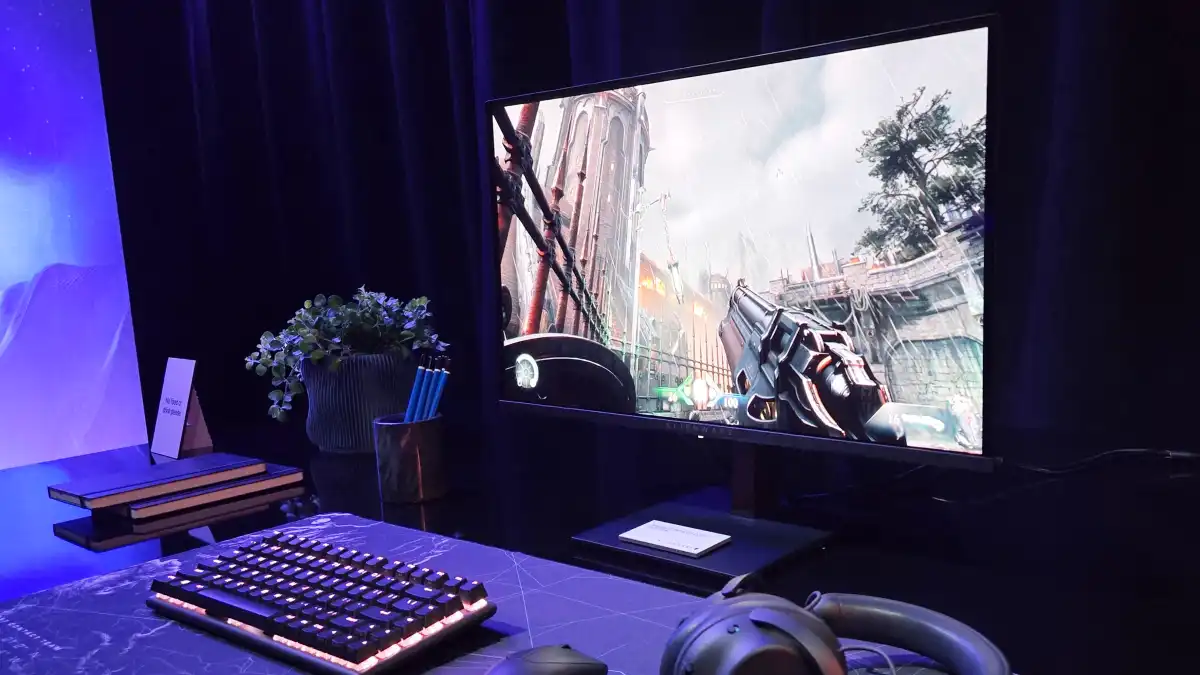
A cost‑effective gaming PC upgrade strategy focuses on improving your experience with external peripherals and accessories instead of replacing core components like the CPU, GPU, or motherboard, using items such as monitors, keyboards, mice, audio gear, Bluetooth adaptors, and desk accessories to deliver noticeable quality‑of‑life and visual gains at a fraction of traditional hardware costs. Affordable PC upgrades in 2026 mean accepting that core components are overpriced and putting your budget into the gear you touch, see, and hear every day. For most people, the single best upgrade right now is a better monitor. The Alienware 27‑inch 1440p OLED at USD 350 (approx. ₱19,600) combines a fast 240Hz refresh rate with deep contrast, and for a budget gaming upgrade, "it can’t be beaten". That screen instantly makes old hardware feel new and more responsive without touching your CPU or GPU.
Display and Input: The Core of a High‑Impact, Low‑Cost Upgrade
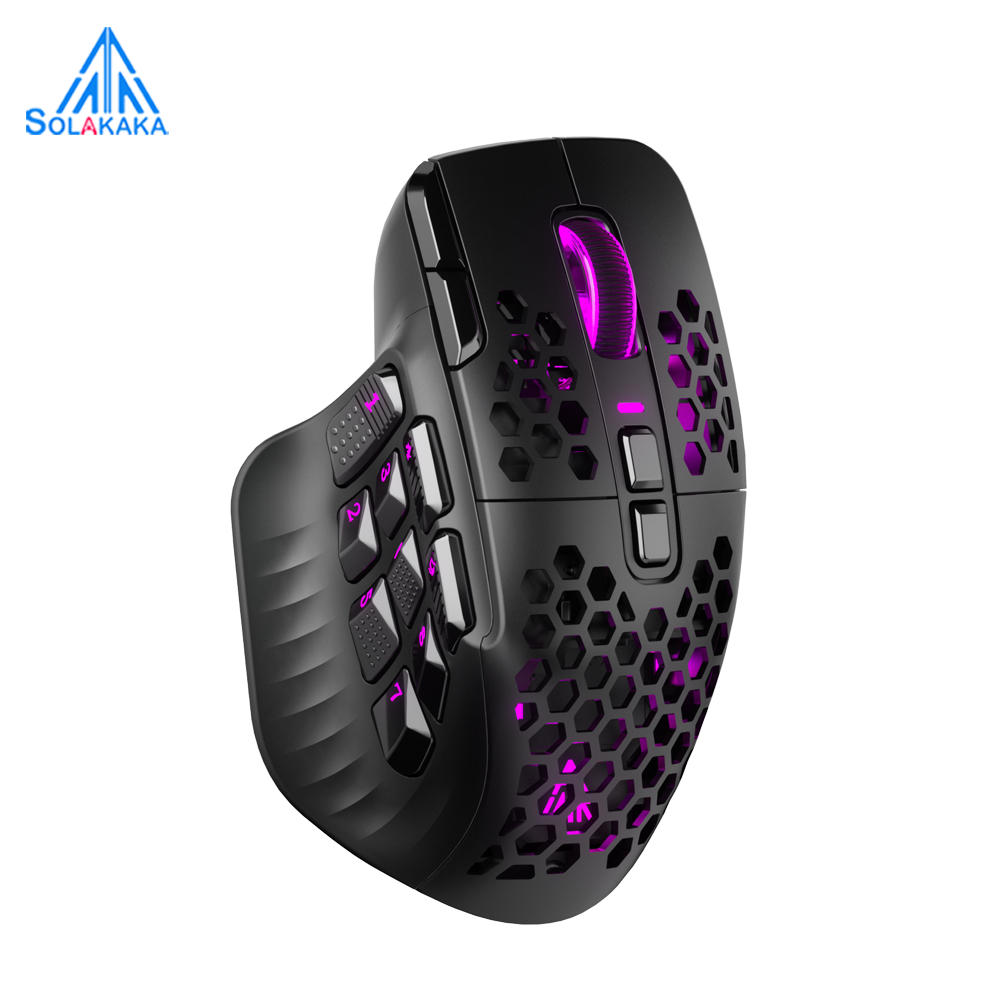
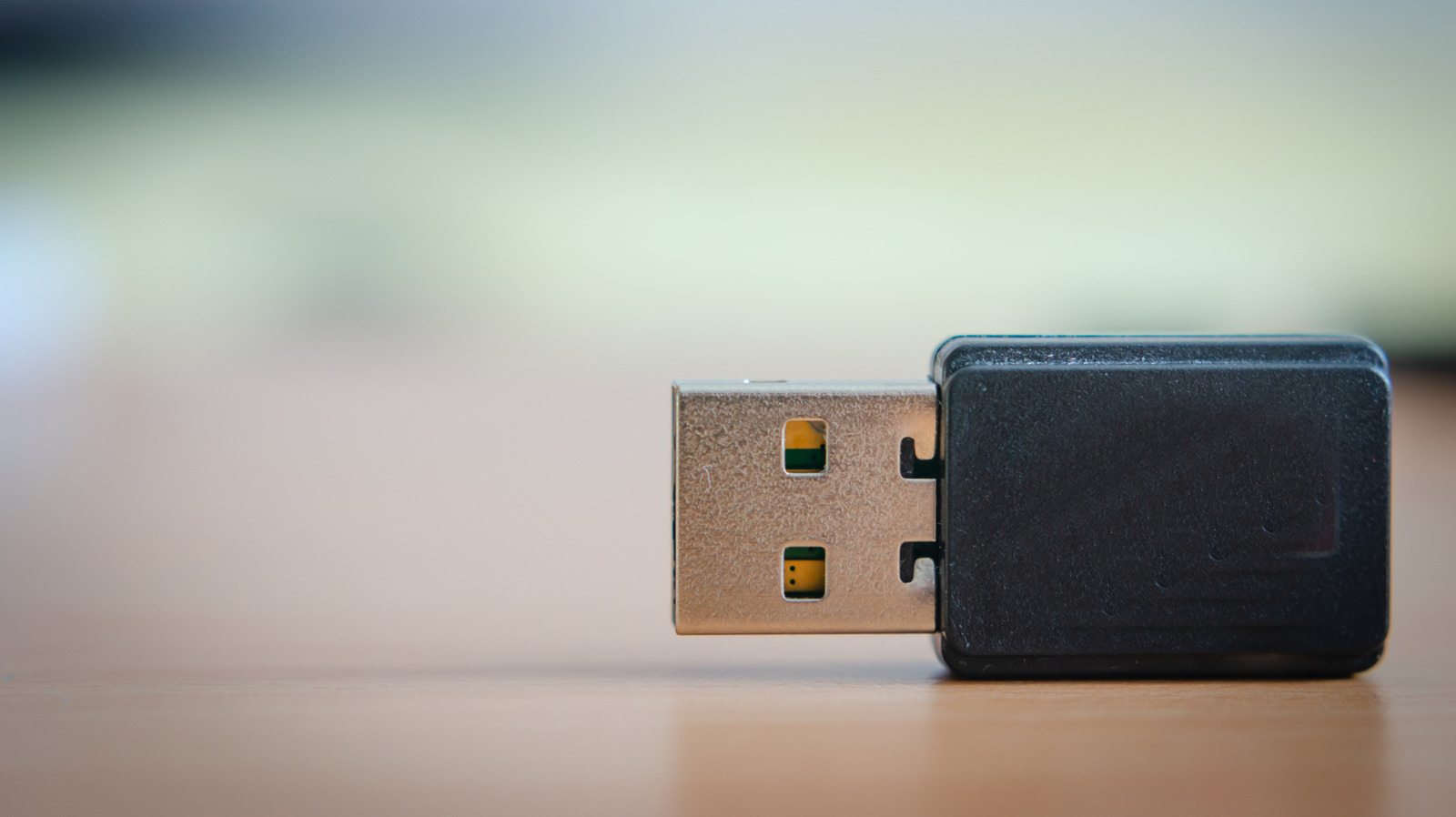
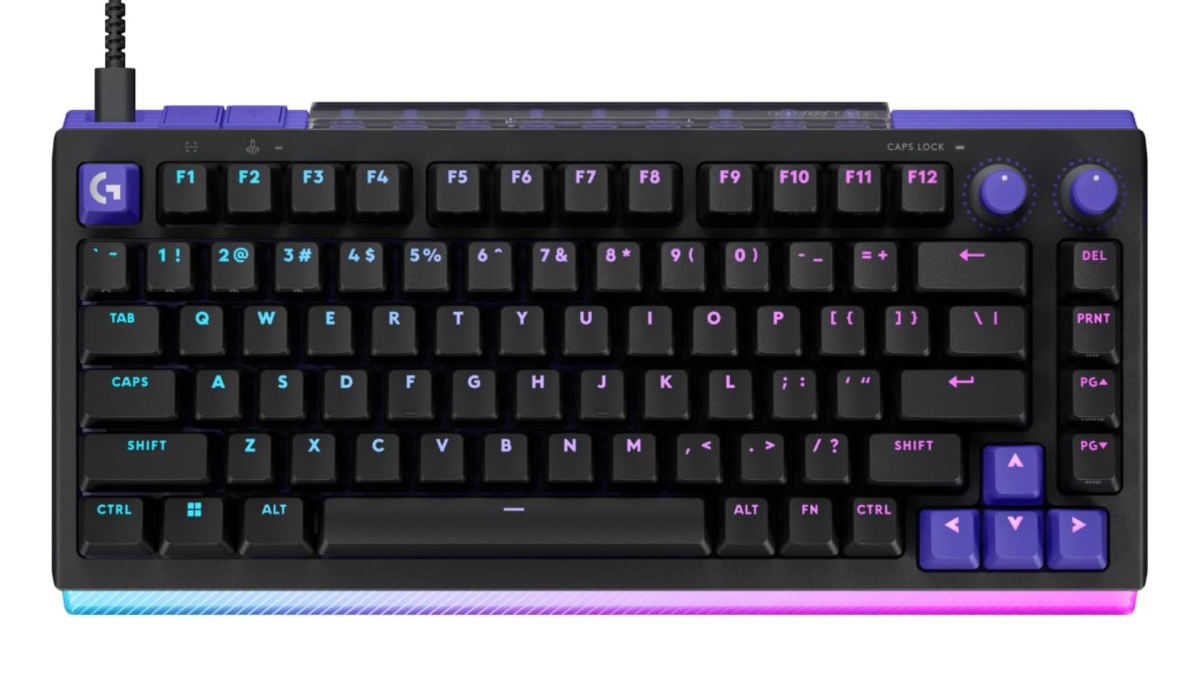
If you want to feel a leap in responsiveness and clarity without paying for silicon, pair that OLED monitor with a modern, feature‑rich keyboard and mouse. The Logitech G512 X gaming keyboard at USD 180–200 (approx. ₱10,100–₱11,200) lets you change the pressure needed to activate keys and even trigger multiple actions with a single press, and it’s hot‑swappable with both TMR magnetic switches and regular Cherry MX‑style switches for strong flexibility. The downside is that adjustable actuation isn’t for everyone, and some gamers prefer a fixed feel over heavy tuning. On pointing duty, the Solakaka SM809 at USD 46 (approx. ₱2,600) is an oddly styled but practical mouse, with triple‑swap side panels inspired by multi‑button designs and support for both a USB‑A wireless dongle and Bluetooth. Its open, hole‑heavy shell needs regular cleaning, but as part of a gaming peripherals budget, it offers a lot of function per dollar.
Sound, Comfort, and Power: Accessories That Change Daily Use
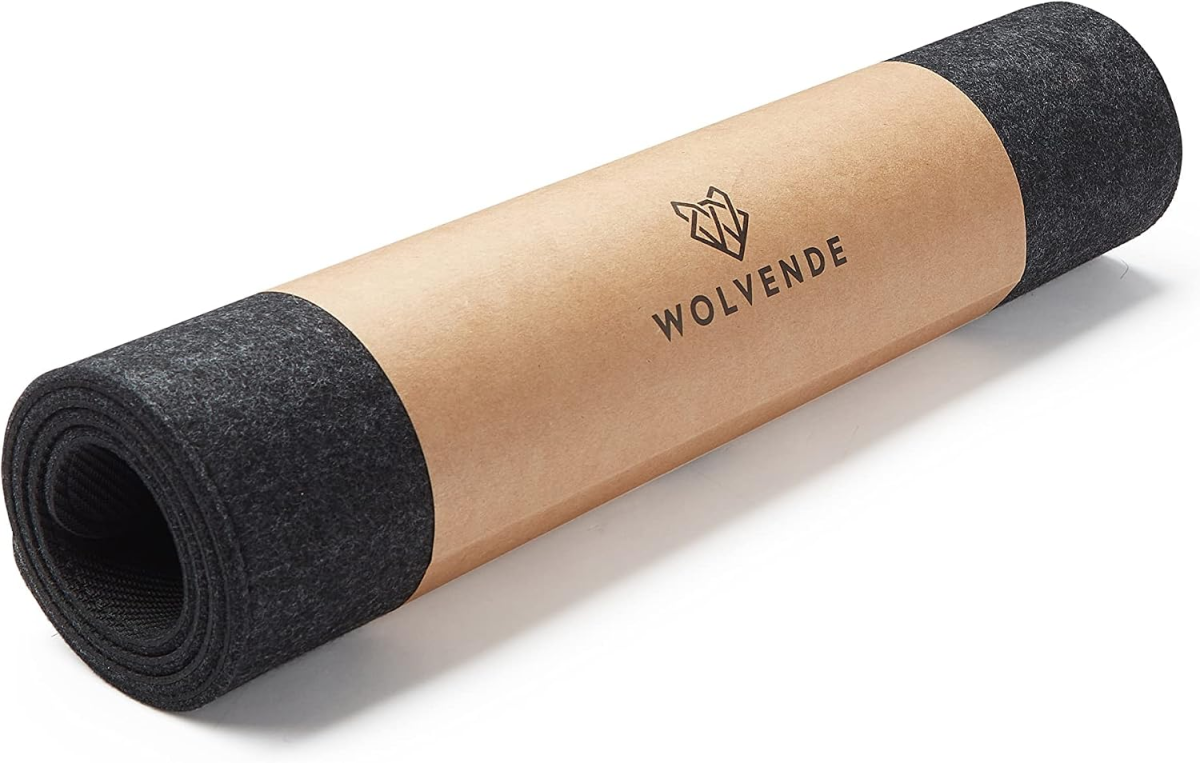
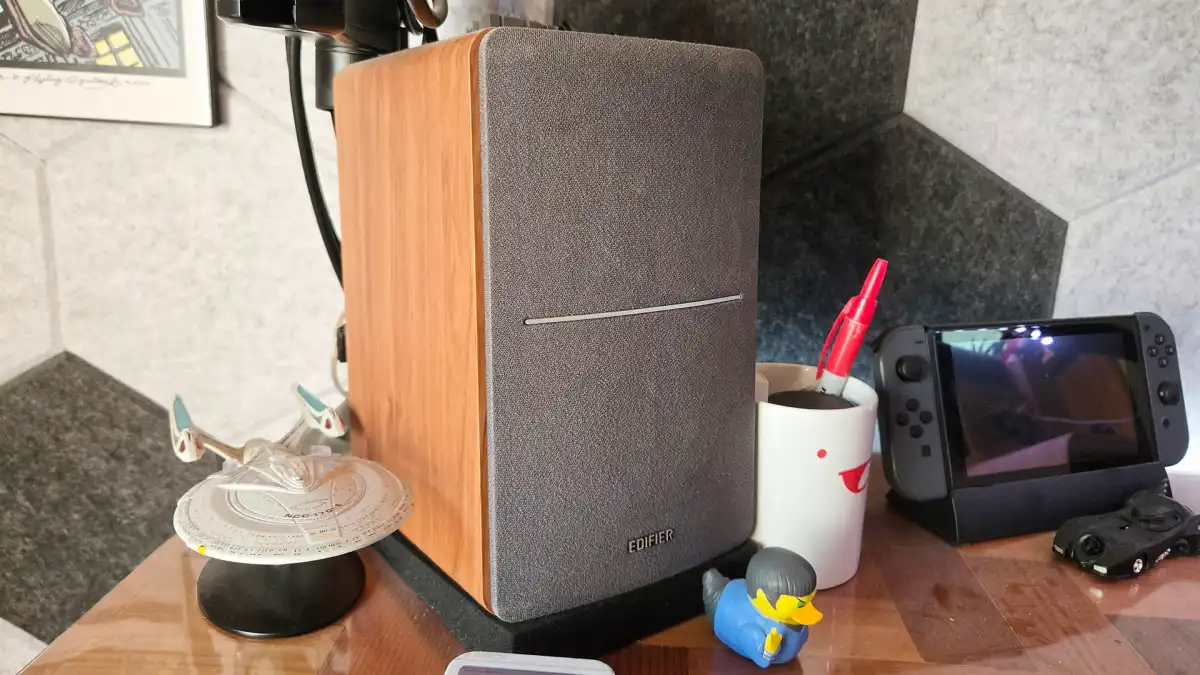
Once your visuals and inputs are sorted, audio and desk comfort upgrades deliver some of the biggest quality‑of‑life gains relative to price. A good pair of speakers enhances every kind of media, and the Edifier R1280T bookshelf speakers at USD 130 (approx. ₱7,300) have enough output to fill an office while staying simple to use. They handle up to two inputs; if you need wireless, you can opt for a Bluetooth‑equipped variant, but that adds cost and complexity. For private listening, the HyperX Cloud Alpha Wireless headset at USD 120 (approx. ₱6,700) combines wireless USB connectivity with big 50mm drivers and a standout spec: about 300 hours of battery life. That enormous endurance means fewer charging cables snaking across your desk, though the headset is aimed more at practical comfort than audiophile tuning. Under everything, a Wolvende felt desk mat at USD 42 (approx. ₱2,300) turns your entire workspace into a soft mousepad and coaster, trading hardcore glide for a more relaxed desk feel.
Smart Bluetooth and Reactive RGB: Modern Features for Old Rigs
To keep an older PC feeling modern while you wait for component prices to calm down, focus on connectivity and ambient lighting rather than raw frame rates. A Bluetooth PC upgrade that supports Bluetooth LE and at least version 5.2 unlocks Auracast, a feature that broadcasts audio to any compatible devices in range without traditional pairing. Instead of linking your headphones to a single source, everyone in the room can listen to the same movie or music from one broadcast, and recent phones can already act as broadcasters. Auracast support is slowly reaching Windows 11, so updating your Bluetooth stack can integrate your PC into that shared audio setup while password protection handles potential privacy issues. For RGB cable management and visual flair, reactive systems that match wall lighting to on‑screen content, such as a camera‑driven monitor backlight, push immersion far beyond basic case LEDs, though they add one more device to configure and mount behind your display.
Desk Power and Patience: Building a Better Setup While You Wait
When RAM and storage prices explode, your gaming budget is better spent on comfort, convenience, and style than on chasing incremental frame gains. Strategic accessory upgrades can maximize your performance perception while you wait for CPU, GPU, and memory costs to stabilize, turning a "rebuilding year" into a chance to refine your battlestation instead of replacing its heart. A compact under‑desk power strip with multiple outlets plus USB‑A and USB‑C charging ports mounts beneath your table with tape or screws, adding hidden power where you need it without stealing surface space. Combined with a tidy case that highlights your build and quiet, efficient fans, these external upgrades offer cost‑effective ways to enhance gaming setups when traditional internal upgrades are financially challenging. They don’t increase benchmark numbers, but day‑to‑day use feels smoother, cleaner, and more enjoyable, extending the practical lifespan of your existing hardware.
- Buy the Alienware 27-inch OLED monitor if you want the single most noticeable visual upgrade from 1440p resolution and 240Hz refresh at a budget-friendly price.
- Skip the Alienware 27-inch OLED monitor if you need USB-C video and lots of connectivity extras more than pure panel quality and speed.
- Buy the Logitech G512 X keyboard if you value adjustable actuation, hot-swappable switches, and heavy customization over a fixed, traditional mechanical feel.
- Skip the Logitech G512 X keyboard if you dislike tuning key pressures and prefer a simpler, one-and-done mechanical keyboard experience.
- Buy the Solakaka SM809 mouse if you want wireless flexibility with both dongle and Bluetooth plus swappable side panels on a tight gaming peripherals budget.
- Skip the Solakaka SM809 mouse if you are worried about cleaning its hole-filled shell or prefer a more conventional, closed-body mouse.
- Buy the Edifier R1280T speakers if you want powerful yet simple desktop audio that improves games, movies, and music without complex setup.
- Skip the Edifier R1280T speakers if you require built-in Bluetooth and don’t want to move to a different, slightly more complex model.
- Buy the HyperX Cloud Alpha Wireless headset if you care about long battery life and wireless freedom more than chasing audiophile-grade tuning.
- Skip the HyperX Cloud Alpha Wireless headset if you mostly game at a desk and prefer wired headsets with potentially lower cost.
- Buy the felt desk mat if you want a full-width, comfortable surface that doubles as a mousepad and coaster for everyday gaming and work.
- Skip the felt desk mat if you prefer a small, high-speed gaming mousepad instead of covering your entire desk.
- Buy the Bluetooth PC upgrade if you want Auracast shared audio broadcasting and modern wireless features as they roll into Windows 11.
- Skip the Bluetooth PC upgrade if you never use wireless audio devices and are unconcerned about new Bluetooth LE capabilities.