
What BIOS Optimization Really Does for Your PC
BIOS optimization performance means updating and configuring your motherboard’s firmware so the CPU, memory, storage, and GPU work together more efficiently, fixing microcode issues, unlocking new features, and removing bottlenecks, which can improve system responsiveness and frame rates without changing any physical hardware.
If your PC feels sluggish in games or everyday work, there’s a good chance the BIOS is still in the state it shipped in. Manufacturers keep refining firmware so newer CPUs, RAM, and GPUs can run closer to their advertised performance, and leaving the BIOS untouched often means you are "missing out on tons of performance". A firmware update can fix bugs, improve how cores boost, and enable features like better boost behavior or smarter overclocking profiles that raise frame rates and smooth out stutters without spending a dollar. Some firmware, like AGESA 1.2.0.2 for certain Ryzen chips, has shown up to 10% gains from improved power modes and latency fixes, which is the kind of uplift people expect from a mid-tier hardware upgrade in real games.
Before You Flash: Prerequisites, Risks, and Real Benefits
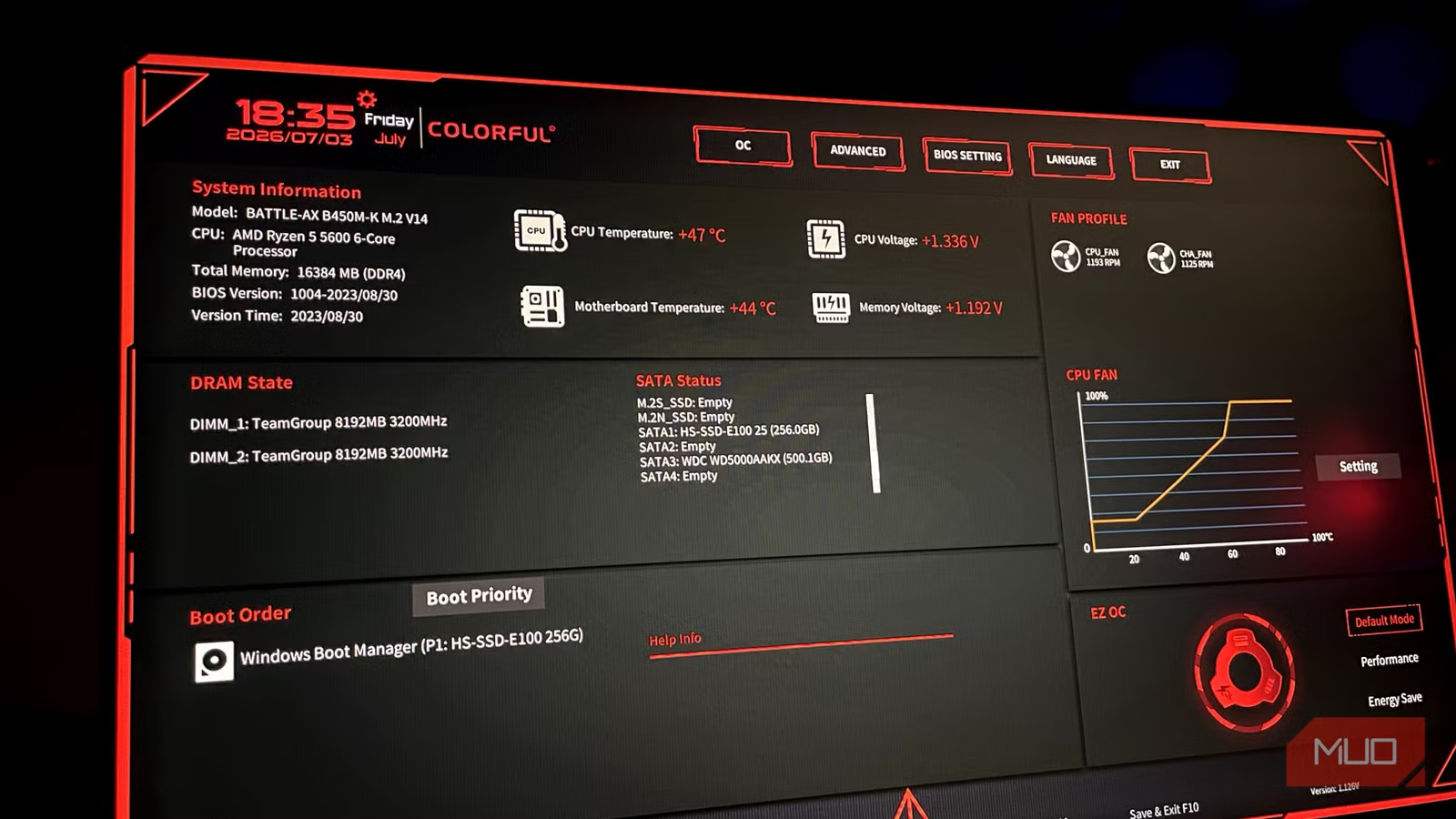
A BIOS update is firmware surgery, so you set the stage before touching anything. First, ensure you have stable power and an internet connection, so the update process goes smoothly and doesn't brick your motherboard. Back up any existing settings first, since a BIOS flash erases all custom configurations. Treat this like saving a game before a tough boss fight: if something looks wrong afterward, you can restore your previous setup.
The biggest mistake people make is updating for no reason. Updating the BIOS is scary, and I don't recommend updating unless the new version brings tangible fixes, features, or performance improvements. That means reading the support page notes, checking if it mentions stability, performance, security, or compatibility, and skipping versions that only change something irrelevant to you. When it is worth it, the payoff is real: a good BIOS update is the easiest, zero-cost upgrade that will deliver more performance from your hardware, helping you unlock hardware capabilities and "pump out a few more FPS" without any new parts. It also tightens up XMP/EXPO memory behavior and closes firmware security holes through updated CPU microcode.
Step-by-Step: How to Safely Update and Optimize Your BIOS
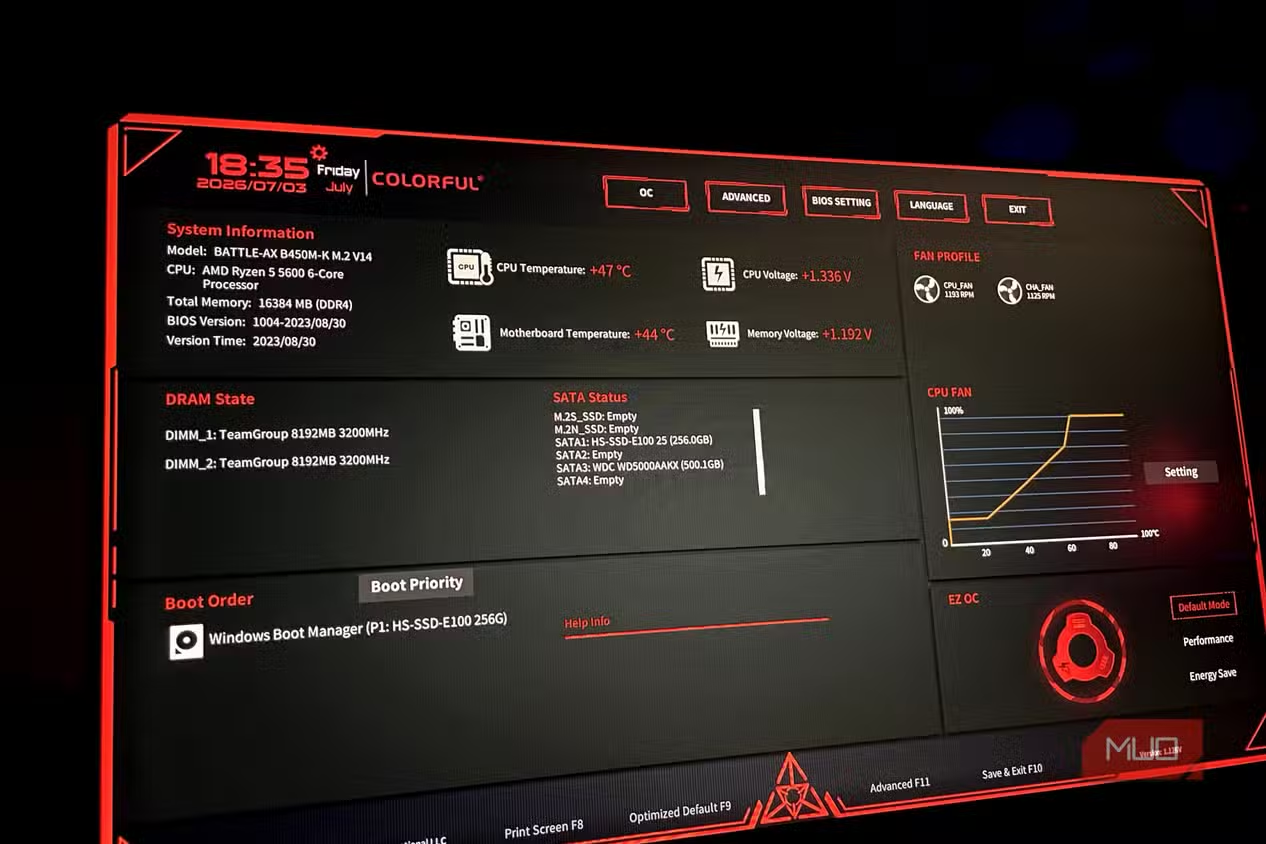
Think of this as walking a friend through the process while keeping the risk low and the gains high. The goal is PC performance without upgrade by refreshing the BIOS and then re-applying smart settings without going into unverified tweaks.
- Check the motherboard support page and read the BIOS changelog, only proceeding if there are specific fixes, performance improvements, security patches, or compatibility updates that matter to your hardware and workloads.
- Back up current BIOS settings and profiles, and then prepare a stable environment: use a reliable power source, avoid updating during storms, and make sure your internet connection is steady for downloading the firmware file.
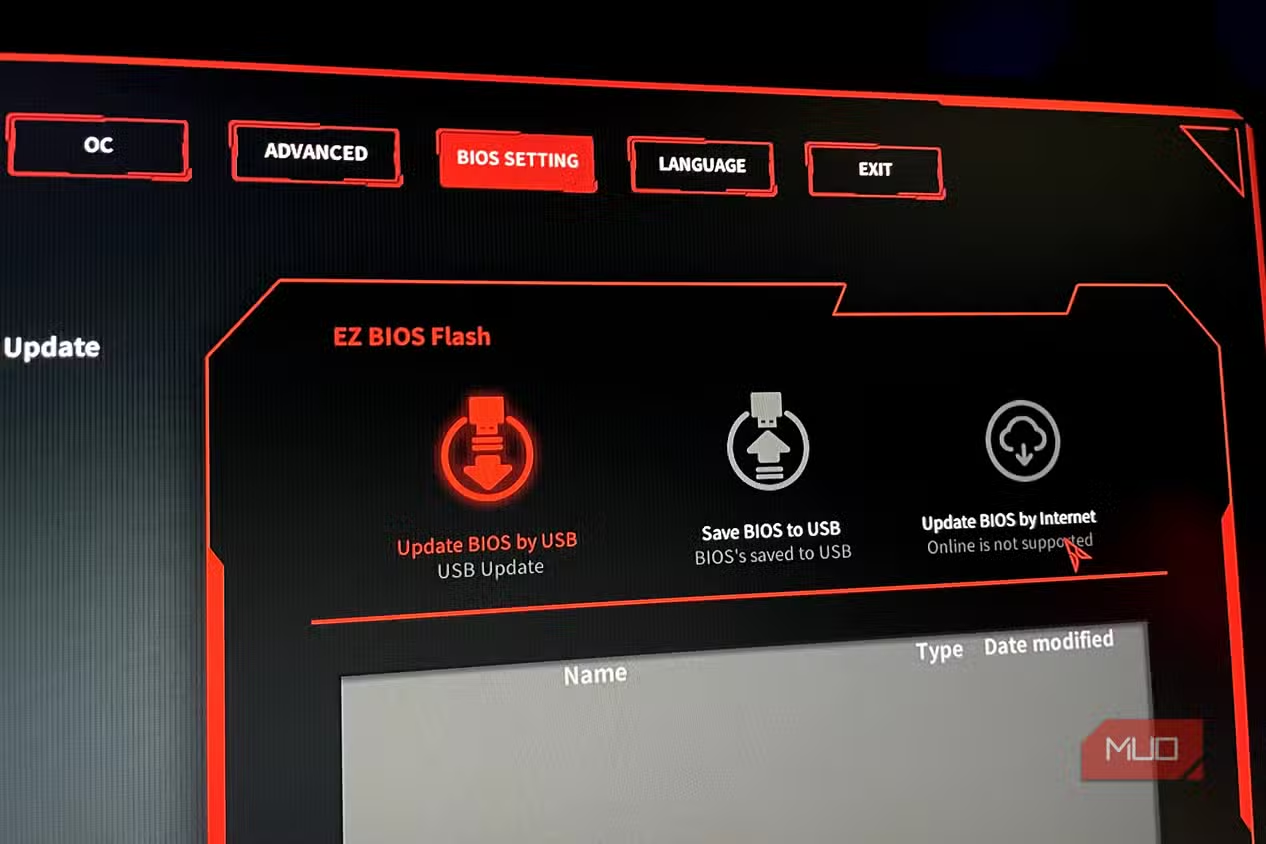
- Download the correct BIOS file for your exact board model and revision, verify its filename and version, copy it to a blank USB drive if your board supports USB flashing, and double-check you are not mixing up models.
- Enter the BIOS or dedicated flash utility, select the new firmware file, and start the update; do not power off, press reset, or try to use the PC while the flashing and automatic reboot sequence completes.
- After the system restarts, load default settings once so the board can train memory and devices, then reapply your previous profiles for CPU boost, XMP/EXPO, and power behavior, testing for stability and performance improvements in your usual games or workloads.
The real gotcha here is impatience. Interrupting power or flashing the wrong file is how people end up with a non-booting board. Taking time to confirm the version, letting the update finish, and then re-testing avoids that. Done properly, this kind of BIOS optimization performance can rival mid-tier hardware upgrades in the real world: microcode fixes, new boost logic, and better memory handling have delivered up to 10% gains and smoother heavily threaded games on some platforms.
M.2 Slots, GPU PCIe Lanes, and Hidden Bandwidth Traps
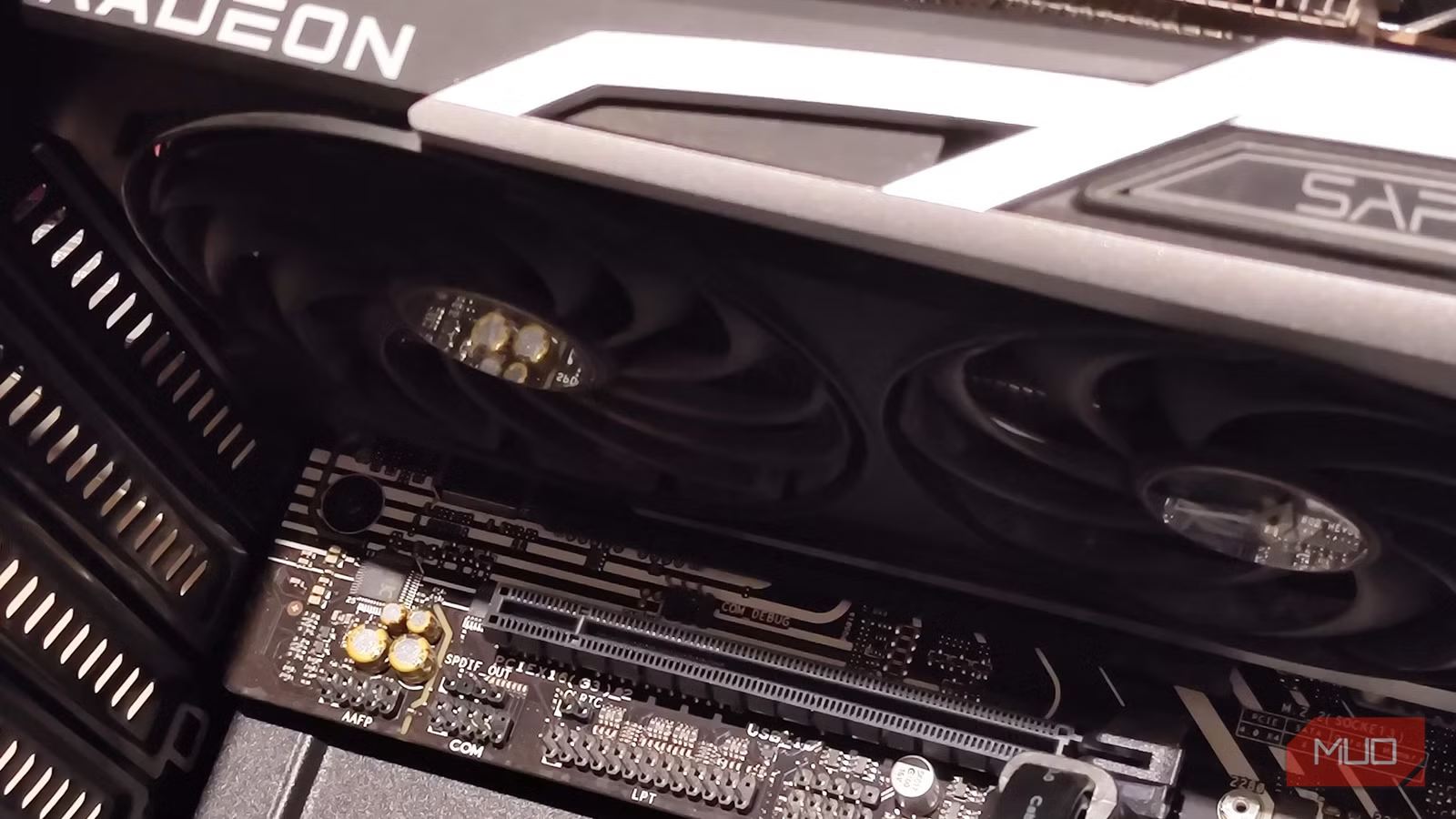
Once the BIOS is updated, one of the easiest ways to protect your new performance is to pay attention to slot choices. Modern boards juggle several PCIe devices, and some slots share lanes directly with the GPU. When you populate the wrong M.2 slot, you can silently cut your graphics card’s bandwidth from x16 to x8, slowing performance because both slots draw from the same shared CPU lanes. That kind of lane bifurcation means your PC looks fine in software, but frame rates dip and 1% lows feel worse than they should.
Proper M.2 slot selection prevents these PCIe lane conflicts that throttle GPU performance. The solution to this problem is pretty straightforward: skip the specific PCIe 5.0 M.2 slot if you have a PCIe 5.0 GPU, unless you want to cut your bandwidth in half. Not every motherboard has this issue, and you'll need to check the manual beforehand if it shares the GPU and M.2 bandwidth, with some popular chipsets being clear examples. Combining lane-aware slot choices with your BIOS settings guide from the previous section keeps your free performance gains intact, instead of throwing them away on accidental bandwidth sharing.
Is BIOS Tuning Worth It? How to Decide and What to Watch
If you are the kind of person who thinks about swapping GPUs or CPUs for more FPS, this is an easy win to try first. Firmware refinements, better boost behavior, and microcode updates have shown single-digit to around 10% performance gains on some CPUs, especially in heavily threaded games and workloads. These performance enhancements and newer features will help you easily pump out a few more FPS, making it the most effective free upgrade available when it applies to your hardware.
It is not magic, though. Performance gains vary by system configuration, and older or already well-tuned platforms might only see stability or security benefits rather than big frame jumps. Safe BIOS modification practices minimize risk while maximizing performance extraction from existing hardware: read changelogs, avoid pointless updates, keep power stable, and respect how PCIe lanes are shared. If you treat the process with that level of care, a BIOS update plus sensible slot selection can make your PC feel like a new machine while your wallet stays closed.