

Stop Hoarding Articles, Start Converting Them
AI note analysis in NotebookLM is the practice of feeding related documents, saved articles, and files into a single notebook so the system can summarize, organize, and transform that backlog into formats like tables, audio, and video overviews that are easier to understand, revisit, and act on later. If your reading list looks like a graveyard of browser tabs, you do not have a discipline problem; you have a format problem. Long PDFs and dense research papers demand more attention than most workdays allow. NotebookLM’s Studio panel turns those sources into short video overviews that “break everything down into something that’s easy to follow” within a minute, so your backlog stops being a guilt pile and becomes a library of quick, usable summaries.
- Treat your notebook as a staging area for related sources, not a dumping ground for random links.
- Prioritize video overviews when dense material keeps sending you back to reread the same paragraph.
- Use generated formats as working documents, not final truth; they are starting points for your own thinking.
Use Video Overviews When Reading Brakes Your Momentum
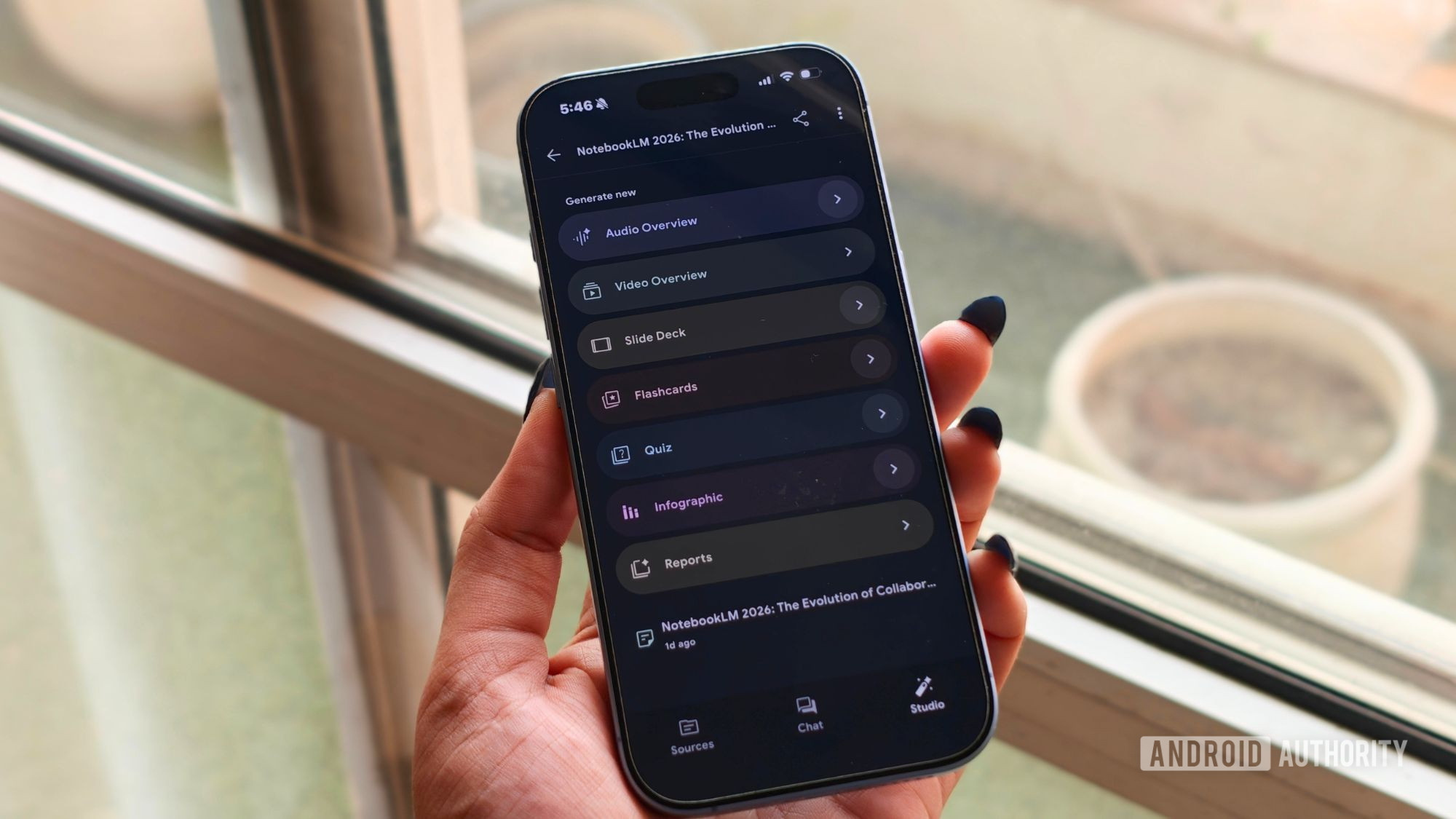
The most underrated productivity automation is changing the medium, not your willpower. When your brain stalls on a text-heavy source, forcing another reread is wasted effort. Once you add sources to a notebook, you can open the Studio panel, select Video overview, and within a minute the tool converts them into a short video that explains the content visually and step by step. Video matters because some papers depend on data visualizations for their argument, and the generated video displays those charts directly. A chart can tell you more in five seconds than a minute of narration, and visual explanations benefit from the picture superiority effect, making diagrams easier to recall than facts you only hear.
When video is a good idea
- Dense research or thesis material with complex concepts and charts.
- Recipes or how-tos where a quick visual walkthrough beats scrolling long blogs.
- Team reviews that benefit from shared visual summaries instead of long text threads.
When video is the wrong tool
- Situations where your screen is out of reach; driving, walking the dog, and cooking belong to audio.
- Highly detailed legal or contractual text that you need to read line by line.
- Mixed-topic notebooks where visuals would be incoherent because the inputs are unrelated.

Automate First Drafts With Slide Decks and Audio Overviews
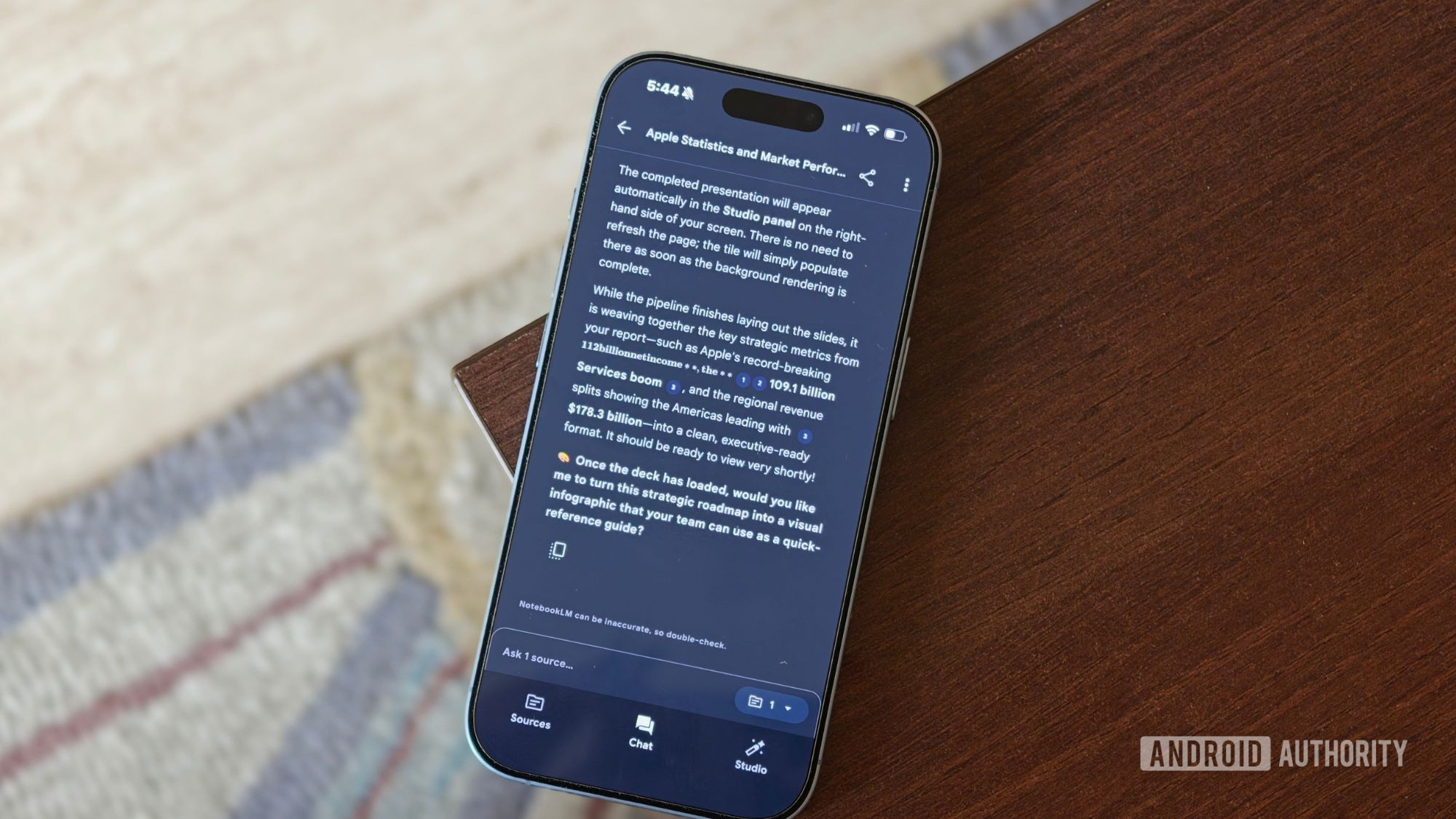
If you are still building every presentation or briefing from scratch, you are doing manual labor that AI note-taking tools can absorb. NotebookLM can turn your PDFs, documents, and even YouTube videos into Slide Decks once you upload sources, choose Slide Deck, and describe the presentation you want. Because it only works with the information you provide, the resulting deck stays grounded in your research instead of hallucinating stray facts. This is content summarization as productivity automation: the boring first draft is handled for you, while you control structure, tone, and edits. The same logic applies to Audio Overviews, which create screen-free recaps ideal for driving, walking the dog, or cooking, where audio wins and video is impractical.
- Upload your core sources (Docs, PDFs, URLs, videos) to a notebook as your base material.
- Generate a Slide Deck to outline arguments, then refine slides manually for nuance and style.
- Create Audio Overviews for on-the-go listening and quick refreshers on complex topics.
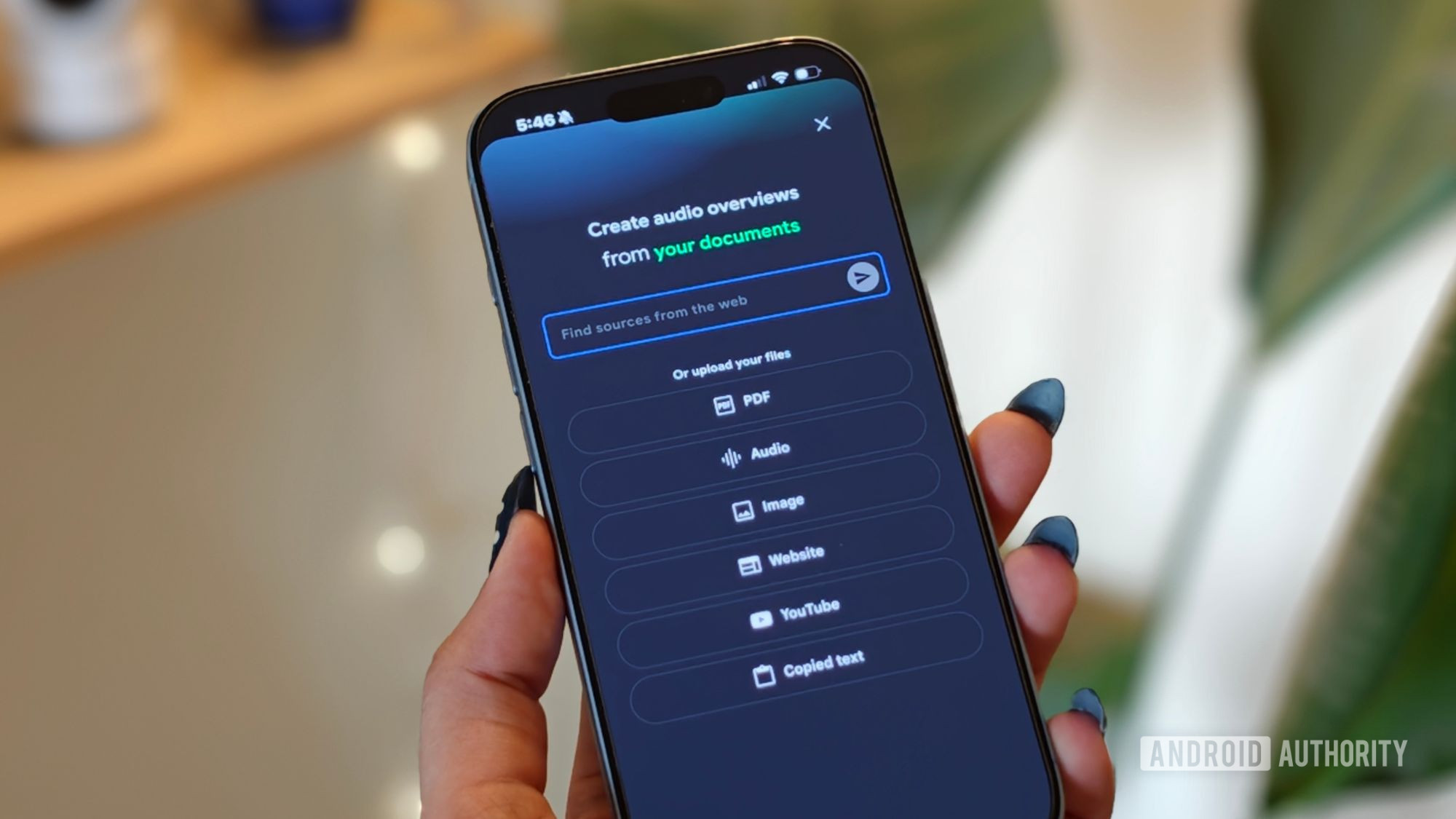
Let Discover Sources Handle the Hunt, Not the Judgment
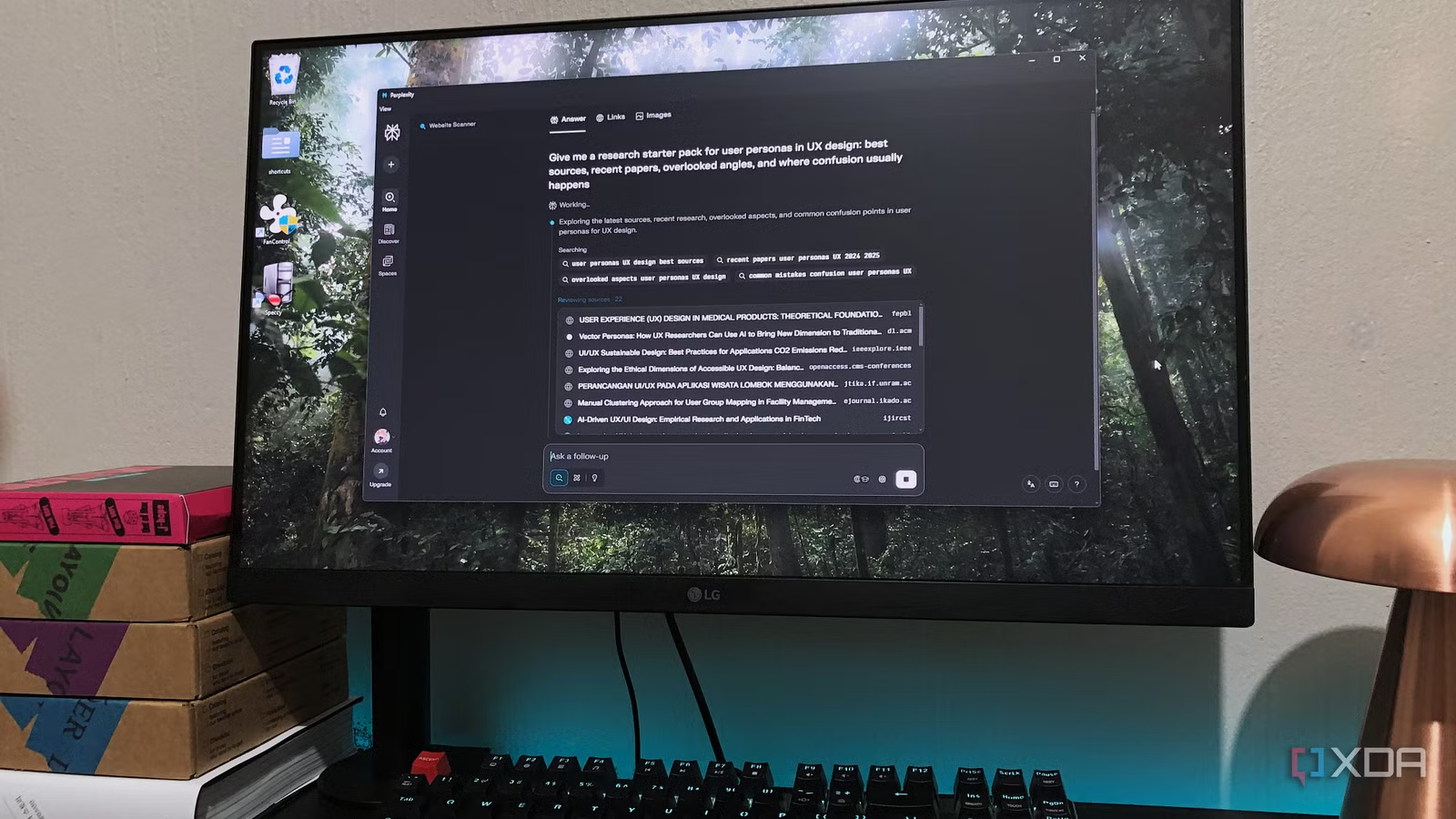
Good document analysis starts long before you ask for a summary; it begins with picking the right sources. Earlier, you had to do all the research yourself, gather articles and PDFs, add them to a notebook, and only then start working. Now you can open a notebook, type in a topic, and let Discover Sources find a solid starting set for you. This is the smart layer of productivity automation: AI helps you skip the tedious hunt while you still decide what makes the cut, so you save time without feeling like you handed over the whole job. The catch is the classic “garbage in, garbage out” rule: for the system to work, you must feed it materials that are related to each other, because mixing a financial disclosure with a recipe blog will confuse the narrative.
- Use Discover Sources to widen your view, then deliberately prune off-topic or low-quality sources.
- Group notebooks by theme or project so the AI can see real patterns instead of noise.
- Remember that AI can suggest starting points, but your judgment still defines what is relevant.
Customize Outputs to Reveal Patterns, Not Bland Middle Ground
The point of AI-driven document analysis is not to create a generic recap; it is to surface patterns that improve decisions. NotebookLM’s Studio tab offers customization toggles that change language and visual style, including Whiteboard, Retro Print, Watercolor, Paper-craft, Heritage, Kawaii, Classic, and Anime. Whiteboard works well for analytical and technical documentation you can bring to your team, while more playful styles give dry material a bit of life. For work, some users ask NotebookLM to be concise, factual, and easy to skim because they are often sifting through dozens of sources while writing. AI helps them skip the tedious part of finding information, yet they stay in control of what arguments stand out. That matters because AI has a habit of fattening disagreements between conflicting sources into a middle ground; your job is to spot and preserve useful tension instead of letting it flatten.
How do I avoid the most common misconception about NotebookLM?
The biggest mistake is treating NotebookLM like a magic thinker that can fix bad or unrelated inputs. “Garbage in, garbage out” applies: if you mix unrelated sources, you get confusing narratives. NotebookLM only works with the information you provide, which keeps outputs grounded but also means you must curate sources carefully.
When does this approach work best?
It works when you use related sources, sync living documents like Docs, Sheets, and Slides that update automatically, and customize outputs to match how your team reads and decides.