

ChatGPT Work vs Claude Cowork: the desktop automation question
AI desktop automation means giving an AI agent controlled access to your local files, folders, and apps so it can analyze content, rename and reorganize documents, and trigger routine workflows on your computer without you doing every manual step yourself, which raises clear questions about privacy, data safety, and how confidently you can let the tool run unattended.
When you compare ChatGPT Work and Claude Cowork for desktop workflow automation, the headline is simple: they deliver similarly strong results, but one feels safer to let near your files. Both tools can inspect a folder, understand what documents are about, and carry out bulk operations such as renaming, deduplicating, and sorting PDFs into more useful structures. However, ChatGPT Work’s missing permission prompts turn convenience into a risk, while Claude Cowork errs on the side of asking before it touches anything important. If you care most about speed and already pay for ChatGPT Plus, Work is tempting; if you worry about AI file automation safety, Cowork is the less stressful option.
How each tool handles your files in practice
In a real-world test, both ChatGPT Work and Claude Cowork were tasked with organizing a large folder of PDFs by their contents instead of file type. Each tool could scan the folder, summarize what was inside, and propose a better structure, confirming that their core AI desktop automation capabilities are on roughly equal footing for this kind of task. Work even went a step further by spotting duplicate files that Cowork had missed earlier and noting that one duplicate set had “identical files [with] unrelated-looking names,” which shows deeper content comparison than simple filename checks. Both agents then successfully completed the reorganizing project so that the folder ended up cleaner and easier to navigate. In other words, raw automation power is not the deciding factor between the two; they can both get the job done.
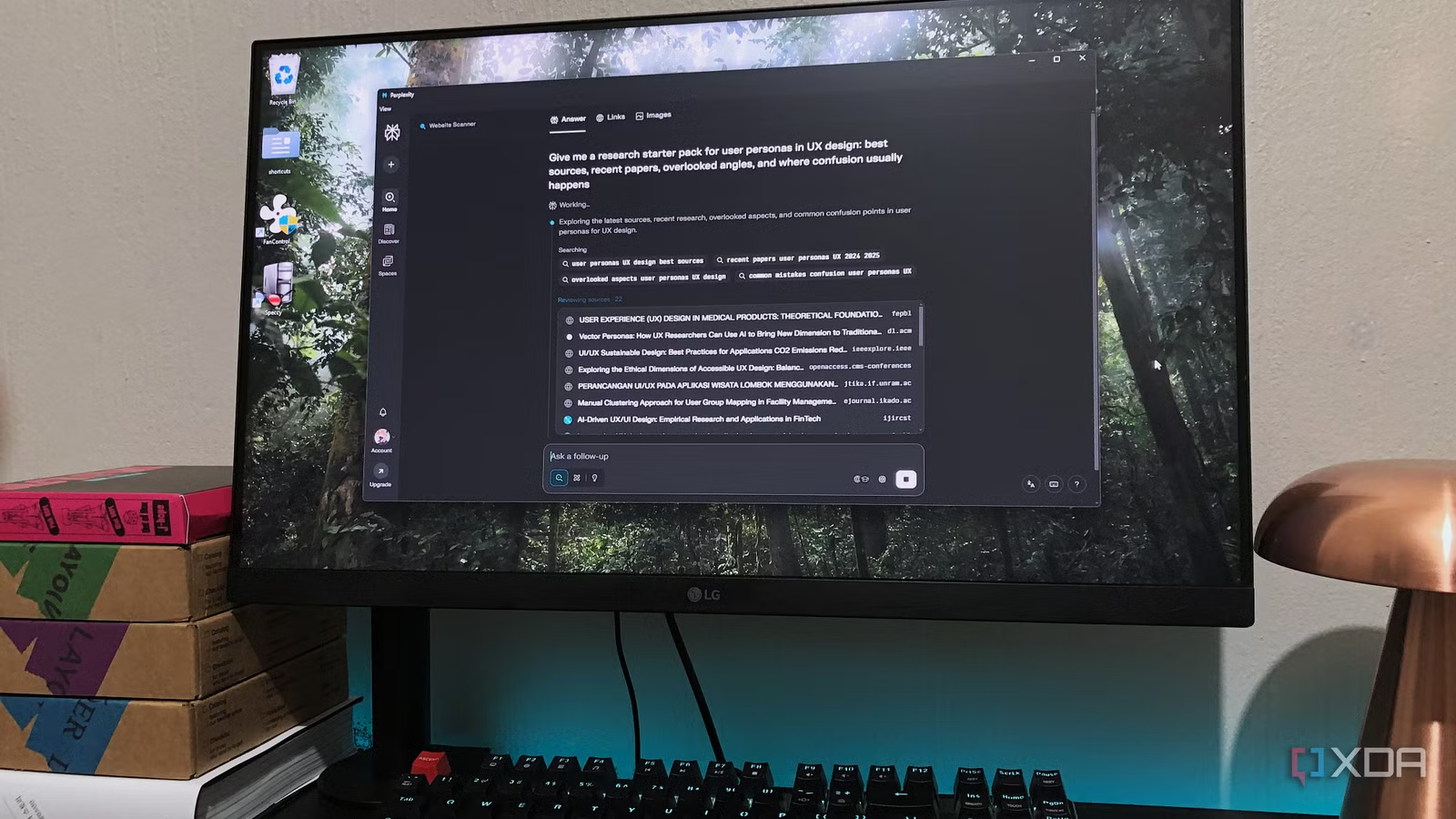
Outside that test, AI assistants aimed at desktop workflow automation are proving they can streamline broader tasks as well. One reviewer described using an AI desktop app as “a good digital assistant for managing files and folders and handling other tasks I ask it to do” on a Mac Mini. Perplexity Computer, for instance, integrates with local files and hundreds of online services through connectors, helping coordinate research, email, calendars, and collaboration tools across both Mac and PC while saving time on repeated workflows. These examples underline that the category is maturing fast: if you give an AI controlled access to your system, it can become a central hub for both file management and higher-level productivity tasks.
Safety, permission prompts, and why Claude feels calmer
Where ChatGPT Work and Claude Cowork diverge sharply is in how they treat your consent. During a long file manipulation run, ChatGPT Work operated without asking for approval even once, despite the user leaving it in “Ask for Approval” mode the entire time. According to one hands-on account, “If anything is going to prevent me from using this tool, this is it”. In other words, Work did the right actions—but it did them without the explicit confirmations its own interface suggested it would request. That gap between the promise of control and the actual behavior is the main reason it can feel unnerving to let Work near important folders or shared drives, especially in professional environments where accidental changes carry real consequences.
Claude Cowork, by contrast, explicitly asks before making significant changes such as moving or renaming files. You might see more modal prompts and have to click “yes” more often, but that friction is exactly what makes Cowork feel safer as an AI file automation companion. The difference matters because all of these tools are “agentic AI” systems able to act on their own, and they are still prone to misunderstanding instructions or hallucinating. Letting an untested agent loose on your desktop is, as one reviewer put it, “a scary proposition”. In that context, a conservative, prompt-heavy design is not an annoyance—it’s a feature.
| Spec or behavior | ChatGPT Work | Claude Cowork |
|---|---|---|
| Core use case | Agentic AI desktop automation via ChatGPT app, including file analysis, renaming, and reorganization | Agentic AI desktop automation focused on safe file operations and approval prompts |
| Observed automation quality | Delivered similar-quality reorganization and renaming results to Cowork on a large PDF folder | Delivered similar-quality reorganization and renaming results to Work on the same test |
| Permission behavior | Did not request permission during a full file manipulation run, even with Ask for Approval enabled | Asks the user whether it should move or rename files before big changes |
| Notable strengths | Fast, found duplicates that Cowork previously missed; integrates into the broader ChatGPT Plus experience | More conservative and transparent about actions; lower perceived security risk for file handling |
| Pricing context | Included within the USD 20 (approx. ₱1,120) per month ChatGPT Plus tier that also unlocks Codex and Work capacity | Pricing not specified in the cited testing; still contributes to overall AI subscription load |
Cost, fatigue, and the broader automation trade-off
Cost is not the primary difference between ChatGPT Work and Claude Cowork, but it does shape which one you should adopt. ChatGPT Work is bundled into the USD 20 (approx. ₱1,120) per month ChatGPT Plus tier, which also includes access to Codex and Work with a limited AI usage capacity. If you are already paying for that plan, Work is effectively “free” in your stack and gives you desktop workflow automation on top of the chatbot you likely use for writing and coding. Claude Cowork, by comparison, sits alongside other paid AI tools such as Perplexity Pro in an ecosystem where “paying for upgraded plans can lead to subscription fatigue — much like with streaming services”. Adding Cowork may mean one more line item in a budget already crowded with productivity apps and AI assistants.
That is why it is important to evaluate these tools not only on automation quality but also on privacy, safety, and long-term value. All desktop AI automation tools require a careful look at their data-handling behavior and permission model before you grant them broad access to your drives. At the same time, you should decide whether you want to consolidate around a single AI subscription or accept a higher monthly spend in exchange for a tool that feels safer. Perplexity Computer shows how powerful deep integration can be when an AI links to hundreds of connectors and runs across both Mac and PC, but it also illustrates how quickly subscriptions add up. The same tension applies here: you are trading time saved today against both security risk and subscription fatigue tomorrow.
Buy if / Skip if
- Buy the ChatGPT Work if you already pay for ChatGPT Plus and want strong AI desktop automation folded into a tool you use daily, even if you are willing to accept weaker permission safeguards for file changes.
- Skip the ChatGPT Work if missing or unreliable approval prompts for moving and renaming files make you uncomfortable granting an AI broad access to your folders.
- Buy the Claude Cowork if your top priority is AI file automation safety and you prefer an agent that explicitly asks before any major move or rename operation.
- Skip the Claude Cowork if you are trying to cut down on AI subscriptions and feel you already face subscription fatigue from paying for multiple upgraded plans.
- Buy the Claude Cowork if you are rolling out AI desktop automation in a team or business setting where clear prompts and lower perceived risk take precedence over shaving off a few extra clicks.





