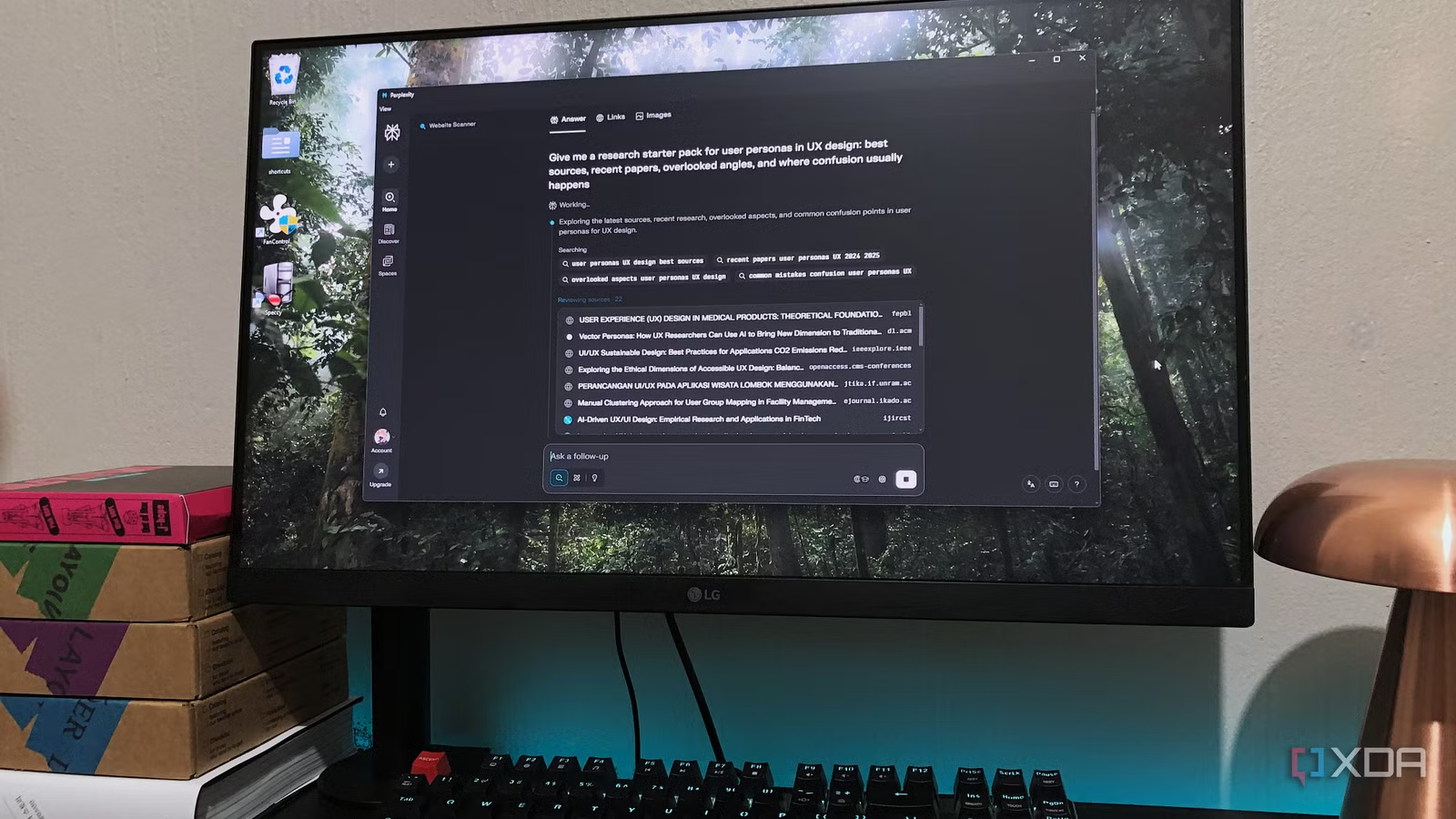


When heavyweight note apps slow you down
Lightweight note taking apps are focused tools that favor fast launch times, simple structure, and reliable syncing over complex databases and heavy plugin ecosystems, making them ideal for everyday capture when feature-packed platforms like Notion or Obsidian start to feel slow, distracting, or bloated for the notes you actually take. For many people, the problem is not that their second brain tools are bad; it is that they are doing double duty as quick-capture scratchpads and long-term archives. Obsidian can turn into a huge vault with thousands of notes and images, plus a stack of plugins, which leads to multi‑minute startup times and sluggish performance when all you want is a grocery list or a fleeting idea. In that gap, simpler Notion alternatives and Obsidian alternatives built around markdown, local files, and cloud free sync have room to win for everyday workflows.
| Spec | HelixNotes | Anytype |
|---|---|---|
| Primary focus | Simple local markdown notes | Object-based workspace with peer-to-peer sync |
| Sync model | Local files, no built-in sync | Local network, end-to-end encrypted cloud free sync |
| Platform type | Desktop note app that complements Obsidian | Cross-platform Notion alternative for Mac, PC, mobile |
HelixNotes: a fast scratchpad for Obsidian users
HelixNotes is a simple note app that mirrors the look of Evernote or Apple Notes but stores everything as local markdown files. It is built for speed: where an oversized Obsidian vault can take two to three minutes to open, HelixNotes comes up in seconds, stays responsive alongside many other apps, and uses minimal system resources. It complements rather than replaces your second brain—one writer kept Obsidian for deep work while using HelixNotes during the day for disposable notes that would either be copied into the vault or tossed later. Because its files are plain .md and it supports Obsidian-style [[internal links]], you can move notes over without losing formatting or worrying about vendor lock‑in. The trade‑off: there is no built‑in sync, and installing it can be awkward because it is not fully notarized for the Apple store and may need Terminal permissions before it launches, which “was a pain.”
Anytype: privacy-first Notion alternative with cloud free sync
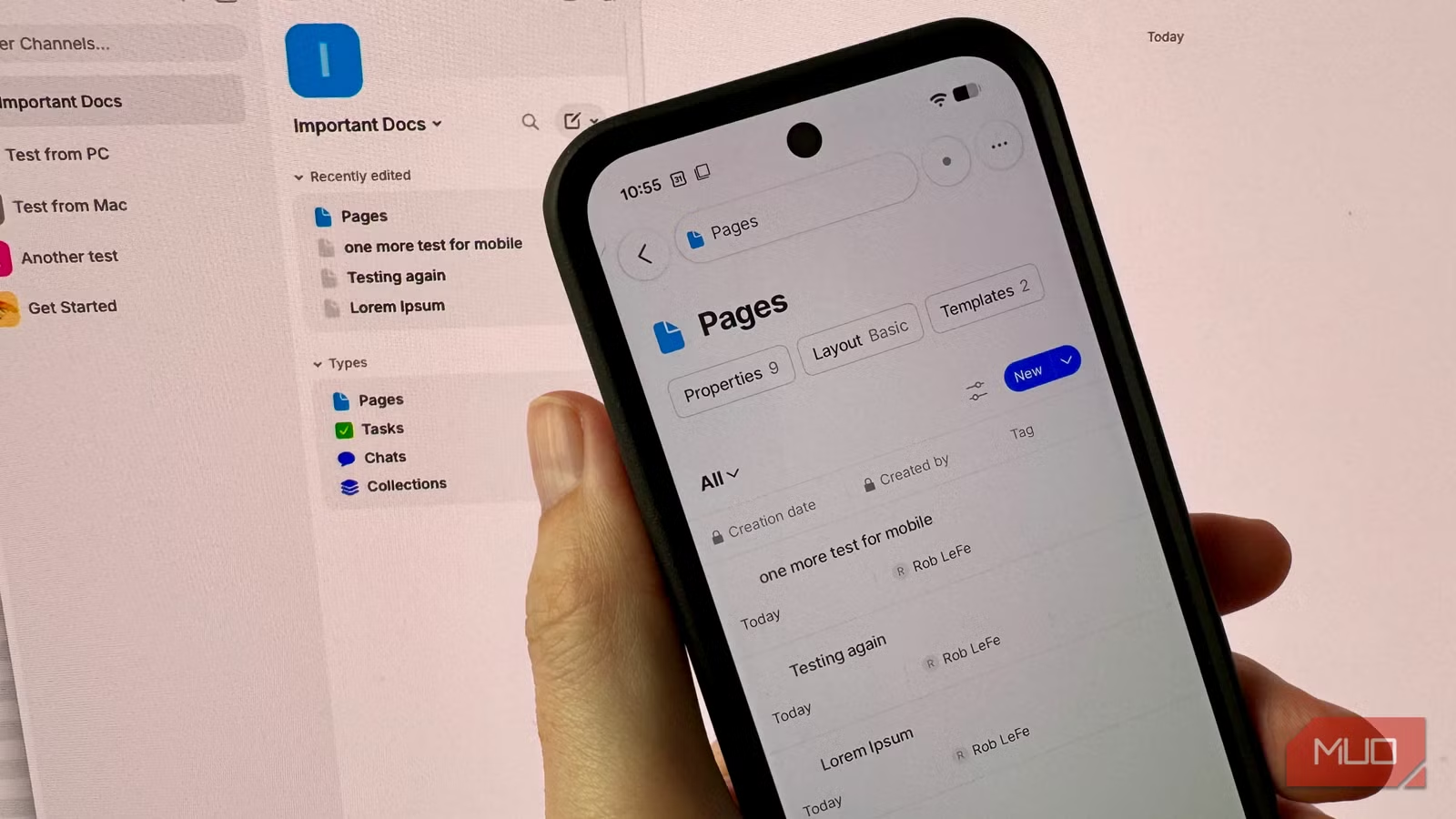
Anytype positions itself as a privacy‑first answer to Notion, combining an ambitious object-based workspace with end-to-end encrypted sync that claims to work without the cloud. By default, new vaults use Anytype’s own encrypted backup node with 1GB of free storage, but a hidden local-only mode disables that node and syncs data peer-to-peer over your local network using the open-source Any-Sync protocol. In testing across a MacBook and a Windows gaming laptop, desktop-to-desktop sync in local-only mode lived up to the promise: vaults pulled over Wi‑Fi in two or three seconds and continued to sync reliably even with the internet disconnected, as long as Wi‑Fi stayed on. The picture is messier for mobile. Important spaces could appear on an Android phone while their contents stayed blank until Nearby Devices permissions were granted, and cross‑device sync split into tiers, with desktop‑to‑mobile changes taking over five minutes to arrive and only completing if the desktop app remained open. Community threads confirm that slow or fragile local sync between Android and desktop is a long‑standing concern.
Flyout and the case for native, simple note apps
Not everyone wants object databases or full second brains; some people want a native macOS quick‑capture tool that behaves like a fast notebook instead of a mini operating system. Flyout sits in that camp of simple note apps, organizing your writing with folders, pins, and straightforward search rather than deep hierarchies. Pinned notes appear above every folder so you can keep active items visible without committing them to a permanent home, and search flattens the folder view while matching text across all notes, so you do not have to dig through nested structures. There is a clear trade‑off: once a folder holds a few hundred notes, pins and search are your only ways to slice the content, because Flyout does not yet have tags or cross‑cutting filters. If heavy Electron apps feel bloated for capturing a line or two, a lightweight native tool like Flyout can make everyday capture feel instant—even if you give up some of the organizational depth you would expect from Notion alternatives or Obsidian alternatives.

Buy if / Skip if
- Buy the HelixNotes if you use Obsidian for deep work but need a fast scratchpad that opens in seconds and saves markdown locally without bloating your main vault.
- Skip the HelixNotes if you need seamless, multi-device sync built in and prefer apps you can install from an app store without Terminal workarounds.
- Buy the Anytype if you want a Notion alternative with cloud free sync, end-to-end encryption, and strong desktop-to-desktop performance on your local network.
- Skip the Anytype if your workflow depends on fast, reliable mobile sync; desktop-to-phone changes taking several minutes and hidden local-only settings will frustrate you.
- Buy the Flyout if you want a native, lightweight note taking app on macOS with folders, pins, and simple search instead of heavy workspaces.
- Skip the Flyout if you rely on advanced organization like tags or smart filters to slice large collections of notes across topics.