

Gemini moves from sidekick to workflow backbone
Gemini’s Workspace integrations are a set of AI-powered productivity features embedded across Gmail, Chrome, and Google Workspace apps that automate writing, summarizing, data handling, and task management so users can complete complex workflows without constantly switching tools or rewriting content by hand. Instead of being another chatbot on the side, Gemini is starting to behave like the backbone of how work moves through email, documents, browsers, and calendars. That shift matters: the more native Gemini becomes inside Google Workspace AI, the less time knowledge workers waste hopping between tabs, pasting content, or fixing generic AI text. The key question is no longer whether AI can draft a message, but whether it can stay with you from first email to final spreadsheet without getting in the way.
Email writing automation grows up in Gmail
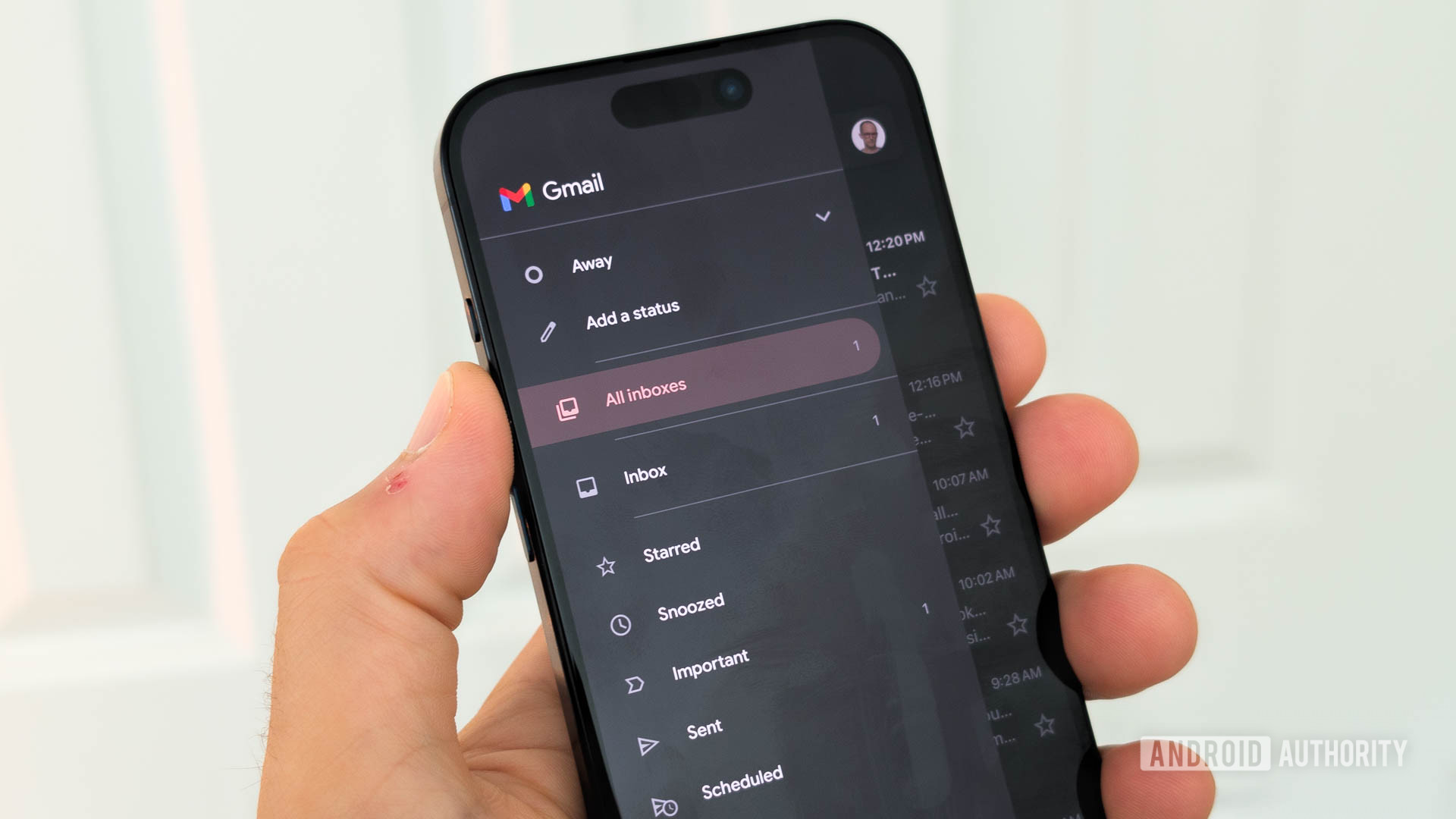
Gemini’s most important upgrade is in Gmail, where Help Me Write now supports fine-grained, prompt-level edits instead of one-shot drafts. Google announced that Gmail users can now edit and revise email drafts via the prompt bar, using custom refine instructions to tell the assistant exactly what to change and to undo or redo edits. That means email writing automation stops being a blunt instrument and starts feeling like a collaborative editor. You can ask it to include a missing detail in the second line or add a deadline to the message, not just pick a preset like Formalize or Shorten. Strategically, this is Gemini admitting that control matters more than surprise; the AI draft is the starting point, but the real value is in steering tone, structure, and details without rewriting everything yourself. The rollout is expected to be completed by July 20, which signals how quickly Google wants this style of interactive, controllable AI to become the default for email.
Gemini Spark: from smart helper to cross-app operator
If Help Me Write tunes the sentence, Gemini Spark is aiming to run the process. It already lets users automate tasks, build spreadsheets, and basically hand off a large amount of their work to Google’s AI. Now Spark is also gaining more Workspace capabilities: it can open and edit documents in Google Docs, read comments in Sheets and Slides, and edit shared and private spreadsheets and presentations. In Google’s words, “its AI agent is over 50% faster than before, which should be a noticeable difference”. That speed matters because AI that feels slow turns into a novelty; AI that feels instant becomes infrastructure. The company is expanding support for Gemini Spark to Google AI Ultra subscribers in all regions that support Gemini apps, and AI Pro subscribers have been told to “stay tuned” for access updates soon. The direction is clear: Spark is being groomed as the central operator for Google Workspace AI, not a side feature.
Chrome’s Gemini assistant turns tabs into a single workspace
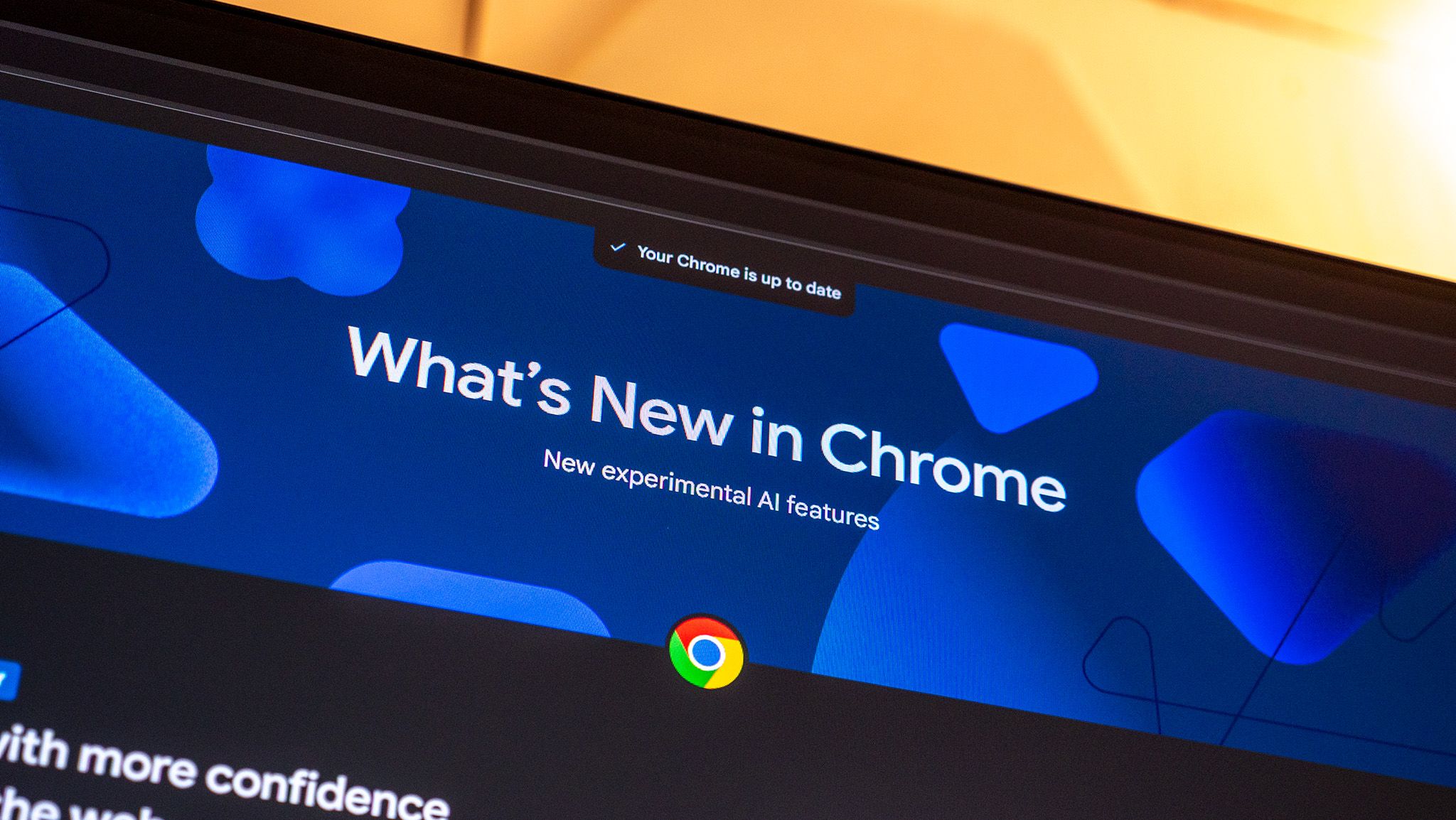
The Chrome Gemini assistant is where Google’s strategy becomes obvious: the browser itself becomes a control room for your work. Gemini in Chrome is expanding to desktop users in the UK, bringing Google's AI-powered browsing assistant to more people. This is not separated from your workflows; the AI works directly inside Chrome, letting you summarize long articles, compare information across tabs, and complete tasks without switching apps. You can schedule meetings through Google Calendar, look up locations in Maps, draft emails in Gmail, and even ask questions about YouTube videos without leaving the page. In other words, Chrome stops being a collection of tabs and starts acting like one Gemini-managed workspace. When Gemini can remember earlier conversation context for more tailored responses, cross-tab comparison stops being mental juggling and becomes a continuous, contextual session. This is the clearest expression yet of Gemini productivity features: keep users in flow, not in menus.
The new shape of collaboration—and the risk of over-automation
Taken together, these changes show Gemini evolving from a set of isolated tricks into a coordinated fabric across Gmail, Workspace, and Chrome. Email writing automation is now editable and controllable, not a black box; Gemini Spark can act inside Docs, Sheets, and Slides with more speed and breadth; and the Chrome Gemini assistant ties it all together by letting users summarize, compare, and schedule without switching contexts. The upside for enterprises is clear: fewer copy-paste loops, less context switching, more consistent workflows. The risk is equally clear: over-automation can hide decisions, and workers may become dependent on AI that still makes mistakes. The right move is not to hand Gemini the keys, but to treat it as a persistent collaborator—one that drafts, compares, and coordinates while humans keep ownership of judgment, nuance, and final calls.