


Is This Back-to-School Laptop Deal Season Worth It?
Back to school laptop deals are seasonal promotions where retailers cut prices on new and current laptops, giving students access to more powerful hardware, better displays, and longer battery life for less money than during regular laptop sales periods. Right now, the standout bargain is the Samsung Galaxy Book6, which drops from USD 1,449.99 (approx. ₱81,600) to USD 899.99 (approx. ₱50,600), a 38% discount that delivers premium performance at a mid-range price. Combined with Dell’s limited-time laptop sales discounts of up to USD 900 (approx. ₱50,400) off select systems, this is a strong moment to upgrade—if you match the right spec sheet to your major and budget.
Best Buy’s Back to School sale runs from mid-July to early September, so the Galaxy Book6 deal should hold for a while, but stock is never guaranteed. Dell’s back to school laptop deals are also labeled as a limited-time event with savings up to USD 900 (approx. ₱50,400) on a wide selection of laptops and PCs. In short, these are real student laptop bargains, not minor coupons. The key is deciding whether you need a budget machine like the Dell 15, a more capable all-rounder like the Dell 14 Plus, a high-end Samsung Galaxy Book6, or a powerhouse gaming and STEM option such as the Alienware 16X Aurora.
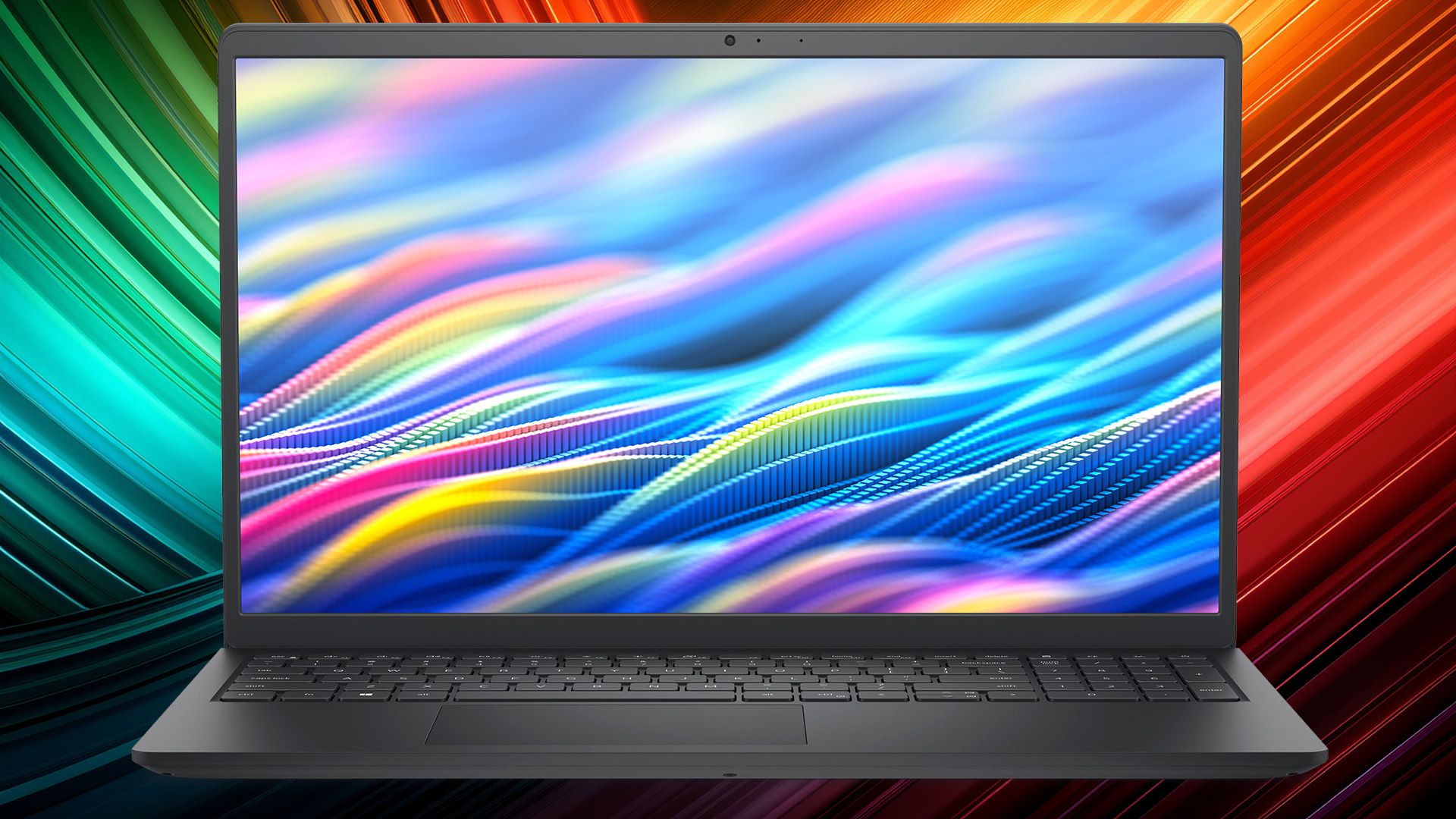
Samsung Galaxy Book6 at Best Buy: Premium Spec, Mid-Range Price
The Samsung Galaxy Book6 Copilot+ PC is the headliner of current student laptop bargains. It drops from USD 1,449.99 (approx. ₱81,600) to USD 899.99 (approx. ₱50,600) at Best Buy, a 38% or USD 550 (approx. ₱30,800) saving. That is a serious discount on a 16-inch 2K LED touchscreen machine with an Intel Core Ultra 7 CPU, 16GB of RAM, and a 512GB SSD. This configuration comfortably handles multiple browser tabs, Adobe Photoshop, and heavy multitasking without slowdown.
Display quality and battery life are the Book6’s biggest value points. The 16-inch 2K touchscreen delivers bright, vibrant colors and sharp detail for reading, note-taking, and video lectures. The long battery life, rated up to 24 hours, means you can leave the charger in your dorm most days. Students also get plenty of ports, a slim but sturdy chassis, Copilot+ integration for AI tasks, and Galaxy phone connectivity so you can respond to calls and texts from the laptop and even use the phone as a secondary monitor. This is overkill for simple word processing, but a strong buy for demanding majors that need performance and a big, sharp display.
Dell 15 and Dell 14 Plus: Matching Power to Budget
Dell’s Back-to-School promotion focuses on breadth: the event offers laptop sales discounts up to USD 900 (approx. ₱50,400) across many models. For students on a tight budget, the Dell 15 is positioned as an accessible, everyday workhorse. It uses a Core 3 100U processor, 8GB of DDR5-4400 memory, and a 512GB M.2 NVMe SSD. That combination is designed for light multitasking, essays, research, and virtual classes without fuss. Its 15.6-inch Full HD display with 120 Hz refresh and 250-nit brightness gives enough space for side-by-side documents, while the keyboard with a numeric keypad helps with math-heavy courses.
If your budget stretches beyond entry level, the Dell 14 Plus steps up as a more powerful but still portable student laptop bargain. It swaps in a Core Ultra 5 266V processor, 16GB of LPDDR5X-8533 memory, and a 512GB NVMe SSD, which means it can run more demanding workloads smoothly. The 14-inch form factor makes it easier to carry across campus, while its 2.5K (2560x1600) IPS display with a 16:10 aspect ratio provides sharper text and more vertical room for code, timelines, or long PDFs. In terms of value, the Dell 15 suits basics and spreadsheets; the Dell 14 Plus is better for heavier multitasking, coding classes, and content creation where extra CPU and RAM will extend the laptop’s usable life.
Alienware 16X Aurora: Overkill or Perfect for Power Users?
At the top of Dell’s affordable laptops sale sits the Alienware 16X Aurora, aimed at power users and gamers within the same back to school laptop deals event. This machine is built around a Core Ultra 9 275HX with 24 cores and up to 5.4 GHz boost, paired with 16GB of memory and a 1TB M.2 NVMe SSD. Graphics are handled by a GeForce RTX 5070, giving serious gaming and GPU-accelerated creation performance.
The display is a 16-inch WQXGA (2560x1600) panel with a 240 Hz refresh rate and Nvidia G-Sync support. For students in engineering, 3D design, or video production, this level of smoothness and resolution can be a real benefit. An RGB-backlit keyboard helps with late-night sessions, while Wi‑Fi 7 support aims for fast, stable campus connections. However, this kind of hardware is more than most students need for note-taking and web research. It is best for majors that require heavy compute or for students who value top-tier gaming alongside coursework; otherwise, the extra cost and power may not translate into better day-to-day value.
How to Judge Value: Display, Battery, and Processor First
When you sift through affordable laptops sales, three specs should guide your choice: display, battery life, and processor. For displays, resolution and panel quality influence how comfortable long study sessions feel. The Galaxy Book6’s 16-inch 2K LED touchscreen provides bright, vibrant colors and rich detail that make documents and videos clearer, while Dell’s 2.5K IPS panel on the 14 Plus offers sharp text and extra vertical space for multitasking. If you work with graphics, coding windows, or long research articles, these higher-resolution screens can be worth paying more than basic Full HD panels.
Battery life matters if you roam between classes without outlets. The Galaxy Book6’s rating of up to 24 hours is a strong safety net. Processor choice should match workload: Core 3 100U in the Dell 15 is fine for light tasks; Core Ultra 5 in the Dell 14 Plus handles heavier multitasking; Core Ultra 7 in the Galaxy Book6 adds headroom for creative apps; and Core Ultra 9 in the Alienware 16X Aurora targets high-end computing and gaming. Align these levels with your major, then consider extras like ports, keyboard layout, and storage only after you are satisfied with screen, battery, and CPU.
Buy if / Skip if
- Buy the Samsung Galaxy Book6 if you want a premium 16-inch 2K touchscreen, long battery life up to 24 hours, and strong multitasking performance at a 38% discount.
- Skip the Samsung Galaxy Book6 if you need upgradeable RAM or plan to play modern mid to high-end PC games, since it relies on integrated graphics and soldered memory.
- Buy the Dell 15 if you are on a tight budget and mainly need a reliable laptop for essays, research, virtual classes, and light multitasking with a full-size keyboard and numpad.
- Skip the Dell 15 if you expect to run demanding apps or heavy multitasking over several years, because its Core 3 CPU and 8GB RAM may feel limiting sooner.
- Buy the Dell 14 Plus if you want a portable 14-inch laptop with a sharper 2.5K display, stronger Core Ultra 5 processor, and 16GB RAM for demanding coursework.
- Skip the Dell 14 Plus if you prefer a larger screen and full numeric keypad for spreadsheets and frequent number entry, where the Dell 15’s layout may suit you better.
- Buy the Alienware 16X Aurora if your studies or hobbies involve high-end gaming, 3D work, or other compute-heavy tasks that need a Core Ultra 9 CPU and RTX 5070 GPU.
- Skip the Alienware 16X Aurora if you only need a light, inexpensive campus laptop for notes and streaming, since its power and cost are beyond everyday student needs.





