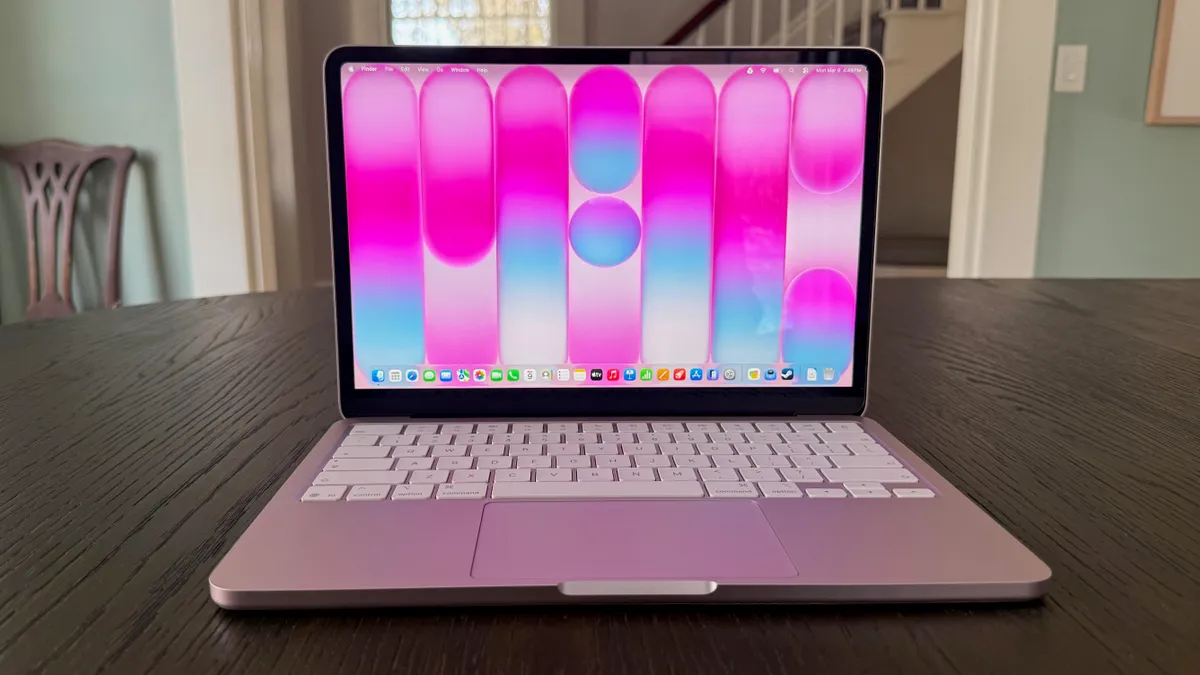


The Short Answer: Buy the M1 MacBook Air Before Anything Else
MacBook Air longevity refers to how many productive years a MacBook Air can deliver reliable, responsive performance for professional workloads before it becomes impractical or uneconomical to keep using it as a primary device.
For most professionals, the M1 MacBook Air is still the smartest buying decision: it gives you the best balance of performance, lifespan, and price-to-value of any Apple laptop so far. Released in November 2020, it remains “incredibly capable” as a main work machine well into 2026, to the point where an experienced IT admin says they would “easily pick up an M1 MacBook Air and use it as my primary driver today without skipping a single beat.” That is not nostalgia; it is hard evidence that this machine stays fast, cool, and dependable after four-plus years of daily use. If you want a professional laptop investment that will outlast typical upgrade cycles without the cost of an M4 or M5 MacBook, this is the one to buy first and question later.
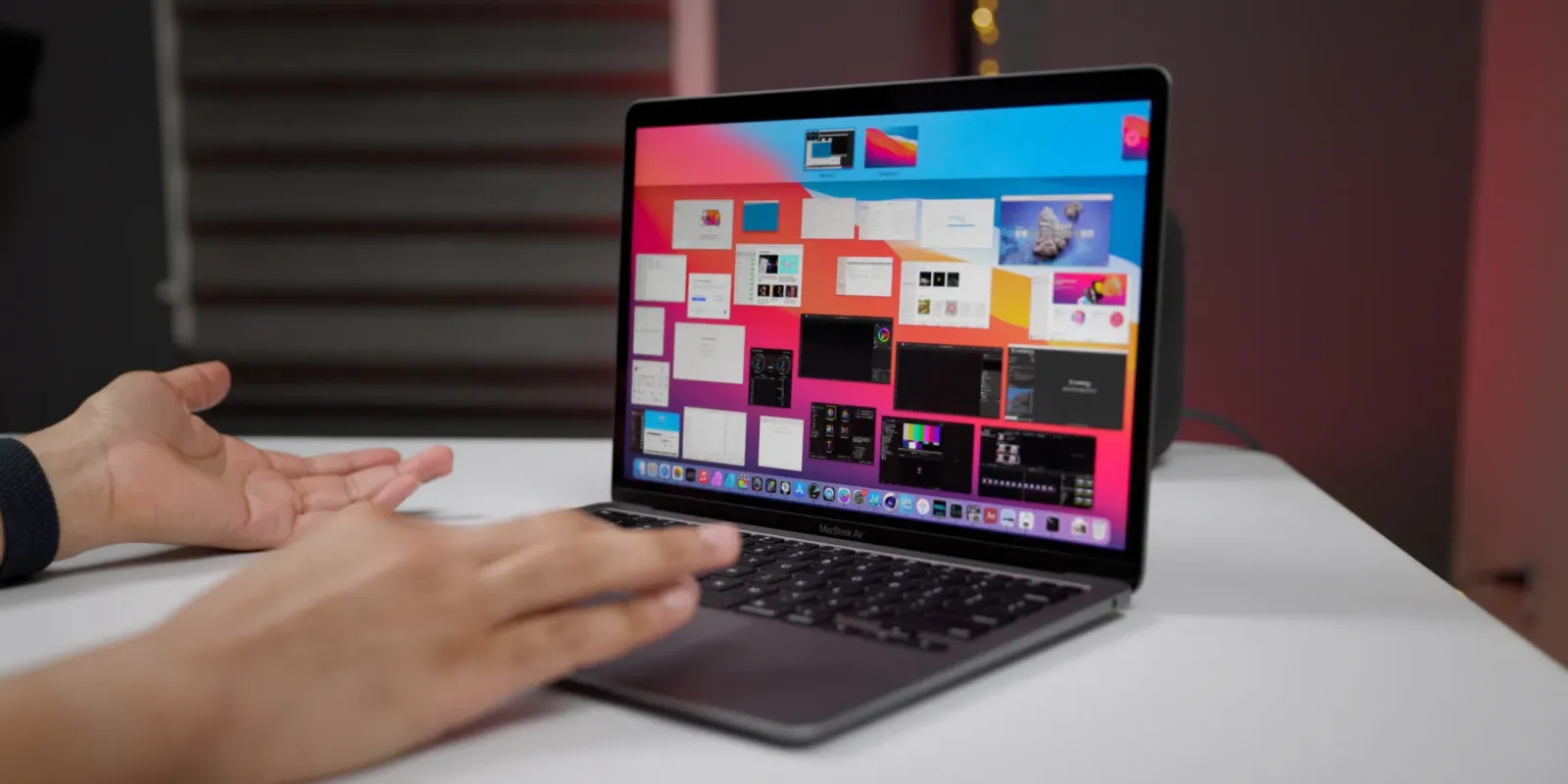
Why the M1 MacBook Air Outlasts Typical Laptops
Before Apple Silicon, workplace laptops were worn out by year three or four: batteries degraded, fans screamed, and keyboards failed, so old machines became a liability and were quickly recycled. That 3–4 year laptop lifespan comparison defined how IT departments budgeted and upgraded hardware. The M1 MacBook Air changed that rule completely. It introduced Apple’s first custom MacBook Air chip with an 8-core CPU and up to an 8-core GPU, a leap so large that it “completely altered the standard enterprise hardware lifecycle.”
Today, no other Apple laptop in history remains this usable and “this good this many years later.” IT managers who used to purge four-year-old machines now keep 30–40 M1 Air units in active inventory as ready-to-go loaners and spares, fully updated and managed. That is MacBook Air longevity in action: the same hardware still runs modern macOS smoothly, handles knowledge work without drama, and gives organizations the confidence to extend leases instead of rushing to replace fleets.
Performance and Value: M1 Air vs Newer M-Series MacBooks
The M1 MacBook Air’s value is not theoretical. For years, it was sold new for USD 599 (approx. ₱33,500), a “killer price” for a laptop that still holds up against newer machines. The original M1 chip was such a big leap that later generations mostly refine rather than redefine everyday performance. While the M3, M4, and M5 chips add speed, the question is whether those gains matter more than saving money and gaining extra years of usable life.
The M4, with its 10-core CPU and 10-core GPU, claims 1.8 times faster CPU and 2.2 times faster GPU performance compared with M1, plus a neural engine more than three times faster. The latest M5 brings up to a 10-core CPU and 10-core GPU with notable gains in GPU, AI, and storage speed. These are excellent chips—but for professional tasks like documents, email, spreadsheets, browsing, and light creative work, the M1 Air is still “powerful enough for knowledge work, browsing the web, etc.” When you factor in how long it stays usable, the M1 MacBook value proposition remains unmatched for most buyers.
| Spec / Role | M1 MacBook Air | Newer M4/M5 MacBooks |
|---|---|---|
| CPU / GPU cores | 8-core CPU, up to 8-core GPU | M4: 10-core CPU, 10-core GPU; M5: up to 10-core CPU and 10-core GPU |
| Best for | Knowledge work, web, office apps, light creative workloads | Heavier GPU, AI workloads, power users needing top-end speed |
| Longevity focus | Proven to stay “incredibly capable” after 4+ years | Designed for more performance, longevity still emerging |
Who Should Still Buy M1 — and Who Needs More Power
If your daily work is writing, email, project management, calls, dashboards, coding, or browser-heavy tasks, the M1 MacBook Air is the right call. It remains fast enough to be a primary laptop in 2026, and organizations keep these units for ongoing use rather than recycling them, because Apple still updates them to the latest macOS and they stay powerful enough for knowledge work. For many professionals, extending the usable life from a 3-year to a possible 5-year cycle justifies modest price increases because “the value of the M series laptops is worth it.”
If you regularly work with several streams of 4K video, complex photo edits, or 3D rendering, you may benefit more from higher-tier chips. The M2 was an entry-level step up with an 8-core CPU and up to a 10-core GPU, fine for daily tasks but not ideal for heavy 4K or 3D work, which should move to M1 Pro, M1 Max, or newer equivalents. The M2 Pro, with up to a 12-core CPU and 19-core GPU, delivered around 20 percent faster CPU and 30 percent faster graphics than the 10-core M1 Pro and was recommended for intermediate video and photo editors. Even later chips like the M3 Pro only managed about a 10 percent GPU gain over M2 Pro, a marginal upgrade. Unless your workflow is firmly in that pro-creative band, the M1 Air still hits the sweet spot.
A Better Professional Laptop Investment
The M1 MacBook Air has quietly become the blueprint for a smart professional laptop investment. Enterprise IT once assumed any laptop would be “old, unusable, and ready to be recycled” by year four; now, the same admins argue that you should not send M1 Airs for recycling when they come off lease, because they are still useful as main or spare devices. Extending that lifecycle by even one or two years shifts the economics of entire fleets. In a world where prices are rising and leases are stretching, those longer usable lifespans are “possible, in some ways, because of machines like this.”
We are already “a few generations deep into Apple Silicon,” but the original M1 jump was big enough that later chips often provide incremental improvements rather than necessities for most users. That is why MacBook Air longevity matters more than chasing the newest spec sheet. If you want a laptop that stays quiet, cool, responsive, and supported far beyond the usual 3–4 year window, the M1 MacBook Air should be your default choice—and you should only move to an M4 or M5 machine if you know your workload will truly use that extra power.
- Buy the M1 MacBook Air if you want a proven laptop that stays “incredibly capable” well past four years of daily professional use.
- Skip the M1 MacBook Air if your work depends on heavy 4K video editing or 3D rendering that benefits from M2 Pro, M4, or M5-class chips.
- Buy the M1 MacBook Air if you manage a fleet and prefer extending leases instead of recycling laptops at the old 3–4 year mark.
- Skip the M1 MacBook Air if you are buying specifically to explore advanced on-device AI or GPU workloads where the M4 or M5’s improved graphics and neural engines shine.
- Buy the M1 MacBook Air if you care more about price-to-lifespan value than owning the latest-generation MacBook with only incremental real-world gains.