
Are these sub-$600 Windows 11 laptops worth it?
Laptop deals under 600 refer to discounted Windows 11 notebooks that cost under USD 600 (approx. ₱33,600) while still offering enough performance, memory, and storage for office tasks, online learning, and light creative work without feeling slow or disposable after one school year.
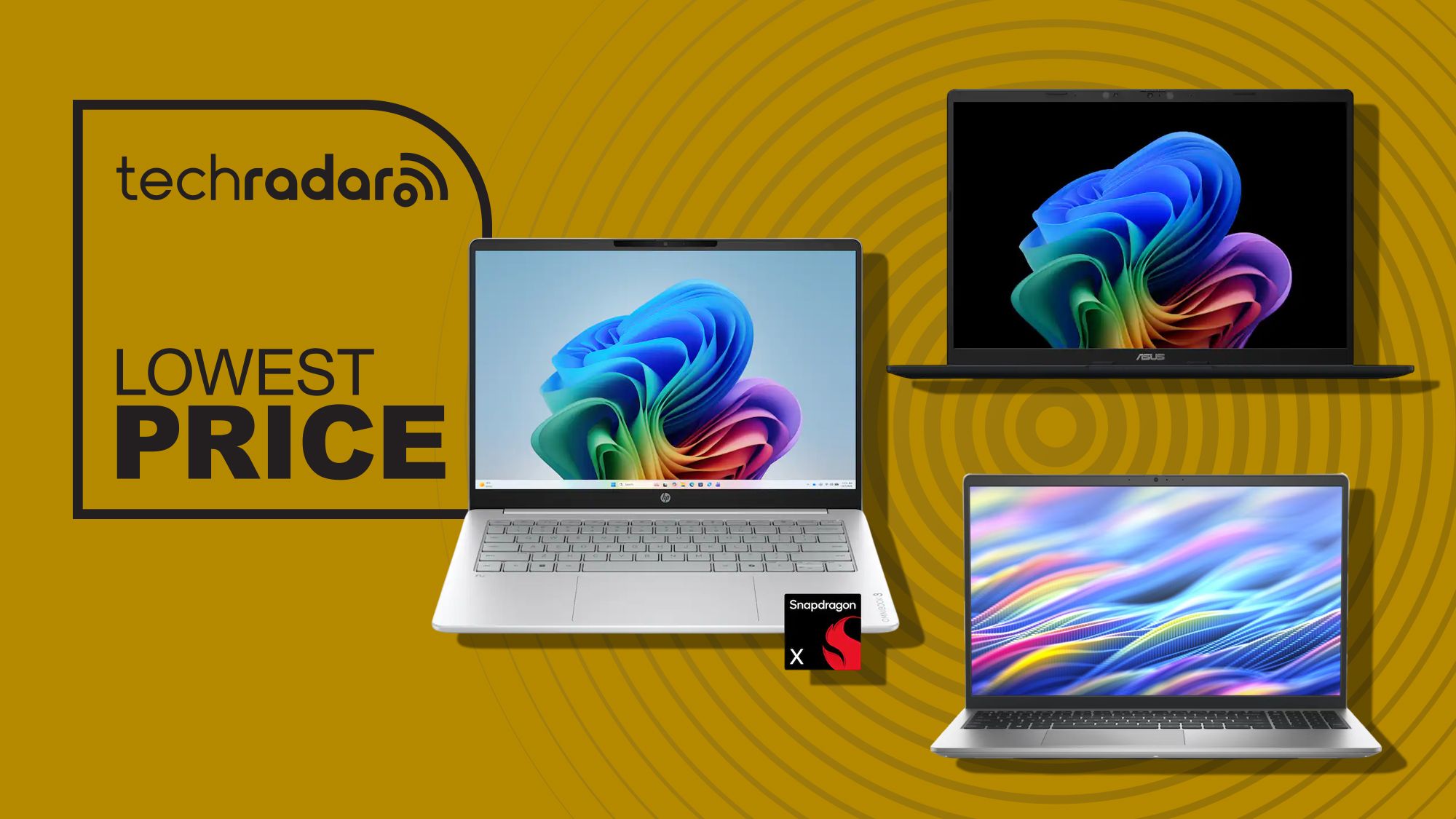
If you want a budget work laptop that does not feel like a compromise, these three Windows 11 laptops sale picks are worth a close look. HP’s OmniBook 3, Asus’ Vivobook 14, and Dell’s 15 Laptop all sit under USD 600 (approx. ₱33,600) and are equipped to handle productivity tasks, schoolwork, creative projects, and everyday use without issue, and will stay useful well beyond the next school year. Each one offers enough power for modern multitasking, so the real decision is about features: battery life, touchscreen, or a faster display. Overall verdict: these are strong student laptop deals if you are avoiding pricey premium brands.
Price snapshot: HP OmniBook 3 is USD 599.99 (approx. ₱33,600) down from USD 949.99; Asus Vivobook 14 is USD 548 (approx. ₱30,700); Dell 15 Laptop is USD 549.99 (approx. ₱30,800).
HP OmniBook 3: the all‑day battery champ
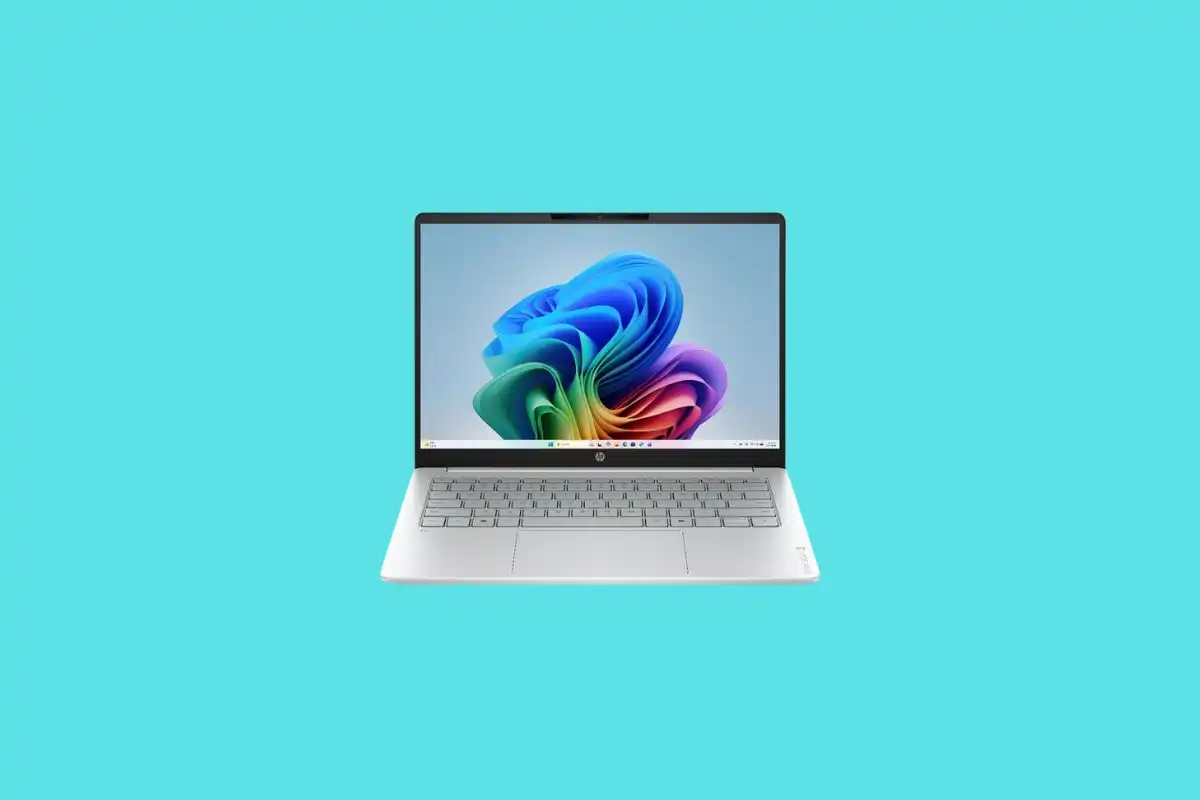
HP’s OmniBook 3 is the standout among these budget work laptops because it pairs long battery life with serious multitasking headroom. It is currently USD 599.99 (approx. ₱33,600), marked down from USD 949.99, at a major electronics retailer. That is a big price cut for a machine aimed at office professionals and students who live in productivity apps all day.
This model runs on Qualcomm’s Snapdragon X processor and offers up to 32.25 hours of battery life, making it an excellent choice for office professionals and students planning to spend many hours away from a power outlet. You get 16GB of memory and a 512GB SSD, which is far better equipped for multitasking and for running Microsoft’s growing collection of AI features. The 14‑inch 1920 x 1200 touchscreen gives you extra flexibility for note‑taking and presentations, while Wi‑Fi 6E and HDMI 2.1 make it easy to plug into fast networks and external monitors.
If your day is a mix of video calls, Office apps, browsers packed with tabs, and occasional creative work, this is the most balanced of the three deals.
Asus Vivobook 14: best all‑round value if you skip touch
For buyers focused on value above all else, the Asus Vivobook 14 may be the sweet spot among student laptop deals. Also on promotion at a large electronics retailer, this configuration is priced at USD 548 (approx. ₱30,700). According to the deal curator quoted in the source, “If you don't need touch support, I'd say this is the best all‑round buy of the three.”
Like the OmniBook 3, it combines the same Snapdragon X processor with 16GB of memory and a 512GB PCIe 4.0 SSD, backed by a 14‑inch 1920 x 1200 IPS display. You lose the touchscreen, but gain a lighter chassis: at 3.28lb, it is the lightest laptop here, making it a great fit for students carrying it between classes. It also keeps Copilot+ PC AI features, a 45 TOPS NPU, Wi‑Fi 6E, HDMI 2.1, and USB4, plus an impressive claimed 29‑hour battery life.
If you are comfortable living on the keyboard and trackpad and you want maximum portability with modern ports and long life away from the charger, this is the most compelling of these laptop deals under 600.
Dell 15 Laptop: bigger screen and 120Hz display on a budget
The Dell 15 Laptop rounds out this Windows 11 laptops sale lineup as the only Intel‑powered option in the trio. It is available directly from the manufacturer for USD 549.99 (approx. ₱30,800), reduced from USD 749.99. That puts it in the same price band as the Vivobook 14 while offering a larger display and a different performance profile.
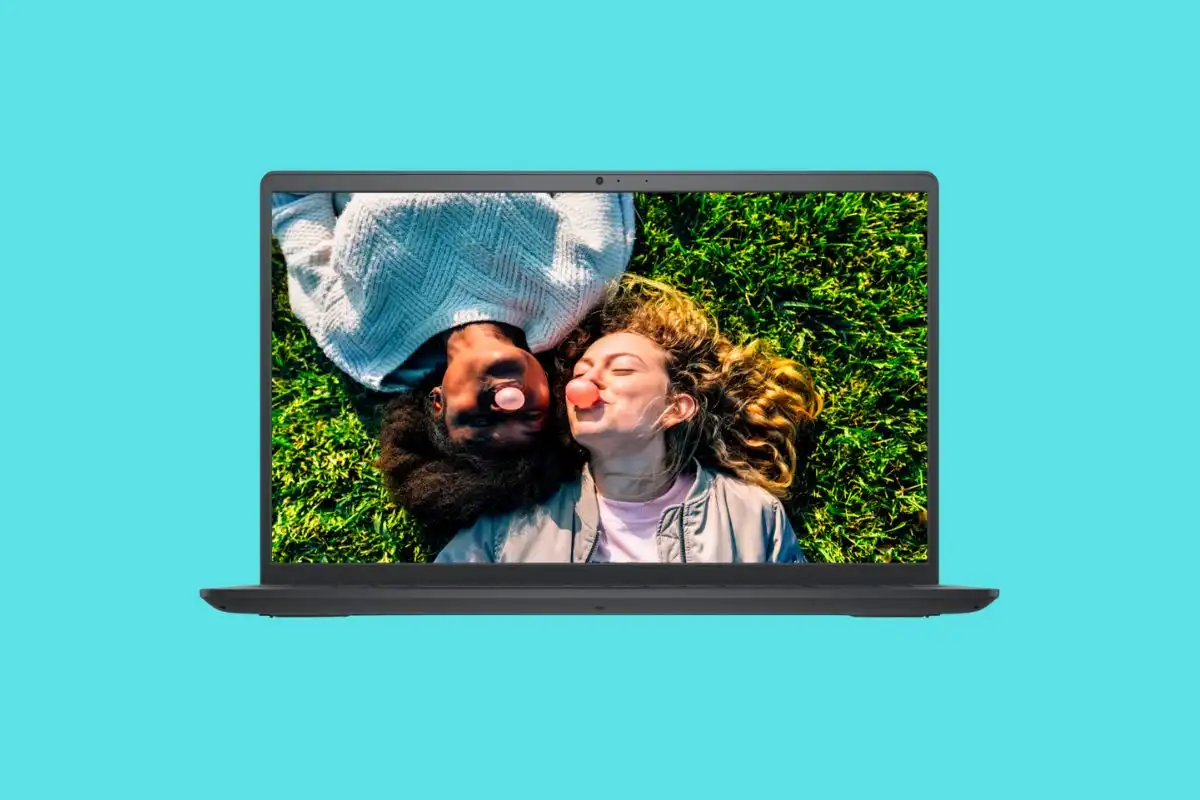
Powered by a 13th Generation Intel Core i7‑1355U processor, it comes with a 512GB PCIe NVMe SSD and a 15.6‑inch Full HD 120Hz IPS display, which will make it useful for recording notes, writing essays, multitasking, and so on. The laptop includes Wi‑Fi 6, USB‑A, USB‑C and HDMI ports, as well as an SD card reader and a headphone jack. The main downside is memory: it only comes with 8GB of DDR5, which the source notes “really isn't enough in 2026.”
If you value a bigger screen and smoother 120Hz scrolling for reading and light entertainment, and you do not routinely keep dozens of apps and tabs open, this deal still makes sense.
Buy if / Skip if
- Buy the HP OmniBook 3 if you want maximum battery life, a touchscreen, and 16GB RAM for heavy multitasking across office and study apps.
- Skip the HP OmniBook 3 if you do not care about touch and would rather pay less for a lighter laptop with similar performance.
- Buy the Asus Vivobook 14 if you want the best all‑round value, light weight for campus or commute, and long battery life without needing a touchscreen.
- Skip the Asus Vivobook 14 if stylus input or touch‑driven workflows are central to how you work or learn.
- Buy the Dell 15 Laptop if you prefer a larger 15.6‑inch 120Hz display and an Intel Core i7 CPU for office work, note‑taking, and casual use.
- Skip the Dell 15 Laptop if 8GB of RAM feels too tight for your workload and you often run many apps and browser tabs at once.