
Start Here: The One Laptop Most People Should Buy
A laptop buying guide is a structured way to match how you work and study to the right mix of performance, battery life, portability, and price so you avoid overpaying for power you will not use or getting a machine that struggles with your everyday tasks.
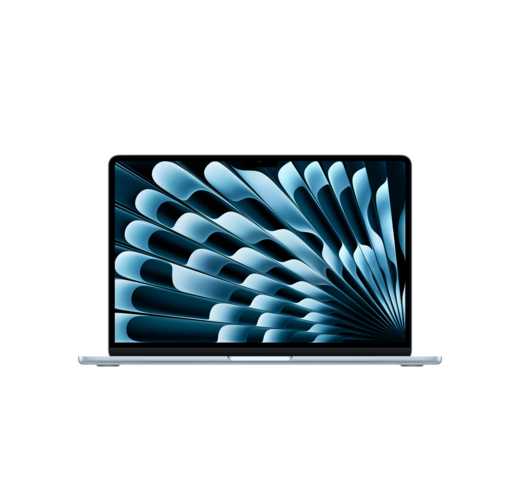
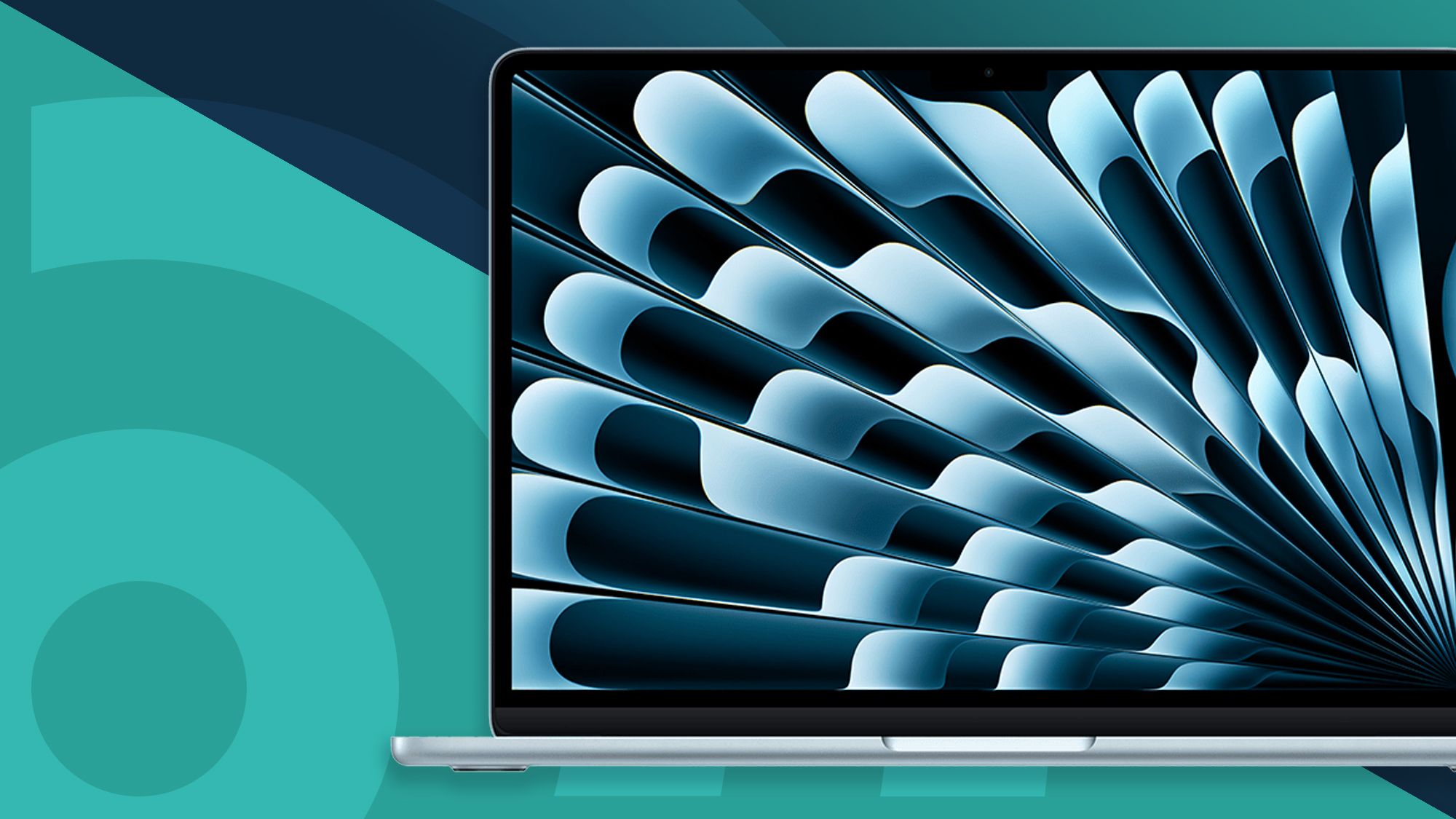
If you want the best laptop to buy for most people, choose the Apple MacBook Air 13‑inch with the M5 chip. It is the default recommendation because it combines fast everyday performance, strong battery life, solid build quality, and a still‑reasonable starting price compared with other premium machines. It uses Apple’s M5 processor, pairs it with 16GB to 32GB of RAM and 512GB to 4TB of storage, and lasts about 15 hours and 30 minutes in testing. The 13.6‑inch display and 2.7‑pound (1.24kg) weight make it excellent for education, productivity, and light content creation on the go. One expert buyer’s guide notes that “the M5 MacBook Air 13‑inch is now the MacBook (and laptop) we’d recommend to pretty much anyone thanks to its great design, excellent performance, and competitive pricing”.
Key Specs That Matter: Performance, Memory, Screen, and Weight
Before comparing laptops for different users, it helps to understand the main specs that change how a machine feels day to day. Processor performance controls how quickly apps open and how snappy multitasking feels; the MacBook Air’s M5 chip is tuned for day‑to‑day work, video editing, and even local AI tasks without wasting power. RAM affects how many browser tabs and apps you can keep open comfortably, with 16GB now a sensible baseline for long‑term use.
Battery life and weight matter most if you move around. The MacBook Air’s 15‑hour‑plus result keeps it running through long days without a charger. For Windows users, HP’s OmniBook 5 trades top‑tier speed for extreme endurance, using an efficient Qualcomm Snapdragon X Plus processor and hitting more than 34 hours of battery life in tests. Display quality is also key: the OmniBook 5’s 14‑inch 1920×1200 OLED panel prioritizes vivid color over sheer resolution, while more premium machines can push sharper, faster screens.
| Spec | MacBook Air 13" (M5) | HP OmniBook 5 |
|---|---|---|
| Processor | Apple M5 | Qualcomm Snapdragon X Plus (X1P‑42‑100) |
| RAM (as tested) | 16GB–32GB | 32GB |
| Storage (as tested) | 512GB–4TB SSD | 1TB SSD |
| Screen | 13.6" display | 14" 1920×1200 OLED, 60Hz |
| Battery life (tested) | 15h 30m | 34h 48m |
| Weight | 2.7 lbs (1.24kg) | 2.98 lbs |
Best Windows Laptop for Most People: HP OmniBook 5
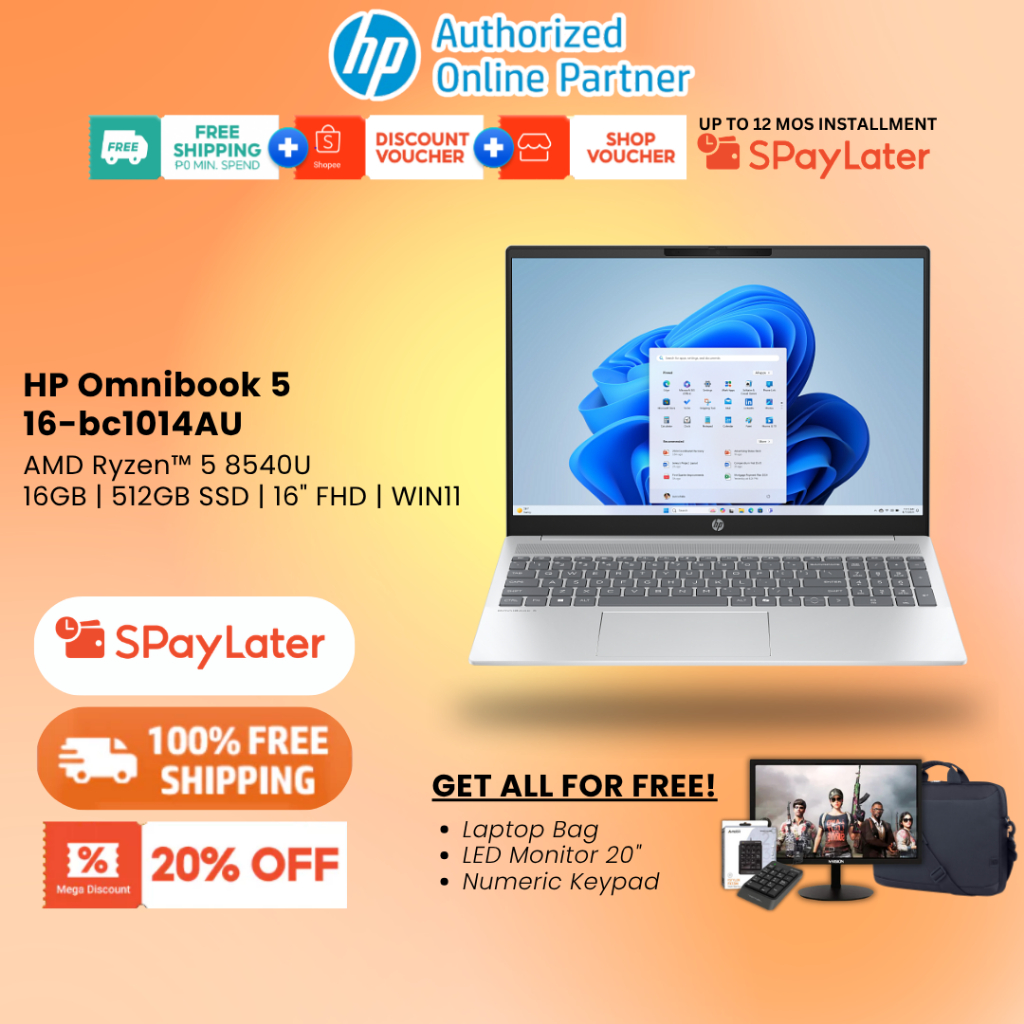
If you prefer Windows, the best laptop to buy for most people is the HP OmniBook 5, named a best Windows laptop for everyday users. It is an ultraportable that focuses on battery life and value: its Snapdragon X Plus processor is tuned more for longevity than raw speed, but it still feels responsive for homework, bills, web browsing, and basic photo editing.
The OmniBook 5 pairs that chip with 32GB of RAM, a 1TB SSD, and a 14‑inch 1920×1200 OLED display running at 60Hz. It weighs 2.98 pounds, fits in a 0.6‑inch‑thick chassis, and includes Wi‑Fi 6E and Bluetooth 5.3. Its headline feature is battery life: tests recorded 34 hours and 48 minutes, which is described as field‑leading among laptops in its class. The design uses a metal frame with a soft‑touch plastic keyboard deck; reviewers note the deck could be stiffer and graphics performance is modest. In return, it keeps price in check, and one lab report has seen it discounted as low as USD 699.99 (approx. ₱39,200), approaching traditional budget pricing for a surprisingly capable machine.
Step Up Power and Polish: Premium Ultraportables and Creators’ Picks
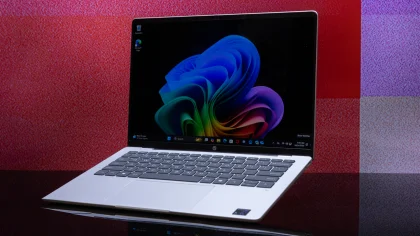
If you edit video, work with heavy creative files, or want a more luxurious build, premium models are worth paying for. One high‑end Windows ultraportable tested with an Intel Core Ultra X7 358H processor, 32GB of RAM, and a 1TB SSD is described as a best ultraportable laptop. Its 14‑inch 2880×1800 OLED touch display runs at 120Hz, paired with Intel Arc B390 graphics, Wi‑Fi 7, and Bluetooth 6, inside a 0.58‑inch‑thick, 3‑pound metal chassis. Battery life of about 21 hours keeps it travel‑friendly even with the faster screen.
Reviewers highlight its vivid OLED panel, potent flagship Intel chip, class‑leading battery life for its tier, premium build, standout 4K webcam, and high‑fidelity speakers, while warning that configurations are pricey and all ports are Thunderbolt/USB‑C only. On the Mac side, the M5 MacBook Air doubles starting storage, adds Wi‑Fi 7 and BLE 6 support, and delivers more power and efficiency than previous models, but it now starts at USD 1,299 / £1,299 / AU$2,099 (approx. ₱72,800) after a recent price increase. Its reasons to avoid list is short: no new colors and a higher price. For creators and power users, these premium laptops justify their cost with sharper, smoother displays, stronger CPUs and GPUs, and refined hardware features.
Expert Picks for Every User Type
To remove guesswork when choosing the right laptop, it helps to lean on long‑term testing across brands and form factors. One lab notes it has evaluated more than 1,800 laptops over 18 years and 200,000‑plus hours of testing, and every model it recommends has gone through hands‑on review. Its best laptop list covers the M5 MacBook Air 13‑inch as best overall, the Apple MacBook Neo as best budget with excellent value, a Samsung Galaxy Book6 Ultra for people who want a premium Windows 11 machine, and the HP OmniBook 7 Aero as a best thin‑and‑light option.
Other labs focus on Windows machines and currently call the HP OmniBook 5 the best Windows laptop for most people, emphasizing its long battery life, aggressive pricing, vivid OLED display, and ultra‑thin design while warning about its flexible plastic deck and modest graphics. They also single out a separate best ultraportable laptop with a vivid OLED screen, powerful Intel Core Ultra X7, and class‑leading battery life, while noting its high price and USB‑C‑only ports. These overlapping laptop recommendations mean you can buy with confidence, knowing multiple expert teams have already tested performance, thermals, screens, and endurance across very different devices.
- Buy the Apple MacBook Air 13-inch (M5) if you want one of the best laptops to buy for almost any user, with strong performance and long battery life in a light design.
- Skip the Apple MacBook Air 13-inch (M5) if you dislike paying a higher starting price and want new color options instead of the same design.
- Buy the HP OmniBook 5 if you prioritize extreme battery life, a vivid OLED display, and a value-oriented Windows laptop that still feels fast for everyday work.
- Skip the HP OmniBook 5 if you need strong graphics performance for gaming or dislike a plastic keyboard deck that could be stiffer.
- Buy the Intel Core Ultra X7-based ultraportable if you want a premium metal build, 120Hz OLED screen, powerful CPU, and class-leading battery life in a high-end Windows machine.
- Skip the Intel Core Ultra X7-based ultraportable if you need legacy ports beyond USB-C or want a more affordable laptop, since configurations are described as pricey.