


Top pick: M1 MacBook Air for unmatched longevity
MacBook Air longevity refers to how well a MacBook Air model remains fast, reliable, and fully supported for professional daily work over many years without needing replacement or major performance compromises. For most buyers who care about laptop value long-term, the clear winner is the M1 MacBook Air. It was the first custom silicon Apple debuted for its MacBook Air in 2020, with an 8-core CPU and up to an 8-core GPU and originally up to 16 GB of unified memory. That hardware leap was so large that it changed the standard enterprise lifecycle for laptops, stretching realistic use from around three years to as much as five years or more. In practice, this means you can buy an M1 Air today and expect a long, productive service life instead of planning on frequent upgrades.
Real-world deployment data from IT admins shows the M1 MacBook Air, released in November 2020, is still incredibly capable well into 2026. One admin currently keeps 30–40 units in active inventory, fully updated and enrolled in device management, and uses them daily as loaners and spares. They state that no other Apple laptop in history has remained this usable and good so many years later. According to that admin, “Apple built a laptop so good that it actually defeated planned obsolescence for a huge chunk of the market.” If their main work machine failed, they could pick up an M1 MacBook Air and keep working without skipping a beat. That is the kind of proven reliability and longevity most buyers should prioritize over chasing the newest processor label.
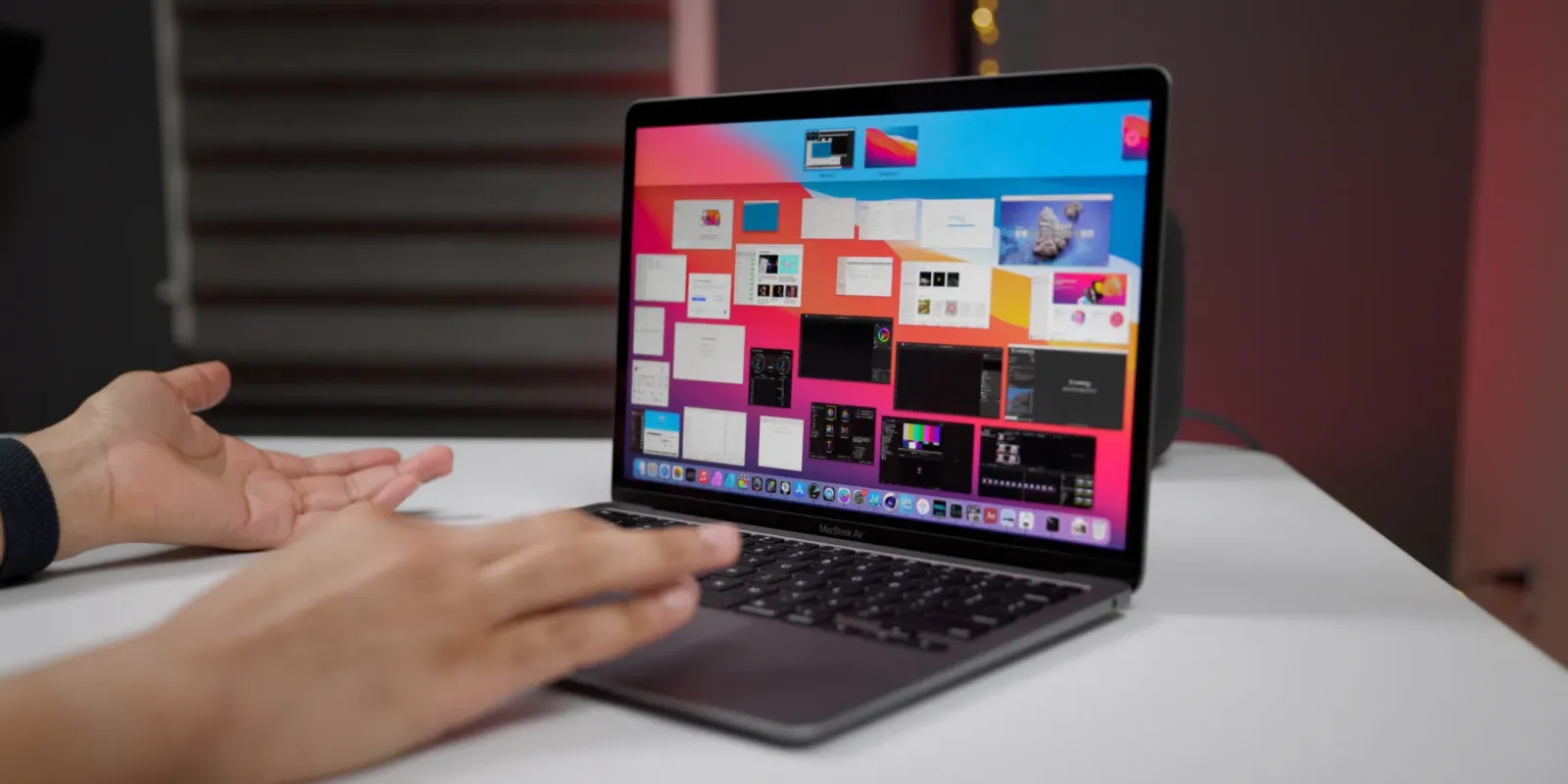
M1 vs newer MacBooks: speed gains without better longevity
Newer chips like M3, M4, and M5 are faster than M1 on paper, but they do not deliver proportionally better long-term value for typical users. The M3 in recent MacBook Air and Pro models has an 8-core CPU and up to a 10-core GPU with 24 GB of unified memory, and Apple claimed up to 35 percent faster CPU and 65 percent faster GPU performance versus M1. The M4 goes further, with a 10-core CPU and 10-core GPU; Apple claims 1.8 times faster CPU performance and 2.2 times faster GPU performance than M1. The latest M5 chips offer up to a 10-core CPU and 10-core GPU and boost GPU, AI workloads, and storage speed even more. These jumps are real, but they matter most for heavy creative or AI workloads that already saturate an M1.
For email, office apps, dozens of browser tabs, and moderate creative work, the M1 architecture still handles multitasking and photo editing efficiently. The original M1 was such a massive leap forward that it completely altered the standard enterprise hardware lifecycle, extending realistic laptop use beyond three years. Meanwhile, newer MacBook models command premium pricing and higher leasing costs, but we do not yet see evidence that they will stay usable significantly longer than an M1 Air in real-world fleets. In a world where laptop prices are going up and leases are getting longer, the M1 Air’s proven ability to keep performing makes it a more cost-effective choice for most people who are not pushing into advanced 3D work or high-end AI tasks.
Who should still consider newer chips like M3, M4, or M5?
This MacBook buying guide is focused on long-term value, but there are clear cases where newer chips make sense. The M3 was described as great for common tasks such as word processing, spreadsheets, and light gaming, and it also supports more external displays than earlier MacBook Air models. Above that, there are Pro and Max tiers. The M2 Max, for example, is an excellent choice for those who work with graphics-intensive content, including graphic design, 3D modeling, and heavy-duty video footage. Similarly, the M3 Pro was the ideal in-between option for people who needed more power than M3 but would not use the full capability of the M3 Max. At the high end, M5 Pro and M5 Max significantly increase GPU cores and on-device AI performance, targeting intensive workloads like professional video, 3D, or AI development.
In short, you would know if you needed a chip this powerful; guidance for earlier Pro and Max chips puts it plainly: you would have known if you needed a chip this robust. Intermediate video and photo editors, for instance, were steered toward stronger chips than the base M-series options. If your income depends on rendering speed, complex 3D scenes, or cutting-edge AI features, then an M3, M4, or M5 Pro/Max MacBook can pay off in time saved, even if its long-term value is less proven. For everyone else—knowledge workers, students, coders, and light creators—the M1 MacBook Air already delivers more performance than they can saturate, with a track record of reliability that newer chips have not yet had time to match.
Why the M1 Air dominates on total cost of ownership
The strongest argument for the M1 MacBook Air is its effect on total cost of ownership. Historically, workplace laptops had a usable lifespan of around three to four years before they felt old, had degraded batteries and noisy fans, and became unreliable to support. The M1 Air broke that pattern. Enterprises report that these machines still run the latest macOS versions and modern software smoothly, more than five years after launch, and remain trustworthy enough to stay in active deployment. One long-time admin now keeps M1 Airs as reliable spares instead of rushing them to recycling when leases end, something that was unthinkable with older Intel-era laptops. This is direct evidence that the M1 design has extended realistic deployment windows and reduced the need for frequent hardware refreshes.
We are several generations into Apple Silicon, but the original M1 was such a large leap that it altered enterprise hardware planning. If you can extend practical use from three years to five years or more, then moderate price increases across the M-series lineup become easier to justify because the value of these laptops has improved. Longer usable life spreads the cost of a MacBook over more years of work, which is the foundation of better laptop value long-term. For fleet managers, that means you should not send M1 MacBook Airs for recycling as soon as leases end; instead, keep them in circulation as primary machines or dependable spares. For individual buyers, it means you can pick an M1 Air with confidence that it will remain a capable everyday workhorse for far longer than past laptops.
Buy if / Skip if
- Buy the M1 MacBook Air if you want proven MacBook Air longevity with a machine that remains incredibly capable more than five years after release.
- Skip the M1 MacBook Air if your work depends on the fastest possible GPU or AI performance where M4 or M5 Pro/Max chips would save significant time.
- Buy the M1 MacBook Air if you manage fleets and want to extend laptop value long-term instead of cycling machines every three years.
- Skip the M1 MacBook Air if you are an advanced 3D artist or heavy video producer who has been advised that you would have known if you needed a higher-end chip.
- Buy the M1 MacBook Air if your workload is mostly office tasks, web apps, coding, and moderate creative work that M1 still handles smoothly.
- Skip the M1 MacBook Air if you require more external displays or niche features only available on newer MacBook models with M3 or later chips.




