
Start Here: Buy a Premium Motherboard First
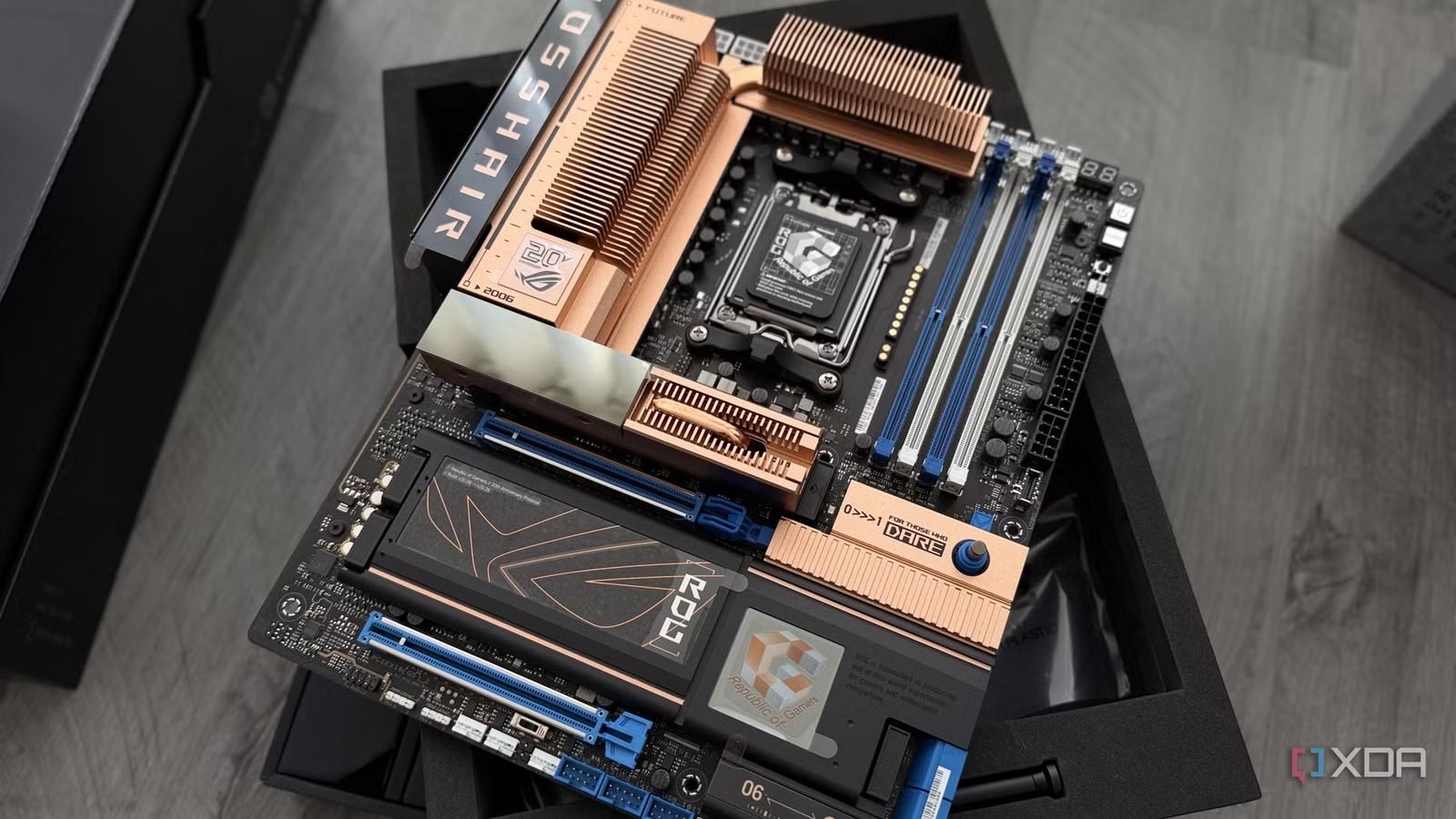
A quality motherboard investment means choosing a board with strong power delivery, reliable components, and long-term firmware support so it can outlast several rounds of CPU, GPU, and storage upgrades while keeping your system stable and usable for many years. For most people building a new PC, the best choice is a solid upper‑midrange or entry‑flagship motherboard in the USD 250–350 (approx. ₱14,000–₱19,600) tier that focuses on durability, not marketing flash. This is the top pick because it is where you consistently get overspecced power stages, capacitors with lifespan ratings worth bragging about, and BIOS support that continues well beyond launch, all of which deliver class‑leading motherboard longevity and lower total upgrade costs over time.
In any modern build, only the motherboard and RAM have a real shot at outliving the other components, making the board the deciding factor in when your platform stops being upgradeable. That is why you should stop treating the motherboard as a place to save money and instead rank it third in the budget behind CPU and GPU, or even ahead of the CPU if you are buying into a socket with a clear upgrade path.
Why Motherboards Outlast the Rest of Your PC
Motherboard longevity matters because the board ties every other part together and sets the ceiling for how long the platform remains viable. While GPUs and CPUs get replaced as performance demands grow, a good motherboard can stay in service for five to ten years or more, supporting several waves of components as you upgrade everything around it. In a typical enthusiast system, only the motherboard and memory are likely to survive multiple upgrade cycles, which means the board effectively decides when you must rebuild the platform from scratch.
Recent software innovation makes long‑lasting PC parts even more valuable: tools for local AI workloads, home servers, and lightweight operating systems are steadily extending the useful life of older hardware instead of forcing constant replacement. As software continues to unlock more possibilities for aging systems, the smartest purchases are no longer the ones that replace components, but the ones that give them another reason to stay in the case or on the desk. In this environment, a durable motherboard becomes the foundation that lets you repurpose old GPUs and CPUs instead of retiring them early.
How Premium Boards Achieve Better Durability
The main reason premium motherboards last longer than budget models is simple: better engineering aimed at durability, not headline benchmarks. High‑end boards use overspecced power delivery—more power stages than any mainstream CPU will ever need—so those components run cool and relaxed instead of near their limits all the time. They also rely on 10K‑rated capacitors whose lifespan at operating temperature is long enough to stay within spec for years longer than cheaper parts. "The 10K capacitor rating isn't about speed; it's about lifespan (the rated hours at temperature before they drift out of spec)."
Premium designs often include two‑ounce copper power planes and multi‑layer PCBs that spread heat more evenly, cutting the thermal load on sensitive components. Those features are often missing from budget boards, and sustained heat over years is one of the most effective killers of electronics. The result is that flagship‑class boards idle in an efficient thermal range while cheaper models run closer to the red line every day, which directly affects PC component durability under long gaming sessions, content creation workloads, or 24/7 server duty.
Socket Lifespan, BIOS Support, and Total Cost of Ownership
A long‑lasting motherboard is not only about hardware; firmware support determines how many CPU generations you can drop into the same socket. A premium motherboard with long‑term BIOS support does more than serve your first processor—it can save you from a complete rebuild several years later by accepting newer CPUs and memory kits. Platform history shows the difference clearly: some sockets have supported as many as five CPU generations, while others offer only one or two before forcing a move. When you pick a board on a socket with proven longevity and buy from a vendor known for continued BIOS updates, you gain far more upgrade flexibility.
There is also a hard cost angle. Paying the premium tax early is the cheapest expensive habit in PC building. If you buy a low‑end board and later have to replace it during the lifespan of your chosen platform, your total spend ends up higher than if you had bought a durable, mid‑to‑high tier board at the start. According to one experienced builder, overspecced power delivery, capacitors with real lifespan ratings, and firmware that gets attention for years are exactly what you should look for—and you can consistently find them in that upper‑midrange price band.
Buy if / Skip if
- Buy the premium motherboard if you want a platform that can survive 5–10+ years of upgrades without forcing a full rebuild and care about motherboard longevity as your main constraint.
- Skip the premium motherboard if you know you will replace the entire PC within a couple of years and do not expect to reuse any parts long term.
- Buy the premium motherboard if you plan to reuse old GPUs, CPUs, or drives in secondary roles like home servers or local AI boxes and want a stable base for those long-lasting PC parts.
- Skip the premium motherboard if you are building a one‑off budget machine with no intention of upgrading CPU or GPU on the same socket.
- Buy the premium motherboard if you value strong power delivery, 10K‑rated capacitors, and thick copper layers that reduce heat stress and improve PC component durability under heavy loads.
- Skip the premium motherboard if your workloads are light, you rarely stress the system, and maximizing up‑front savings matters more than long‑term reliability.
- Buy the premium motherboard if you want reliable BIOS support so your board does not die from firmware abandonment and can accept future CPU generations on the same socket.
- Skip the premium motherboard if you are experimenting or learning to build PCs for the first time and are comfortable replacing the board soon as part of that process.