
Why a DIY Steam Machine Belongs in Your Living Room
A DIY Steam Machine build is a compact, console-style custom gaming PC assembly that uses modern PC components and Steam OS (or Windows) to deliver 4K living room PC gaming with higher performance, flexible upgrades, and tailored features compared to fixed, non-upgradable consoles.
If you care about performance and ownership, a custom Steam Machine beats a closed console box. Building your own system lets you combine modern hardware with Steam OS for a powerful, upgradeable and compact gaming system tailored to your needs. The performance of a DIY Steam Machine far exceeds that of the original models, thanks to modern hardware. You get 4K gaming, HTPC functionality, and a console-like footprint without locking yourself into one vendor’s refresh cycle.
This approach is about control. You pick the Steam Machine components, you decide when to upgrade, and you avoid replacing the entire box when one part becomes the bottleneck. Access to modern hardware, upgrade flexibility, and compact design make the DIY route the smart path for living room PC gaming.
Choosing Steam Machine Components for 4K and Sofa Comfort
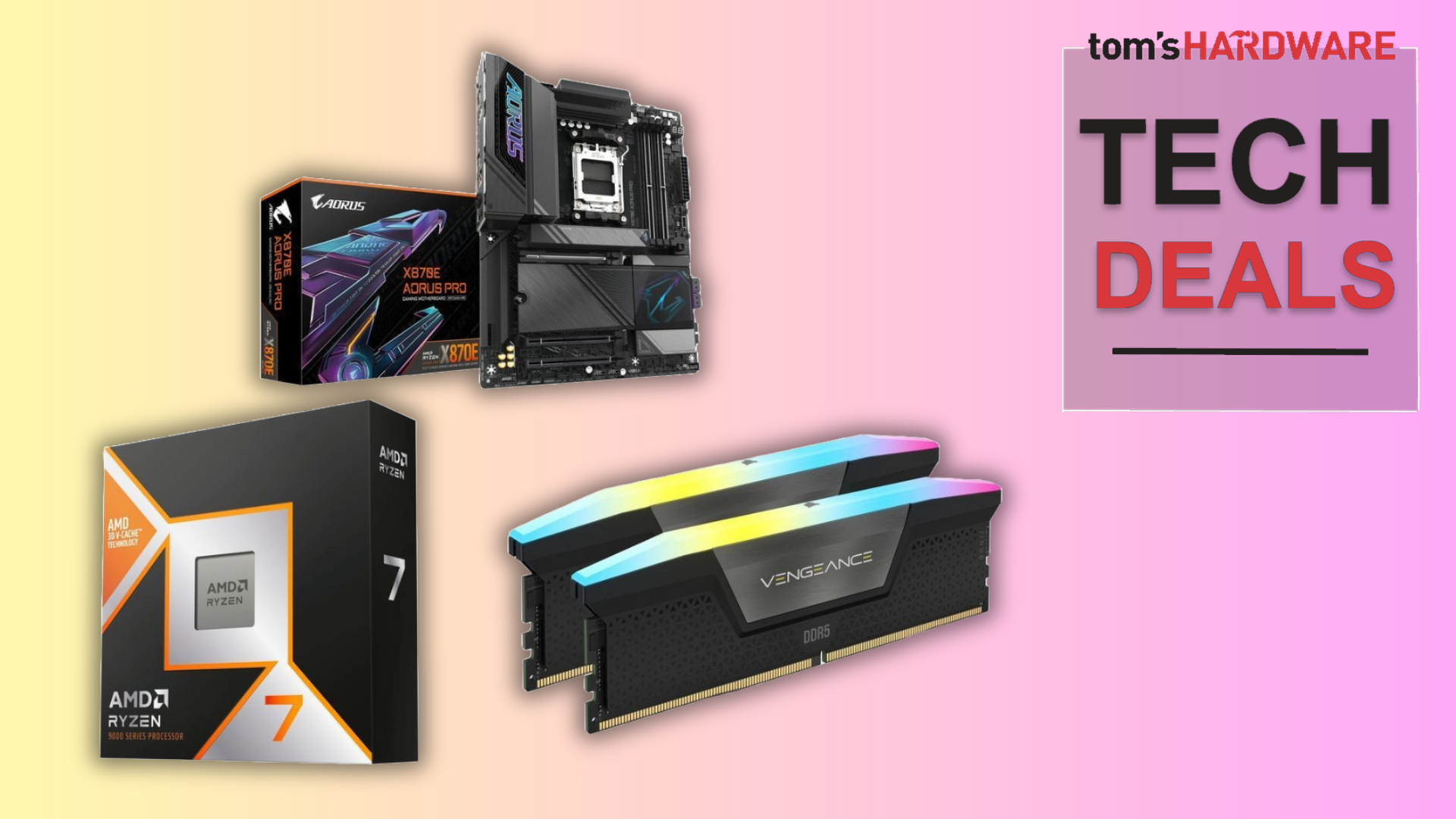
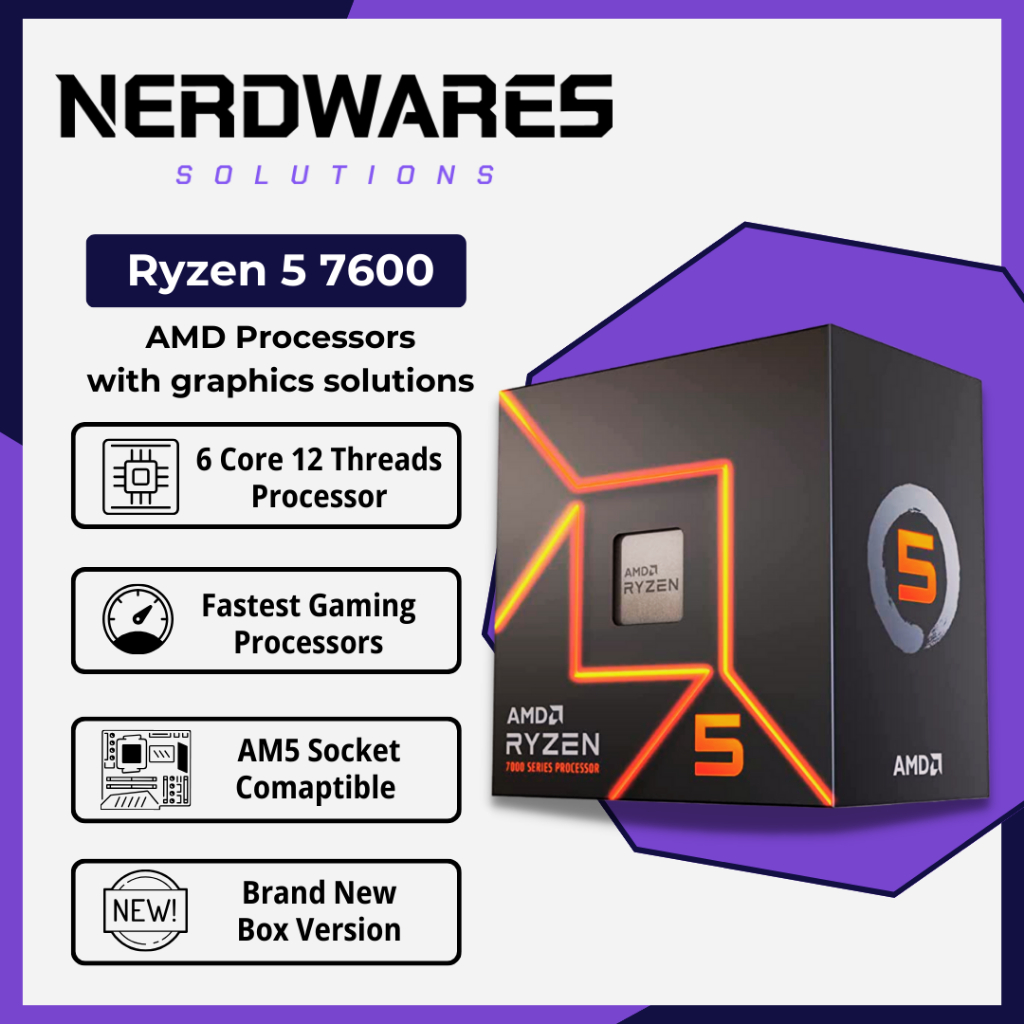
In a living room build, component choice is not theory; it decides whether you get smooth 4K gaming or noisy frustration. Selecting the right hardware is critical to achieving a balance between performance, cost and compactness. A sensible reference spec pairs an AMD Ryzen 7600X CPU with an ASRock B650i Lightning motherboard for excellent processing power and future-proofing.
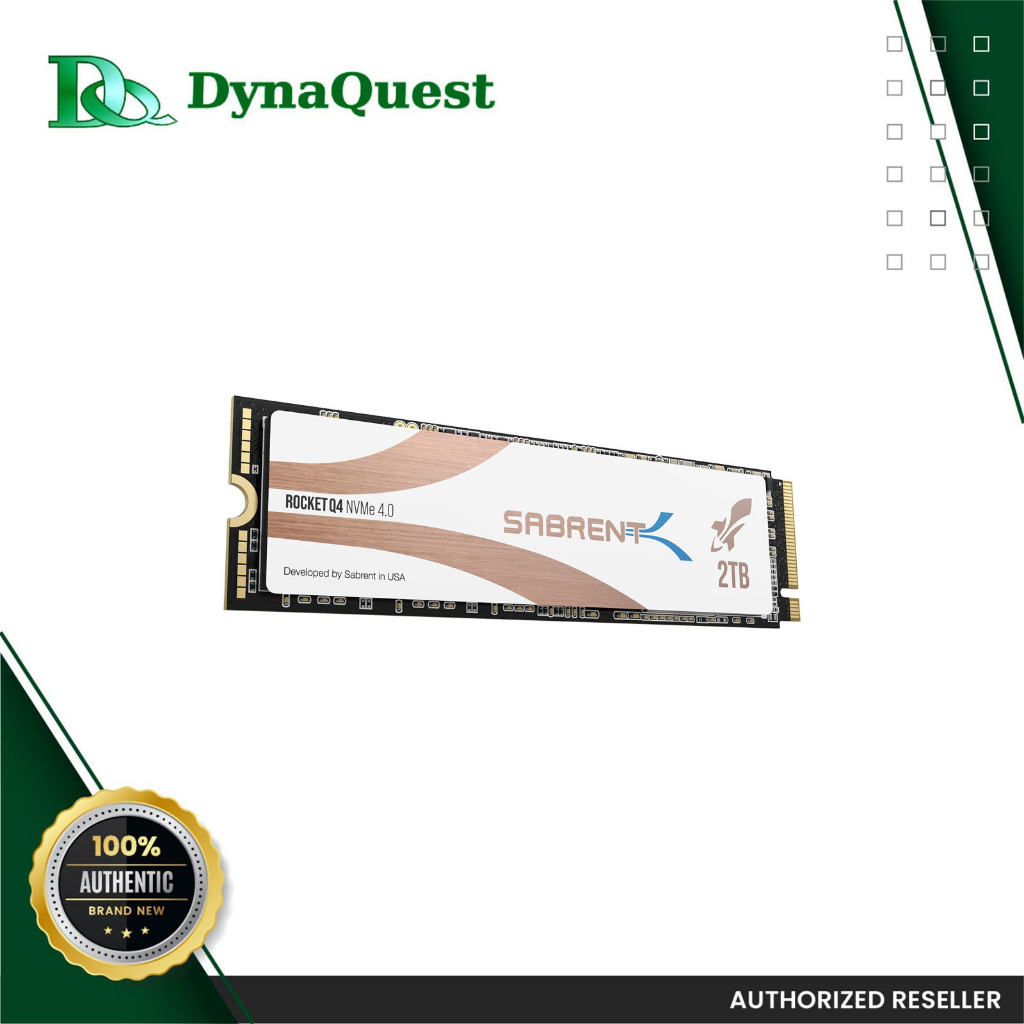
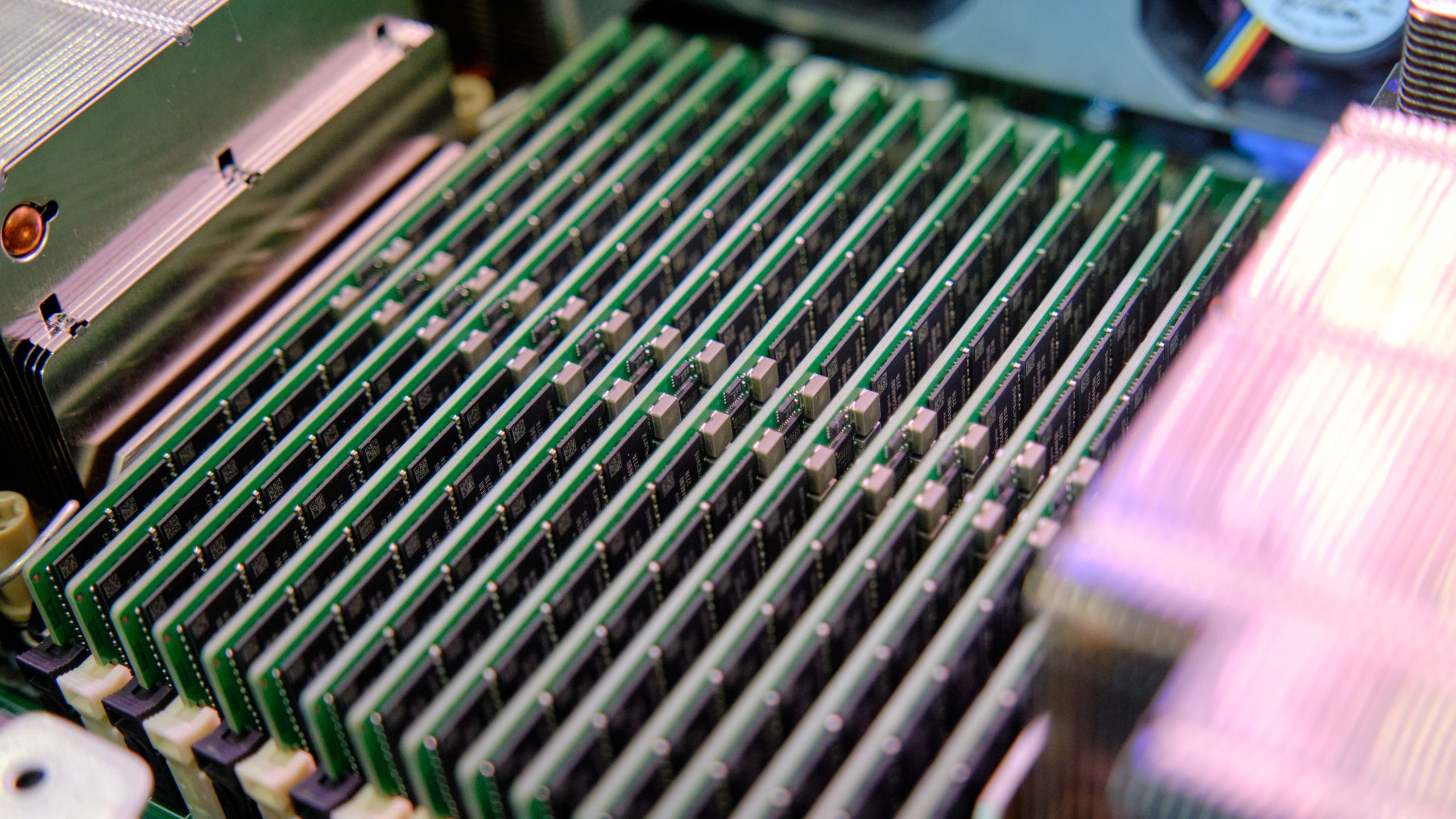
For RAM, 32GB HyperX DDR5-5600 keeps multitasking and gaming smooth, while a 2TB Sabrent Rocket 4 Gen 4×4 NVMe SSD provides ample space and rapid load times. The GPU is the key to 4K: an AMD RX 6600 XT (8GB) offers solid 4K gaming performance for most modern titles, and with this CPU–GPU pair most games run at 60fps on high settings.
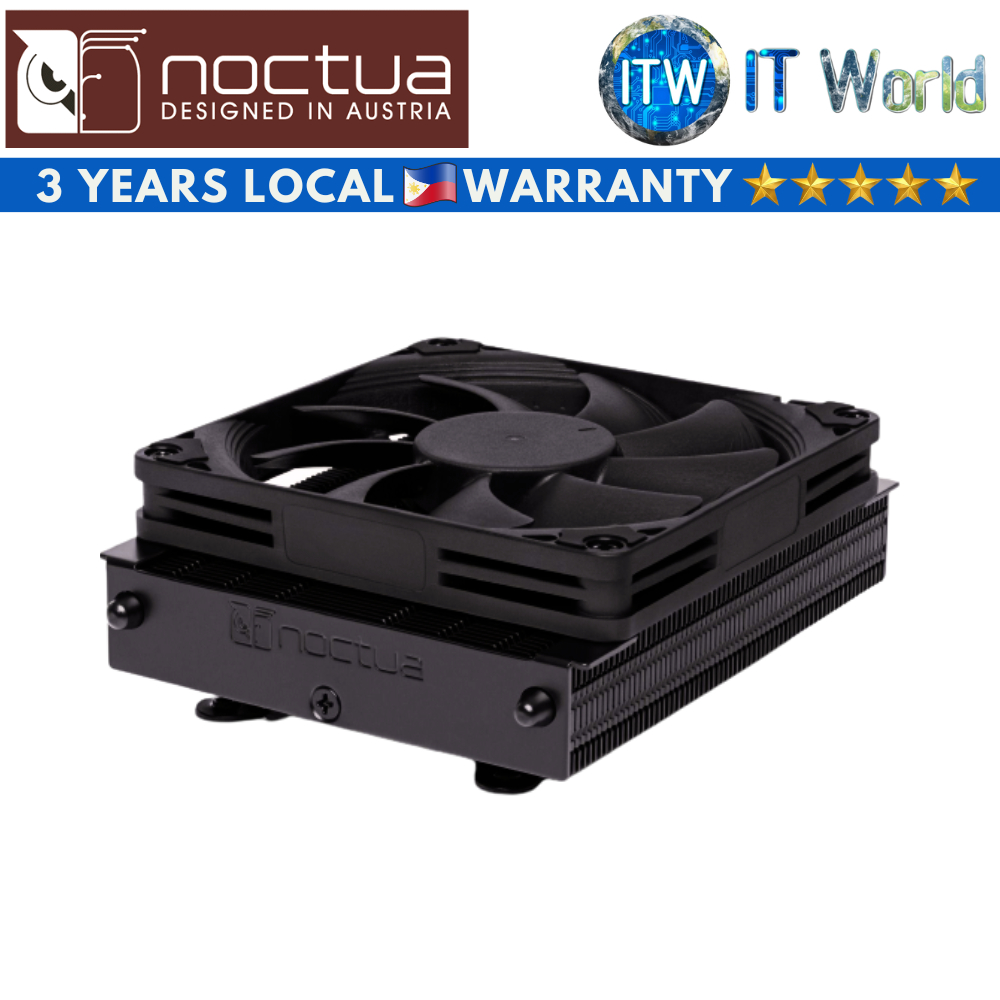
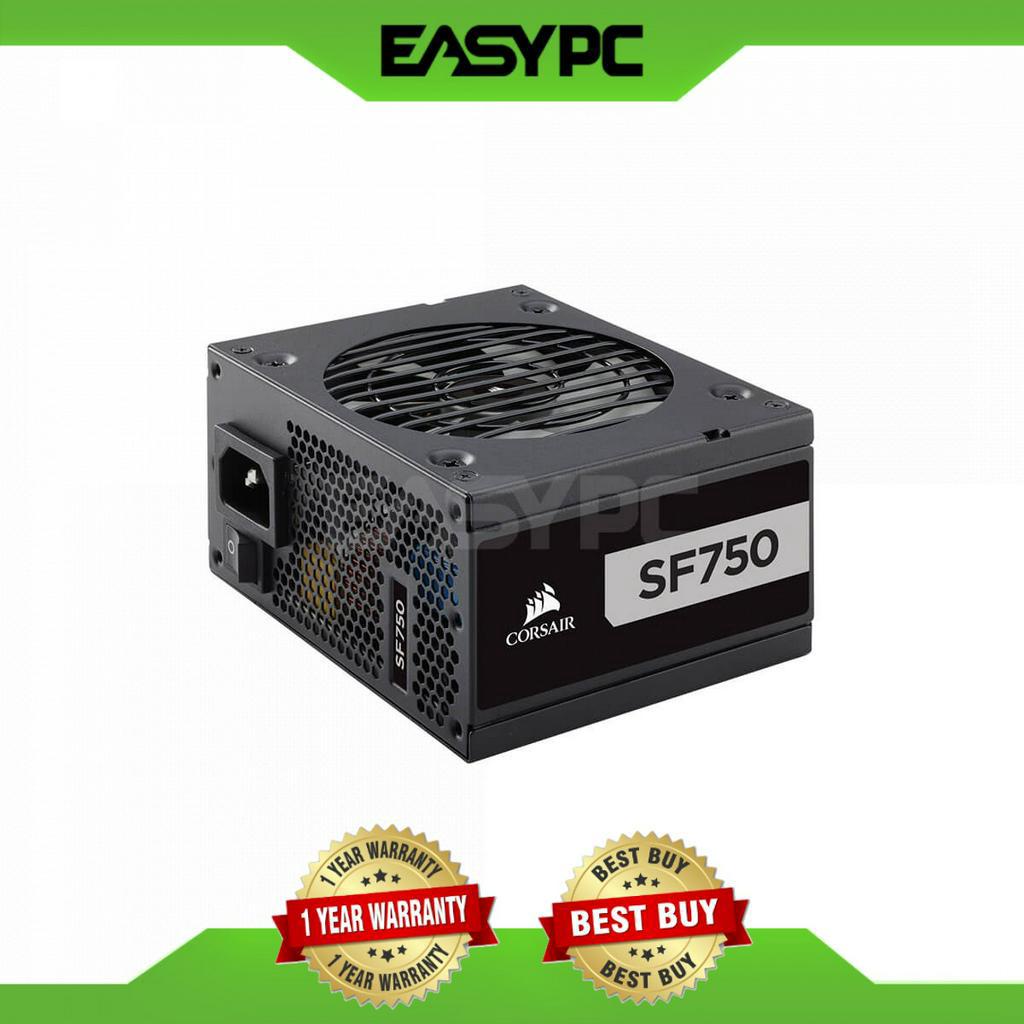
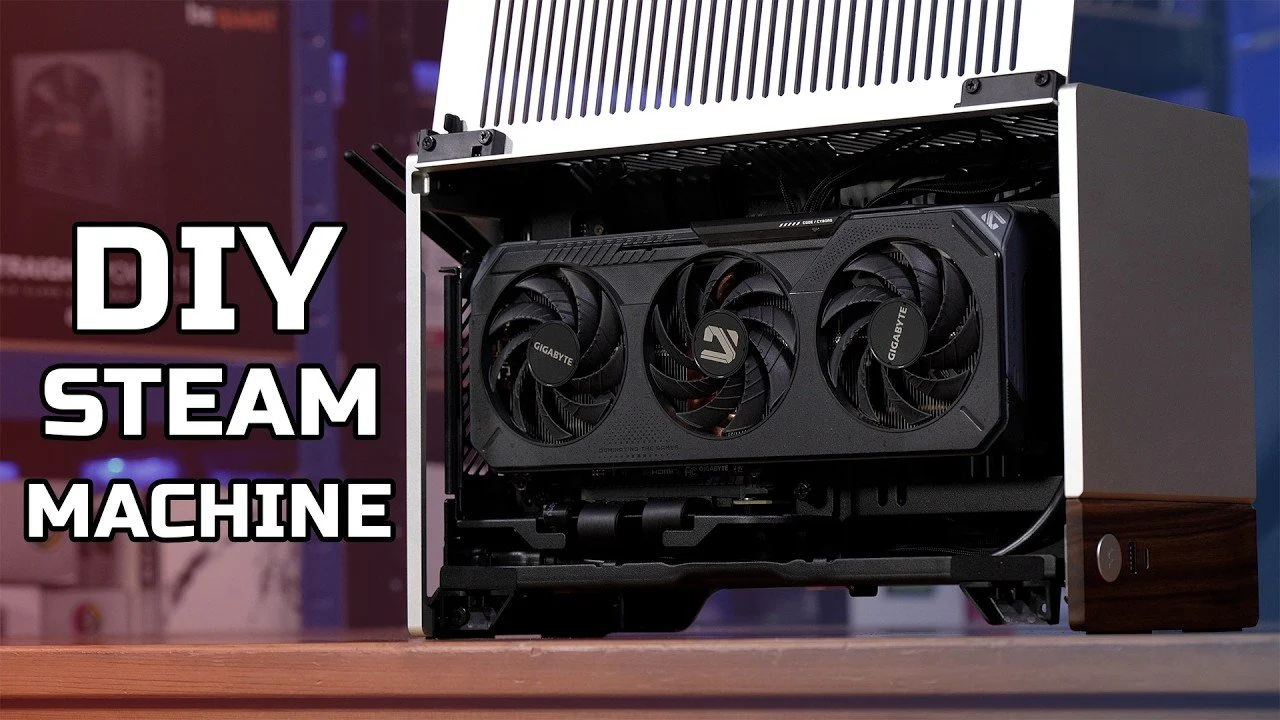
Cooling and form factor define how friendly your system is to the living room. A Noctua L9A AM5 cooler with custom ducting keeps thermals in check inside the sleek, compact Fractal Terra mini-ITX case. A Corsair SF750 SFX power supply provides reliable power in a small footprint. If budget constraints are a concern, you can choose a less expensive case or power supply and even a slightly lower-tier GPU, such as the AMD RX 6600, to reduce costs while maintaining decent performance.
Step‑by‑Step: Custom Gaming PC Assembly and Steam OS Setup
Building this DIY Steam Machine is very manageable if you proceed methodically. Assembling your custom gaming PC requires patience and attention to detail, but the process is manageable even for first-time builders. Start with the core: install the CPU, RAM, SSD and cooler onto the motherboard before placing it into the case. This reduces the risk of slips inside the tight mini‑ITX chassis.
Next, secure the GPU and power supply in the case, making sure all connections are properly seated. Carefully route cables to optimize airflow and maintain a clean appearance, especially in the limited space of a mini-ITX case like the Fractal Terra. Good cable work is not cosmetic; it directly affects cooling and noise.
With hardware done, install Steam OS, which serves as the core of your custom Steam Machine and offers a gaming-focused operating system optimized for performance. Create a bootable USB drive with the Steam OS installer from the official site, then boot your system from the USB and follow the on‑screen instructions. The result is a streamlined interface with features like 4K gaming, HTPC functionality and a user-friendly interface. Creating your own Steam Machine combines the simplicity of a console with the power and flexibility of a PC.
Windows on a Steam Machine: Power, Drivers, and Pitfalls
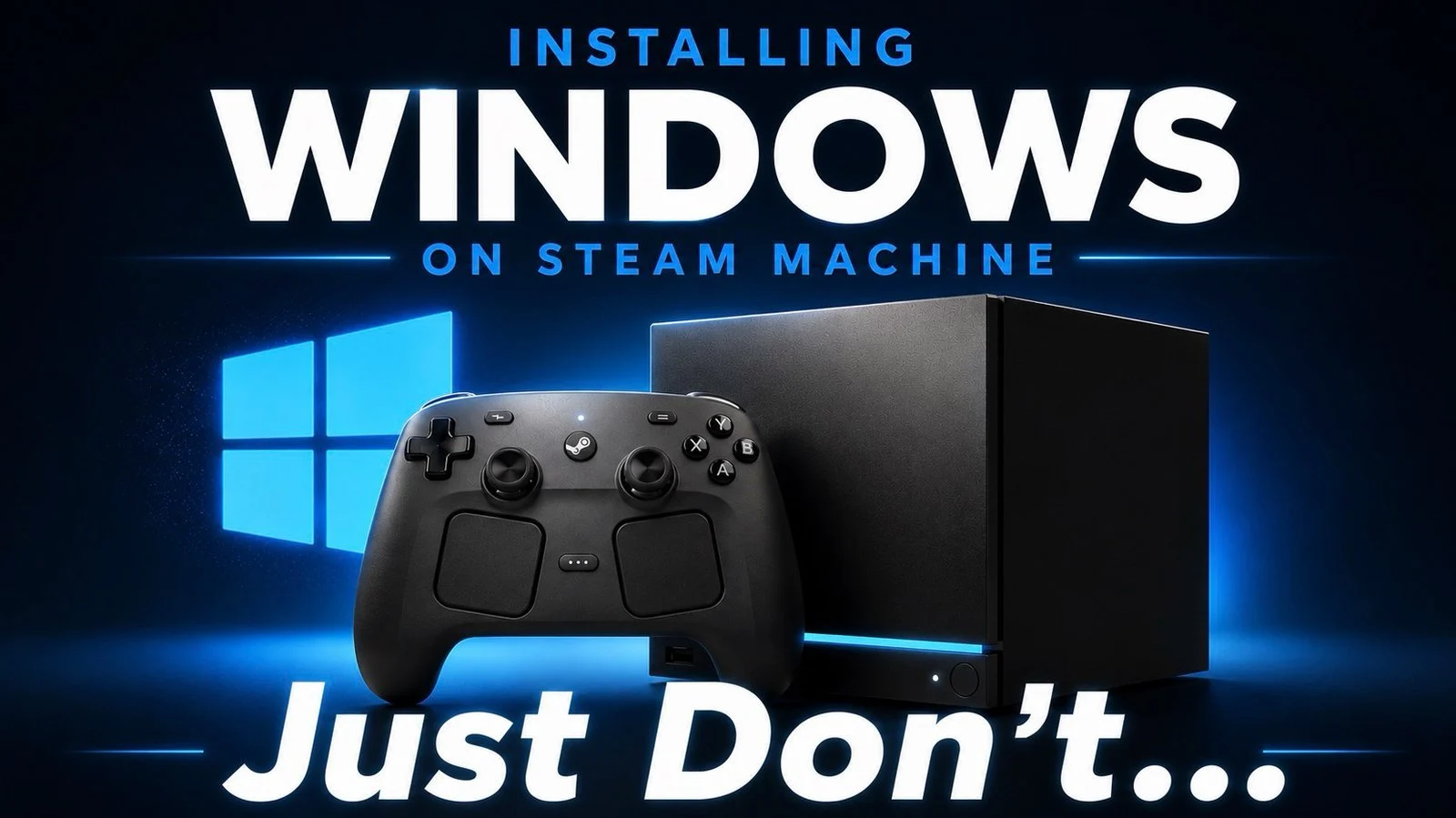
Installing Windows on your Steam Machine unlocks a larger game and app library, but the trade‑offs are real. Valve has released Windows drivers for the Steam Machine, offering greater software flexibility but requiring a full OS replacement and presenting performance and support challenges. Installing Windows means erasing SteamOS entirely, with any return to SteamOS needing a full reinstall.
You also lose official support: Valve does not provide official support for Windows on the Steam Machine, so you must troubleshoot issues yourself. The bigger concern is GPU performance. The device relies on generic AMD graphics drivers when running Windows, which can result in lower performance compared to the optimized SteamOS environment. That makes careful driver configuration essential if you choose Windows; you should keep your GPU drivers updated and be prepared to tune settings for stability.
For users who prioritize stability and seamless gaming performance, sticking with SteamOS remains the better choice, as SteamOS is specifically designed to integrate with the Steam Machine’s hardware. If you need the broader software library, Windows can be worth it, but you accept performance compromises in exchange for flexibility.
Living Room Reliability and Future Upgrades
The point of building in the first place is long-term control, not a one‑off gadget. One of the most significant advantages of building your own Steam Machine is its flexibility: unlike prebuilt systems, a DIY build allows for easy upgrades and customization. You can upgrade the GPU to a more powerful model as new games demand higher performance, add additional SSDs to expand storage, or enhance cooling with better fans or liquid cooling for quieter operation.
A DIY Steam Machine offers long-term benefits like easy upgrades, customization options and the satisfaction of creating a system tailored to personal gaming and entertainment preferences. Although the DIY approach requires an upfront investment of time and money, it offers long-term benefits such as upgradeability and customization. That is how this build easily outlives any fixed console generation.
Reliability matters in the living room too. Some Steam Machine users have reported encountering the “Red Bar of Death,” signaled by a red LED, but it is often straightforward to resolve with a power reset and a cool‑down. Unplug the device and hold the power button for several seconds to drain residual power, then allow the device to cool down before restarting it if overheating is suspected. For gamers seeking a versatile, living room-friendly setup, building a custom Steam Machine is a practical and rewarding endeavor.
![ASRock Motherboard B650I Lightning WiFi Compatible with AMD Ryzen 7000 Series CPUs (Socket AM5) B650 Mini-ITX Motherboard [Domestic Authorized Distributor Product] | Shopee Philippines](https://img.milik.ai/product/2026/07/16/c32aa6d5-f73c-4c56-b7bd-5149a3ac2c98.jpg)