
Why Extending Your PC Lifespan Starts with the BIOS and Motherboard
Extending a PC lifespan means using firmware updates, quality motherboards, and smart component reuse to keep existing hardware useful and responsive for more years, instead of replacing the whole machine with a new build at the first sign of slowdown or platform change. If you’re the kind of person who looks at new CPUs and GPUs every few months, this approach is for you. The caveat: you must be comfortable tweaking BIOS settings and planning upgrades around your motherboard instead of chasing every new part. When done well, a BIOS performance boost can make the same hardware feel fresher, while a quality motherboard investment means the board and RAM are likely to outlive everything else and decide how long your platform remains upgradeable. This mindset also helps you reuse PC hardware instead of sending still-capable components to the scrap pile.
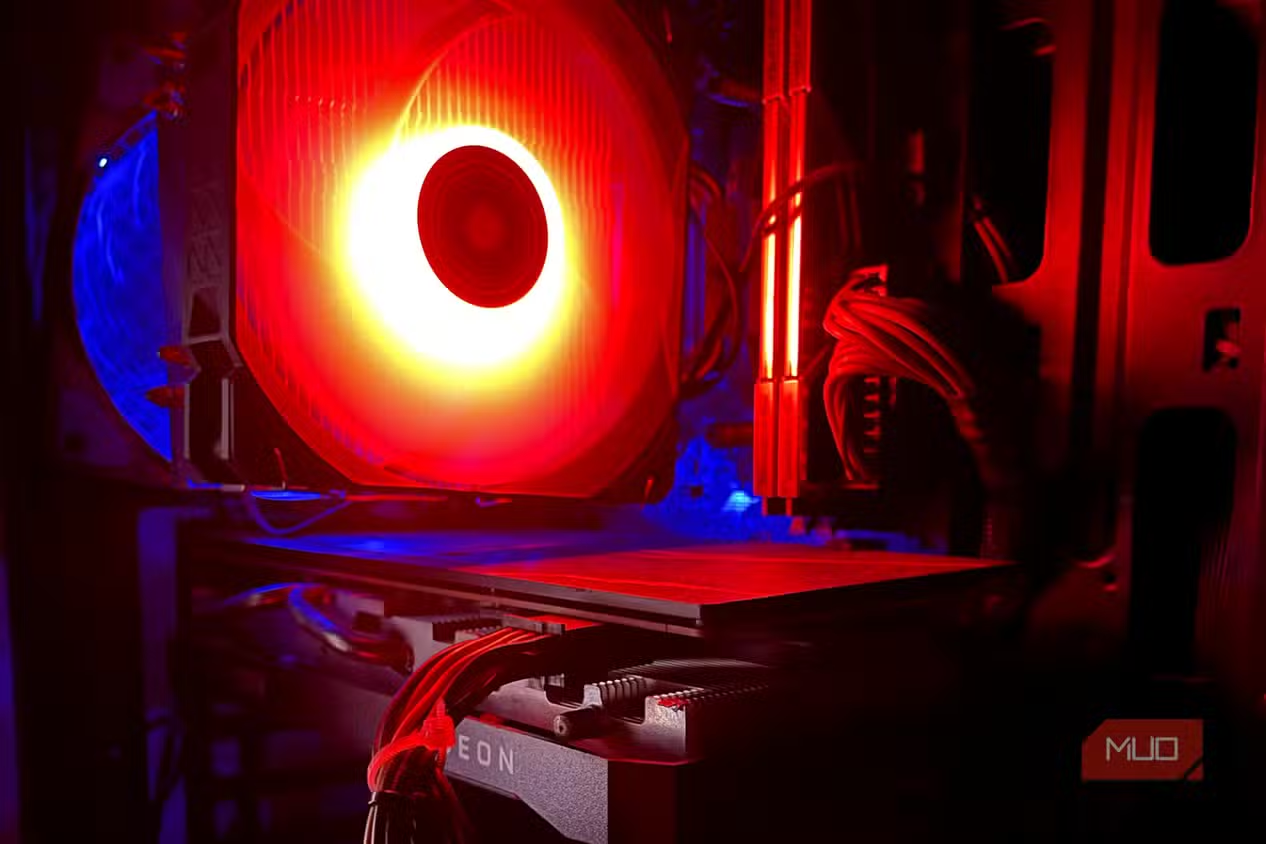
How a BIOS Update Becomes a Free Performance Upgrade
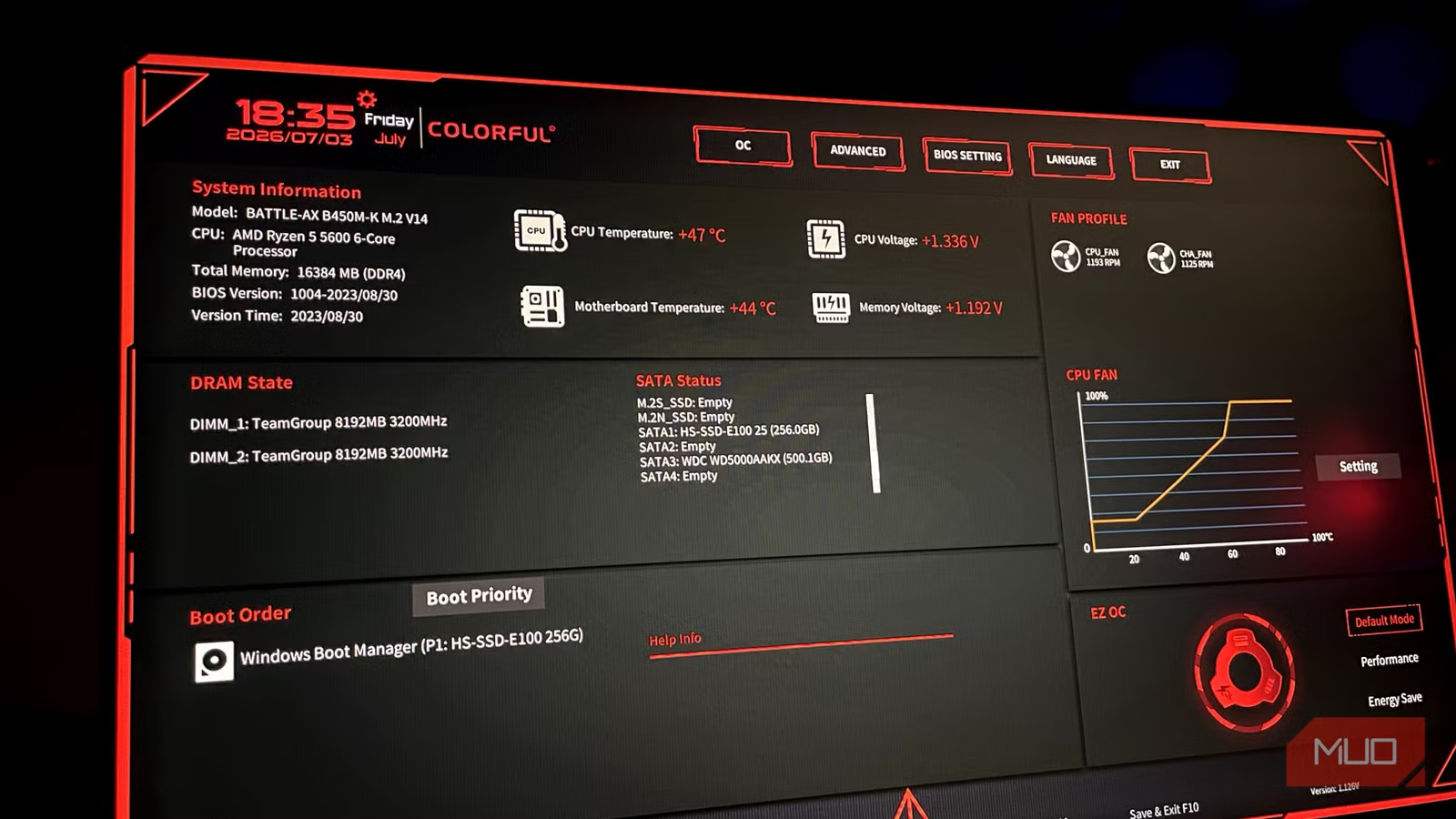
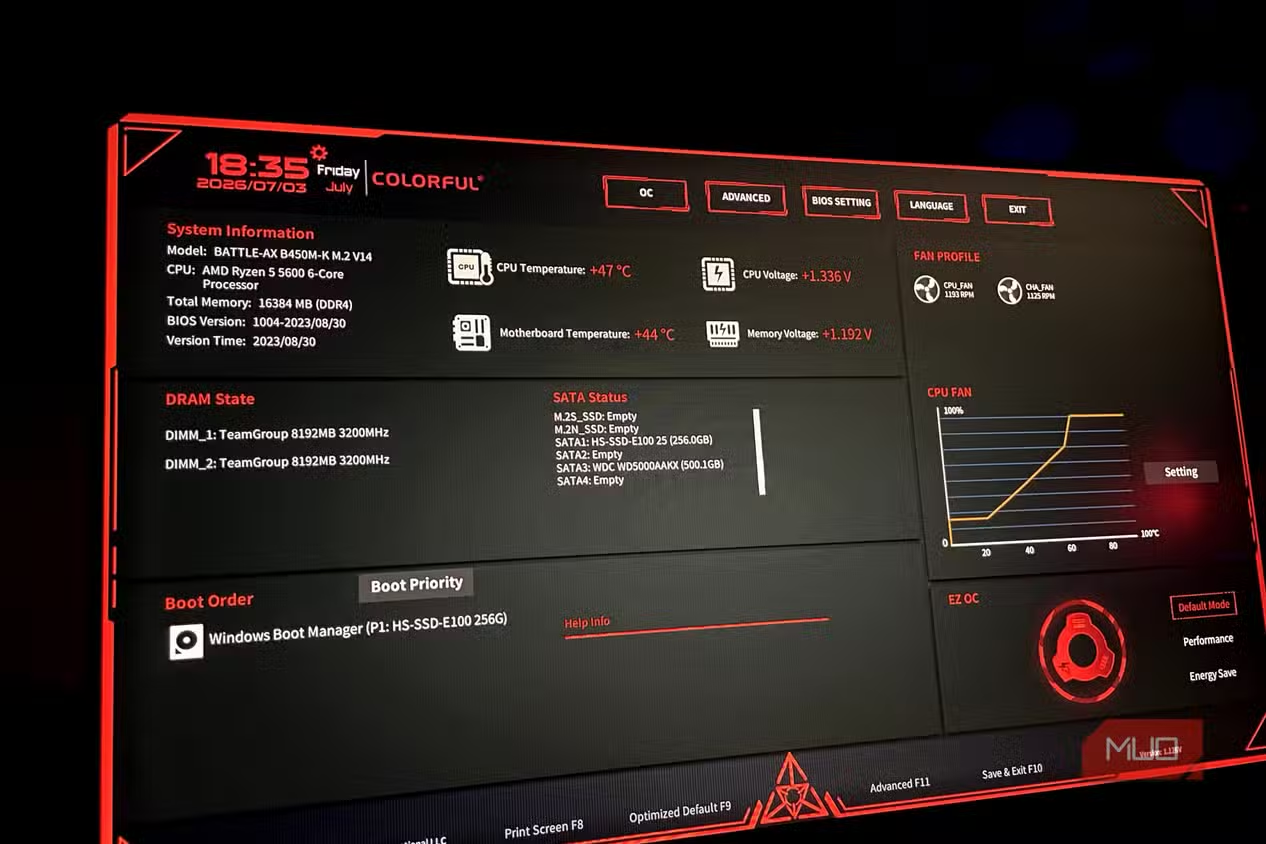
A modern BIOS is the low-level firmware that tells all your components how to talk to each other and how aggressively the CPU and memory are allowed to perform. Manufacturers refine this constantly, so leaving your BIOS on its launch version means you might be missing easy performance. According to one report, the AGESA 1.2.0.2 firmware improved performance by up to 10% for certain Ryzen processors by adding a new 105W TDP mode and fixing core-to-core latency. That kind of BIOS performance boost can feel like a mini-upgrade without touching the hardware. On top of raw speed, newer BIOS versions often add features like AI overclocking profiles, enhanced CPU boost controls, improved menus, or better Precision Boost Overdrive options on some AMD boards. The big warning: updating the BIOS is scary, and you should avoid it unless the new version offers tangible fixes, features, or performance gains you care about.
Before you flash anything, treat the process with the same respect you’d give a hardware swap. First, ensure you have stable power and an internet connection, so the update process goes smoothly and doesn’t brick your motherboard. Back up any existing settings first, because a BIOS flash usually wipes custom profiles. If your board supports multiple BIOS versions or a dedicated backup chip, learn how to use it. Done carefully, the expected result is clear: “a BIOS update is the easiest, zero-cost upgrade that will deliver more performance from your hardware.” Those performance enhancements and added features can give you a few more frames per second in games and snappier behavior in everyday tasks, making BIOS updates one of the most effective free upgrades around when you pick them wisely.
- Check your motherboard’s support page and read the BIOS changelog, only planning an update if it lists performance improvements, bug fixes, or required compatibility for parts you care about.
- Prepare for the flash: connect your PC to reliable power and internet, back up existing BIOS settings, and follow the manufacturer’s recommended update tool or method exactly.
- After updating, load optimized defaults, reapply any custom fan or memory settings, and test performance and stability to confirm the BIOS performance boost is real and the system behaves correctly.
Why a Quality Motherboard Investment Outlasts Other Parts
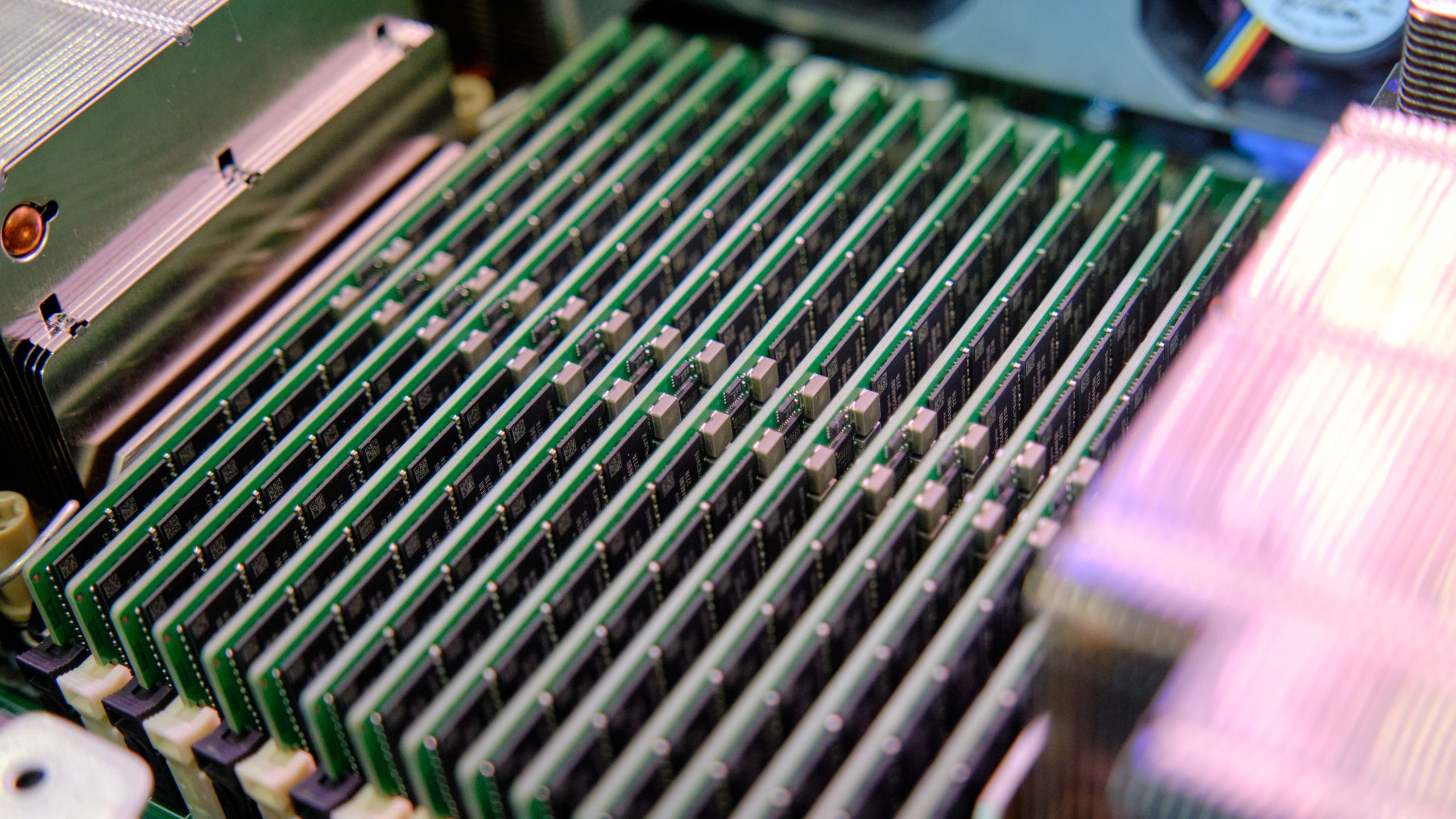
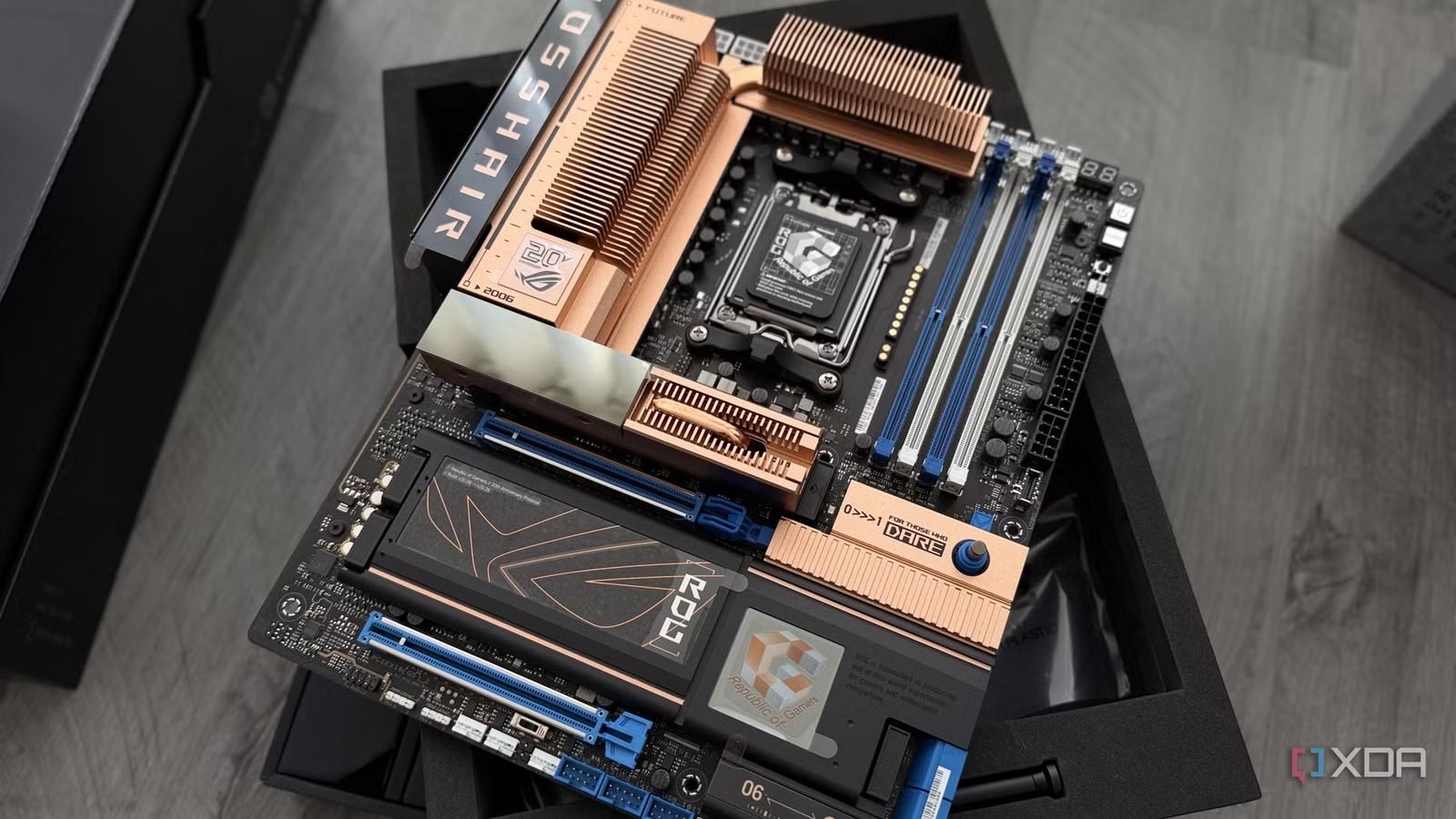
If you want to extend PC lifespan, your motherboard choice matters more than most people think. In a typical build, only the motherboard and RAM have a reasonable chance of outliving the other components, which makes the board the deciding factor in when your platform stops being upgradeable. A better board usually means stronger power delivery, more USB and internal headers, faster storage support, and more options for future CPUs. One long-running enthusiast line even highlights how CPU generations, RAM standards, and old interfaces like AGP or IDE come and go while the motherboard design philosophy keeps evolving across sockets. Skimping on the board can leave you boxed in a few years later when you want faster drives or a more demanding processor. A higher-end PCB, better chokes, and long-life capacitors are boring details, but they’re what keep a board reliable through multiple upgrade cycles.
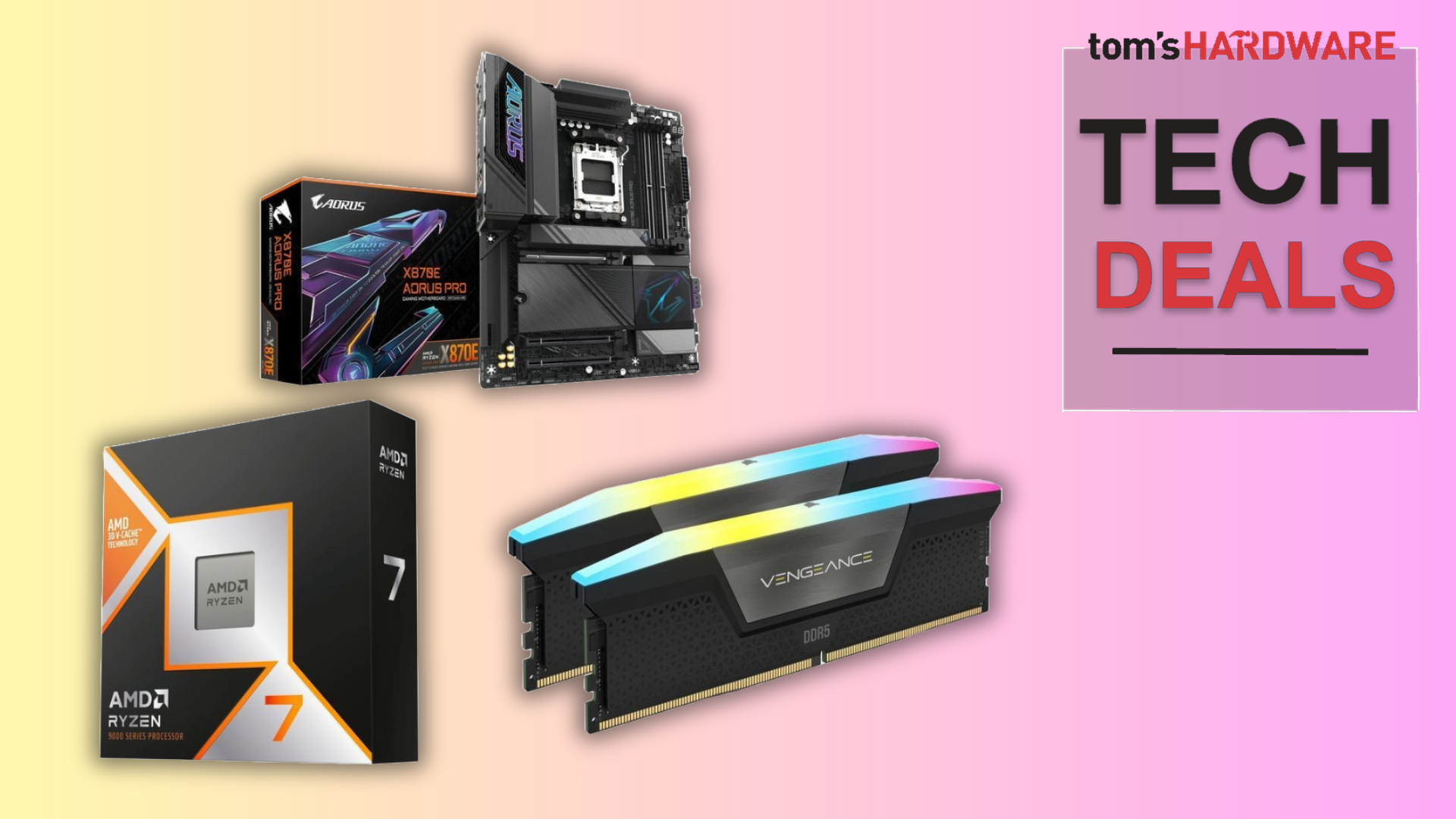
The main gotcha is budget psychology: many builders treat the motherboard as the place to save money once they have the CPU and GPU picked. A smarter approach is to put the board right behind those two in your priority list and accept what one reviewer called the “premium tax” up front. Paying the premium tax early is described as the cheapest expensive habit in PC building, because needing to replace a budget motherboard during a platform’s lifespan can push your total cost above what a premium board would have cost at the start. In other words, a quality motherboard investment is an upfront move that pays off by avoiding a mid-life rebuild. When your board still supports new CPUs, fast storage, and a clean BIOS years later, you keep reusing PC hardware around it instead of tossing the whole stack.
Reusing PC Hardware: Older CPUs Are Still Useful
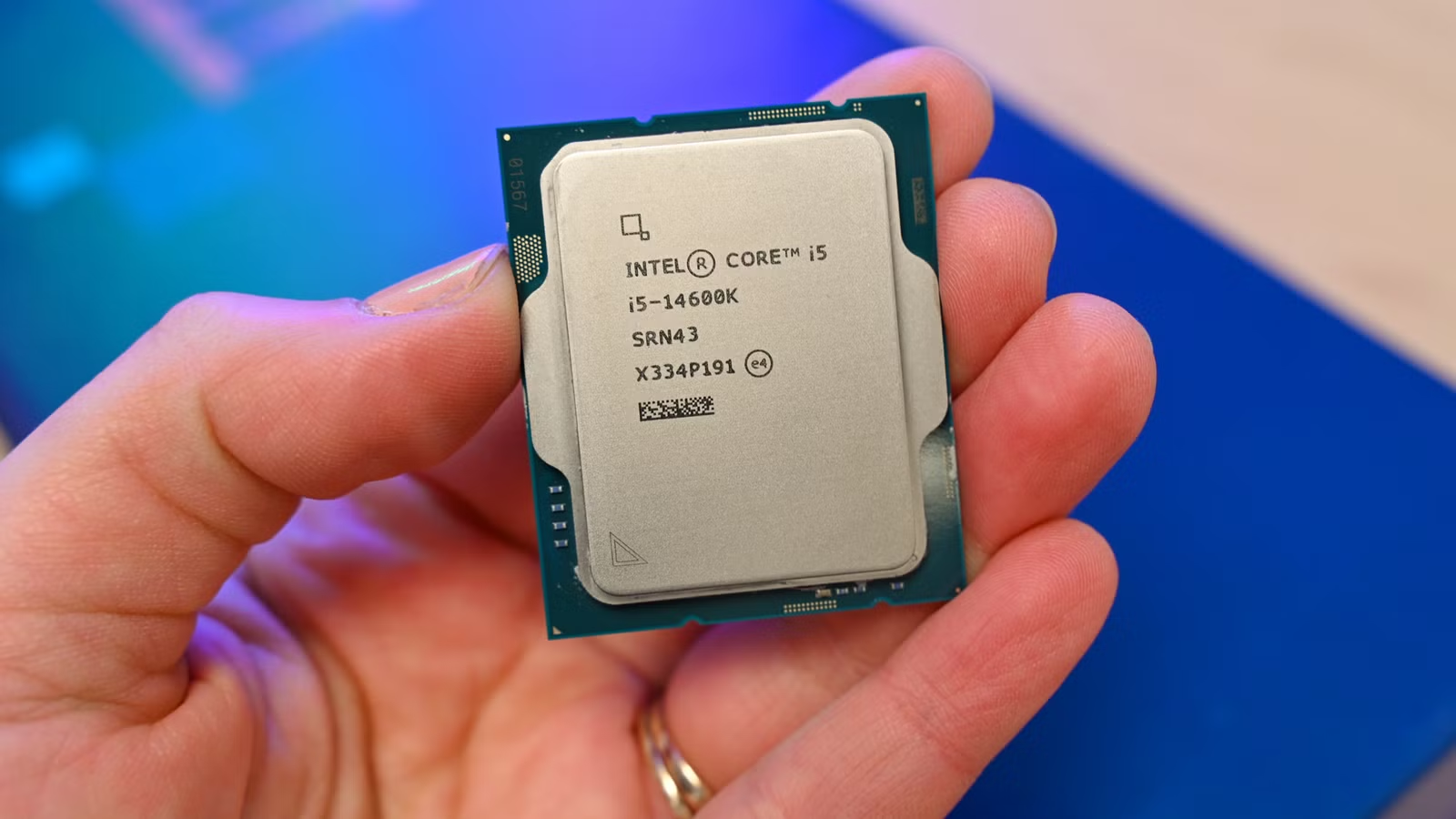
Strategic component reuse is the quiet way to extend PC lifespan and cut waste. There is no shortage of aging desktop CPUs on the used market, and many are dismissed as outdated long before they stop being useful. While some processors are too old to recommend in 2026, others still make sense if you understand their limits. Buying an old CPU for work or gaming can make a lot of sense on a tight budget, as long as you remember that raw performance is not the only factor that matters. Support for modern operating systems, storage standards like PCIe NVMe, and affordable DDR4 memory can keep an older chip surprisingly relevant in day-to-day use. One example highlighted is a six-core mainstream CPU that retains strong single-core performance and official support for Windows 11, making it a solid entry point for modern builds when paired with sensible graphics and storage choices.
This reuse mindset extends beyond a single chip. A CPU sitting on a popular socket can give you upgrade paths without replacing the whole platform. For instance, choosing a motherboard that’s compatible with early processors on a well-supported socket, such as pairing a first-generation chip with a B-series board, can later let you move up to more powerful CPUs on the same platform once prices drop. That means you reuse PC hardware like your case, power supply, and drives while sliding in a faster processor and maybe more RAM. The expectation needs to be realistic: these CPUs are still worth buying today, but you should temper your expectations and match them to midrange workloads rather than the most demanding tasks. Done right, this keeps older parts out of the bin and gives your system several extra years of useful life.
Putting It All Together: A Longer-Lived, Smarter PC
If you treat your PC as a platform instead of a disposable gadget, you can extend PC lifespan by years with small, thoughtful decisions. Safe, targeted BIOS updates give you measurable performance improvements and new features at zero hardware cost, as long as you respect common mistakes like flashing without stable power or chasing updates that don’t solve a problem you have. Picking a quality motherboard investment up front means your board and RAM are the parts that carry your system through multiple CPU and GPU generations. Finally, a willingness to reuse PC hardware and lean on older yet capable CPUs lets you upgrade in stages instead of tearing everything down each cycle. It is worth it if you value stability, lower long-term cost, and less electronic waste. Watch for BIOS changelogs, socket support, and realistic performance expectations, and your “old” PC can stay useful far longer than spec sheets suggest.