
Start with the Core: Desk, Chair, and Monitors Working Together
An ergonomic office setup is a workspace built from coordinated equipment—desk, chair, monitors, and peripherals—arranged to support neutral posture, reduce strain on your back, neck, and eyes, and keep you comfortable and focused during long work sessions. For most people, the best foundation is pairing a height-adjustable desk with a supportive ergonomic chair and correctly positioned monitors. My top pick combination is the FlexiSpot E7 Pro standing desk as your primary desk and the Steelcase Series 2 as your everyday ergonomic office chair; together they deliver excellent computer chair comfort, stable height adjustment, and all-day support for an ergonomic office setup that suits both sitting and standing. From there, smart monitor positioning and optional portable monitors round out a cohesive workspace that reduces fatigue and boosts productivity.
Best Standing Desk for Most People: FlexiSpot E7 Pro
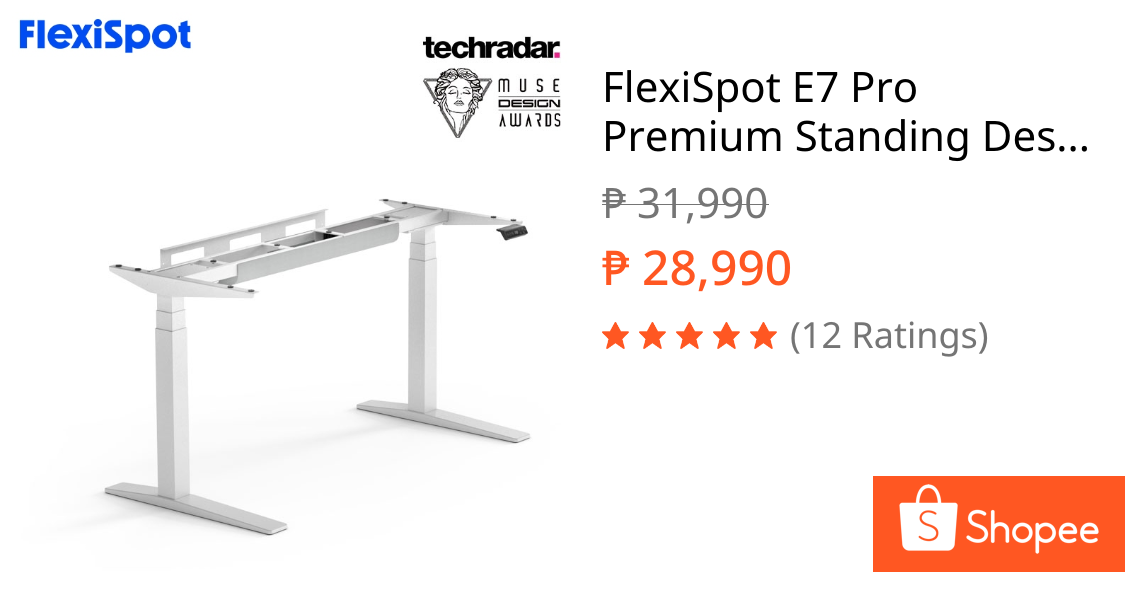
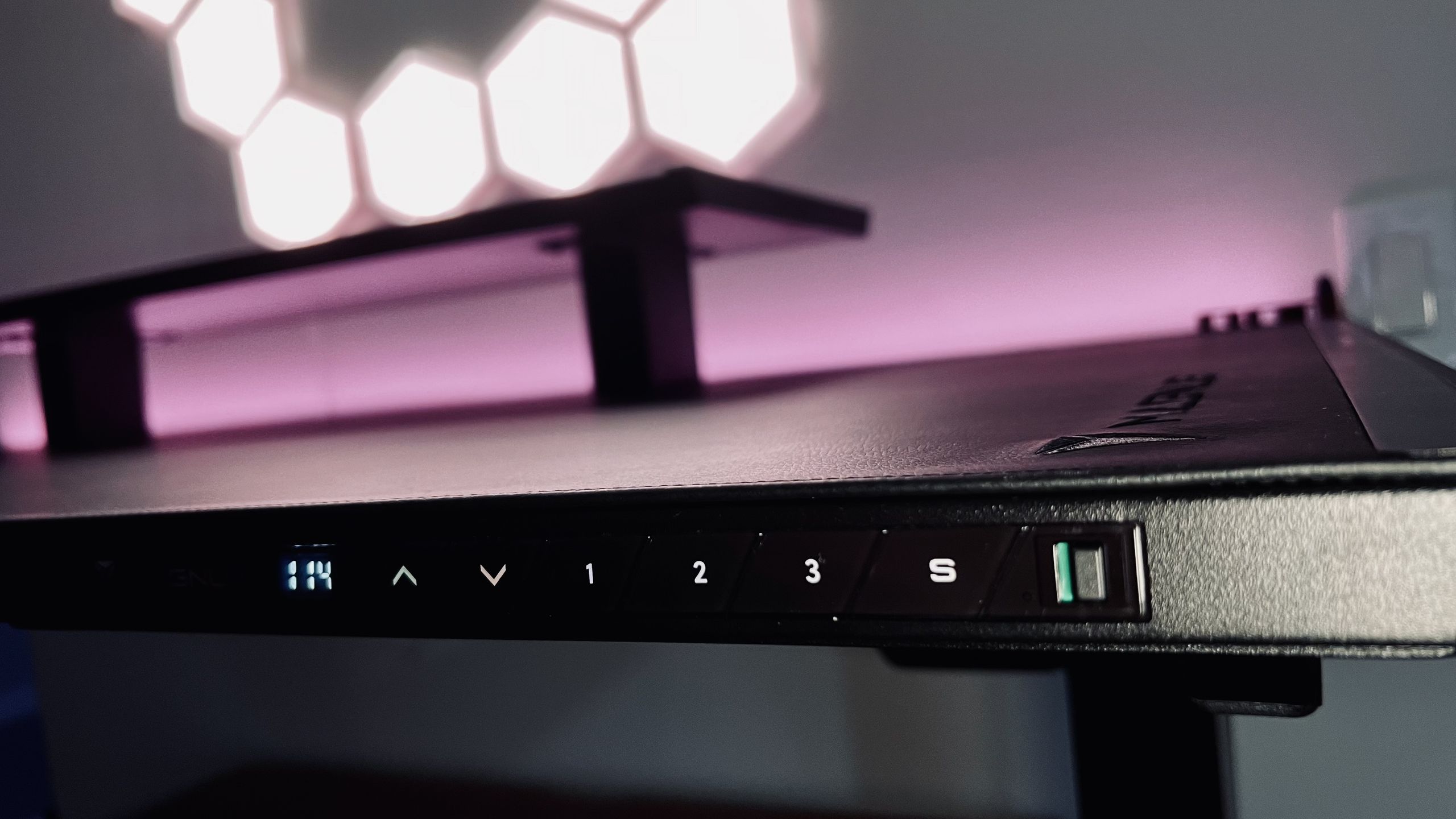
If you want the best standing desk to anchor your ergonomic office setup, choose the FlexiSpot E7 Pro. It uses a dual motor system with a height range of 25.0 to 50.6in (63.5 to 128.5cm), supports desktops from 47.2 to 80in wide and 24 to 31.5in deep, and lifts up to 440lb (US) / 180kg (UK). Cable management is included and the warranty runs 15 years in the US and 10 years in the UK and EU. Reviewers praise its gorgeous wood desktop, quiet and sturdy motion, fantastic controller, and impressive height range, while noting that the solid wood top makes it hefty and the desk sits at a premium price point. This is the sit-stand desk to buy if you care about stability at height and a clean, cable-managed workspace that encourages you to alternate between sitting and standing throughout the day.
According to one expert testing panel, "the FlexiSpot E7 Pro is a staggeringly good all-rounder" among the best standing desks they have reviewed.
Best Budget Standing Desk: Fezibo Electric Standing Desk
If you need a more affordable entry point into height-adjustable desks, the Fezibo electric standing desk is the budget choice that still supports a healthy ergonomic office setup. It runs on a single motor with a height range of 28.3 to 46.5in (72 to 118cm), offers desktop widths from 40 to 60in at a standard 24in depth, and handles loads up to 265lb (120kg). There is no built-in cable management and the warranty is 5 years. Testers highlight that it does everything a standing desk needs to do at a low price and does not feel like a low-price desk, but the splice-board desktop is less stable than a single-piece top and the lack of cable management is a clear omission. This Fezibo model is ideal if you want the health benefits of a sit-stand desk—reduced static sitting and less back strain—without committing to a premium frame yet.
Best Ergonomic Chair for All-Day Comfort: Steelcase Series 2
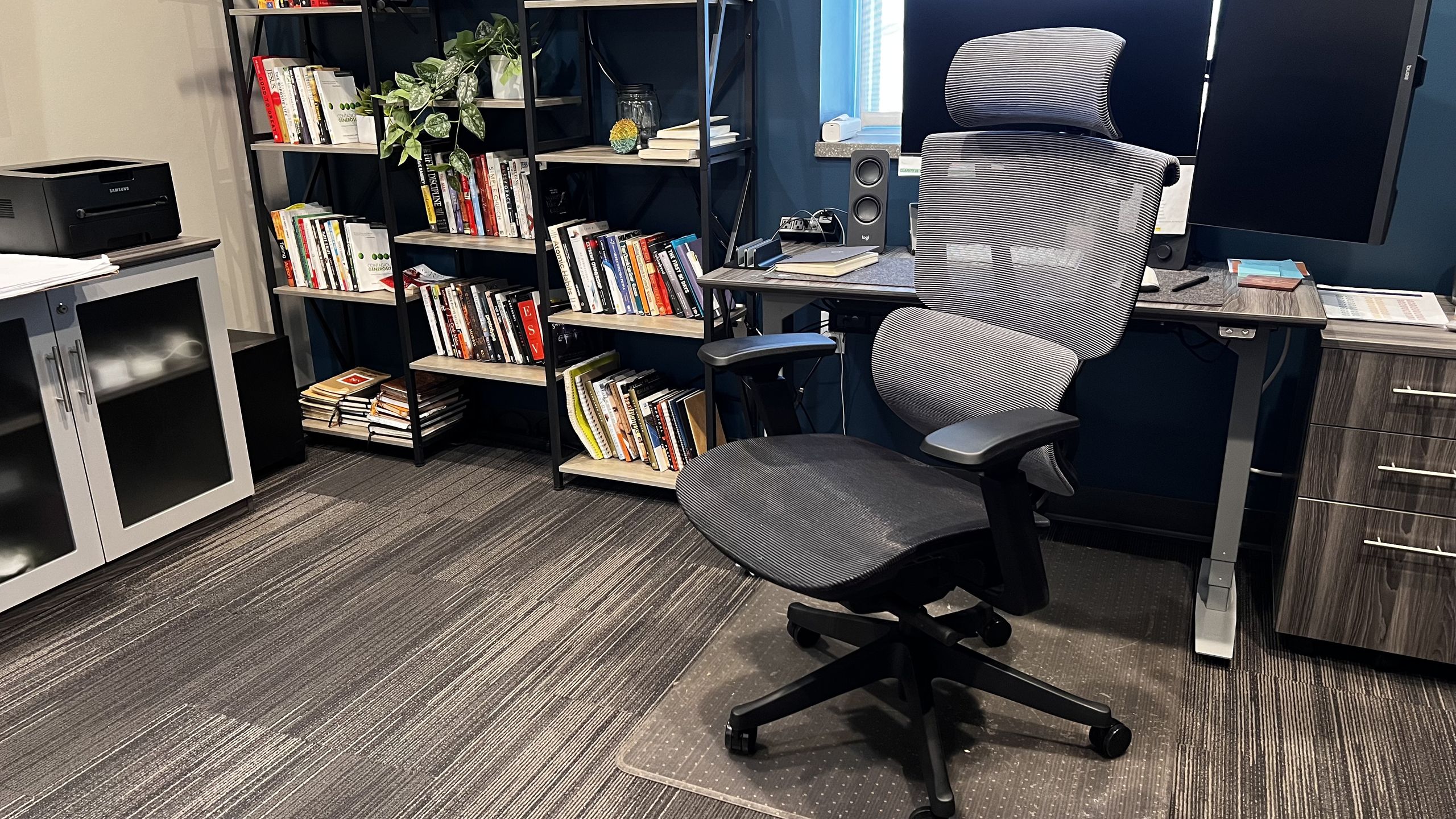
For computer chair comfort that matches your sit-stand desk, the Steelcase Series 2 is the ergonomic office chair I recommend for most people. It offers adjustable lumbar support, 4D armrests, a seat depth of 14.5 to 17in, seat height from 16.5 to 21.5in, and a 19in-wide seat. It supports up to 400lbs, carries a 12-year warranty, and takes around 20–30 minutes to assemble. The chair is built to comfortably support users roughly between 5'0" and 6'3" in height. Reviewers found it affordable for full ergonomic comfort with excellent back support, good breathability, and all-day comfort for most users, plus higher adjustability than typical budget rivals. Downsides: it is not designed for chronic back pain, is less breathable than some mesh-heavy icons, and its support for ultra-long sessions lags more specialized models. This makes it a balanced choice if you want a reliable, adjustable chair that can see you through an entire workday without fuss.
Who Each Product Suits, and How to Finish Your Ergonomic Setup
| Spec / Fit | FlexiSpot E7 Pro Desk | Fezibo Standing Desk | Steelcase Series 2 Chair |
|---|---|---|---|
| Motor type | Dual motor | Single motor | N/A |
| Height range | 25.0–50.6in (63.5–128.5cm) | 28.3–46.5in (72–118cm) | Seat height 16.5–21.5in |
| Desktop / Seat size | 47.2–80in W, 24–31.5in D desktop | 40–60in W, 24in D desktop | 19in-wide seat, 14.5–17in depth |
| Load capacity | 440lb (US) / 180kg (UK) | 265lb / 120kg | 400lbs |
| Cable / Lumbar support | Cable management included | No cable management | Adjustable lumbar support |
| Who it suits | Users who want a stable, feature-rich sit-stand base with tidy cables and premium feel | Budget-conscious buyers who need essential sit-stand function without extras | Workers who shift their weight, want high-density cushioning, and need all-day ergonomic support |
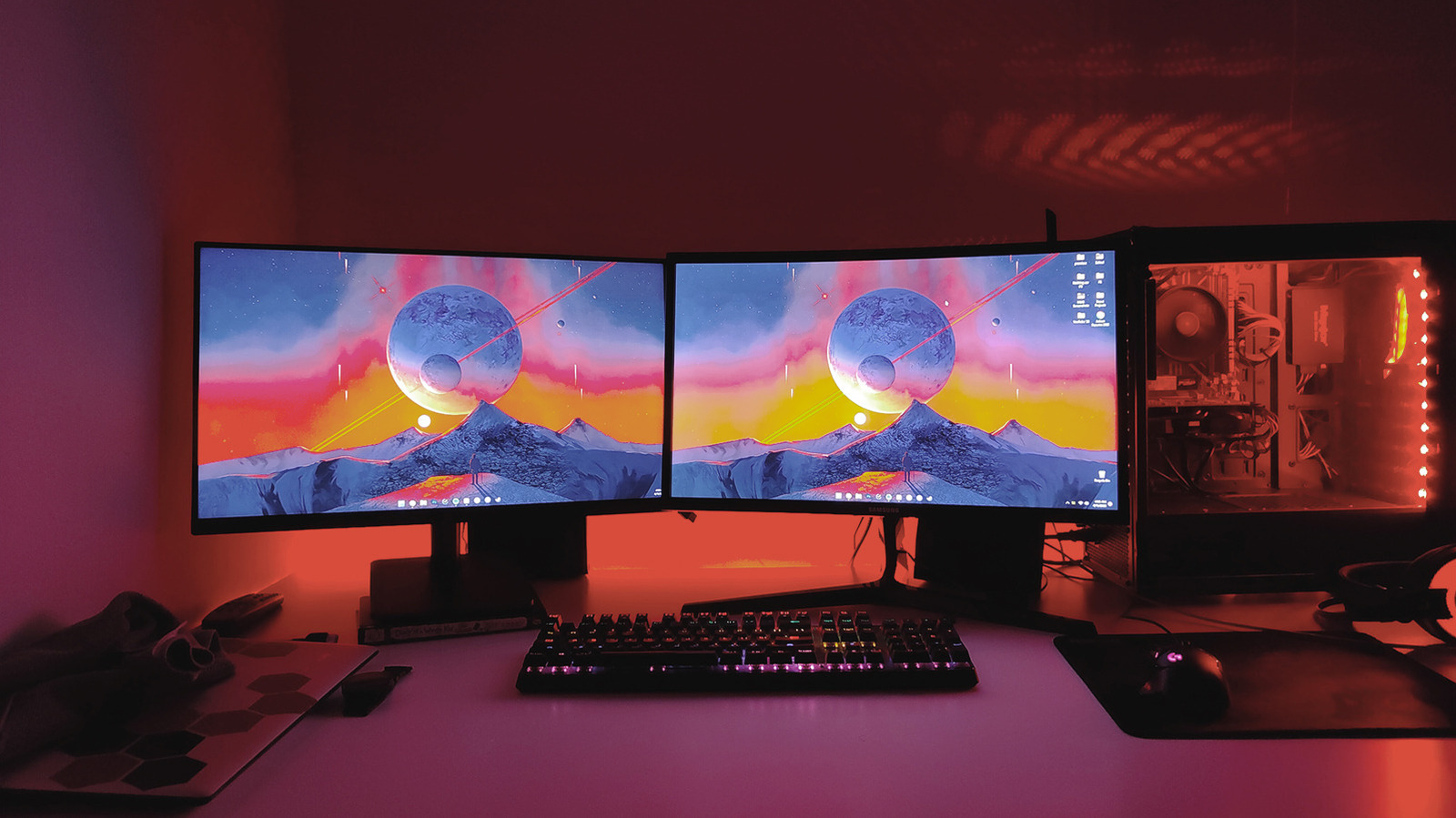
These picks cover the core of your workspace equipment guide: a reliable height-adjustable desk and a supportive ergonomic chair. For monitor positioning, aim to keep the top of the screen around eye level and an arm’s length away to reduce neck flexion and eye strain. Good primary monitors with adjustable stands help you fine-tune this alignment, while portable monitors let you add screen space for side-by-side documents or communication tools without drilling into your desk or walls. By combining the E7 Pro or Fezibo with the Steelcase Series 2 and well-placed monitors, you build a cohesive ergonomic office setup that supports healthy posture, lowers fatigue across long sessions, and keeps your tools aligned with how you move and work.
- Buy the FlexiSpot E7 Pro if you want a premium-feeling height-adjustable desk with included cable management and a wide, stable height range for mixed sitting and standing.
- Skip the FlexiSpot E7 Pro if you need a lighter, easier-to-move desk or your budget rules out premium solid wood tops.
- Buy the Fezibo standing desk if you mainly care about essential sit-stand function at a low price and do not mind adding your own cable management.
- Skip the Fezibo standing desk if you prefer a single-piece desktop and built-in cable routing for a cleaner, more stable setup.
- Buy the Steelcase Series 2 if you want adjustable lumbar support, high-density foam that resists flattening, and all-day computer chair comfort with multiple fine-tuning options.
- Skip the Steelcase Series 2 if you have chronic back issues or routinely work ultra-long sessions and need a chair designed specifically for intensive therapeutic support.
- Buy the FlexiSpot E7 Pro if you plan to build a long-term ergonomic office setup and value a long warranty on your main desk.
- Skip the Steelcase Series 2 if you are significantly taller than its recommended user range and need a higher backrest and different proportions.