
Start Here: Our Top Pick and How the Lineup Breaks Down
A MacBook buying guide is a structured comparison of Apple’s current laptops that explains performance, prices, and practical use cases so you can decide which MacBook to buy without wasting money or ending up with the wrong machine for your daily workflow.
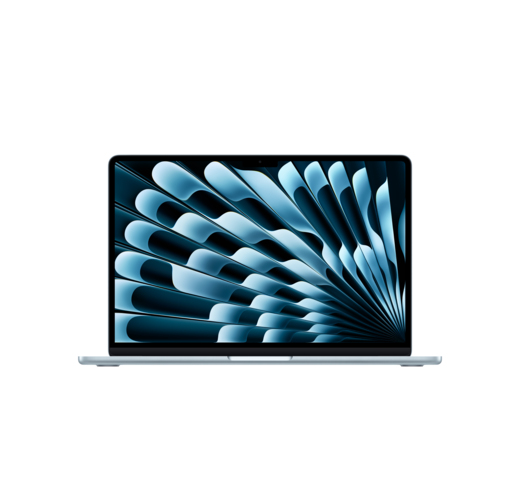
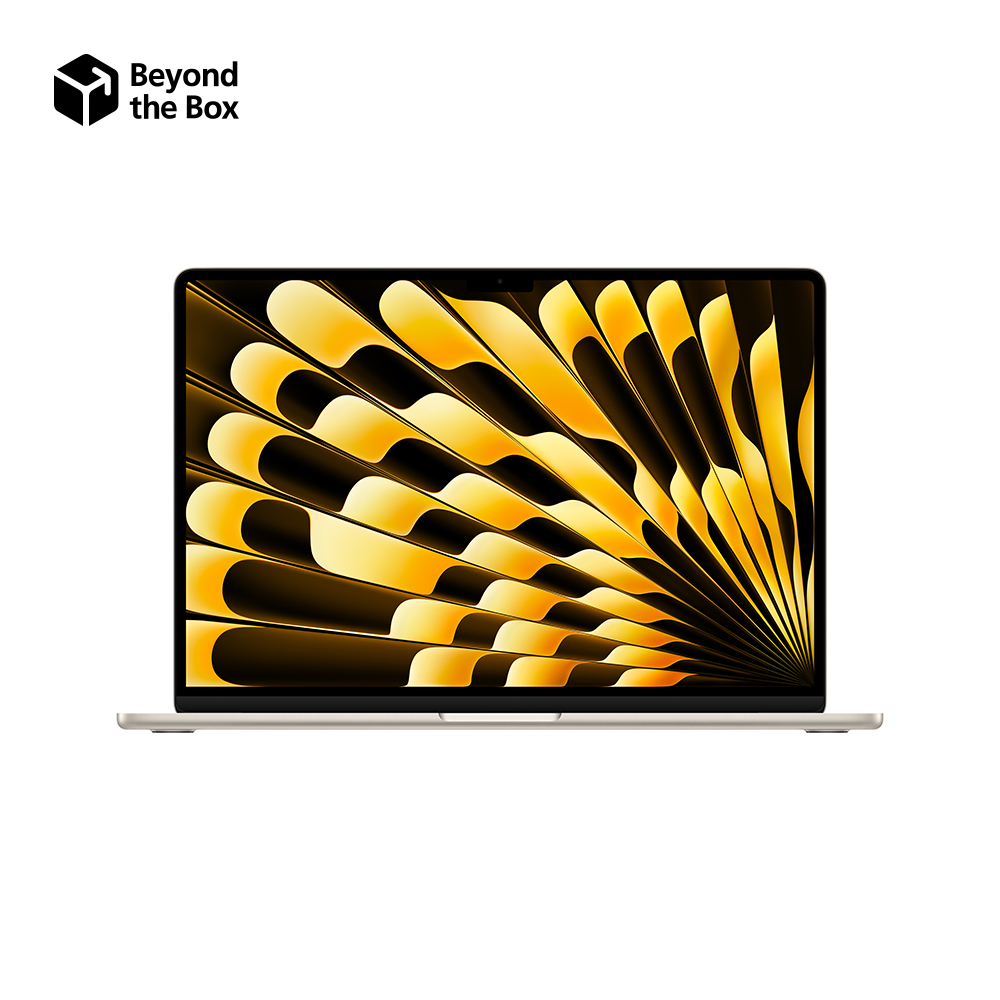
If you want one clear answer, the 15‑inch M5 MacBook Air is the best MacBook for most people. It gives you a large 15.3‑inch display, light 3.3‑pound weight, strong modern performance, and a lower price than the Pro models. The MacBook lineup now falls into three tiers: MacBook Neo as the entry option, MacBook Air as the mainstream choice, and MacBook Pro for demanding creative work with M5 Pro and M5 Max chips delivering professional‑grade performance. According to one expert source, “the first fork in the road you'll come to when shopping for a MacBook is whether to follow the Air path, head down the Pro road or take the Neo shortcut.” This guide focuses on matching that fork in the road to your budget and workload.
| Model | Starting price (USD) | Approx. PHP | Display size | Chip / GPU cores | Weight |
|---|---|---|---|---|---|
| MacBook Neo | $699 | approx. ₱39,100 | 13-inch (2,408×1,506) | M-series with integrated GPU[SR C:12940] | 2.7 lb |
| 13.6-inch M5 MacBook Air | $1,299 | approx. ₱72,800 | 13.6-inch (2,560×1,664) | M5, 10-core GPU | 2.7 lb |
| 15.3-inch M5 MacBook Air | $1,499 | approx. ₱84,000 | 15.3-inch (2,880×1,864) | M5, 10-core GPU | 3.3 lb |
| 14.2-inch M5 MacBook Pro | $1,999 | approx. ₱112,000 | 14.2-inch (3,024×1,964) | M5 / M5 Pro / M5 Max up to 40-core GPU | 3.4 lb |
| 16.2-inch M5 Pro MacBook Pro | $2,999 | approx. ₱168,000 | 16.2-inch (3,456×2,234) | M5 Pro or M5 Max up to 40-core GPU | 4.7 lb |

MacBook Neo: Cheapest Everyday MacBook
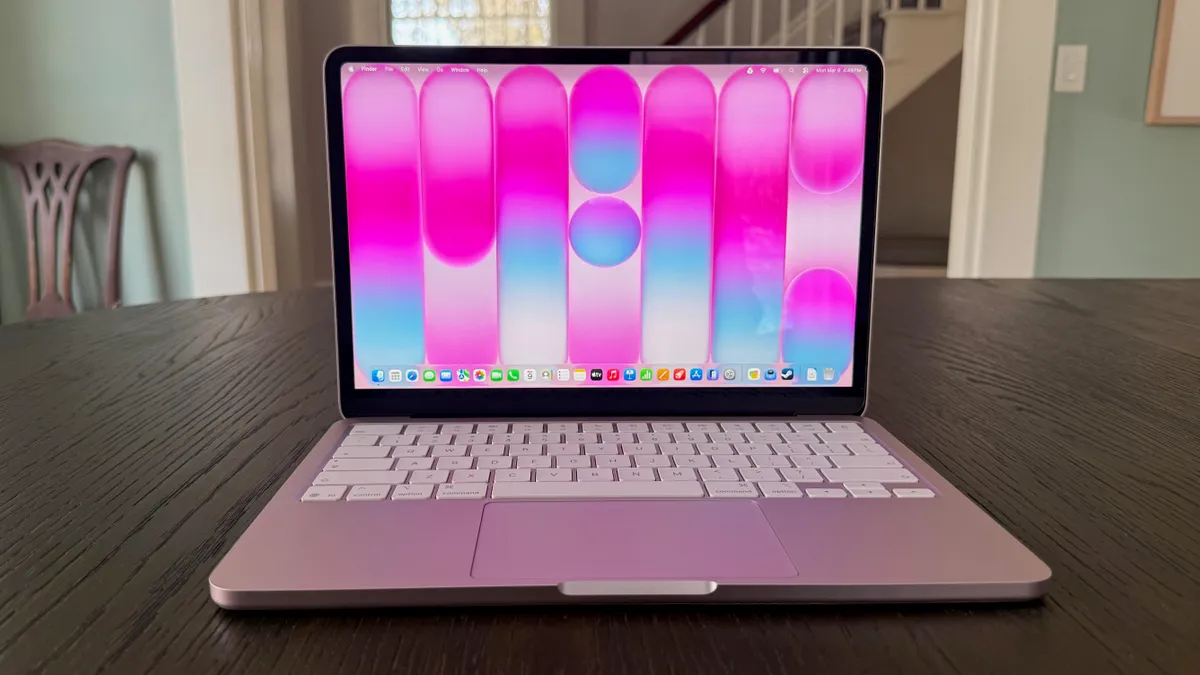
The MacBook Neo is the entry point into Apple laptops and is aimed at everyday home users and office workers who mainly run basic apps. At a starting price of USD 699 (approx. ₱39,100), it’s the cheapest current MacBook and the right answer if your workload is web browsing, email, documents, and light streaming. You get a 13‑inch display at 2,408×1,506 pixels in a 2.7‑pound chassis, so it stays compact and portable for commuting or study. The integrated M‑series processor includes a GPU with fewer cores than an M5 Pro or M5 Max, but it is still fine for everyday graphics and light AI features. You trade away headroom for heavy content creation, but you gain a low price and simple, fanless computing that feels fast for casual use.
Who should choose the Neo? If you do not edit video, work with 3D, or push complex AI workloads, paying extra for Air or Pro silicon offers little real benefit. The Neo still has unified memory and an integrated GPU, and scales well for typical productivity over several years. However, its lower graphics core count and more modest CPU means it is not built for long renders, multiple external displays, or large creative projects. Think of Neo as a modern replacement for a basic office laptop: great value if you stay within its lane, but the wrong choice if you aspire to professional‑grade work.
MacBook Air: Best MacBook for Students, Workers, and Most Buyers
The MacBook Air is the mainstream MacBook and the model most buyers should target when asking which MacBook to buy. It balances price, size, and performance better than Neo or Pro. The 13.6‑inch M5 MacBook Air starts at USD 1,299 (approx. ₱72,800), while the 15.3‑inch M5 MacBook Air starts at USD 1,499 (approx. ₱84,000). Both weigh under 3.3 pounds, with the 13‑inch model coming in under 3 pounds, making them ideal for daily travel to class, the office, or your local café. Their high‑resolution displays (2,560×1,664 for 13.6‑inch and 2,880×1,864 for 15.3‑inch) give you ample workspace for documents, browser tabs, and light creative tasks. Inside, you get the latest M5 processor with a 10‑core GPU, offering a noticeable leap in graphics and AI‑related tasks compared to older chips.
For most people, the 15‑inch Air is the sweet spot: it hits a better balance between screen size and portability than the 14‑inch MacBook Pro if you do not need Pro‑level performance. The Air remains the cheapest way to get a large display powered by a modern Apple M‑series processor. It’s excellent for students, remote workers, lighter photo editing, and occasional video editing, and its efficiency helps battery life and quiet operation. The main downside is limited thermal headroom compared to the Pro, so under sustained heavy loads the Air will slow more quickly. It also offers fewer configuration options for high‑end GPUs or extreme memory capacities. If your workflow is more “Office plus some creative work” than “continuous 4K editing,” the Air is the right pick.
MacBook Pro: For Video Editors, Creators, and Power Users
MacBook Pro models are designed for creative professionals and power users who need maximum performance and graphics muscle for content creation, coding at scale, and AI workloads. The 14‑inch M5 MacBook Pro starts at USD 1,999 (approx. ₱112,000), while the 16‑inch M5 Pro MacBook Pro starts at USD 2,999 (approx. ₱168,000). Displays are larger and sharper than the Air: 14.2‑inch at 3,024×1,964 pixels and 16.2‑inch at 3,456×2,234 pixels. Under the hood, Pro configurations can use M5 Pro chips with up to an 18‑core CPU and 20‑core GPU or M5 Max chips with up to 40 GPU cores, putting them on the level of high‑end gaming laptops and making them “one of the most powerful AI laptops on the market.” This hardware is built for multi‑layer timelines, complex effects, and advanced rendering.
Who should buy a MacBook Pro? Professional video editors, 3D artists, and those running heavy AI or data workloads gain clear benefits from the extra cores, higher memory bandwidth, and Fusion Architecture connecting two dies over a superfast interconnect in M5 Pro and Max chips. These machines push through exports and encodes with less slowdown over time. However, they are heavier than the Air—3.4 pounds for the 14‑inch and 4.7 pounds for the 16‑inch—and substantially more expensive. If you mostly use office apps, browse the web, and do light creative work, the Pro price premium is hard to justify. You should only step up to Pro when your income or serious creative ambitions depend on cutting render times and managing complex projects without compromise.
Key Buying Criteria and the iMac Side Note
Before you decide which MacBook to buy, you should check a few core criteria. Price is the first filter: MacBook Neo starts at USD 699 (approx. ₱39,100), MacBook Air starts at USD 1,299 (approx. ₱72,800) for 13‑inch and USD 1,499 (approx. ₱84,000) for 15‑inch, and MacBook Pro starts at USD 1,999 (approx. ₱112,000), rising to USD 2,999 (approx. ₱168,000) for the 16‑inch model. Size and display matter: the Air is better if you carry your laptop daily, while the 16‑inch Pro gives a roomier multitasking canvas. Processor choice is critical because Apple’s M‑series chips integrate the GPU; more GPU cores mean better graphics and AI performance, ranging from a 10‑core GPU in M5 to up to 40 cores in M5 Max.
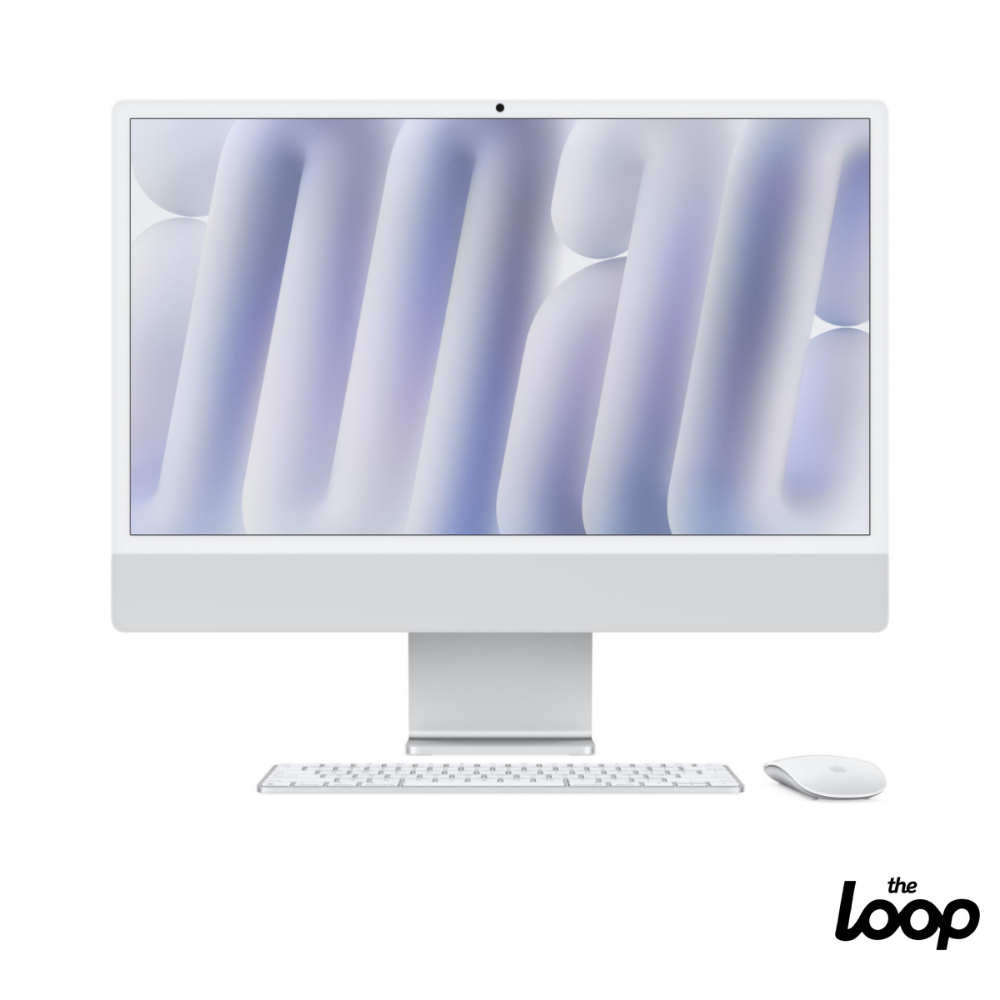
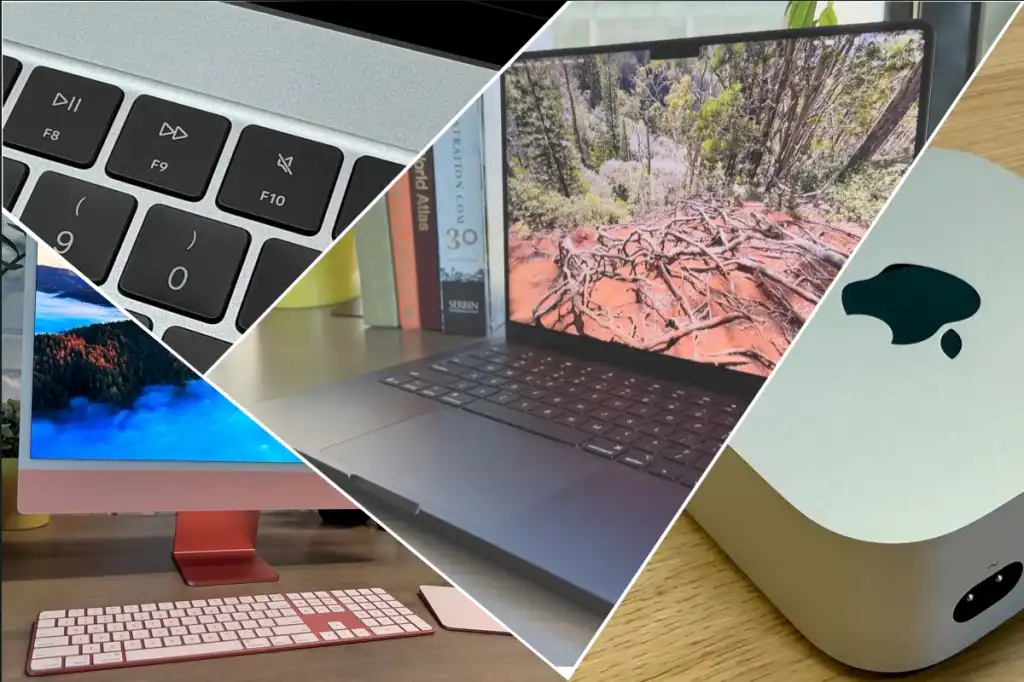
There is one non‑laptop worth mentioning: the 24‑inch iMac with an M4 chip. It comes in configurations starting at USD 1,499 (approx. ₱84,000) with an 8‑core CPU, 8‑core GPU, 16 GB memory, and 256 GB SSD, scaling to USD 2,099 (approx. ₱118,000) with 10‑core CPU and GPU, 24 GB memory, and 512 GB SSD. It suits anyone who wants a clean all‑in‑one desktop that handles both general tasks and heavier workloads, with keyboard, mouse or trackpad, and display included. However, expert reviewers note that “the iMac doesn’t represent particularly good value at its current price” compared with a MacBook Air using a faster M5 chip for less money. Unless you prefer a stationary desktop and love the design, the Air is the better buy.
- Buy the 15.3-inch M5 MacBook Air if you want the best overall balance of price, performance, and screen size for study or work.
- Skip the MacBook Pro if your daily work is mostly email, documents, and browsing, because its extra GPU and CPU cores will sit idle.
- Buy the MacBook Neo if you need the cheapest MacBook for basic home or office tasks and do not run heavy creative apps.
- Skip the MacBook Neo if you plan to edit video, work with complex graphics, or rely on advanced on‑device AI tools.
- Buy the 14-inch or 16-inch MacBook Pro if you are a professional creator or power user who benefits directly from M5 Pro or M5 Max performance.
- Skip the 24-inch iMac if you care more about performance per dollar than design, because its M4 chip and base 256GB SSD are weaker value than an M5 MacBook Air.
- Buy the 24-inch iMac if you want an all-in-one desktop that looks good in a workspace and includes display, keyboard, and mouse out of the box.
![[PRE ORDER] Apple MacBook Neo | Shopee Philippines](https://img.milik.ai/product/2026/07/18/cbb65042-42fc-4266-aa3c-e4f7ad983295.jpg)