
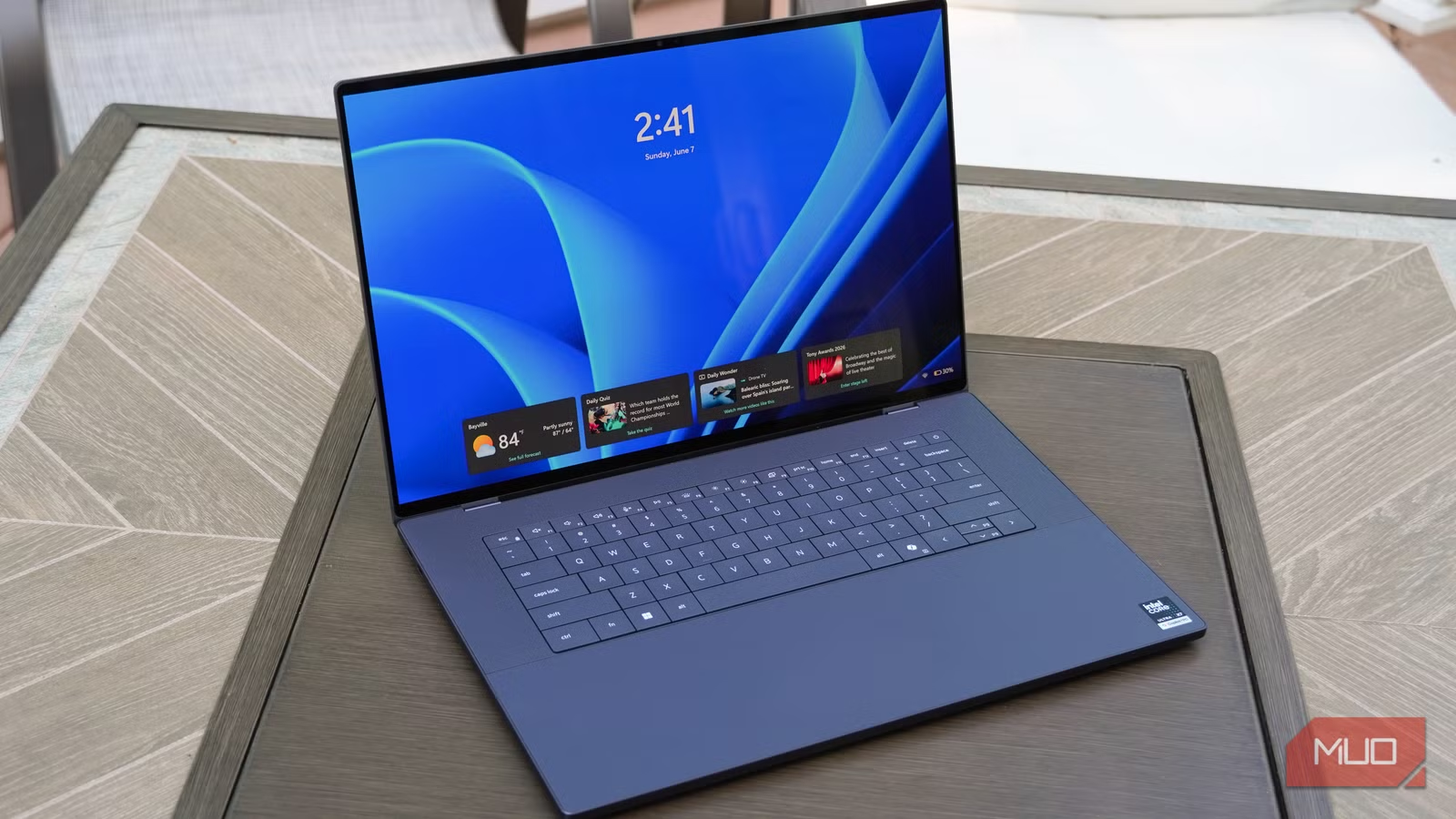

Verdict: A Premier Creative Machine with a Keyboard Caveat
The Dell XPS 16 is a premium Windows laptop with a 16‑inch OLED display, high‑end Intel hardware, and a thin, CNC‑milled aluminum chassis built for creative professionals and power users who want a portable professional workstation. From a user’s point of view, this is one of the clearest Windows alternatives to a 16‑inch MacBook Pro: it is lighter, thinner, and delivers a gorgeous tandem‑OLED touchscreen that makes photo, video, and design work look superb. The performance easily covers pro‑level workloads and the overall build quality feels high‑end. The catch is the keyboard: its ultra‑flat, zero‑lattice layout and short 0.8mm travel can slow down confident typists and introduce errors. If you can live with that, the XPS 16 earns its high price; if you demand a traditional keyboard, this compromise may outweigh the laptop’s many strengths.
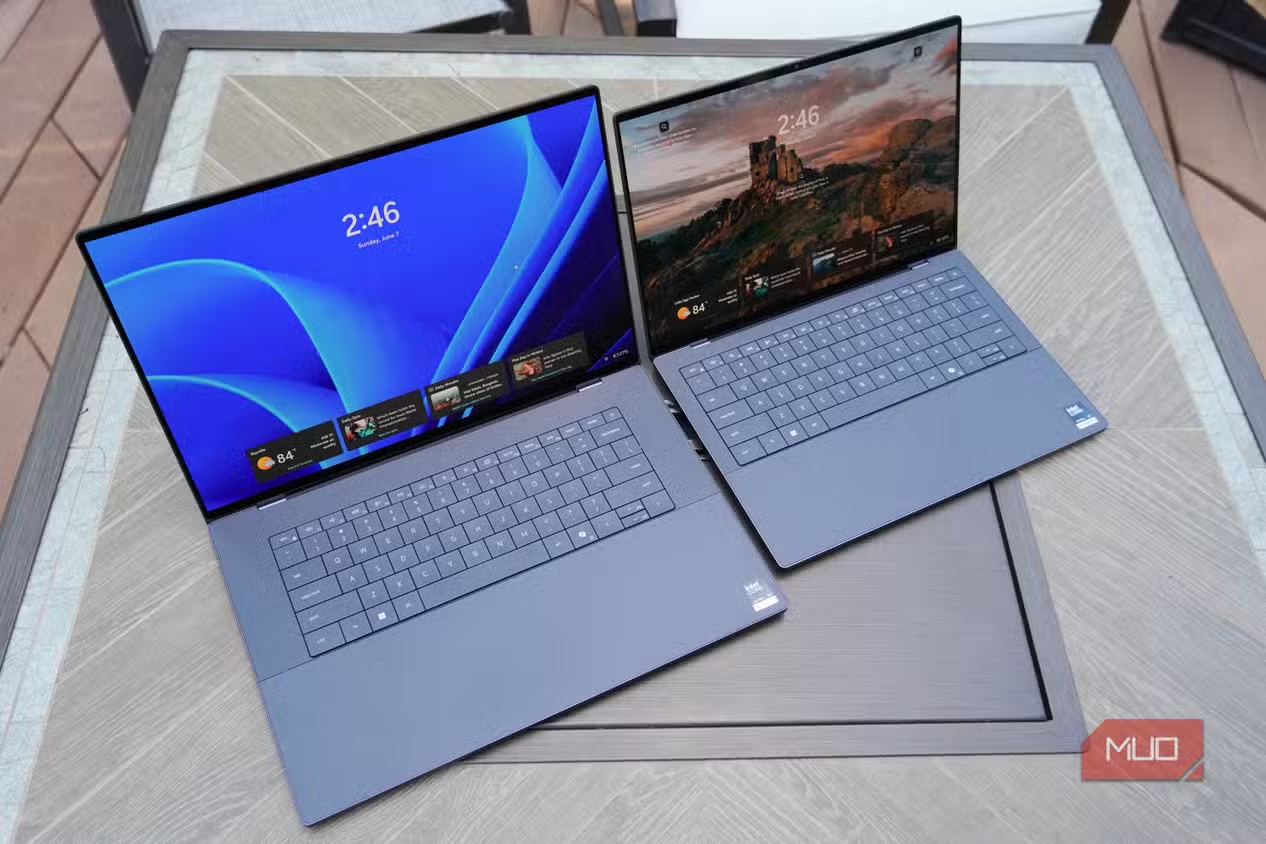
Design, Build, and Ports: Premium Hardware, Dongle Life
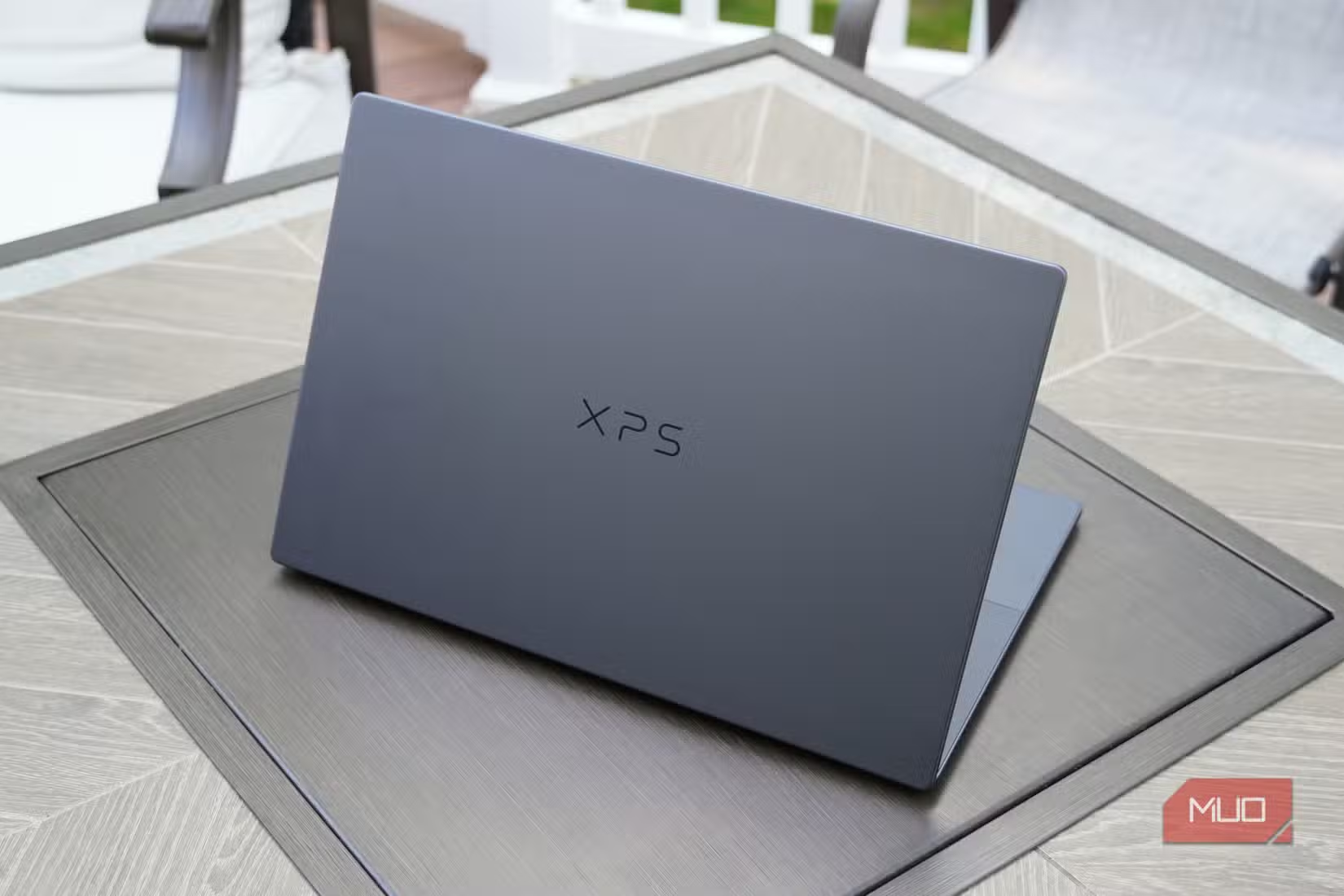
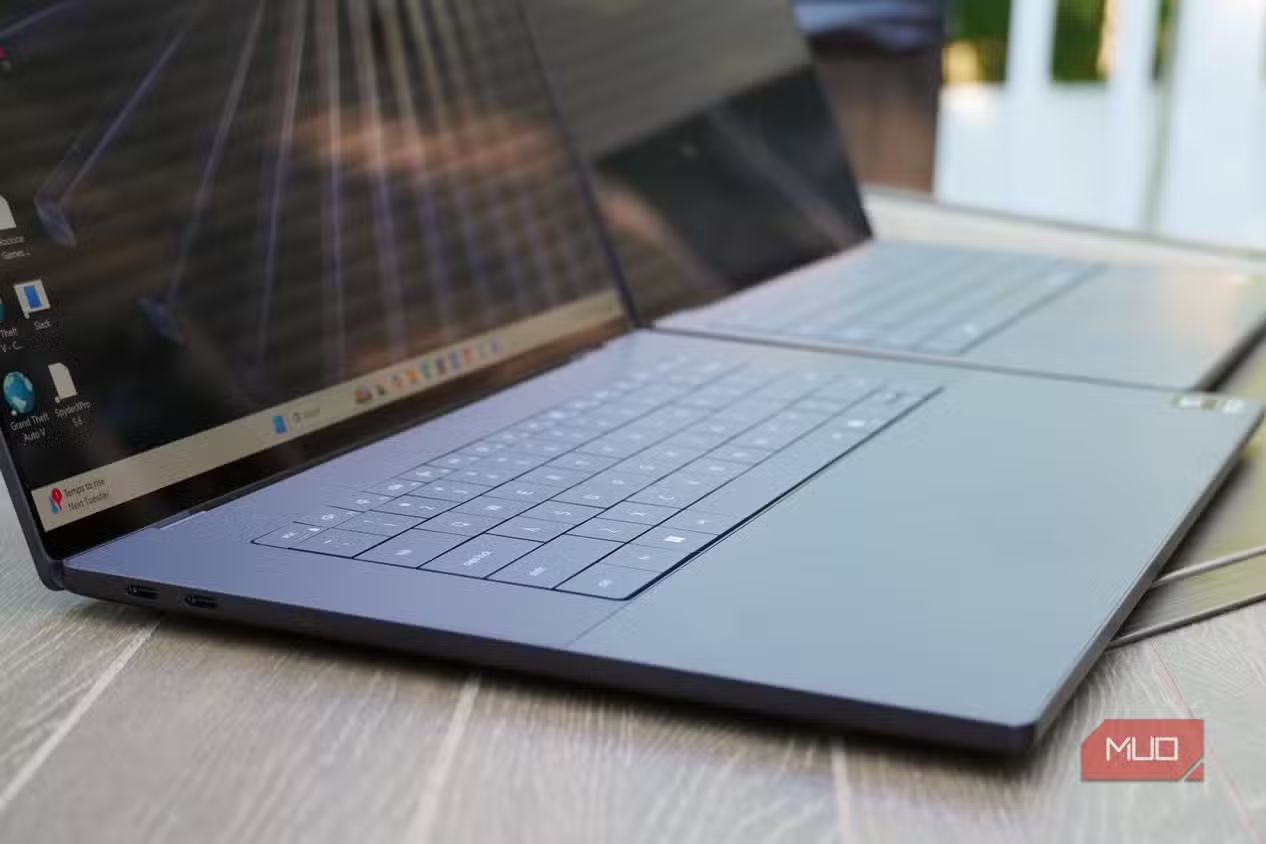
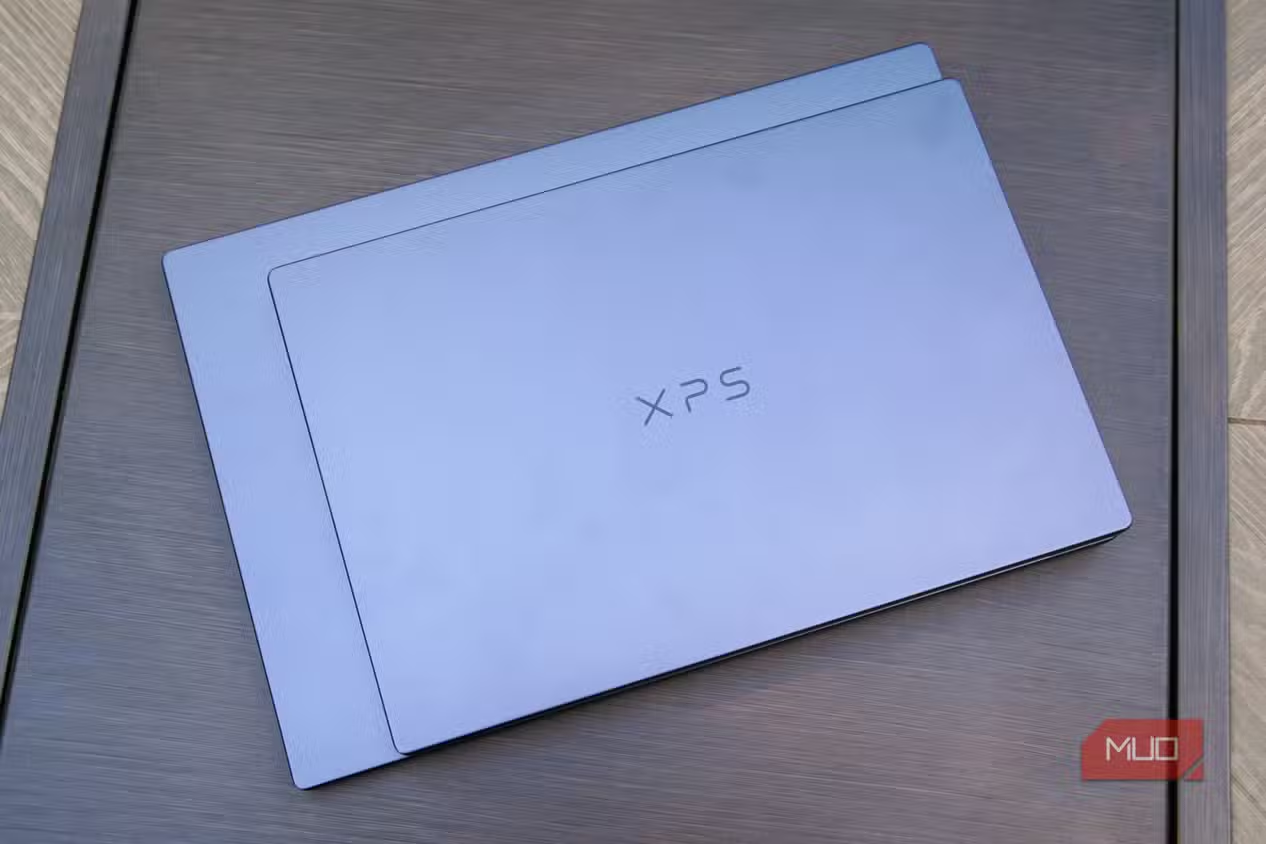
The XPS 16 looks and feels like a premium Windows laptop. The CNC‑machined aluminum chassis and dark Graphite finish give it a refined, sturdy presence that resists flex and feels high‑quality in the hand. At 13.88 x 9.35 x 0.58 inches and 3.65 pounds, it is thinner and lighter than many 16‑inch competitors, making it one of the few big‑screen machines that remains comfortable to carry daily. According to one reviewer, “it’s a 16‑inch laptop I wouldn’t mind carrying around daily”. The minimal design has a cost: you get three Thunderbolt 4 ports and a 3.5mm headphone jack, and little else. That means dongles or a hub for SD cards, HDMI, or wired networking. For creatives who live in USB‑C workflows, this is manageable; for those with older peripherals, the port layout will frustrate.
Pros
- Gorgeous, thin and light CNC‑aluminum design in Graphite
- Superb 16‑inch 3.2K tandem‑OLED touchscreen with ultra‑thin bezels
- High‑resolution 8MP/4K HDR webcam and strong quad‑speaker system
Cons
- Relies heavily on Thunderbolt 4; very few built‑in ports
- Keyboard’s flat, zero‑lattice design and short travel can hinder typing comfort
- Price climbs quickly as you add the OLED display and higher‑end specs
OLED Display and Multimedia: A Creative’s Centerpiece
The 16‑inch 3.2K (3,200 x 2,000) tandem‑OLED touchscreen is the headline feature, and it earns that status. It offers rich, accurate colors and crisp detail that make color‑critical work like photo grading, design, and video editing feel trustworthy and immersive. Ultra‑thin bezels and a 20–120Hz refresh range give both creative apps and scrolling content a smooth, modern feel. Peak brightness of 400 nits is fine for indoor work, though reflections may appear in harsh light. Above the display, an 8MP webcam records sharp 4K HDR video, which is a standout for remote work and content creation. Quad speakers (two 3W mains and two 2W tweeters, 10W total peak output) deliver clear, loud audio, supported by a dual‑microphone array tuned for high‑fidelity voice capture. As a media machine, the XPS 16 feels closer to a high‑end studio monitor than a typical laptop screen.
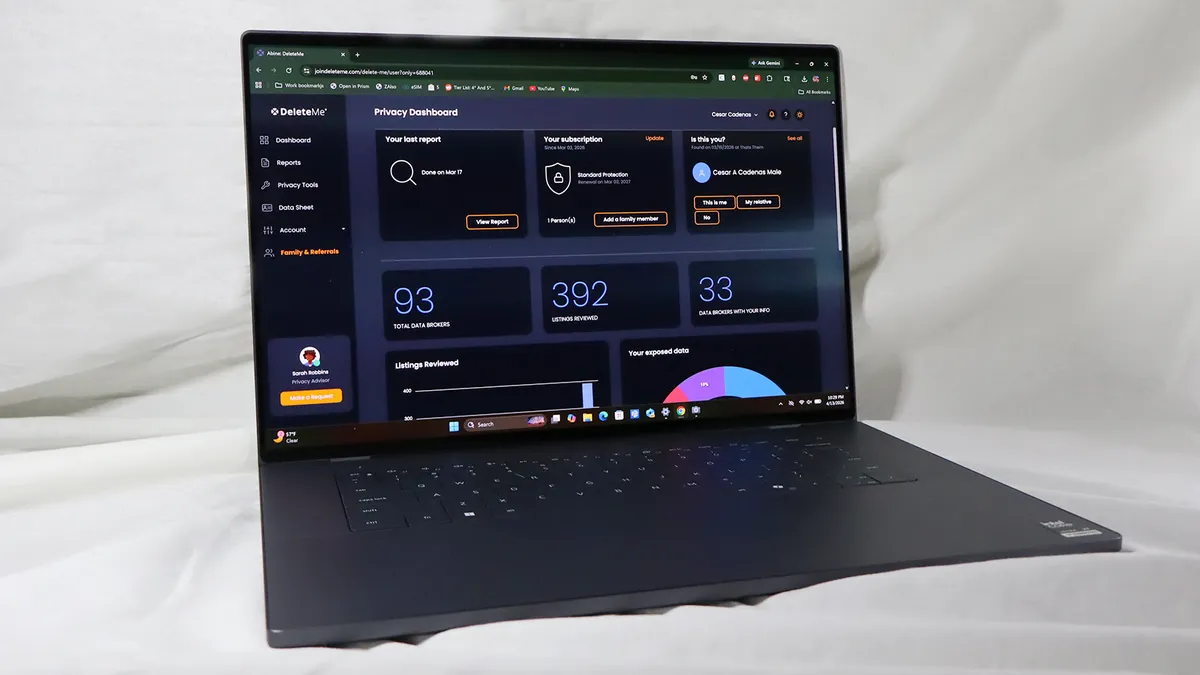
Performance, Battery, and Workflow Trade‑offs
The configuration reviewed pairs a Series 3 Intel Core Ultra X7 358H (16 cores, up to 4.8GHz), Intel Arc graphics, 32GB of LPDDR5x at 9600MT/s, and a 1TB PCIe 4 SSD. This setup handles video editing, photo work, coding, and other demanding professional tasks without trouble, feeling close to a high‑end desktop in day‑to‑day use. In Cinebench 2026, it scored 4,065 points with the integrated Arc GPU, trailing laptops with Nvidia GPUs but performing strongly for an iGPU system. It also clearly outpaces last‑generation Intel Core Ultra Series 2 machines. Battery life is solid rather than class‑leading: around 14 hours in mixed use for the OLED model, enough for a full workday, while Dell claims up to 31 hours for the base LCD version. The 70Whr battery and 100W USB‑C adapter keep things portable, but some users have noted that “battery life and charging could use work,” especially compared with efficiency‑focused rivals.
| Spec | Value |
|---|---|
| Operating system | Windows 11 |
| CPU | Intel Core Ultra X7 358H, Series 3, 16 cores, up to 4.8GHz |
| GPU | Intel Arc Graphics (integrated) |
| Memory | 32GB LPDDR5x dual‑channel at 9600MT/s |
| Storage | 1TB PCIe 4 SSD |
| Display | 16‑inch 3.2K (3,200 x 2,000) OLED touchscreen, 20–120Hz, 400 nits |
| Battery | 70Whr, 100W USB‑C AC adapter |
| Ports | 3x Thunderbolt 4, 1x 3.5mm headphone jack |
| Dimensions / Weight | 13.88 x 9.35 x 0.58 in; 3.65 lbs |
| Connectivity | Intel Wi‑Fi 7 BE211 2x2 + Bluetooth 6.0 |
| Security | TPM 2.0, Windows Hello webcam |
Price, Value, and Who It’s For
Official pricing reflects the XPS 16’s high‑end ambitions. One source cites a starting price of USD 1,900 (approx. ₱106,400) for an earlier base configuration with an Intel Core Ultra 7 325, 16GB RAM, 512GB SSD, and a 16‑inch 2K display. Another notes a current base model at USD 2,450 (approx. ₱137,300) with a Core Ultra 7 355, 16GB memory, 1TB SSD, and non‑touch 2K IPS LCD, discounted at the time to USD 1,930 (approx. ₱108,200). The reviewed OLED configuration with a Core Ultra X7 358H, 32GB RAM, 1TB SSD, and 3.2K tandem‑OLED panel is listed at USD 3,050 (approx. ₱171,000), with discounts bringing it to USD 2,730 (approx. ₱153,000). This is expensive, but the combination of build quality, display technology, and professional workstation‑grade performance gives the pricing a clear rationale. For creatives and developers who want a premium Windows alternative to a 16‑inch MacBook Pro, the XPS 16 lands in the right spot—if the keyboard and port situation align with how you work.
Buy if / Skip if
- Buy the Dell XPS 16 if you want a premium Windows laptop with a 16‑inch OLED display for color‑sensitive creative work and media consumption.
- Skip the Dell XPS 16 if you prefer a traditional, high‑travel keyboard and are sensitive to flat, zero‑lattice layouts that can cause typing errors.
- Buy the Dell XPS 16 if you need a professional workstation‑class machine that can handle video editing, photo work, and coding on the go.
- Skip the Dell XPS 16 if you rely on many legacy peripherals and dislike carrying dongles, because the laptop offers only three Thunderbolt 4 ports and a headphone jack.
- Buy the Dell XPS 16 if you are considering a 16‑inch MacBook Pro but want a lighter, thinner Windows alternative with comparable build quality.
- Skip the Dell XPS 16 if you prioritize maximum battery life and would rather choose a more efficiency‑focused or ARM‑based laptop for all‑day unplugged use.
- Buy the Dell XPS 16 if you value a high‑quality 4K HDR webcam and strong speakers for frequent video calls or content creation.





