

Start with the right laptop, not the biggest spec sheet
A laptop buying guide is a step‑by‑step way to match what you do every week with the right mix of processor, memory, storage, display, ports, and price, so you avoid overpaying for inflated specs that do not improve your real‑world experience or productivity.
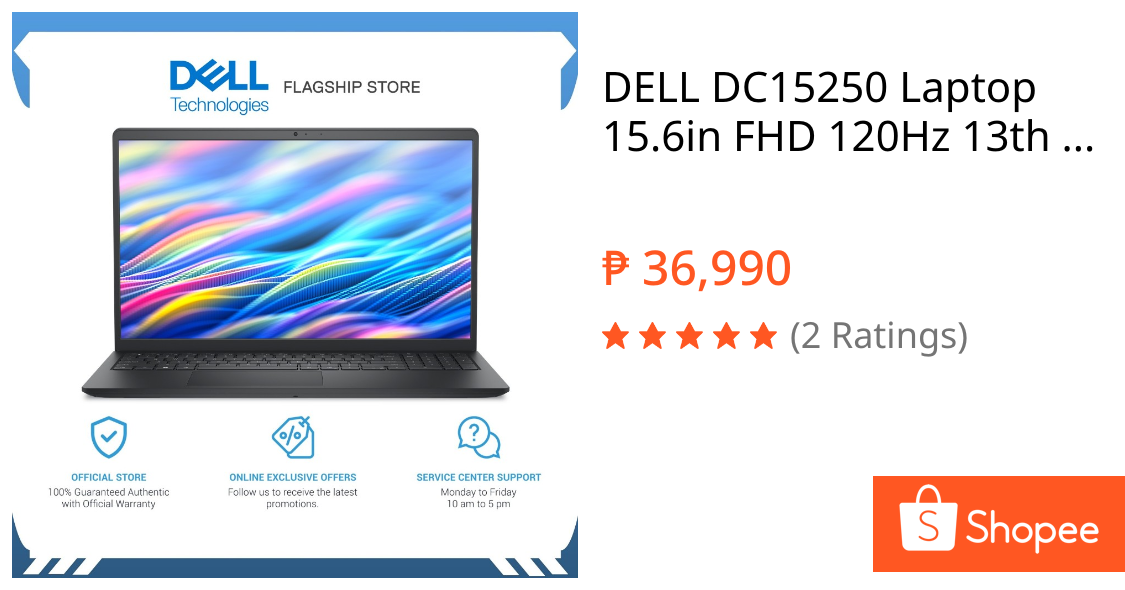
For most people, the best starting point is a balanced, mid‑range machine with 16GB of RAM, at least a 512GB SSD, a sharp 1080p‑class screen, and a recent mainstream CPU. Among current deals, the Dell 15 Laptop stands out as the default choice for everyday use: it pairs an Intel Core 3 100U processor with a 15.6‑inch 1920×1080 display, 8GB of RAM, and a 512GB SSD at USD 349.99 (approx. ₱19,600). It’s built for browsing, streaming, email, and office tasks without fluff and shows why the smartest move is to buy the laptop that fits your life, not the one with the flashiest marketing.
This guide focuses on seven laptop buying mistakes that quietly drain your budget: believing AI hype, trusting battery claims, overspending on RAM and storage, ignoring displays and ports, and falling for seller traps. Fixing these will save more money than chasing another buzzword sticker.

Mistake 1: Falling for AI chip hype instead of real productivity
AI‑branded laptops are everywhere, but the logo on the lid is not a shortcut to a better day‑to‑day experience. The sticker changed; now you see AI PC, Copilot+ PC, NPU, 50 TOPS, Snapdragon X, Ryzen AI, Core Ultra. Some of those labels matter, especially if you rely on AI features for video, audio, or creative tools, but none of them can rescue a bad screen, 8GB of soldered RAM, or a tiny SSD.
A Copilot+ PC badge only tells you the machine meets a specific AI hardware baseline; it says nothing about whether your accounting software, audio interface, or favorite game works well. Windows AI features and creator workloads also lean on different hardware, which is why NPU AI and GPU AI matter in different ways. If your week is dominated by browser tabs, streaming, email, documents, and video calls, integrated graphics and a solid CPU are usually enough. Spend your money on memory, storage, and a comfortable keyboard instead of chasing the highest TOPS number on the box.
Mistake 2: Misreading RAM, storage, and the real minimum specs
Memory prices have changed, and so have the traps. Many brands protect tempting price tags by dropping RAM to 8GB or soldering it so you can’t upgrade later. The 8GB laptop is the trap to avoid first: light browsing and a few documents might be fine, but stack Chrome, Teams, Slack, email, cloud sync, antivirus, and background apps and 8GB starts to feel tight quickly. On budget machines, 8GB is now the bare minimum; on anything you’ll keep for years, 16GB is the sane floor, especially if you play games.
Storage has similar pitfalls. A 256GB SSD looks acceptable until Windows, recovery partitions, caches, photos, downloads, and cloud sync consume it. For a main Windows laptop, aim for at least 512GB and ideally 1TB so you aren’t babysitting folders or delaying updates because the drive is full. Do not buy laptops with under 4GB of RAM or 128GB of SSD unless you know you’re getting a secondary machine like a Chromebook. Also confirm whether the SSD can be replaced, because assuming storage is upgradable is another common trap that can lock you into cramped space for the life of the device.
| Spec priority | Good for most people | When to go higher |
|---|---|---|
| RAM[laptop specs explained] | 16GB as a sensible baseline | 24–32GB for creators, coders, heavy multitaskers, and local AI work |
| Storage | 512GB SSD for a main laptop | 1TB+ if you store large media or many games |
| Absolute minimum to avoid | 4GB RAM / 128GB SSD for general Windows use | Only acceptable on Chromebooks or very basic budget machines |
Mistake 3: Ignoring displays, ports, and battery reality
Many people obsess over CPUs and ignore the parts they stare at and plug into all day. The screen is the component you use most; a faster processor will not make a dim 250‑nit panel easier to see near a window. Look at size, resolution, brightness, aspect ratio, finish, and panel type when you decide what to look for in a laptop display. Skipping this step turns daily work into a squinting contest. Equally, missing ports turn every desk into dongle math—one USB‑C and no HDMI might sound fine until you add a monitor, external drive, and headset.
Battery life is another area where marketing and real life diverge. Battery specs often describe the easiest possible workload, such as local video playback at low brightness, which barely resembles typical days filled with Wi‑Fi, calls, and multitasking. If a company claims 20, 30, or 34 hours, treat those numbers as ceilings, not promises. A practical rule: assume your real‑world run time will be lower and read independent tests where possible. According to one long‑running PC review outlet, “Don’t buy laptops with under 4GB of RAM or 128GB of SSD storage—though on a Chromebook or a budget Windows machine, this configuration is acceptable.”
Mistake 4: Overpaying or under‑buying—what to buy instead
Every one of these laptop buying mistakes is really the same error in disguise: paying for the number that is easy to print instead of the experience you will live with. To avoid laptop traps, answer a simple checklist before you buy: what will you do every week, is 16GB of RAM enough or should you move to 24–32GB, is the SSD at least 512GB and replaceable, is the screen bright and sharp enough, does the platform (Intel, AMD, or Snapdragon) fully support your apps, and do you truly need a dedicated GPU or would you be paying for extra heat and weight?
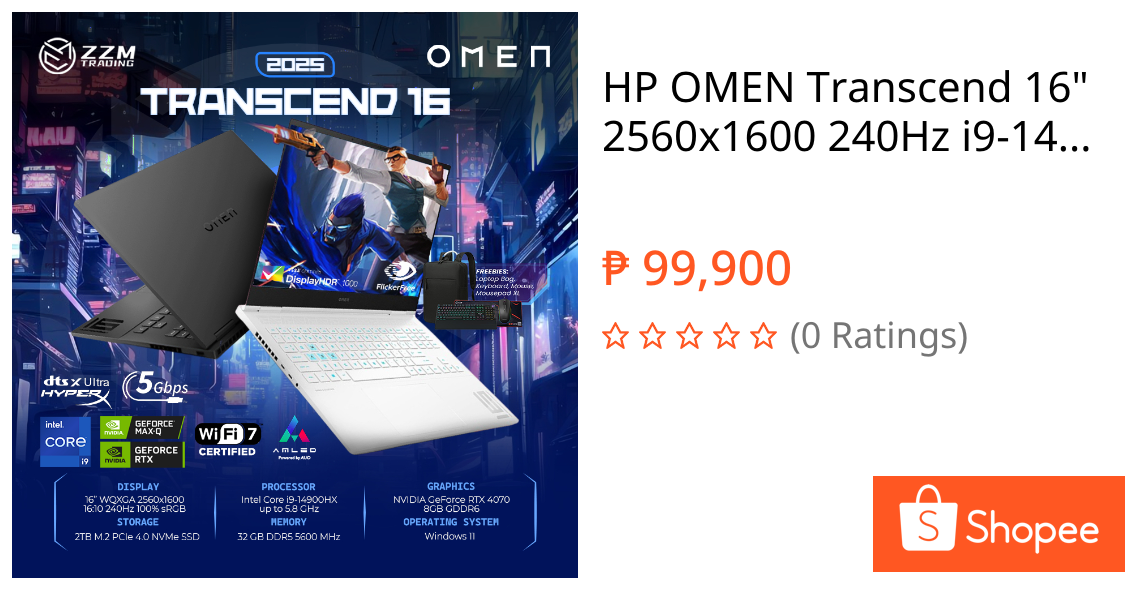
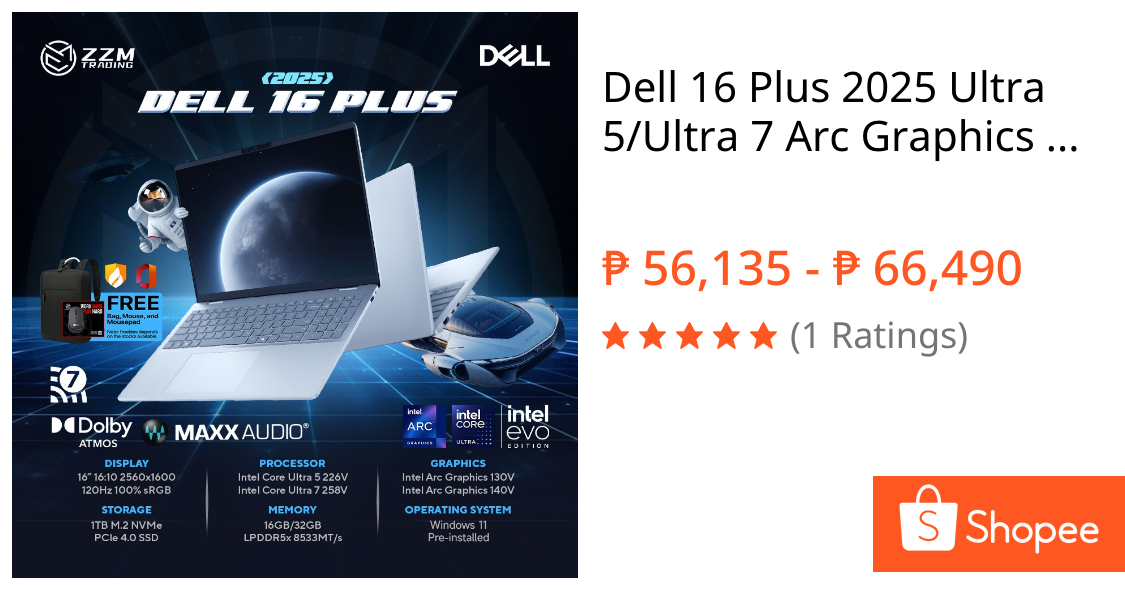
If you need an affordable machine for basic tasks, the Dell 15 Laptop with an Intel Core 3 100U CPU, 15.6‑inch 1920×1080 display, 8GB of RAM, and a 512GB SSD at USD 349.99 (approx. ₱19,600) is the one to choose for everyday work and study. For gaming, the HP Omen 16 pairs an AMD Ryzen 9 8940HX processor with RTX 5060 graphics, a 16‑inch 1920×1200 display, 32GB of RAM, and a 1TB SSD at USD 1,899 (approx. ₱106,700), making it a high‑performance option that stays short of extreme pricing. If you want a more premium all‑rounder, the Dell 16 Plus with an Intel Core Ultra 7 256V processor, 16‑inch 1920×1200 touchscreen, 16GB of RAM, and a 1TB SSD at USD 930 (approx. ₱52,300) is a strong productivity and media machine.
Seller choices matter too. A low price from a questionable seller carries higher risk and that risk should be part of the price you are willing to pay. Watch for bundled software you do not need and aggressive warranty upsells at checkout. Time your purchase around major sales, because you will likely find the best laptop deals during Prime Day, Black Friday, and back‑to‑school season.
Buy if / Skip if
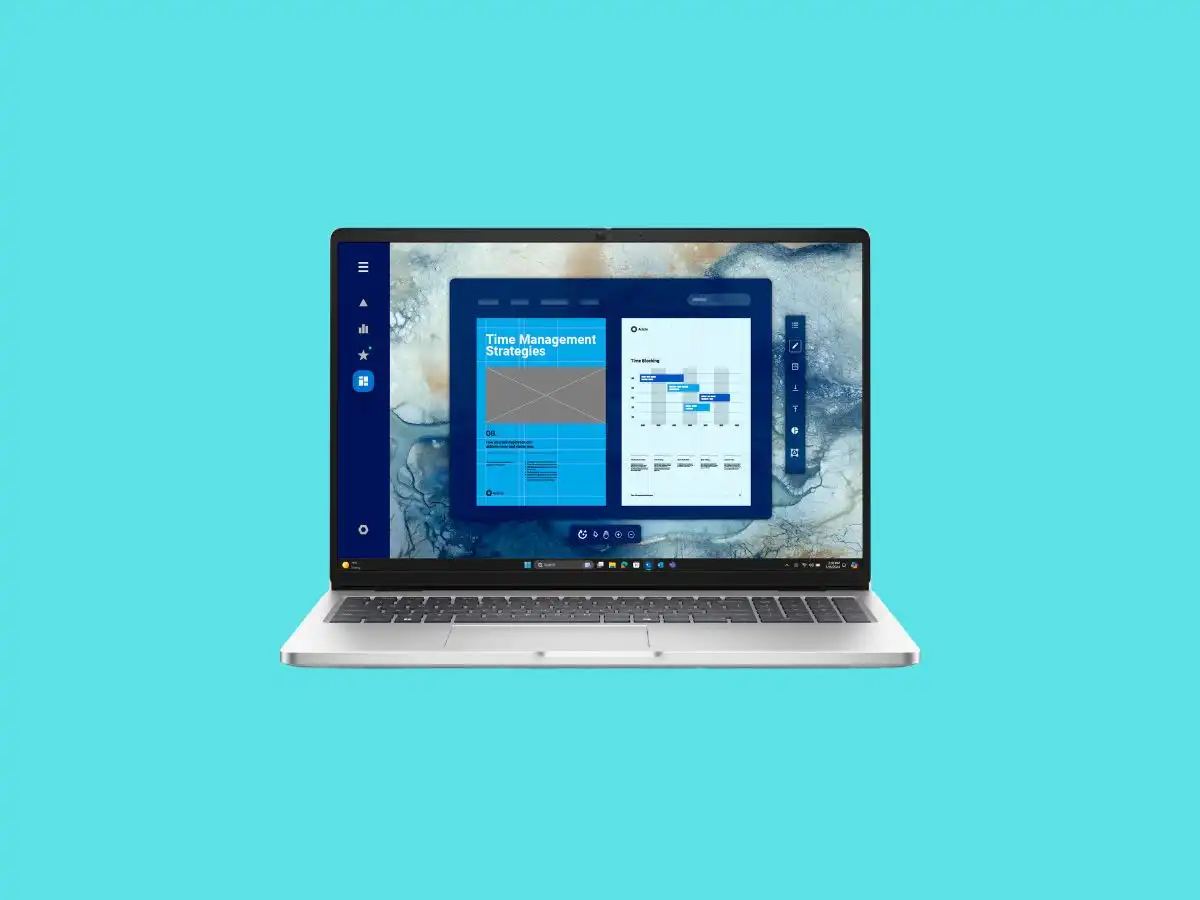
- Buy the Dell 15 Laptop if you need an affordable machine for browsing, streaming, email, and office work without paying for unused power.
- Skip the Dell 15 Laptop if you plan to keep the device for many years and run many apps at once, because 8GB of RAM will feel limiting over time.
- Buy the HP Omen 16 if you want a gaming laptop that is not wildly expensive but still powerful, with an AMD Ryzen 9 8940HX, RTX 5060, 32GB of RAM, and a 1TB SSD at USD 1,899 (approx. ₱106,700).
- Skip the HP Omen 16 if your work is mostly documents, browser tabs, and video calls, because you would be paying for GPU power, heat, and weight you do not need.
- Buy the Dell 16 Plus if you want a premium productivity laptop with a 16‑inch touchscreen, Intel Core Ultra 7 256V, 16GB of RAM, and 1TB SSD storage at USD 930 (approx. ₱52,300).
- Skip the Dell 16 Plus if your budget is tight and you could meet your needs with a cheaper 16GB machine that has a simpler display and integrated graphics.
- Buy the Dell 15 Laptop if you are focused on value and are willing to accept 8GB of RAM now to stay within a strict budget ceiling.
- Skip the HP Omen 16 if you rarely play modern games and can benefit more from a lighter, quieter laptop with integrated graphics and longer battery life.