
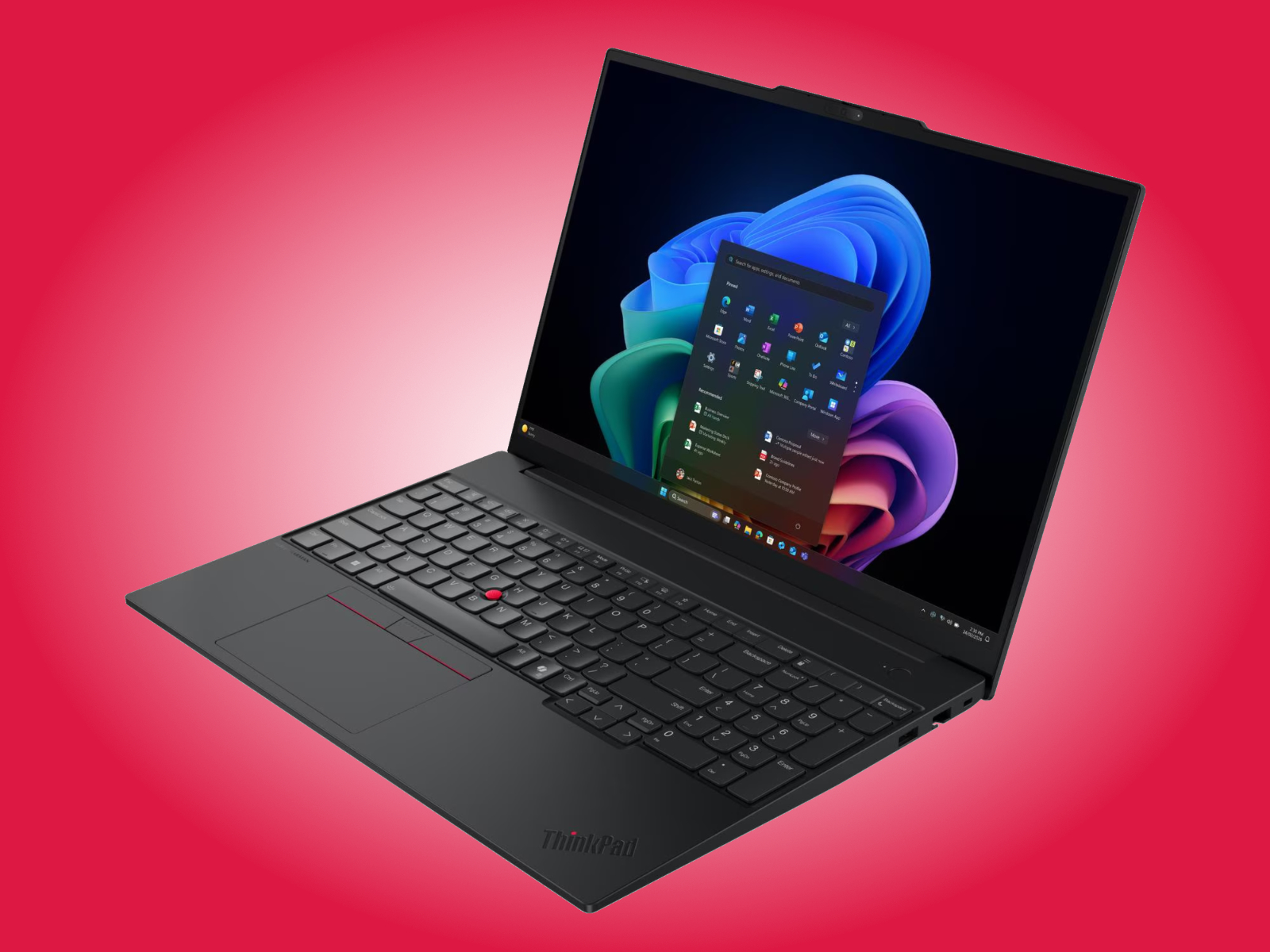

Why 16-Inch Workstation Laptops Are Suddenly the Sweet Spot
A 16-inch workstation laptop is a portable computer built for demanding professional tasks, combining a larger display with higher RAM ceilings, faster processors, and more flexible storage than typical consumer notebooks, so it can handle multitasking, rendering, coding, and data-heavy workloads without choking under pressure.
The headline story is that 16-inch workstation laptops are no longer niche beasts for IT departments; they are becoming the default choice for people who live inside timelines, datasets, and massive codebases. The HP ZBook 8 G2a 16, Lenovo ThinkPad L16 Gen 3, and ThinkPad E16 Gen 4 prove that RAM capacity and display quality now define the experience more than the logo on the lid. This is not a neutral spec race: HP is betting on AMD’s Ryzen AI 400 platform and fast 120 Hz variable refresh displays for creative workers, while Lenovo splits its strategy between Intel Panther Lake for enterprise stability and Wildcat Lake for price-conscious buyers. The fight is about how much real power you can carry without overpaying for features you will never touch.
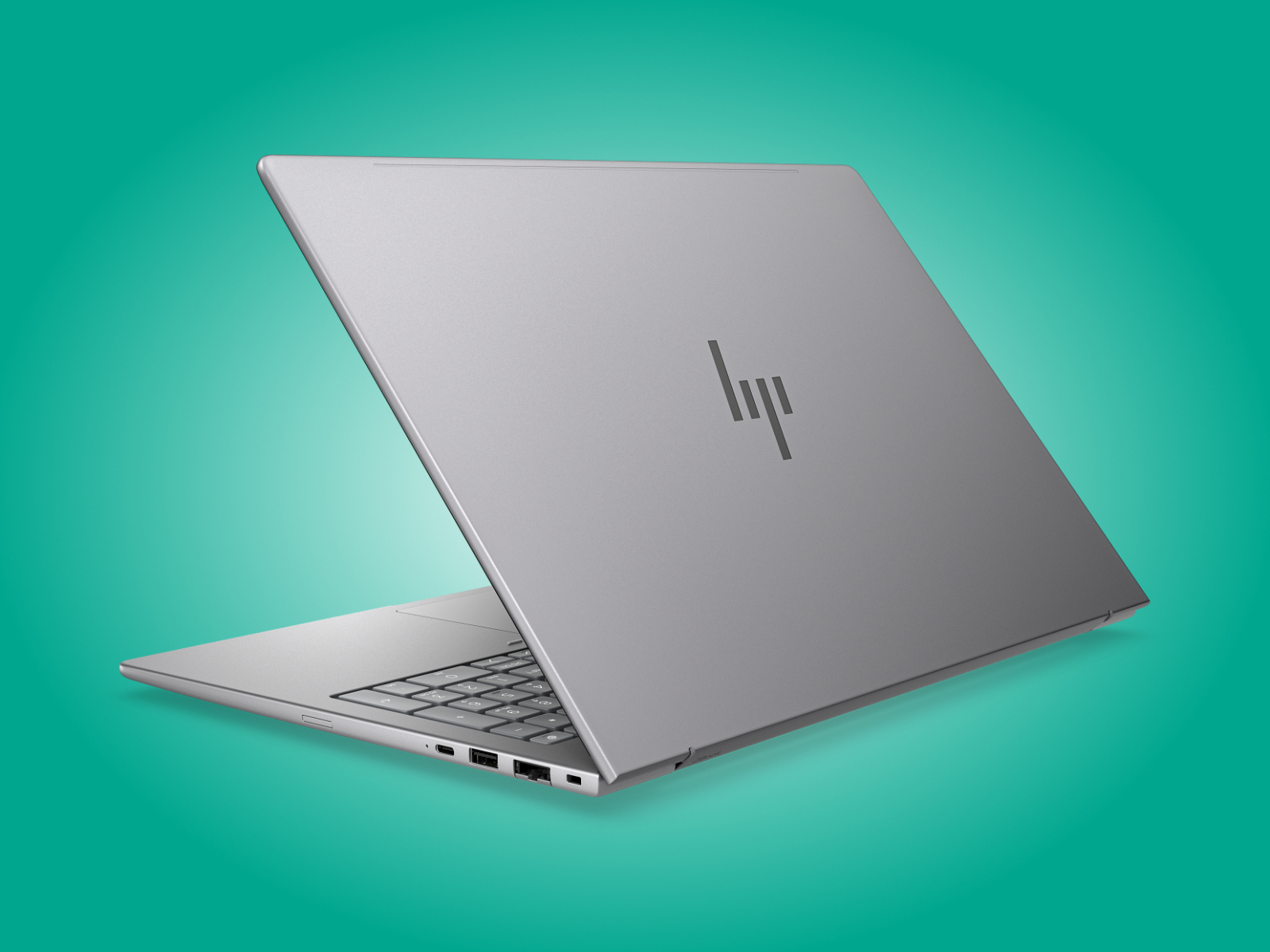
HP ZBook 8 G2a 16: AMD Muscle and 120 Hz VRR for Creators
HP’s ZBook 8 G2a 16 is the most unapologetically workstation-class machine in this trio, and that is exactly its appeal. It pairs AMD Ryzen AI 400 processors with configurations that climb to 64 GB of RAM, positioning it as a 64GB RAM laptop that treats browser tabs, 4K timelines, and local AI workloads as routine rather than exceptional. HP also offers a 120 Hz variable refresh rate display, which matters more than marketing departments admit: smoother timelines, cleaner pen input, and less fatigue when scrolling through endless code or spreadsheets.
The price signals who HP thinks this machine is for. Officially, pricing starts at USD 3,223 (approx. ₱181,000) with Windows 11 Pro, a Ryzen AI 5 Pro 435, 16 GB of RAM, 512 GB of storage, and HP’s entry display option. You can shave that to USD 2,973 (approx. ₱167,000) by opting for FreeDOS or Ubuntu Linux 24.04, and one reseller already lists this base SKU at USD 2,208 (approx. ₱124,000). If you care about color-accurate 120 Hz VRR and top-tier RAM capacity more than sticker shock, this is the workstation that makes sense.
Lenovo ThinkPad L16 Gen 3: Enterprise 64 GB RAM with Intel Panther Lake
Where HP aims at power users, Lenovo’s ThinkPad L16 Gen 3 leans into classic enterprise priorities: predictable Intel platforms, field-serviceable parts, and sane configuration options. It brings Intel Panther Lake processors to the 16-inch workstation space and, crucially, supports up to 64 GB of DDR5-5600 RAM across two SODIMM slots. That combination is a quiet but important statement: IT departments get both a 64GB RAM laptop and the flexibility to treat memory as a field-upgradable resource instead of a soldered ceiling.
Storage also reflects a practical mindset, with up to 2 TB of PCIe Gen 5 available in its single M.2 2280 slot. On the downside, Lenovo cuts display ambition here; you are limited to a 1200p IPS panel at 60 Hz with 400 nits brightness and only 45% NTSC coverage. In other words, this is a spreadsheet-and-shell powerhouse, not a color-critical canvas. Pricing reinforces that positioning: configurations with Intel processors start at AUD 1,888, HKD 11,894, MYR 5,745, SGD 2,035 and €1,489 (approx. USD 1,704). One quotable takeaway is: “The ThinkPad L16 Gen 3 Intel can be configured with up to 64 GB of DDR5-5600 RAM and 2 TB of PCIe Gen 5 storage.”
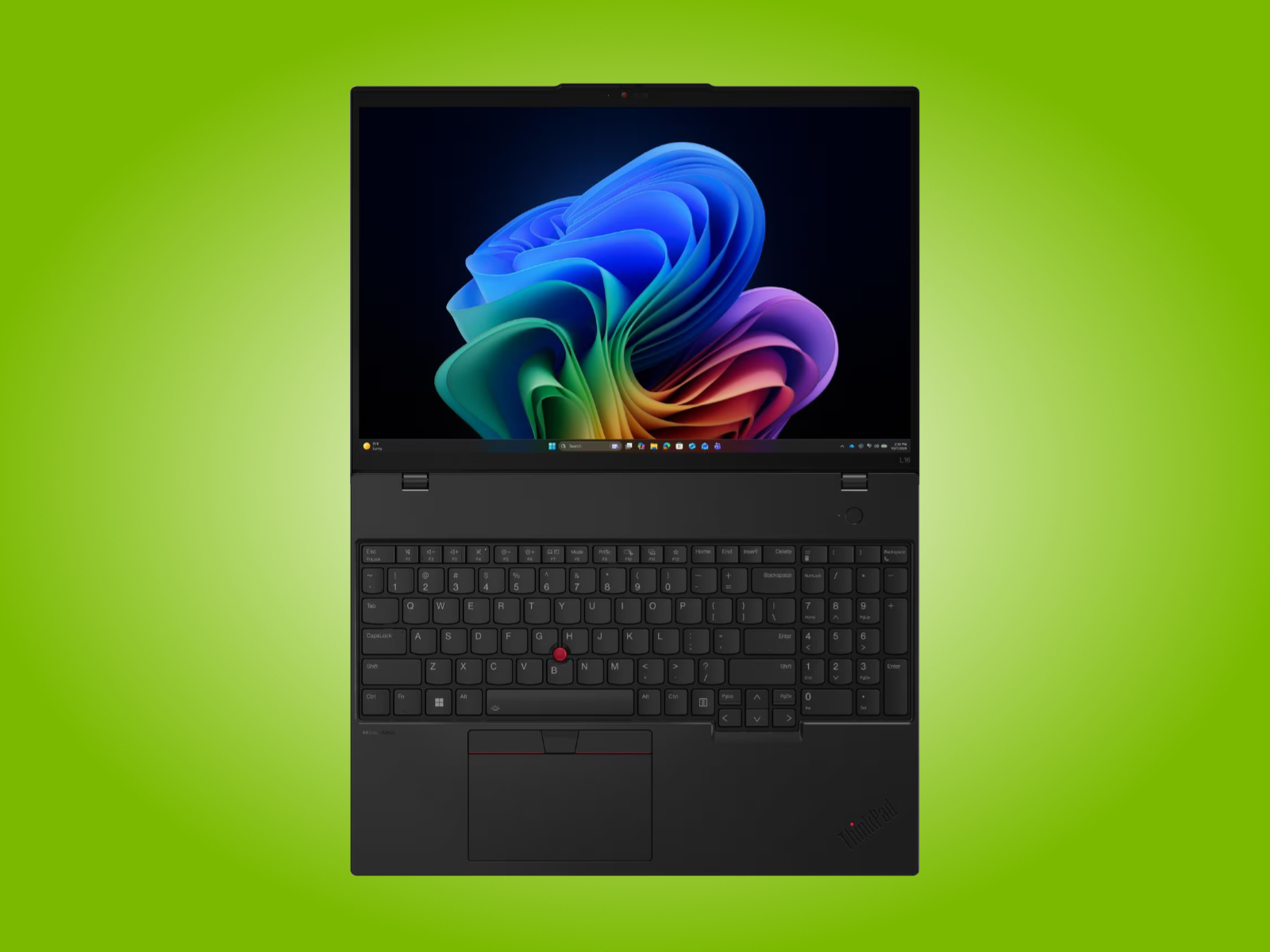
Lenovo ThinkPad E16 Gen 4: Intel vs AMD for a Budget-Conscious 120 Hz Machine
The ThinkPad E16 Gen 4 is the counterpoint to both the ZBook and the L16: it acknowledges that not every professional needs 64 GB of RAM, but many still want a fast panel and solid CPU options. By default, it ships with an Intel Core 5 320 processor, 8 GB of DDR5 RAM, 256 GB of storage, a 48 Wh battery, and a 60 Hz display with 45% NTSC coverage. That baseline is uninspiring, yet the configuration ladder is where this machine becomes interesting: you can move up to 32 GB of RAM, a 1 TB SSD, a 64 Wh battery, and a 120 Hz display with 100% sRGB coverage.
This is also where the Intel vs AMD processors debate becomes practical. Lenovo offers AMD Ryzen AI 400 versions at AUD 1,557, while Intel Wildcat Lake models start at AUD 1,456 (approx. USD 1,015), or HKD 8,760 and SGD 2,112 (approx. USD 1,636). For many buyers, that means choosing between slightly different price points for roughly similar mid-range performance, then spending saved budget on the 120 Hz, 100% sRGB panel. In effect, the E16 Gen 4 reframes the question from “Team Intel or Team AMD?” to “What is the cheapest path to a usable 16-inch workstation display I can live with all day?”
Which 16-Inch Workstation Strategy Makes Sense for You?
Taken together, these three 16-inch workstation laptops show how the market is splitting into clear philosophies rather than minor spec differences. HP’s ZBook 8 G2a 16 treats the 16-inch chassis as a blank canvas for maximum RAM, AMD Ryzen AI 400 power, and a 120 Hz VRR display, at premium pricing that assumes your time is worth more than the hardware. Lenovo’s ThinkPad L16 Gen 3 embraces Intel Panther Lake and dual-SODIMM 64 GB RAM configurations to keep IT managers happy, while accepting a modest 60 Hz, 45% NTSC display. The ThinkPad E16 Gen 4, meanwhile, plays the volume game, offering both AMD Ryzen AI 400 and Intel Wildcat Lake options with up to 32 GB of RAM and an optional 120 Hz, 100% sRGB panel at more accessible price points.
The opinionated takeaway is simple: stop treating “16-inch” as a monolithic category. If you spend most of your day inside color-critical creative tools, the HP ZBook’s 64 GB RAM ceiling and 120 Hz VRR panel justify their cost. If your world is virtual machines, VPNs, and line-of-business apps, the ThinkPad L16 Gen 3’s 64 GB RAM and Intel platform stability make more sense, even with its uninspired screen. And if you need an affordable entry into 16-inch workstation territory, the ThinkPad E16 Gen 4 proves that a 32 GB RAM, 120 Hz, 100% sRGB machine can be a smart compromise, whether you pick Intel or AMD. In this new era, RAM capacity and display quality should be your non-negotiables; everything else is optional flair.





