

The One Mobile AI App Most People Should Install First
Mobile AI apps are focused tools on Android and iOS that apply machine learning to specific workflows—such as writing, research, data analysis, or logging—so that on‑the‑go professionals can finish tasks on their phones in a fraction of the time they would spend on a laptop.
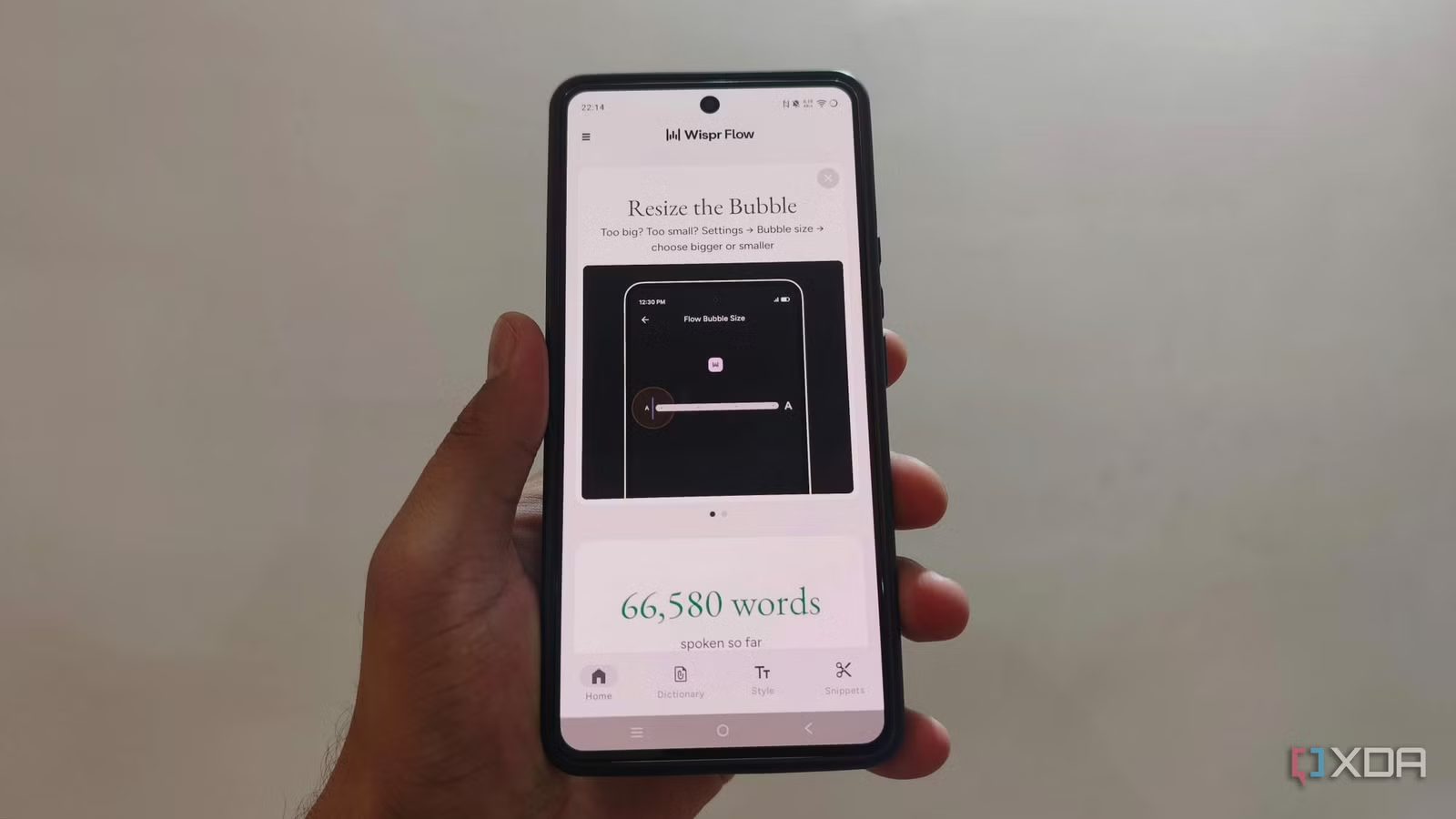
Start with Wispr Flow. If you write more than a couple of sentences on your phone each day, this is the mobile AI app that will save you the most time, fastest. Wispr Flow has almost replaced typing for one power user, saving hours every week by turning messy speech into clean, context‑aware text that fits emails, messages, or longer documents. Instead of pecking out a long reply, you speak naturally—including hesitations and mid‑sentence corrections—and it delivers a polished result without the usual dictation clean‑up. This alone can contribute to the more than 20 hours a week that users report reclaiming from AI automation on their phones.
Pros
- Transforms natural speech into well‑structured writing, even with pauses, repeats, and corrections
- Understands different contexts so emails and casual chats do not come out with the same stiff tone
- Can format structures like lists automatically from spoken input
- Meaningfully reduces time spent typing on a phone, especially for longer messages and documents
Cons
- Requires speaking out loud, which is not ideal in noisy or shared spaces
- Best results come from clear, continuous dictation, so very fragmented thoughts may need re‑runs
- Not a full task manager or note system on its own; you still need destination apps to store what you write
NotebookLM: Turn Piles of Reading into On-the-Go Insights
Once Wispr Flow has freed you from typing, NotebookLM should be your next install if your work involves reading, research, or long reference material. It is an AI‑powered research assistant that turns uploaded documents and online sources into a conversational workspace. Instead of bookmarking PDFs, sites, and videos you will never revisit, you can drop them into a single notebook and ask targeted questions across all of them at once. NotebookLM supports PDFs, websites, YouTube videos, audio, Google Docs, Sheets, images, DOCX files, and Drive URLs, so your entire research pile lives in one place.
The standout feature on mobile is Audio Overviews. You can transform a stack of reading into an audio summary that plays in the background and can be downloaded for offline listening, turning dense research into something you can absorb while commuting or walking. That makes it a powerful time‑saving app for anyone who feels chained to a large screen to keep up with information.
Pros
- Centralizes PDFs, websites, videos, audio, and office files into one research notebook
- Lets you ask questions grounded in your own sources, with citations you can tap back into
- Audio Overviews convert reading into podcast‑style summaries with background and offline playback
- Excellent for note analysis and insight generation directly from your phone
Cons
- Still requires initial effort to collect and organize your source material into notebooks
- Audio summaries are overviews, so you must return to full documents for fine details
- Best suited to knowledge work; light users may not benefit as much from its depth
Genie One Mobile: Instant Business Data Answers in Your Pocket
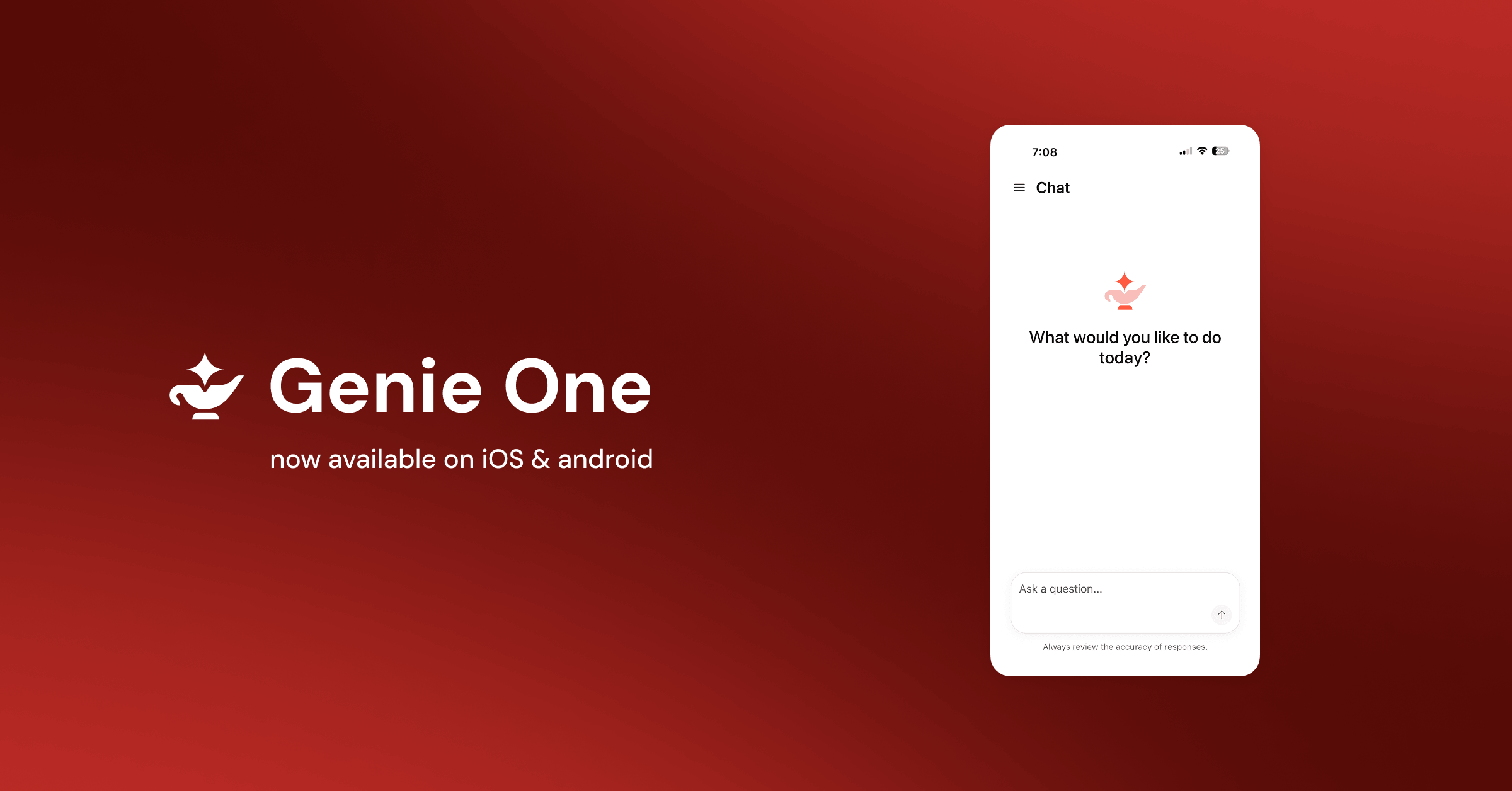
For managers and analysts who live inside dashboards and reports, Genie One on mobile is the most important addition to your productivity tools on Android and iOS. It brings a data‑smart AI coworker to your phone so you can ask natural‑language questions and get trusted answers grounded in your governed business data wherever you are. According to Databricks, Genie One on mobile provides a fast, secure way to ask questions of your data and act on the answer wherever you are.
Genie One uses an ontology and curated logic from Genie Agents to keep answers aligned with company definitions and governance. Built‑in connectors to tools like Google Drive, Microsoft 365, and Atlassian keep responses anchored in the same "business truth" your team relies on, with source permissions respected. You can chat with Genie, view AI/BI dashboards that automatically adapt to mobile screens, and access Databricks Apps on the go. This turns your phone into a reliable front end for insight generation and quick decision‑making between meetings.
Pros
- Lets you ask natural‑language questions and get grounded answers from company data on mobile
- Connects with Google Drive, Microsoft 365, and Atlassian while respecting existing permissions
- Supports dashboards and Databricks Apps, so you can explore and act on insights anywhere
- Agentic capabilities mean it behaves more like an AI coworker than a static chatbot
Cons
- Depends on your organization already using Databricks and setting up Genie One
- Most valuable to data‑driven teams; solo users without shared datasets will see limited benefit
- Mobile exploration of complex dashboards can still feel cramped compared with a desktop screen
OpenClaw + Agents and Cal AI: Automation and Logging Without the Hassle
If you are ready to go beyond standalone mobile AI apps, OpenClaw turns your phone into a control surface for agents running on your own machine or server. It is a self‑hosted gateway that connects messaging platforms such as Discord, WhatsApp, Telegram, Slack, and others to AI agents. That means you can trigger AI automation mobile workflows—like running scripts, updating tools, or checking services—through simple messages, and these agents can go in and do things for you without you touching each interface. For power users, this is one of the best setups you can have on your phone for real task automation.
For a more focused time‑saving app, Cal AI helps with a specific but painful chore: food logging. It lowers the effort required to maintain a food log for more than three days by analyzing your meal photos instead of forcing manual entry. The trade‑off is accuracy. A photograph cannot reliably tell how much oil is in a stir‑fry, how much butter is in mashed potatoes, or what is hidden under visible food, so you should not trust every number it provides. Used as a directional guide rather than a clinical tracker, it can still reduce mental load in daily tracking.
Pros
- OpenClaw connects chat apps like Discord, WhatsApp, Telegram, and Slack to your own AI agents for real automation
- Lets agents complete actions across tools so you do not need to open every app manually on your phone
- Cal AI reduces the friction of keeping a food log over time by interpreting meal photos instead of manual input
Cons
- OpenClaw requires a self‑hosted setup on your own machine or server, which is technical and time‑consuming
- Reliability and security depend on how well you configure and maintain your own infrastructure
- Cal AI’s estimates can be off because photos cannot capture hidden oils, butter, or ingredients
- Cal AI should not be used where precise nutritional tracking is critical due to those limitations
Buy if / Skip if
- Buy the Wispr Flow if you write long emails, messages, or notes on your phone and want to replace most typing with fast, accurate dictation.
- Skip the Wispr Flow if you rarely type more than a sentence on mobile or often work where speaking out loud is not possible.
- Buy the NotebookLM if your work involves heavy reading or research and you want to turn documents, sites, and videos into searchable, summarized insights on your phone.
- Skip the NotebookLM if you do not manage many sources and prefer to read short items in full rather than rely on AI summaries.
- Buy the Genie One mobile app if your organization already uses Databricks and you need instant, governed data answers and dashboards on the move.
- Skip the Genie One mobile app if you do not work with shared business data or your company has not deployed Genie One yet.
- Buy the OpenClaw setup if you are technical, run your own machine or server, and want AI agents to automate tasks via chat tools like Discord or Slack on your phone.
- Skip the OpenClaw setup if you prefer off‑the‑shelf apps and do not want to manage self‑hosted infrastructure for AI automation.
- Buy the Cal AI if you want lower‑effort, photo‑based food logging and can accept approximate numbers as a guide rather than strict measurements.
- Skip the Cal AI if you need precise nutritional tracking, because photos cannot reliably capture hidden oils, fats, or ingredients in your meals.





