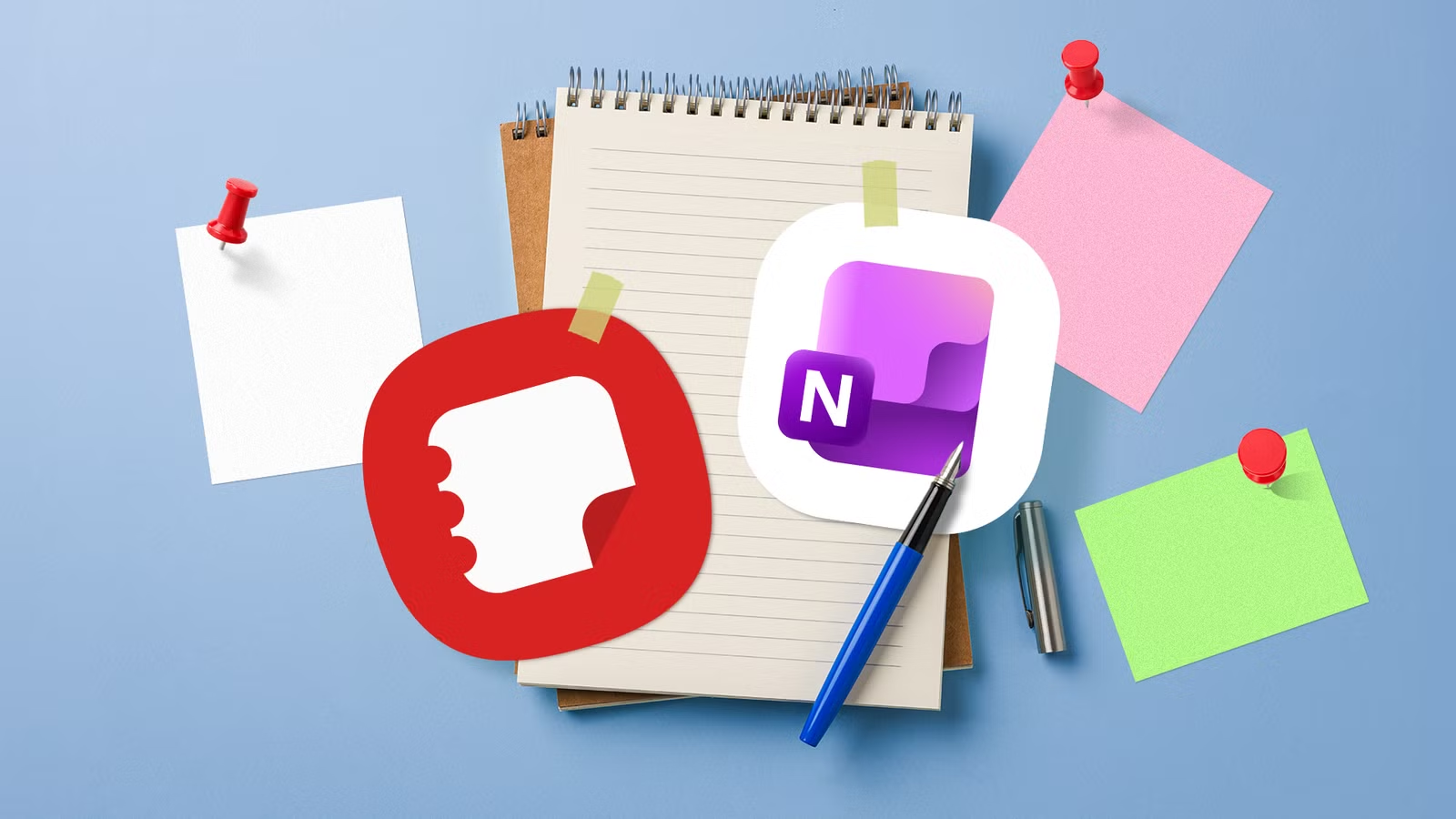

OneNote vs Samsung Notes: The Bottom-Line Verdict
OneNote vs Samsung Notes is a tablet note-taking comparison between a cross-platform, structure-first notebook and a streamlined, S Pen-focused app that prioritizes fast handwriting, clean layout, and tight Galaxy integration over wide device coverage and deep, multi-level organization. After using both stylus note-taking apps side by side for a month, the practical split is clear: OneNote is the better choice if your notes live across phones, laptops, and tablets, while Samsung Notes is the more natural fit if you mostly write on a Galaxy tablet or phone with an S Pen. In short, pick Samsung Notes for the smoothest pen experience and PDF work on Galaxy hardware, and OneNote for long-term, multi-device knowledge management.
| Spec | OneNote | Samsung Notes |
|---|---|---|
| Primary strength | Cross-platform access and complex organization | Fast, clean interface and S Pen handwriting on Galaxy devices |
| Cross-platform availability | Android, iPhone, Windows, Mac, web | Galaxy phones and tablets, plus Windows; no Mac or full web app |
| Organization model | Notebook → section → page → subpage hierarchy | Flat list of notes with folders and individual locks |
| Handwriting feel | Solid inking, but tuned more for general use than specific hardware | S Pen experience feels fast, precise, and close to paper |
| PDF handling | Stores PDFs and printouts, less natural for direct markup | Integrated PDF import, highlight, handwriting, and text tools |
| Privacy controls | Password protection at section level for grouped pages | Lock individual notes; better for a few private entries |
| Ideal user | Multi-device note-taker with large, structured projects | Galaxy-first user focused on stylus notes, PDFs, and quick capture |
Writing Experience: Stylus Responsiveness and S Pen Tools
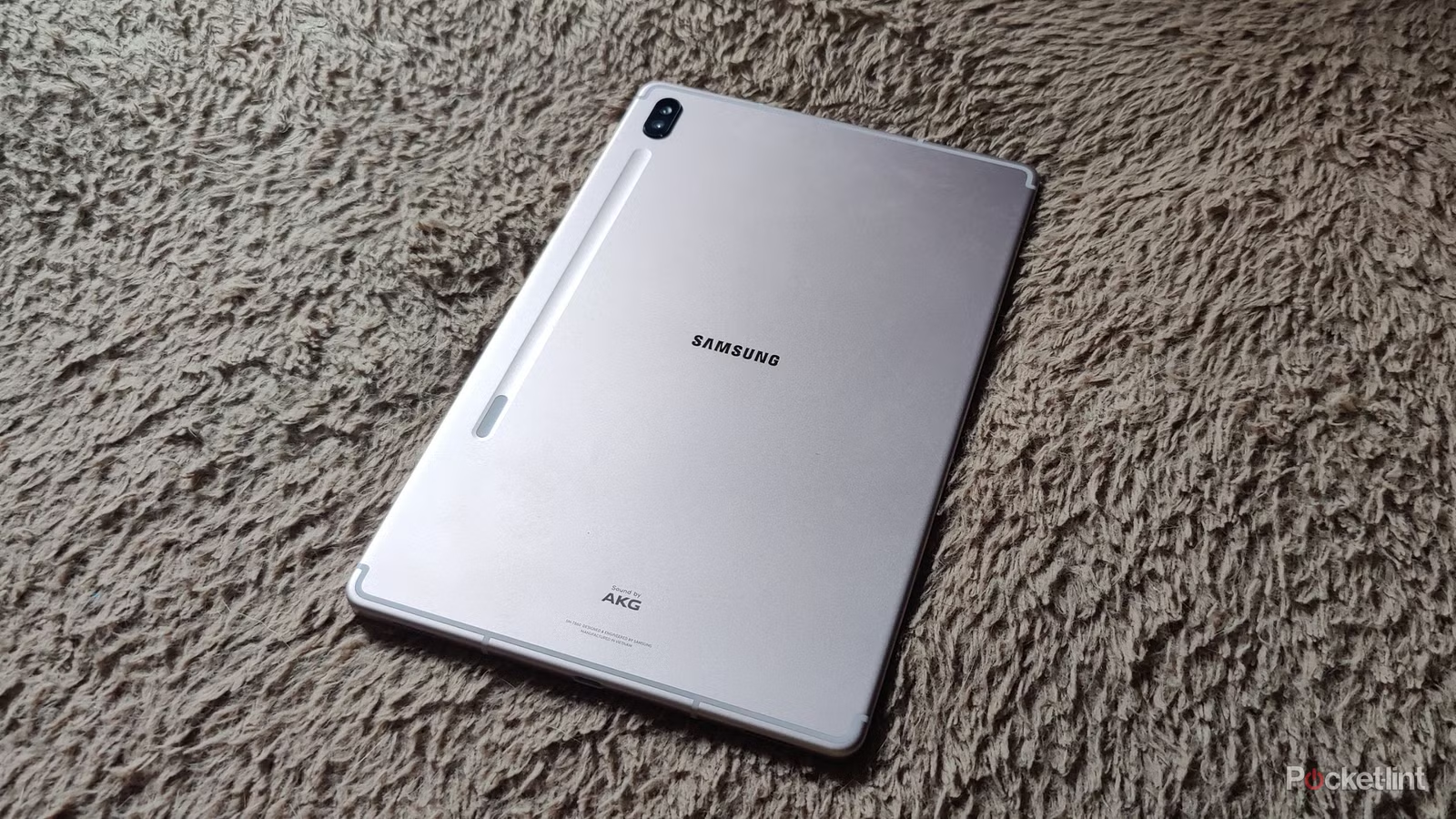
The real difference between these S Pen note apps appears once you spend hours handwriting on a tablet. Samsung Notes immediately feels faster and cleaner in daily use: the interface is polished, menus are easy to understand, and the editor never feels overloaded with options. With the Screen off memo, you can pull out the S Pen and start writing without unlocking the device or opening an app, which makes Samsung Notes ideal for quick, pen-first capture on a Galaxy tablet. Handwriting “won comfortably” here—the S Pen experience feels fast, precise, and close to writing on paper, with smooth switching between pens, highlighters, colors, and thickness levels without breaking your flow. OneNote offers solid inking tools too, but in side-by-side use it feels heavier and more desktop-oriented on a Galaxy tablet, less optimized for the hardware than Samsung’s own app.
Note Organization and Long-Term Workflow
When your notes grow from quick scribbles into big projects, OneNote starts to pull ahead. Its notebook, section, page, and subpage structure makes it easier to separate article research, personal projects, meeting notes, and reference material without a cluttered list. You can dedicate an entire section to a project and keep every related page neatly grouped, which suits people who treat their tablet as a long-term knowledge base rather than a casual notepad. OneNote also helps with privacy at scale: you can password-protect an entire section and secure all pages inside in a single step, a practical solution when you keep large collections of sensitive notes. Samsung Notes does let you lock individual notes, which works well for a handful of private entries, but becomes repetitive when you need to protect whole categories. In short, OneNote is the organizer’s tool; Samsung Notes is the fast inbox for pen-based ideas.
Ecosystem Fit, PDFs, and Shared Weaknesses
Samsung Notes handles PDFs and handwriting so well that it becomes the default choice when your work is tablet-centered. You can import a document, highlight lines, add handwritten comments, insert text, and mark up sections in one place, with tools that feel built into the editor rather than bolted on. That makes it ideal for research papers, contracts, and drafts that need quick stylus feedback. However, the app is shaped by the Galaxy ecosystem: it feels excellent on a Galaxy phone and tablet and works on Windows, but the experience falls apart when you move outside Samsung’s world. If you also use a MacBook, there is no proper Samsung Notes app or convenient web version to open your notes there. OneNote easily wins at cross-platform availability—Android, iPhone, Windows, Mac, and the web all sync your notebooks—so despite Samsung Notes’ handwriting edge, OneNote was the clear overall winner in month-long, multi-device use.
Buy if / Skip if
- Buy the OneNote if you need your notes available on Android, iPhone, Windows, Mac, and the web in a single, synced workspace.
- Skip the OneNote if your note-taking is mostly quick S Pen handwriting on a Galaxy tablet and you rarely review notes on other devices.
- Buy the Samsung Notes if you mainly take notes on a Samsung phone or Galaxy tablet and want the fastest, most natural S Pen handwriting and PDF markup.
- Skip the Samsung Notes if you rely on a MacBook or non-Galaxy devices and need a consistent, cross-platform note-taking app.
- Buy the OneNote if your workflow involves complex projects, large reference collections, and section-level password protection for sensitive material.
- Skip the OneNote if you prefer a minimal interface and find desktop-style menus distracting during tablet stylus note-taking.
- Buy the Samsung Notes if you value a clean layout, quick capture features like Screen off memo, and locking a few individual notes for privacy.
- Skip the Samsung Notes if you plan to build a long-term, highly structured archive of notes that spans multiple platforms and devices.