
AI Note Organization Is About Reusing What You Already Have
AI note organization is the practice of feeding your existing documents, links, and scattered notes into AI-powered knowledge management tools so they can summarize, group, and reformat that material into coherent outputs like videos, audio overviews, and structured overviews you will actually use, instead of letting information sit forgotten in folders and browser bookmarks.
Most people think they need more information; in reality, they need better information organization workflow. Your problem is not a lack of content but a graveyard of PDFs, bookmarked articles, and half-finished drafts. AI assistants such as NotebookLM and Claude Code are valuable because they focus on document summarization and structure, not because they can generate more words. The smart move is to make them work on the backlog you already own. When used well, they behave less like chatbots and more like librarians that can read everything at once and hand you the short version.

Turn Unread Articles Into Watchable and Listenable Summaries
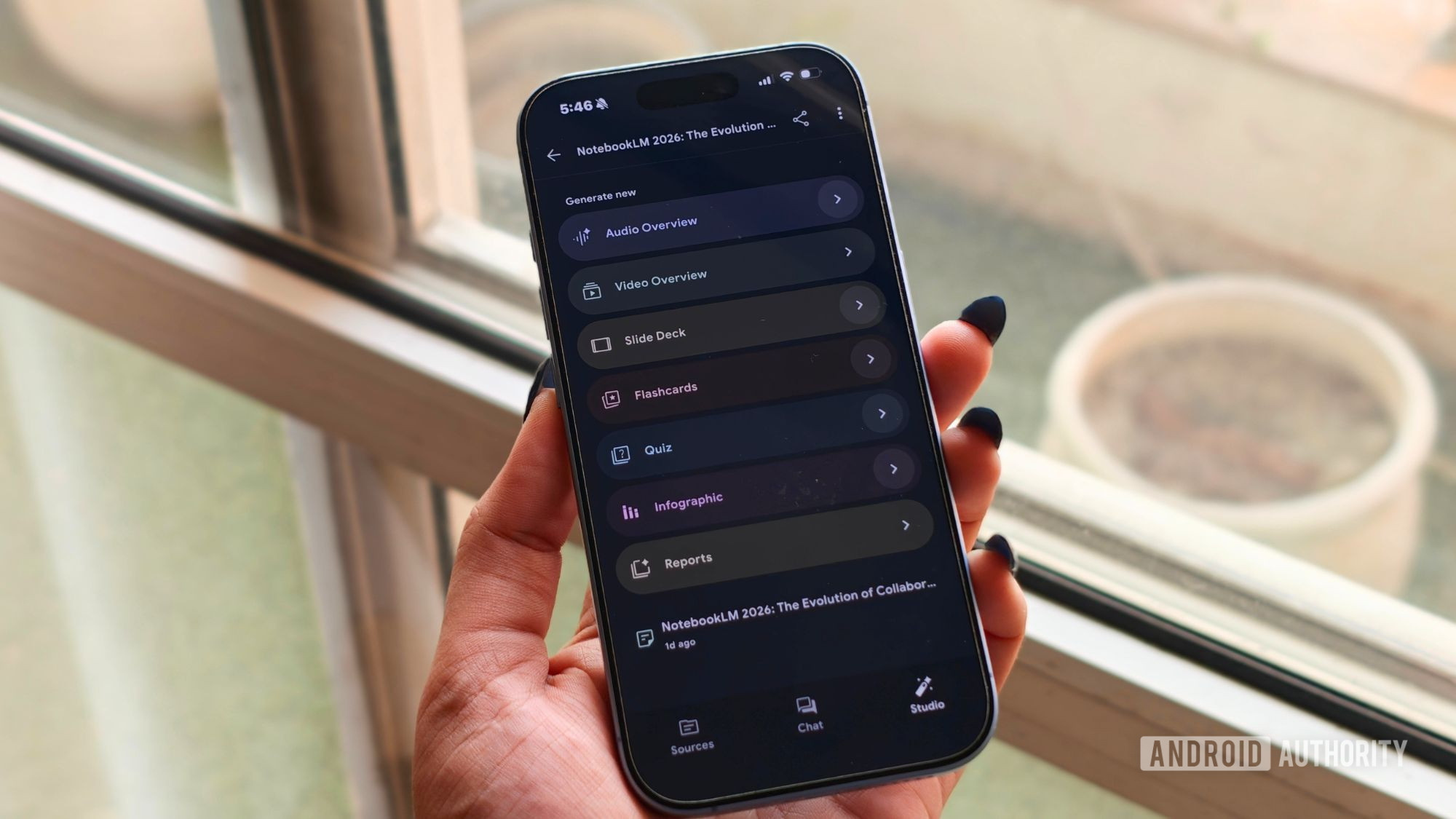
If your browser is packed with saved long reads you never open, treat NotebookLM as your personal compression engine for knowledge. One writer described a Chrome full of long reads that “all seemed important enough to bookmark at some point,” and explained that NotebookLM helped handle the backlog by turning notebooks into video. Once you add related sources to a notebook, you can open the Studio tab, select a Video overview, and within about a minute get a short video that breaks everything down into an easy-to-follow explanation.
This is document summarization tailored to how your brain wants to consume information. Visual learners benefit from charts and diagrams that a podcast cannot show, while audio overviews in the Studio panel can turn your notes into a podcast-style summary you can play while doing something else. The catch: garbage in, garbage out. To avoid a confused narrative, you must feed it materials that are related to each other rather than mixing unrelated topics in one notebook.
Use NotebookLM as a Structured Knowledge Management Tool
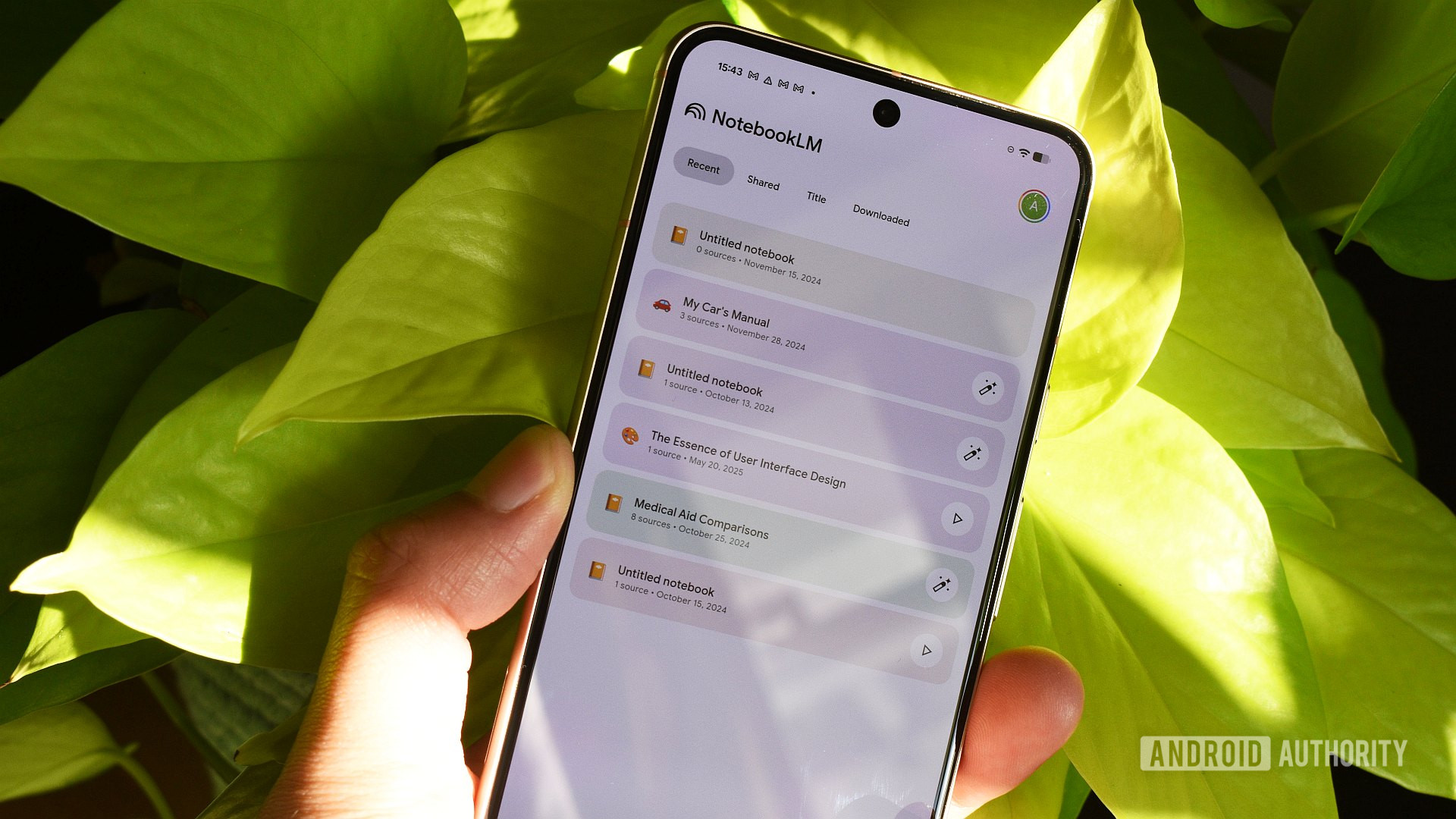
NotebookLM is at its best when you treat it as a knowledge management tool, not a one-off summarizer. Keeping separate notebooks for work, study, and personal research is a baseline; assigning each notebook a specific role makes it powerful. Before asking your first question, you can open the configuration for a notebook, customize it, and tell the system exactly how you want it to respond, so every answer is grounded in your sources and your goals.
From there, build an information organization workflow that reuses AI-made outputs. Upload PDFs, Google Docs, Slides, Sheets, EPUBs, URLs, and pasted text within the generous limits of 500,000 words or 200MB per source. Generate slide decks directly from these materials so you skip the time-consuming first draft phase while still controlling structure and tone. Audio and video overviews then become revision tools, not one-off gimmicks. The misconception is that these features replace thinking; in reality, they save time on formatting so you can focus on judgment and insight.
Treat Claude Code as a Librarian for Messy Folders
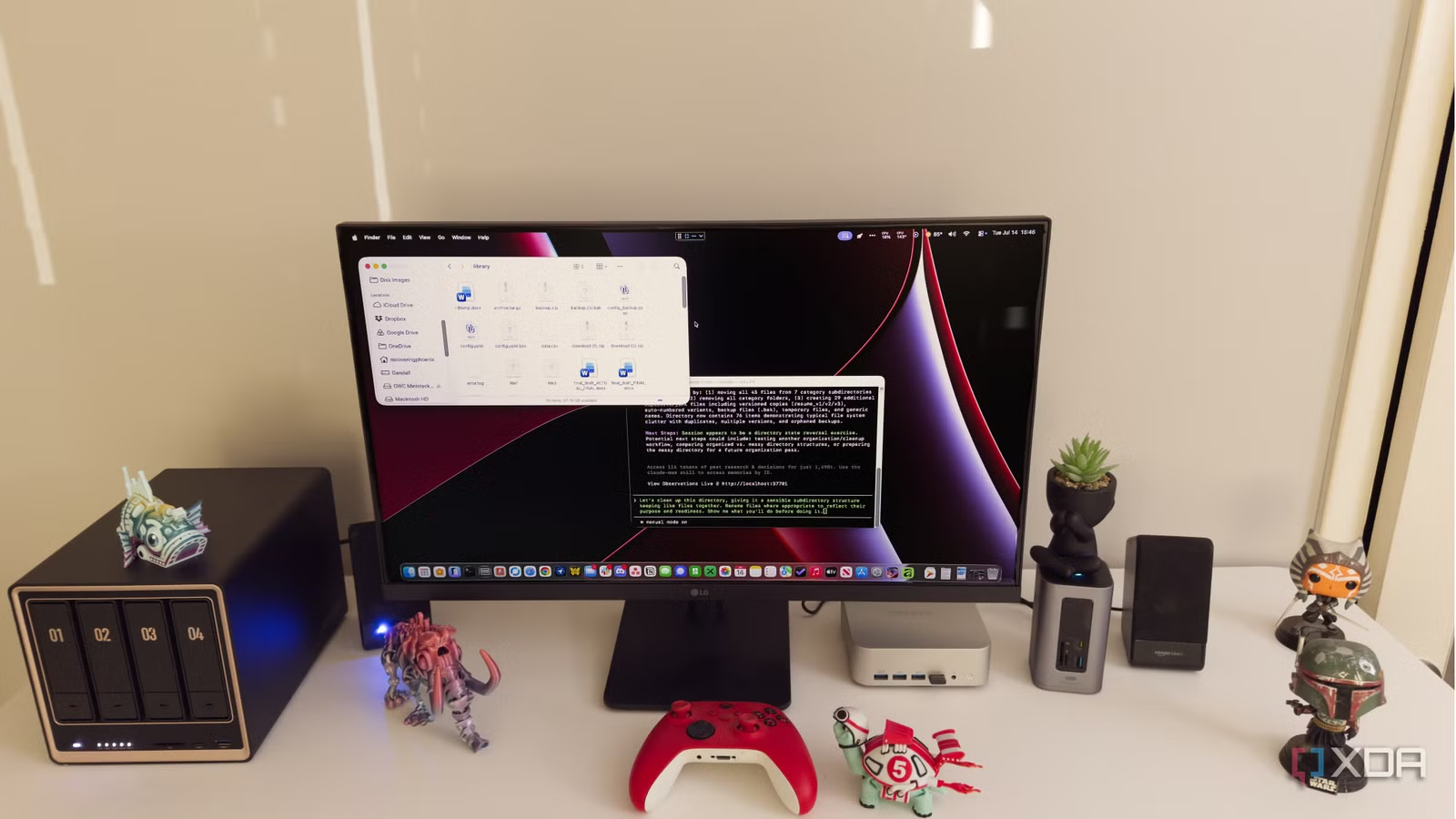
Claude Code is marketed for coding, but its most underrated strength is AI note organization across messy directories. Once you start pointing it at project folders, scattered notes, and old drafts, it becomes far more useful in daily work, helping make sense of neglected folders with an overview of what is there. You can ask it to inspect a directory and describe file contents, relationships, and obvious duplication or confusion, giving you a readable map before you touch anything.
The most reliable information organization workflow here is: analysis first, action second. First, ask Claude Code to inspect a folder, list groups of related files, likely duplicates, and confusing names, but not change anything. Then ask for a proposed cleanup plan rather than automatic edits. It can compare related files, highlight repeated material, show where versions diverged, and group notes by topic or project, which turns abandoned ideas into usable context again. Remember the main misconception: Claude can read the files, but it cannot automatically know why you kept each one or which project name was the important one, so its suggestions always need your review.
Build an End-to-End AI Workflow for Existing Knowledge
The real opportunity is not using AI to generate more content, but to extract more value from the content you already have. Claude Code has been most valuable when it helps deal with work that already exists instead of creating more of it, by grouping files by topic, identifying repeated ideas, and flagging notes that likely belong to the same project. NotebookLM, meanwhile, can find a solid starting point on a topic, sync live changes from Docs, Sheets, and Slides, and then turn the resulting notebook into audio or video overviews you will replay.
A practical loop looks like this: funnel your raw articles, research, and notes into NotebookLM for document summarization and multimedia overviews; use separate notebooks with clear roles so responses stay focused. Then point Claude Code at your project folders and note dumps to get structure, cleanup plans, and comparisons between drafts. In other words, AI should be the first reader of your chaos and the last editor of your structure. Your job is to decide which outputs become action, and which should stay in the archive.