
Top pick: Ryzen 7 2700X is the budget workhorse to beat
Last-generation processors are desktop CPUs from earlier platform cycles that still offer strong performance, especially in gaming and content creation, while costing far less than new flagship chips and taking advantage of mature motherboards, memory, and cooling ecosystems that make budget upgrades easier and cheaper.
If you are building a value-focused PC today, the Ryzen 7 2700X should be your first stop. With 8 cores and 16 threads and a launch MSRP of $329 (approx. ₱18,400), it was designed as an all-rounder for heavy workloads and gaming alike in its day. That balance still holds up: it gives you enough multi‑thread muscle for video editing or streaming while keeping frame rates healthy in modern titles. The main drawback is its 105W TDP, which means higher power draw and more heat under load.
Because it sits on the AM4 platform, you also get access to a huge choice of affordable boards and coolers, plus an easy upgrade path to faster AM4 chips when prices fall. For budget CPU value, Ryzen 7 2700X remains the most versatile, future‑aware choice.
Why older CPUs still deliver in gaming and daily use
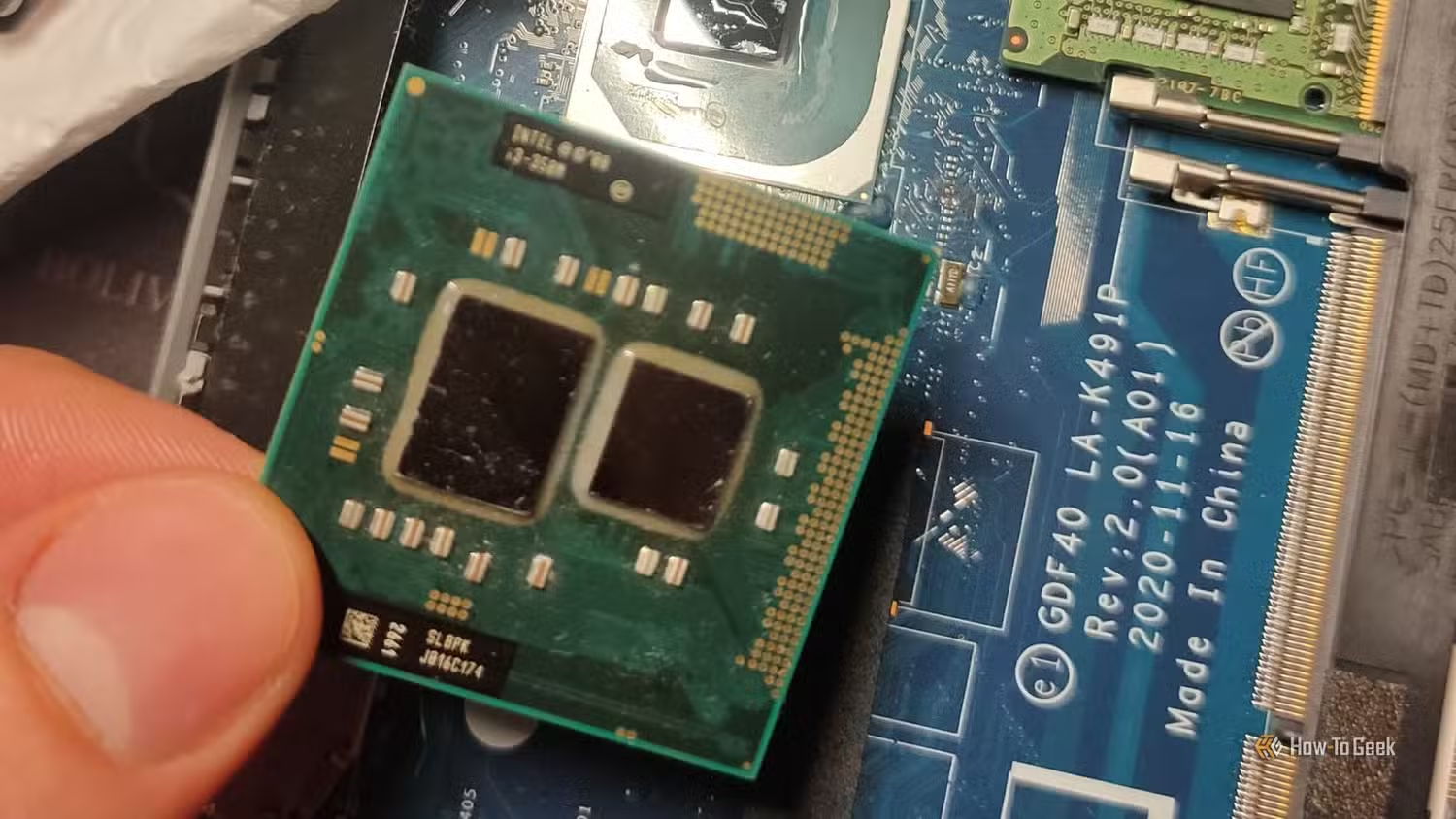
Older CPU performance in 2026 is far better than many people assume, especially if your focus is gaming at 1080p or everyday productivity. Six physical cores, as found on chips like the Intel Core i7‑8700, remain a sweet spot for gaming and general use even today, only starting to fall behind in the heaviest multithreaded workloads.
The i7‑8700’s 6‑core, 12‑thread design combines solid single‑core speed with enough threads for background tasks, which lets it keep up in modern games when paired with a sensible graphics card. It also officially supports Windows 11, making it a safe choice for everyday users who want a modern OS without paying for the latest silicon.
According to one set of benchmark data, an 8‑year‑old sibling CPU can still deliver smooth frame rates in demanding titles, a strong result for hardware many consider outdated. For most budget builders, that level of performance is more than enough.
Platform value: AM4 and LGA platforms with mature ecosystems
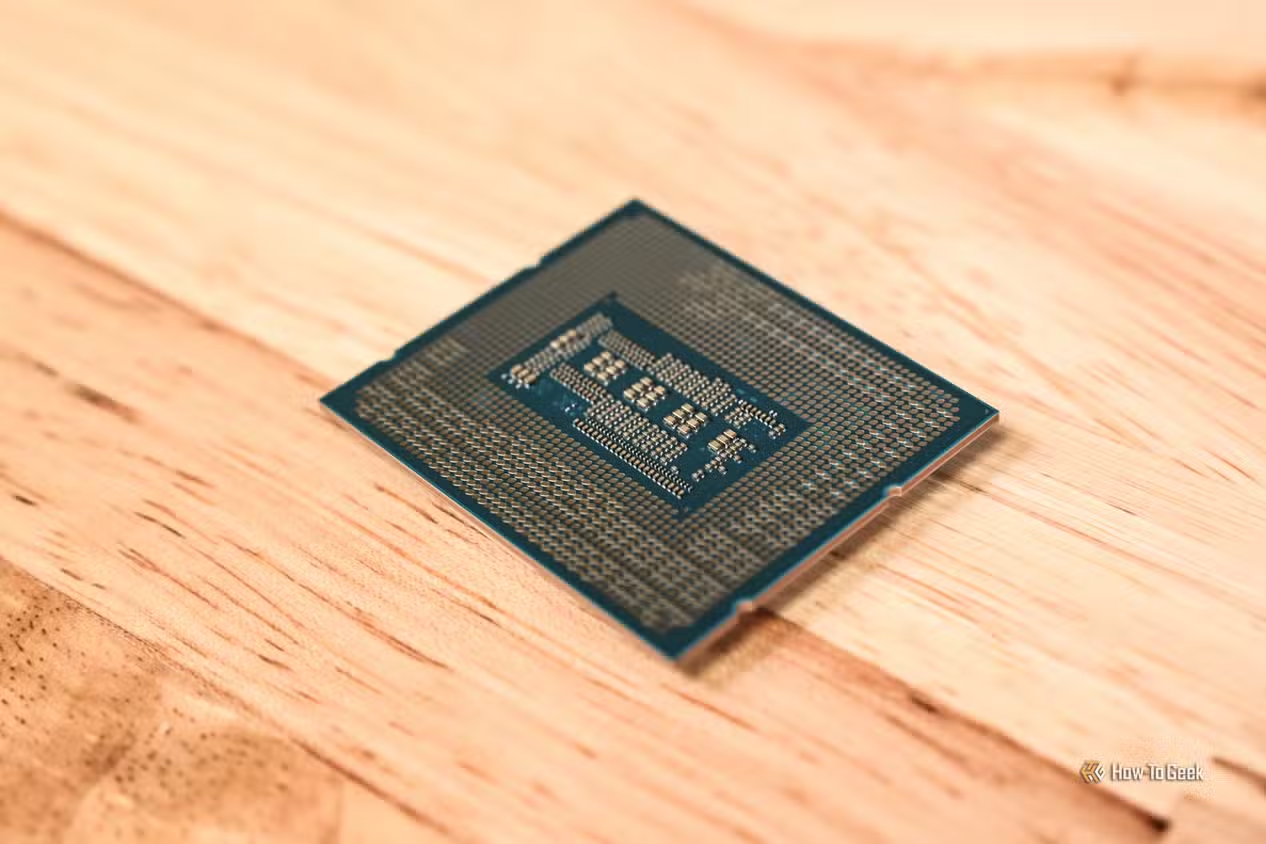
One big reason last-generation processors are so compelling is platform maturity. The AM4 socket, which supports chips like Ryzen 5 1600 and Ryzen 7 2700X, offers an enormous selection of affordable motherboards and coolers. A B450 board, for example, can run a first‑generation Ryzen today and later accept stronger AM4 CPUs such as Ryzen 5 5600X or Ryzen 7 5700X3D when prices drop.
That makes AM4 ideal if you want to start with a cheap CPU and upgrade later. The budget CPU value here is clear: you avoid overpaying now, but you do not lock yourself out of meaningful future performance gains. In contrast, some older Intel platforms are more restrictive. While the i7‑8700 belongs to the Coffee Lake family, LGA 1151 compatibility can be complicated, so you must pair it with the right chipset for full support.
Older standards like PCIe 3.0 and DDR4 also help keep costs down. PCIe 3.0 NVMe SSDs and DDR4 memory remain fast for everyday use, and newer PCIe Gen 4/5 and DDR5 options tend to carry higher prices despite limited real‑world gains for budget systems.
Who should buy which older CPU?
| Spec / Use case | Ryzen 7 2700X | Intel Core i7-8700 | Intel Core i3-14100F | Ryzen 5 1600 |
|---|---|---|---|---|
| Cores / Threads | 8 / 16 | 6 / 12 | 4 / 8 | 6 / 12 |
| Ideal user | Budget creator & gamer | Windows 11 gamer & general user | Entry everyday user & light gamer | Dirt‑cheap basic PC & esports gamer |
Ryzen 7 2700X is for budget creators and gamers who want one PC that can stream, encode, and game without spending on a new platform. Its only major downside is higher power use due to the 105W TDP.
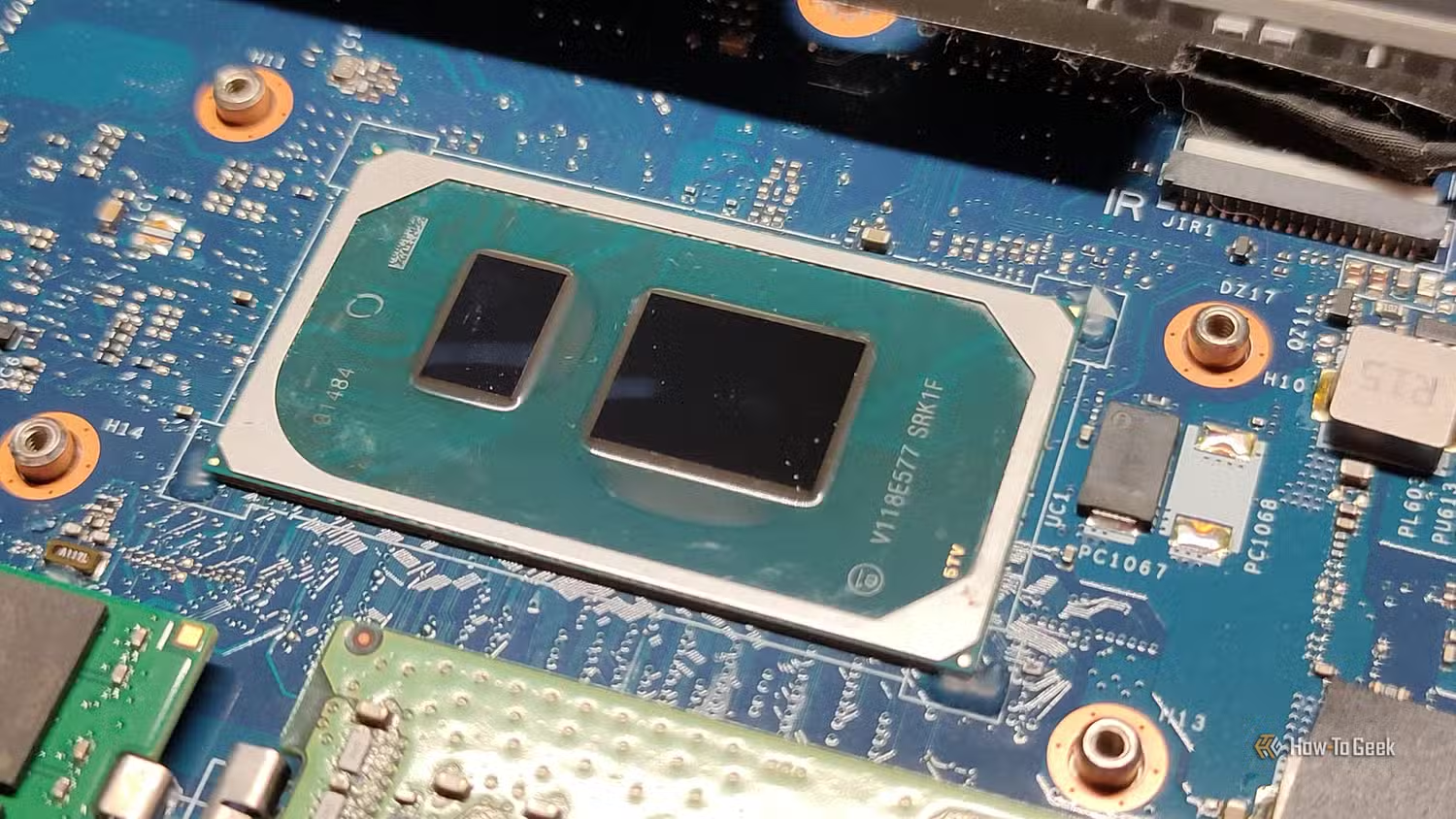
The Intel Core i7‑8700 suits users who want a capable gaming chip with solid single‑core speed and official Windows 11 support, plus enough threads for multitasking. It may struggle as heavily threaded workloads grow, but as a mid‑range gaming heart it remains strong.
For tighter budgets, the Intel Core i3‑14100F offers 4 cores and 8 threads and can handle most everyday work and gaming tasks. This makes it a sensible modern drop‑in for older systems where you still want decent responsiveness. If you need the absolute lowest entry cost, a Ryzen 5 1600 build can be extremely cheap, with some CPUs appearing between $20 and $25 (approx. ₱1,100–₱1,400) on used listings.
The real downsides: when older chips do not fit
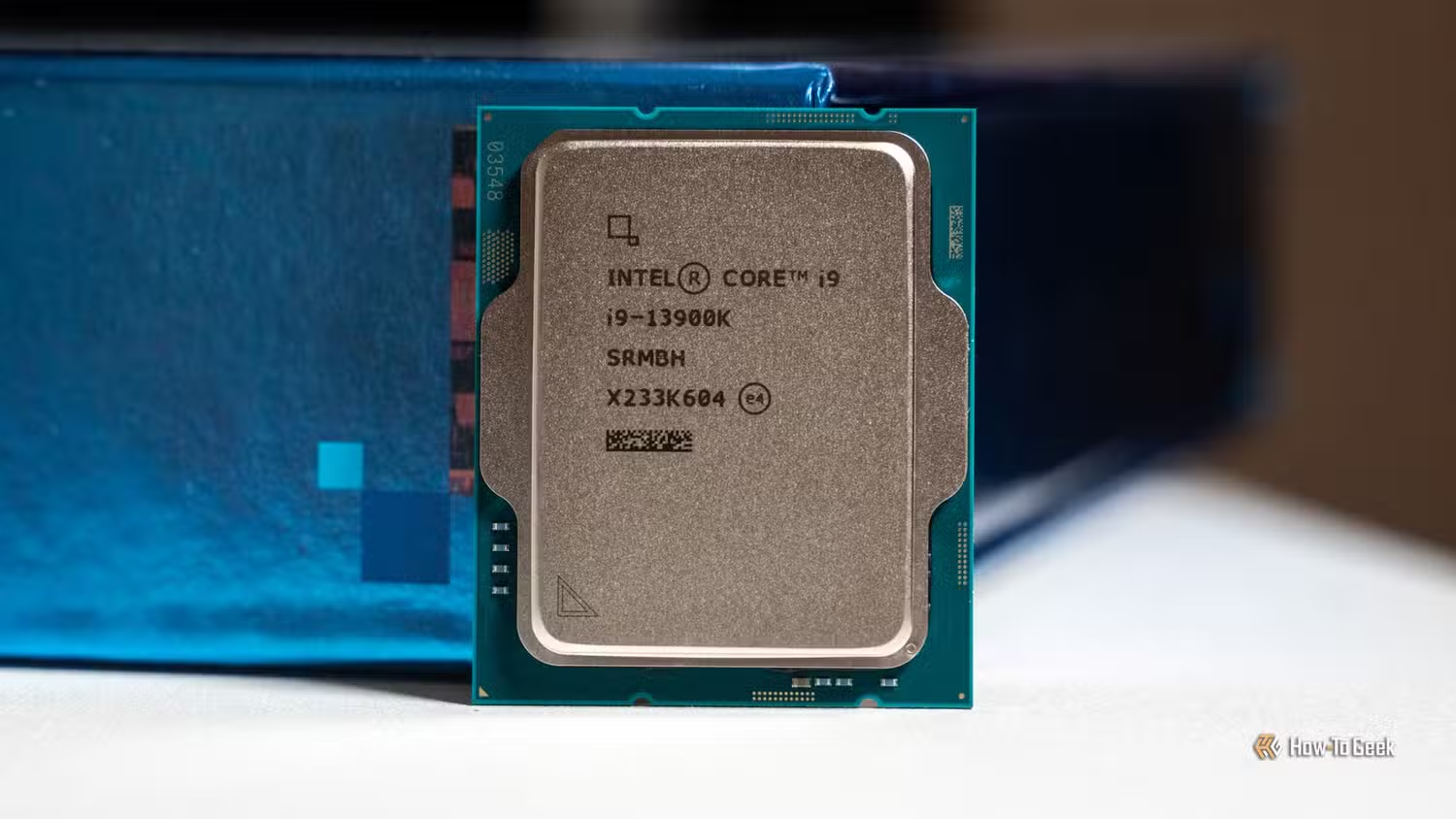
Older CPUs are not perfect, and you should know their limits before you buy. Some chips draw more power than new efficiency‑focused models; the Ryzen 7 2700X’s 105W TDP means a stronger cooler and a decent power supply are wise choices. Others, like early Skylake parts, have clearer platform issues: the i7‑6700K, for example, no longer offers a meaningful upgrade path and does not officially support Windows 11.
That lack of official Windows 11 support makes such CPUs better suited to Linux‑based builds or secondary machines. In addition, as games and apps continue to add threads, 4‑core or older 6‑core chips will begin to show their age in heavy multitasking scenarios. As one analysis notes, "these CPUs are still worth buying today, but temper your expectations". For esports, casual gaming, and budget content creation, they are excellent; for cutting‑edge professional workloads, they are a compromise.
Buy if / Skip if
- Buy the Ryzen 7 2700X if you want a budget CPU that can handle heavy workloads and gaming with its 8 cores and 16 threads.
- Skip the Ryzen 7 2700X if you care more about low power draw than about multi‑threaded performance, because its 105W TDP means higher heat and energy use.
- Buy the Intel Core i7-8700 if you need a Windows 11‑ready gaming and general‑use CPU with 6 cores and 12 threads at a lower cost than new chips.
- Skip the Intel Core i7-8700 if your workloads are heavily multi‑threaded and you plan to use all available cores at high utilization for long periods.
- Buy the Intel Core i3-14100F if you want a cheap, modern 4‑core, 8‑thread CPU that handles everyday work and light gaming without fuss.
- Skip the Intel Core i3-14100F if you routinely edit large videos, render 3D scenes, or run many demanding apps at once, where more cores will age better.
- Buy the Ryzen 5 1600 if you are building an ultra‑cheap PC for basic computing and light or esports gaming and can find it around the $20–$25 (approx. ₱1,100–₱1,400) range on the used market.
- Skip the Ryzen 5 1600 if you want a clear upgrade path to top‑end performance without swapping CPUs later, since it is best viewed as a temporary budget starter.
- Buy the Intel Core i7-6700K if you plan a Linux‑based machine and value its quad‑core speed despite limited official OS support.
- Skip the Intel Core i7-6700K if you want official Windows 11 support and a meaningful future upgrade path on the same platform.